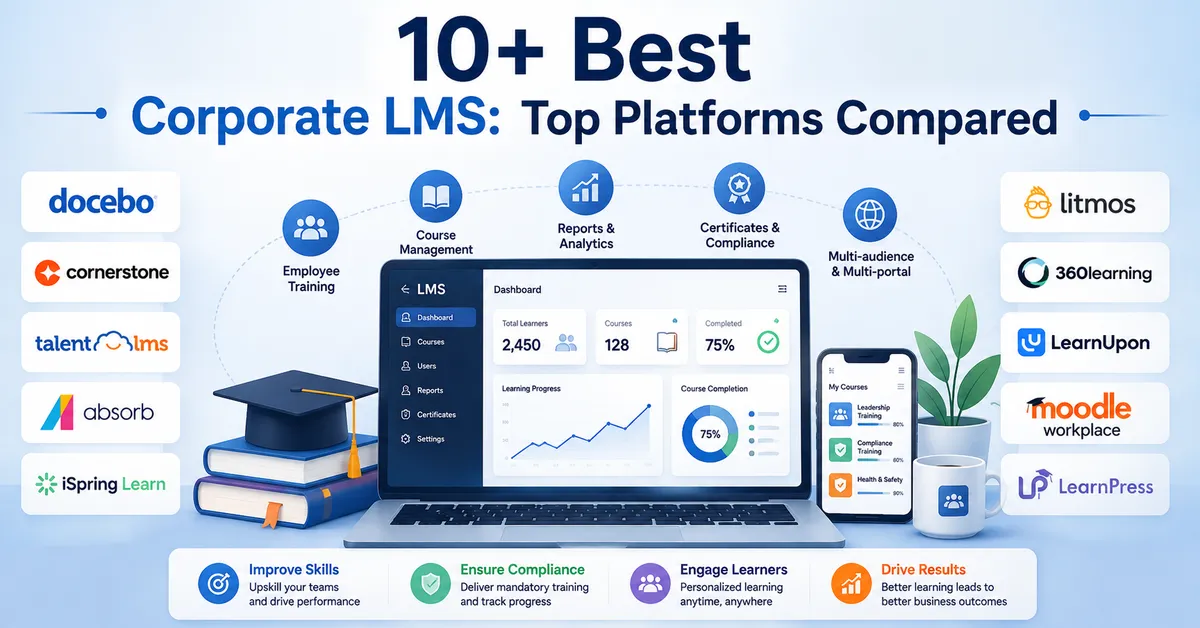
Choosing a learning platform without reading real LMS reviews is how teams end up locked into a tool that looks great on a sales page and falls apart the moment they try to build their fifth course.
Between WordPress plugins, hosted platforms, and enterprise suites, the market is crowded, and every vendor claims to be the easiest, the most powerful, and the best value.
This guide breaks down honest, tested reviews for the platforms people actually search for, walks through what to check before you commit, and gives you a side-by-side compare LMS software table so you are not stuck reading ten separate product pages just to make a decision.
LearnPress – WordPress LMS Plugin
We provide an amazing WordPress LMS plugin to create & sell online courses. Let’s find out!
Try NowTable of Contents
What to check before you trust any LMS reviews
A learning management system is the software that lets you build, deliver, and track courses from one dashboard, whether that is a WordPress plugin running on your own site or a hosted platform you log into through a browser. Before you read a single review, it helps to know which details actually predict whether a platform will work for your project, because feature checklists on vendor sites tend to hide the parts that matter once real students show up.
Course creation and content types
Check whether the builder supports the content you plan to teach with, not just the content a demo course uses. Video lessons, downloadable PDFs, drip-fed lessons, quizzes with randomized question pools, and assignments that need manual grading all behave differently across platforms. A tool that handles a simple video course well can struggle once you add cohort-based drip schedules or instructor-graded assignments.
Pricing models and hidden costs
Some LMS platforms charge one flat license fee, others charge per active learner, and WordPress plugins often split core functionality from paid add-ons for things like certificates, prerequisites, or advanced quizzing. Read the LMS pricing page twice: once for the sticker price, and once for what happens when you add the extensions most course creators end up needing within the first few months.
Integrations and scalability
Look at whether the LMS connects cleanly to your payment processor, email marketing tool, and CRM, since course sales rarely stay inside the LMS itself. Also check how the platform performs once you have hundreds of enrolled students rather than the twenty test accounts most demos are built around. A plugin that runs fine on a small site can slow down a shared host once quiz attempts and progress data start piling up, so it is worth asking your hosting provider whether their plan handles the extra database queries an LMS generates.
Support and community activity
A support ticket queue with a two-day average response time matters a lot more once your students are actually paying for access and expecting a working checkout page. Before you commit, check the plugin’s WordPress.org support forum or the vendor’s public changelog to see how often bugs get fixed and how the team responds to real user complaints, not just the polished testimonials on the homepage. A large, active user community also means more third-party tutorials, Facebook groups, and freelancers who already know the platform if you ever need outside help.
How these learning content management system reviews were put together
Every platform in this guide was evaluated using the same criteria: how fast you can publish a working course from a fresh install, how the pricing scales as your course catalog grows, how the student-facing experience holds up on mobile, and how much of the advertised functionality is actually included versus locked behind an upsell. Screenshots and setup steps referenced below reflect each platform’s current WordPress.org listing or public documentation as of 2026, and version numbers or plan names may shift after future updates, so it is worth double-checking a platform’s pricing page before you buy.
According to Grand View Research, the global learning management systems market was valued at roughly $28.6 billion in 2025 and is projected to grow at a 20.2% compound annual rate through 2033, which is one reason the number of LMS options keeps expanding every year. That growth is exactly why a careful side-by-side comparison matters more now than it did five years ago. More vendors means more overlap in marketing copy and more need to look past the headline features.
Industry research on eLearning adoption also points to a practical reason so many teams are switching to structured course platforms in the first place: well-built eLearning programs can cut total training time by 40 to 60 percent compared with traditional instructor-led sessions, largely because learners move at their own pace instead of sitting through content they already understand. That efficiency gain is the real payoff behind picking the right platform, not just the feature list on a pricing page.
For WordPress plugins specifically, this guide also checked how each tool behaves inside the standard WordPress dashboard: whether the course builder uses the native block editor or a separate custom screen, how cluttered the admin menu gets after activation, and whether creating a five-lesson course with one quiz takes minutes or requires digging through settings tabs first.
Top LMS reviews for WordPress-based course sites
If you already run a website on WordPress, a plugin-based LMS usually makes more sense than migrating to a separate hosted platform, since you keep your existing domain, design, and content in one place. Here is how the most searched-for WordPress LMS plugins actually compare once you get past the marketing pages.
LearnPress
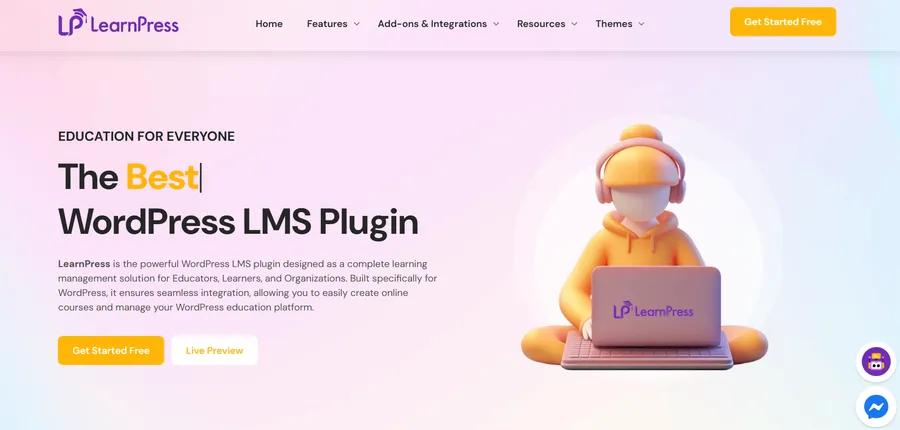
LearnPress is a free, open-source LMS plugin built by ThimPress, and it is one of the few learning management system reviews on this list where the core plugin genuinely does not require a subscription to create courses, lessons, and quizzes. After activating LearnPress on a fresh WordPress install, the course builder opens directly in the block editor, so you are placing lessons, quizzes, and content blocks the same way you would build any other page, which flattens the learning curve for anyone who already knows WordPress.
Where LearnPress earns its reputation is flexibility for budget-conscious course creators. You get certificates, quizzes, course prerequisites, and student progress tracking in the free core, and if you need more, individual add-ons for features like content dripping, assignments, or advanced WooCommerce integration are sold separately rather than bundled into one expensive tier. That structure means you only pay for what your course actually needs instead of a flat annual fee for a feature set you might use ten percent of. For creators who are testing whether online courses will work for their business before committing to a bigger budget, LearnPress remains one of the most practical starting points among current WordPress LMS options, and it is a natural fit if you are already planning to publish on LearnPress.com.
The tradeoff is that the interface is not as visually polished out of the box as some premium competitors, and support leans on the community forum and documentation rather than dedicated live chat. For a first LMS, especially one built on a modest budget, that tradeoff is easy to accept.
LearnDash
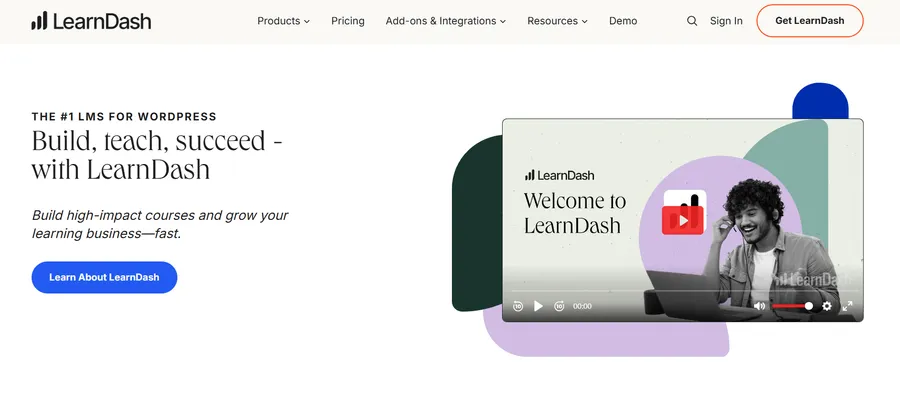
LearnDash is a premium-only WordPress LMS plugin known for its drag-and-drop course builder, Focus Mode distraction-free lesson view, and a mature ecosystem of official add-ons for things like course points, dynamic content delivery, and BuddyBoss community integration. It recently added AI tools that help generate course outlines and quiz questions from a prompt, which shaves real time off building a first draft of a course.
The plugin costs more upfront than LearnPress, with annual licensing that scales by the number of sites you activate it on, but the payoff is a more refined admin experience and stronger official support. Teams building a larger course catalog with multiple instructors, complex certification paths, or tight WooCommerce-based monetization tend to outgrow free tools faster, and LearnDash is usually the plugin they land on next.
In practice, the biggest difference shows up during setup. Activating LearnDash and running its setup wizard drops you straight into a course builder with lesson, topic, and quiz structures already mapped out, so the mental model of how a course is organized is clear before you write a single lesson. That structure is genuinely useful for anyone building their first certification-style course, but it also means less freedom to invent a different course hierarchy without fighting the plugin’s assumptions.
Tutor LMS
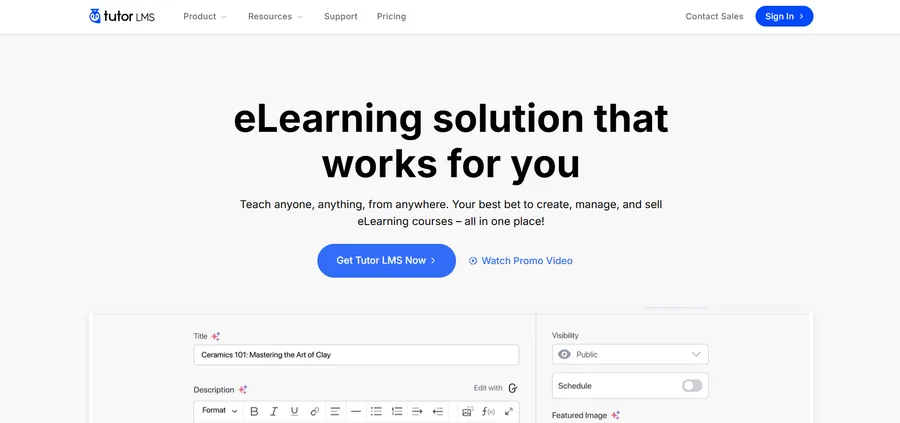
Tutor LMS, built by Themeum, is aimed at creators who want a modern front-end experience without heavy customization work. The drag-and-drop builder, built-in quiz types, and a dedicated instructor dashboard make it a strong option for multi-instructor marketplaces, and the free version covers more ground than most competitors’ free tiers before you hit a paywall.
Tutor LMS also ships with a native mobile app add-on and analytics dashboard, both of which usually require a third-party plugin on other WordPress LMS tools. The front-end course builder updates in a side panel as you add sections and lessons, so instructors can see roughly how a course page will look to students while they are still building it, which cuts down on the back-and-forth of previewing a page in a separate tab. If your priority is a clean, modern interface for both instructors and students without spending a lot of time on custom design work, Tutor LMS is worth shortlisting.
LifterLMS
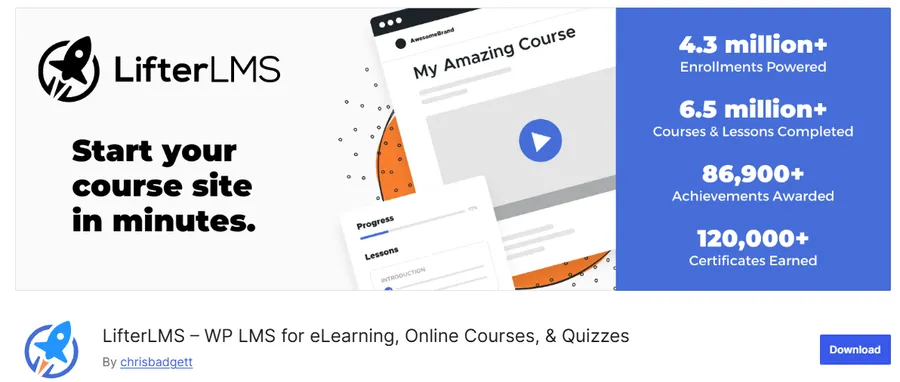
LifterLMS positions itself toward membership-driven course businesses, with strong native support for drip content, prerequisites, and multi-tiered membership pricing without needing as many third-party plugins as some competitors. Pricing starts higher than LearnPress or the free tier of Tutor LMS, generally landing around $199 per year for a single site license, which reflects the more specialized toolkit aimed at professional education businesses rather than casual course creators. The tradeoff for that higher price is fewer surprise add-on purchases later, since membership tiers, drip schedules, and prerequisites that other plugins sell separately are already part of the core license.
MasterStudy LMS
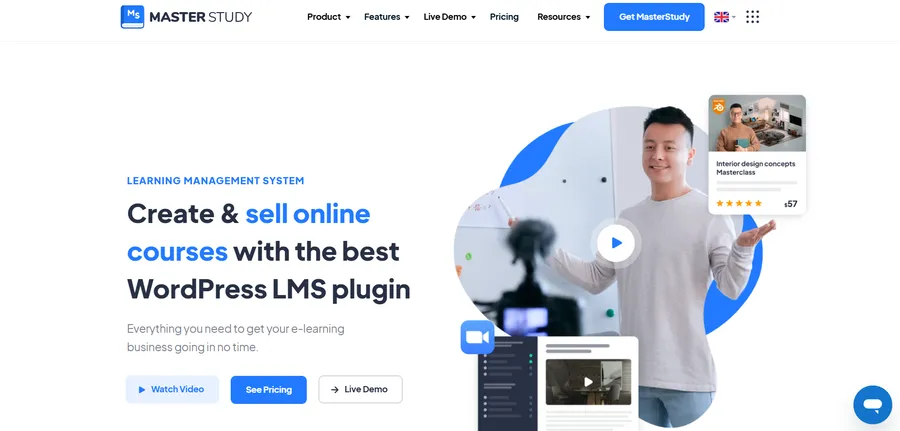
MasterStudy LMS by StylemixThemes leans into a more visually driven course catalog and works well for solo instructors and small teams running a marketplace-style course site. It includes a built-in points and reward system for gamified learning, which is less common as a native feature in competing plugins, along with WooCommerce and BuddyPress integration for community-driven course sites. The demo course catalog layout it ships with looks closer to a polished marketplace than a plain WordPress archive page, which matters if your course site is public-facing and needs to compete visually with hosted platforms like Thinkific or Udemy.
Learning management software reviews for cloud and enterprise platforms
Not every project fits inside WordPress. If you are training employees, running compliance certifications, or building a course business without an existing website, a hosted LMS removes the hosting and maintenance work entirely. This section covers the platforms that come up most often outside the WordPress ecosystem, using the same review criteria applied throughout this guide.
TalentLMS
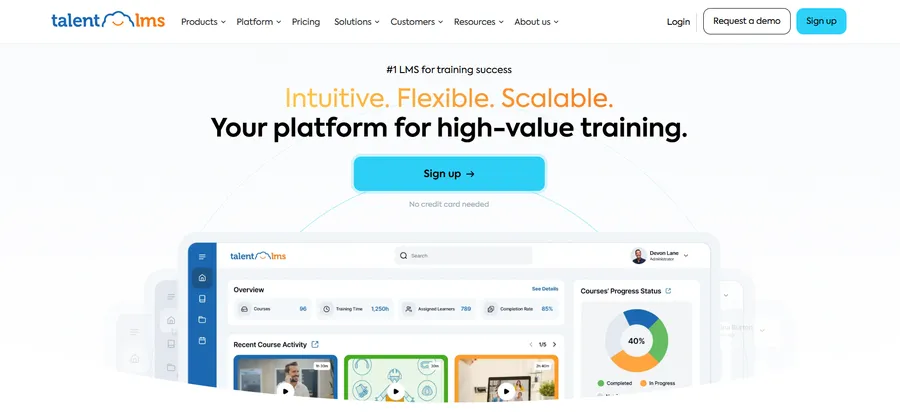
TalentLMS is built for teams that want to launch training fast without a steep setup process, and it is regularly named among the top picks for onboarding, compliance, and skills-based training programs. Pricing is per active user rather than a flat plugin fee, which makes it predictable for HR teams budgeting training costs but can get expensive quickly for organizations training thousands of employees.
Moodle
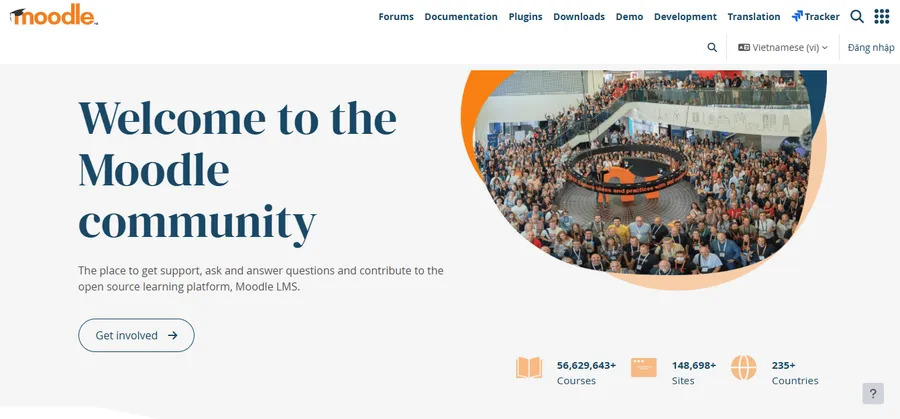
Moodle is the open-source standard for academic institutions and remains free to self-host, though most schools and universities pay a hosting partner like Open LMS for support, uptime guarantees, and managed updates rather than running it themselves. It is powerful and endlessly customizable through plugins, but the tradeoff is a steeper setup curve than any of the WordPress LMS plugins covered above, and it is generally overkill for a solo course creator selling a handful of courses.
Docebo
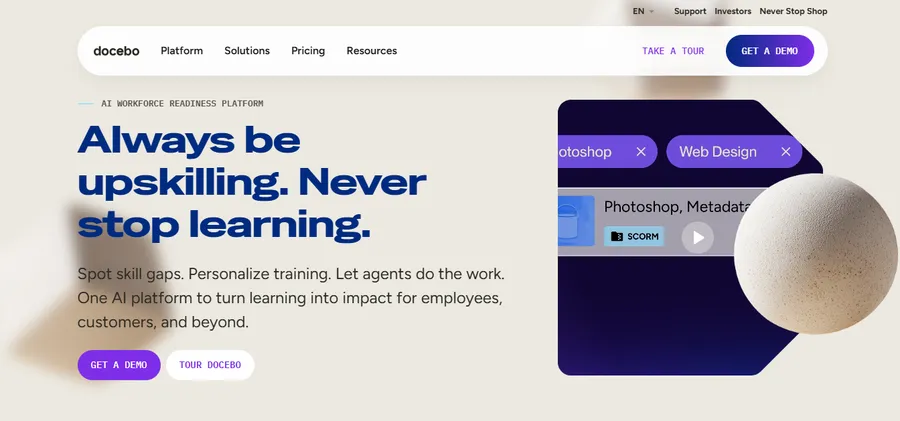
Docebo targets mid-size to large enterprises that need AI-assisted content recommendations, skills gap tracking, and integrations with existing HR systems like Workday or BambooHR. It is not built for individual creators, and pricing typically requires a custom quote based on active users, which puts it out of reach for smaller teams comparing budget-friendly LMS platforms.
Thinkific
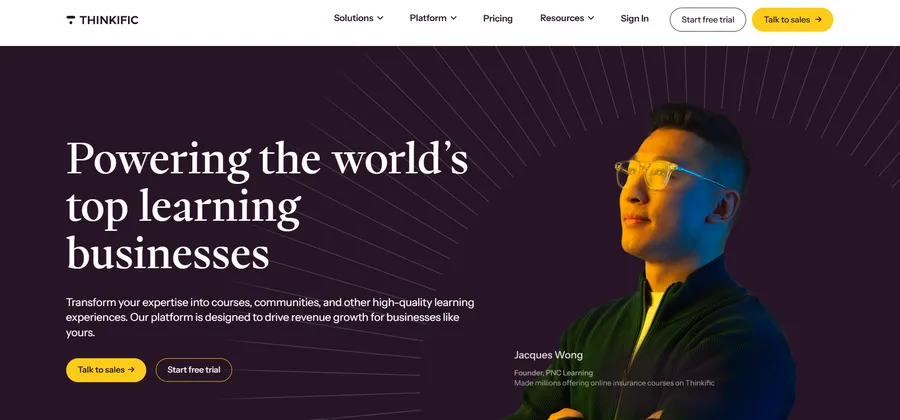
Thinkific is a hosted, no-code course platform aimed at solo creators and small course businesses who want to skip WordPress entirely. Plans start around $74 per month for the paid tier, and the platform includes built-in payment processing, so you are not stitching together a separate e-commerce plugin the way you would on a self-hosted WordPress LMS.
LMS platform comparison table
The table below lines up the most-searched LMS platforms on the criteria that actually change a buying decision: starting cost, hosting requirement, and who each platform fits best.
| Platform | Starting price | Hosting | Best for |
|---|---|---|---|
| LearnPress | Free core plugin, add-ons from $30 | Self-hosted (WordPress) | Budget-conscious creators starting their first course site |
| LearnDash | Paid annual license (site-based tiers) | Self-hosted (WordPress) | Established course businesses needing polish and support |
| Tutor LMS | Free tier, paid plans for advanced features | Self-hosted (WordPress) | Multi-instructor marketplaces wanting a modern interface |
| LifterLMS | From about $199 per year | Self-hosted (WordPress) | Membership-driven education businesses |
| MasterStudy LMS | Free core, premium add-ons | Self-hosted (WordPress) | Gamified, marketplace-style course sites |
| TalentLMS | Per active user, free tier for small teams | Cloud-hosted | Corporate onboarding and compliance training |
| Moodle | Free to self-host, paid hosting plans available | Self-hosted or managed | Academic institutions and universities |
| Thinkific | From about $74 per month | Cloud-hosted | Solo creators who want to skip WordPress setup |
WordPress plugin or cloud SaaS: which fits your project
This is usually the first fork in the road before you even get to individual LMS platform comparison shortlists. A WordPress LMS plugin makes sense if you already have a site, want full ownership of your content and student data, and are comfortable managing hosting and updates the way you would for any WordPress plugin. It also tends to be the cheaper long-term option, since you are not paying a recurring per-user fee as your student count grows.
A cloud-hosted LMS makes more sense if you do not have an existing WordPress site, want infrastructure and uptime handled for you, or need enterprise features like single sign-on and advanced compliance reporting out of the box. The tradeoff is less control over your data and design, and costs that climb as your number of active users increases.
If you want the LearnPress ecosystem without managing the WordPress hosting environment yourself, LearnPress Cloud provides a managed option with hosting, SSL, WordPress, and LearnPress already set up.
Common mistakes people make when comparing LMS platforms
A few patterns show up again and again in learning management software reviews written by people who switched platforms after a bad first choice, and most of them are avoidable if you know to look for them ahead of time.
Picking based on the free trial experience alone
A fourteen day free trial rarely reveals how a platform behaves once you have real students, real payment processing, and a support ticket that actually needs answering. Read reviews from people who have used the platform for at least six months, not just onboarding walkthroughs, since long-term reliability issues rarely show up in a short trial window.
Ignoring what happens after year one
Per-user pricing on cloud platforms can look reasonable at ten students and become a serious budget problem at five hundred. Before signing up, run the math on what your monthly or annual cost looks like at three times your current student count, not just your starting number.
Underestimating migration cost
Moving an existing course catalog to a new LMS almost always costs more time than expected, since videos, quiz banks, and student progress records rarely transfer cleanly between platforms. If there is a reasonable chance you will outgrow a tool within a year, it is often cheaper to start with the more capable option now rather than pay the migration tax twice.
How to choose the right LMS for your situation
Match the platform to the size and type of course business you are actually running, not the one you hope to run in three years. A single instructor testing whether online courses will sell does not need enterprise skills tracking, and a 500-person compliance training program should not be built on a plugin meant for solo creators.
Start with three questions: how many students do you expect in year one, what content types does your course actually need beyond video and quizzes, and how much are you willing to spend before you have proof the course sells. Answering those honestly narrows a list of a dozen platforms down to two or three worth a real trial, which is a faster path than reading every review on the internet before making a decision.
FAQs
What is the difference between an LMS and a learning content management system?
An LMS delivers and tracks courses for learners, while a learning content management system focuses on creating, storing, and reusing the raw course content, such as videos, documents, and assessment items, before it is packaged into a course. Many modern platforms blend both functions, but the distinction still matters for organizations that need to repurpose the same content across multiple courses or audiences.
Is a free LMS good enough for a small course business?
A free LMS like the core LearnPress plugin is genuinely usable for a small course business, covering course creation, quizzes, certificates, and progress tracking without a subscription. The limitation shows up as you scale, since more advanced features like content dripping, detailed reporting, or multi-instructor management often require paid add-ons.
Can I switch LMS platforms later without losing my courses?
Switching is possible but rarely simple, since course content, quiz data, and student progress records do not transfer automatically between most platforms. Most course creators export video and document files manually and rebuild course structure, quizzes, and certificates from scratch on the new platform, so it pays to choose carefully the first time.
Do WordPress LMS plugins work with WooCommerce for selling courses?
Yes, the major WordPress LMS plugins, including LearnPress, LearnDash, Tutor LMS, LifterLMS, and MasterStudy LMS, all support WooCommerce integration for selling course access. This lets you use WooCommerce’s existing payment gateways, coupons, and order management instead of relying on a separate checkout system built into the LMS itself.
Conclusion
The right learning management system depends less on which platform has the longest feature list and more on whether that feature list matches what you are actually building. For anyone running or planning a WordPress site, starting with a free, well-supported plugin like LearnPress keeps costs low while you prove out your course content, and you can always add paid extensions or move to a more advanced plugin once your student numbers justify it. For teams outside WordPress, cloud platforms like TalentLMS, Moodle, or Thinkific solve the hosting and infrastructure problem at the cost of ongoing per-user fees. Read past the marketing pages, test the free tiers where they exist, and let your actual course content and budget decide which platform earns a spot on your site.
Read more: How to choose the best management system for teachers?