Getting training to your team used to mean booking conference rooms and printing slide decks. The right online training program software changes that entirely: one platform to build courses, assign them, track who has finished, and pull reports when you need them.
The challenge is that the market is packed with training software for employees, and picking the wrong platform means paying for features that do not match how your team actually works.
This guide reviews six of the best employee training software platforms available today, with a direct comparison table so you can evaluate quickly. Whether you manage a 15-person team or a distributed workforce of 500, there is a platform here that fits.
LearnPress – WordPress LMS Plugin
We provide an amazing WordPress LMS plugin to create & sell online courses. Let’s find out!
Try NowWhat to Look for in Employee Training and Development Software
The criteria that matter most shift depending on your team size and training goals. A small business running onboarding and basic compliance has very different requirements from a company delivering role-specific skill development across multiple departments. That said, a few factors apply across every evaluation.
Ease of setup and daily administration
If your admin team needs a week to figure out how to add a course or enroll a group, that is a bad sign. Good training software for employees lets you create a module, assign it to a learner group, and preview the experience in under an hour on your first day. Most reputable platforms offer a free trial, so run through the actual setup flow yourself before you commit. Do not rely only on a vendor demo.
Course creation and supported content formats
Look for platforms that support video, PDF, SCORM files, and quizzes without requiring a developer. AI-assisted course creation has become standard in 2025 and 2026, and it genuinely speeds up content production for teams without dedicated instructional designers. Confirm whether built-in authoring is included in your plan tier or sold as a separate add-on.
Progress tracking and compliance reporting
Your employee training system should tell you exactly who has completed what and when, in real time. For compliance-heavy industries, you also need the ability to export audit-ready reports and track certification renewal deadlines automatically. If detailed reporting is locked behind an enterprise plan, factor that into your total cost.
Integration with your existing HR and communication tools
If your company uses BambooHR, Workday, Slack, or Microsoft Teams, your training platform should connect to them cleanly. Auto-provisioning users based on HR data saves significant admin time at scale, and single sign-on reduces the friction that leads employees to abandon training before completion.
Quick Comparison: Best Online Training Program Software
The table below summarizes each platform’s core positioning, pricing model, and ideal team type. Detailed reviews follow in the next section.
| Platform | Best for | Free trial | Starting price | SCORM support |
|---|---|---|---|---|
| TalentLMS | SMBs and fast deployment | Yes | $69/month (up to 40 users) | Yes |
| Docebo | Enterprise AI-driven training | Demo available | Custom quote | Yes |
| iSpring LMS | Full employee lifecycle + authoring | Yes | Custom quote | Yes |
| Absorb LMS | Compliance and clean admin UX | No | Custom quote | Yes |
| LearnUpon | Multi-audience training programs | Yes | Custom quote | Yes |
| Connecteam | Frontline and field-based workers | Yes | Free for small teams | Limited |
6+ Best Online Training Program Software Reviewed for 2026
Each platform below was selected based on feature depth, use-case fit, and verified user feedback. The goal is to give you enough detail to know whether a platform is worth requesting a demo, not to push a one-size-fits-all answer.
TalentLMS
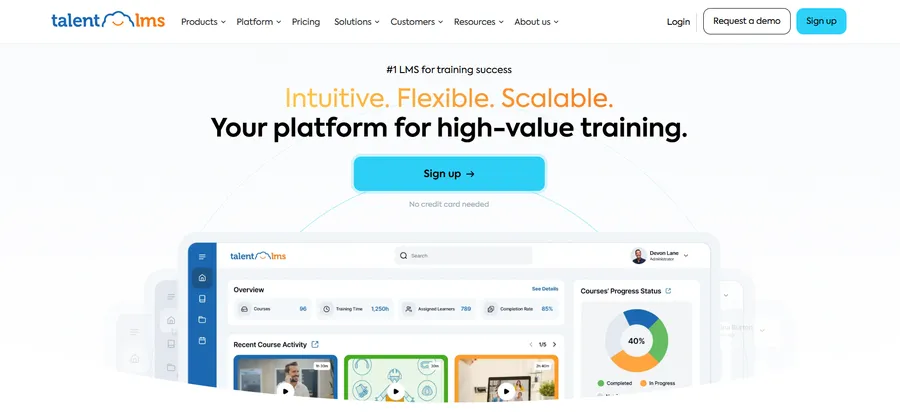
TalentLMS is one of the most accessible entry points into employee training software for small business. The setup experience is genuinely clean: you can create your first course, set up a learner branch, and enroll a test user in under an hour without reading a manual. That matters when you do not have a dedicated L&D team managing the platform.
TalentLibrary gives you access to over 1,000 pre-built courses covering remote leadership, compliance basics, and soft skills, which removes a significant content production burden for small and mid-sized teams. The AI-powered course builder, TalentCraft, generates quiz questions, learning objectives, and course outlines from a text prompt. It is not a replacement for thoughtful instructional design, but it cuts first-draft production time considerably.
Gamification features including badges, points, and leaderboards help sustain engagement in programs that might otherwise feel like checkbox exercises. Multi-language support makes TalentLMS a practical choice for global teams.
Pricing starts at $69/month for up to 40 users. All plans begin with a free trial.
Best for: Growing teams that need to launch quickly without a large implementation budget or dedicated IT support.
Docebo
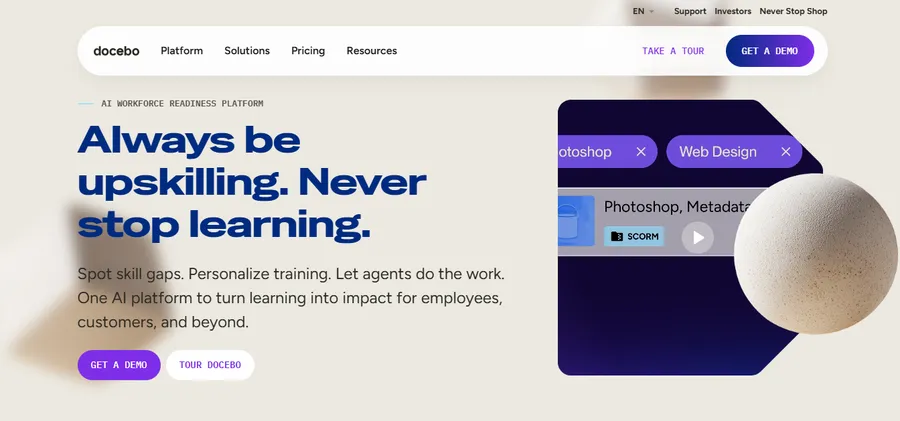
Docebo is positioned at the enterprise end of the best employee training software market and earns that positioning. It was one of the first learning platforms to build generative AI into its core product, with features including AI-driven skill gap identification, automated course enrollment, and smart content tagging. If you are running training across thousands of employees in multiple business units, Docebo has the infrastructure to handle it.
The white-labeling options are thorough. You can create fully branded learning portals for separate audiences, each with its own content catalog, admin team, and learner roles, all under a single account. The eCommerce layer lets you monetize your course catalog if that is part of your revenue model.
One honest trade-off: the admin interface has a noticeable learning curve, and smaller teams often find Docebo more platform than they need. If you are a 40-person company, the configuration overhead is not worth it. But for a 1,000-person organization scaling corporate learning at scale, Docebo’s analytics and automation capabilities become genuinely valuable.
Pricing is custom. A demo is available through their website.
Best for: Enterprise organizations and companies training employees, customers, and partners from a single platform.
iSpring LMS
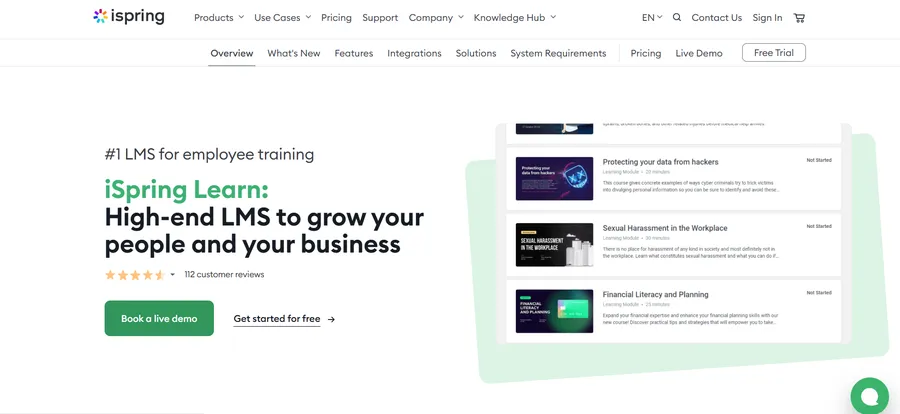
iSpring LMS (officially rebranded from iSpring Learn in November 2025) is designed to cover the full employee development cycle, from day-one onboarding through ongoing skills training. What separates it from simpler platforms is the built-in content authoring capability: you can create interactive courses with video, audio, branching scenarios, and quiz logic directly inside the platform, without switching to a separate authoring tool.
The development plans feature is especially practical for structured programs. You map out a personalized learning path for each employee or role, combining courses, on-the-job tasks, assessments, and deadlines into a clear sequence. This makes training feel deliberate rather than a loose pile of modules. Uploading an existing PowerPoint and converting it into an interactive course is a particularly fast workflow for teams with existing training materials.
iSpring LMS is SCORM-compliant and includes a mobile app that supports offline access, which matters for teams that are not always desk-based. Gamification elements, including points, leaderboards, and badges, are available across plans.
Pricing is by custom quote. A free trial is available.
Best for: HR and L&D teams that want authoring and delivery in one place, without managing and paying for two separate tools.
Absorb LMS
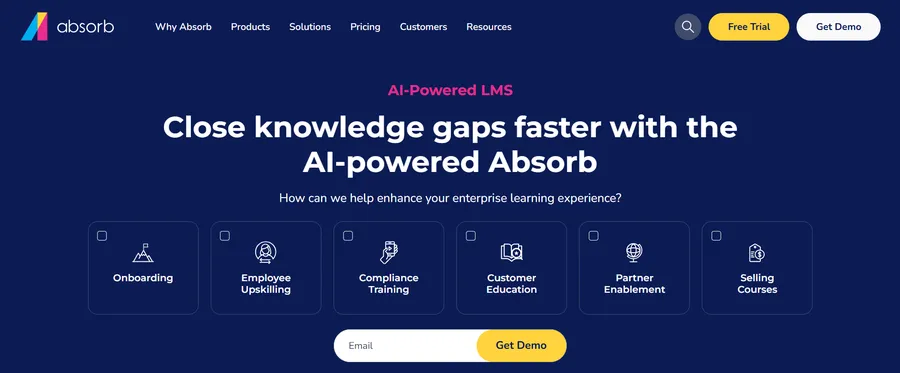
Absorb LMS is an AI-powered platform known for one of the cleaner admin interfaces in this category. If your main frustration with your current platform is that routine tasks take too many clicks, Absorb specifically addresses that. Managing learner groups, setting automated enrollment rules, scheduling compliance reports, and reviewing dashboards all happen without digging through layered settings menus.
For compliance-heavy industries including healthcare, finance, and manufacturing, Absorb handles recurring certification renewals well. Automated reminders go out to learners before deadlines, and managers see real-time completion data rather than waiting for manual reports. The integration list covers Salesforce, BambooHR, Workday, and Personio, with a custom Open API available for other systems.
One note: Absorb does not offer a self-serve free trial. You need to request a demo and go through a sales conversation before accessing the platform. That is a reasonable ask for enterprise software, but it adds time to your evaluation process if you prefer to test independently.
Pricing is custom based on user count and feature requirements.
Best for: Mid-to-enterprise teams running compliance training who prioritize clean administration over extensive content creation tools.
LearnUpon
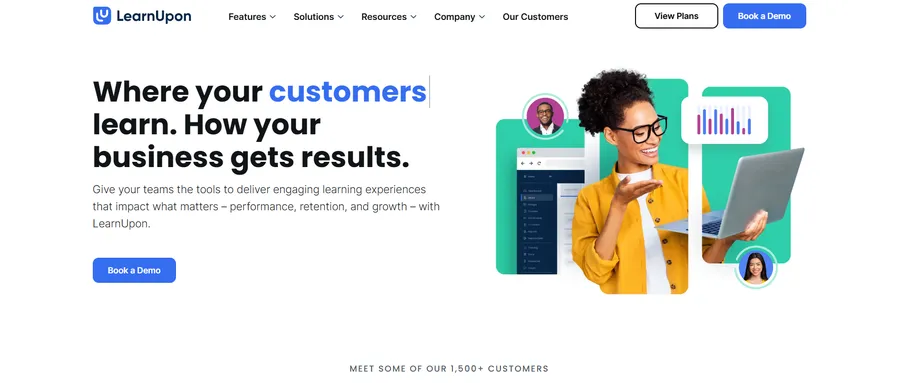
LearnUpon is built for organizations that need to train more than one audience from the same account. The multi-portal architecture lets you create separate training environments for employees, customers, and partners, each with distinct branding, course libraries, and admin roles, without spinning up separate accounts or managing separate bills.
The platform supports eLearning, instructor-led training, and blended learning combinations, which gives you flexibility if you run live sessions alongside self-paced courses. Integration with Google Analytics and Salesforce makes it easier to connect training completion data to business outcomes like sales performance or customer retention.
The user interface is among the cleaner options in this category, and LearnUpon’s customer support reputation is consistently strong in user reviews. That matters more than it sounds: when something goes wrong mid-program, accessible support keeps the disruption short.
Pricing is by custom quote. A free trial is available.
Best for: Companies that run parallel training programs for internal teams and external audiences, and want to manage them from a single platform.
Connecteam
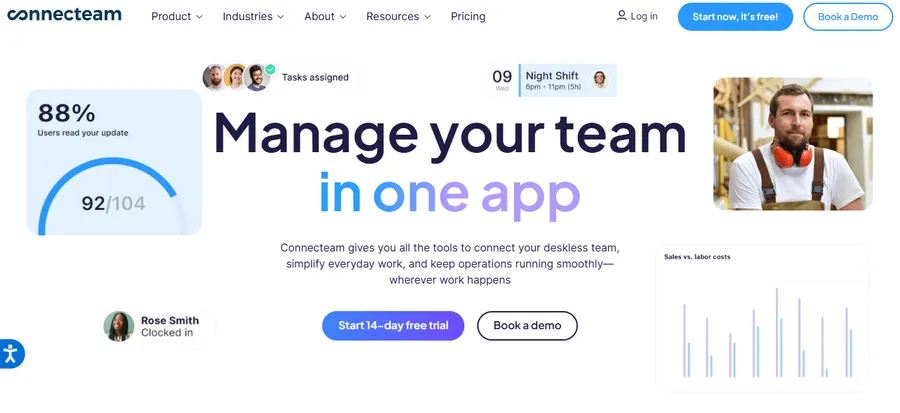
Most employee training software assumes your learners are sitting at a desk with reliable internet. Connecteam is built around the opposite assumption: a retail associate, a warehouse worker, or a hospitality team member completing training from a smartphone between shifts. If your workforce is mostly frontline or field-based, this distinction matters more than any feature comparison.
The AI Course Creator generates a structured training module from a short text prompt. Your team can then add smartphone-shot video, PDFs, or images without depending on an expensive content production workflow. The compliance tracking dashboard is one of the most practical in this segment: it shows exactly who has and has not completed each course, and automatic reminders go out to incomplete learners without manual follow-up.
Connecteam offers a free plan for small teams (up to 10 users) and paid plans that scale by user count. It is one of the most practical options for employee training software for small business in industries like retail, hospitality, construction, and healthcare.
Best for: Small businesses and growing companies with frontline or deskless teams who need a mobile-first training setup with minimal admin overhead.
LearnPress (bonus: for WordPress-hosted training)
If your business already runs on WordPress and you want to host training internally without paying for a separate SaaS subscription, LearnPress is a free LMS plugin worth knowing about. It handles course creation, quizzes, and progress tracking directly inside your WordPress dashboard. As the platform this article is published on, LearnPress is an especially natural fit for teams already building on WordPress who need a lightweight, self-hosted employee training system.
How to Choose The Right Employee Trainin System for Your Team
The right platform depends on three factors: team size, training complexity, and your existing tool stack.
- For teams under 50 people running onboarding and basic compliance, TalentLMS or Connecteam will cover most needs without overcomplicating the setup.
- For mid-sized teams that need structured learning paths and built-in authoring, iSpring LMS or LearnUpon adds the depth required.
- Enterprise teams managing training across departments, geographies, or external audiences should look seriously at Docebo or Absorb LMS.
Before you commit, run through this checklist.
- First, decide whether you need to build your own courses or whether a pre-built content library covers enough of your needs.
- Second, verify that the platform integrates cleanly with your HRIS and that user provisioning can be automated.
- Third, test the admin experience yourself during a free trial, because a platform that looks smooth in a demo can feel very different when you are managing 300 active learners.
- Fourth, confirm that the reporting capabilities match your compliance or audit requirements, and check which plan tier those reports are included in.
If you are specifically looking for the best LMS for small business, prioritize ease of setup, mobile accessibility, and pricing transparency. The best learning management system for small business is typically the one your team will use consistently without needing dedicated admin support to keep it running.
FAQs
What is the best software for online training programs?
The best online training program software depends on your team size and training goals. TalentLMS and Connecteam are strong picks for small businesses that need fast deployment and low administrative overhead. Docebo and Absorb LMS are better fits for enterprise teams running compliance-heavy or multi-audience programs. If your company is on WordPress, LearnPress is a free self-hosted option worth considering alongside the SaaS platforms above.
How much does employee training software typically cost?
Entry-level platforms start around $69/month for small teams, as with TalentLMS’s base plan covering up to 40 users. Most enterprise platforms, including Docebo, Absorb LMS, LearnUpon, and iSpring LMS, use custom pricing based on user count and feature requirements. Connecteam offers a free plan for teams of up to 10 users. Most platforms offer a free trial or demo, so you can test before requesting a formal quote.
What is the difference between an LMS and employee training and development software?
An LMS (learning management system) focuses on course delivery, learner administration, and completion tracking. Employee training and development software is a broader category that can include skills assessments, performance management integration, onboarding workflow tools, and AI-driven learning recommendations. Many modern platforms combine both functions. If you are evaluating tools, look at what specific problems you need to solve rather than which label the vendor uses.
Can I use enterprise training software if I have a small business?
You can, but most small businesses are better served by platforms designed for their scale. Enterprise platforms like Docebo offer powerful features, but the configuration time, learning curve, and cost structure are built for larger organizations with dedicated L&D teams. For a small team, TalentLMS, Connecteam, or LearnPress will handle the training workflow without the overhead. Start with a platform that fits your current size and reassess when you scale.
Read more: Learning Management System Requirements: Full Checklist