If you have written an ebook, recorded a course, or built a library of templates, the real work starts after you finish the content: figuring out where to sell it. Selling content online is not just about uploading a file and hoping someone buys it. The platform you pick decides how much you keep after fees, how much control you have over your audience, and how easy it is to grow past your first hundred sales.
This guide walks through the main types of content selling websites, compares real fees and features, and shows you where to sell your content depending on what you have made and who you are selling to. By the end, you will know exactly where to sell content that fits your goals, whether that is a fast marketplace listing or a fully owned WordPress store.
LearnPress – WordPress LMS Plugin
We provide an amazing WordPress LMS plugin to create & sell online courses. Let’s find out!
Try NowTable of Contents
What counts as content you can sell online
Before comparing platforms, it helps to be specific about what “content” means in this context, because the best platform for an ebook is rarely the best platform for a paid newsletter.
Common formats people sell today include:
- Ebooks, guides, and PDF workbooks
- Online courses, cohorts, and mini lessons
- Templates, presets, and design files
- Stock photos, video clips, and audio or music tracks
- Paid newsletters and subscriber-only posts
- Memberships that bundle several of the above
- Coaching calls and downloadable worksheets sold together
Each format has slightly different requirements. A course needs video hosting, quizzes, and progress tracking. A membership needs recurring billing and gated access. A simple ebook just needs secure file delivery and a checkout button. Keep your format in mind as you read through the options below, since it will narrow the list fast, and it will also shape how much you can reasonably charge.
3+ Ways to sell content online
There are three broad ways to sell content online, and each comes with a different tradeoff between convenience and ownership.
- Marketplaces like Etsy or Creative Market give you built-in traffic. Buyers are already browsing, so you do not need to bring your own audience. Etsy in particular works well for printables, worksheets, and design templates, since shoppers there are already used to buying small digital files. Creative Market leans more toward fonts, graphics, and design assets aimed at other creators and small businesses. The tradeoff on any marketplace is that you are competing on the same page as thousands of other sellers, and the platform takes a cut plus listing fees on top of standard payment processing.
- Hosted platforms such as Gumroad, Payhip, Sellfy, or Teachable let you set up a storefront in a day. You handle your own marketing, but the platform takes care of checkout, file delivery, and often taxes. Most charge either a flat monthly fee, a percentage per sale, or both, and a few blend the two depending on which plan you pick.
- Self-hosted stores, usually built on WordPress with WooCommerce, Easy Digital Downloads, or a WordPress LMS plugin, give you full ownership of the site, the customer data, and the design. You pay for hosting instead of a revenue cut, and you are not at the mercy of a marketplace’s policy changes or a platform’s sudden fee increase.
| Option | Best for | Typical cost | Who owns the audience |
| Marketplace (Etsy, Creative Market) | New sellers with no audience yet | Listing fees plus 3 to 20 percent per sale | The marketplace |
| Hosted platform (Gumroad, Payhip, Sellfy) | Creators who want to launch fast | 0 to 10 percent per sale, some add monthly fees | Shared, but you keep buyer emails |
| Course platform (Teachable, Thinkific) | Structured, multi-lesson courses | 39 to 199 dollars a month, some also take a cut | Shared, limited data export on lower plans |
| Self-hosted WordPress store | Creators who want full control and lower long-term fees | Hosting plus plugin costs, no per-sale platform cut | You, entirely |
None of these is objectively the best. A photographer selling a handful of presets a month has different needs than an instructor building a six-figure course business. Match the option to your stage, not the other way around, and expect to outgrow your first choice as your catalog grows.
4+ Best content selling websites for ebooks and digital downloads
If your product is a file, whether that is a PDF, a zip of templates, or an audio pack, these are the platforms worth testing first.
Gumroad
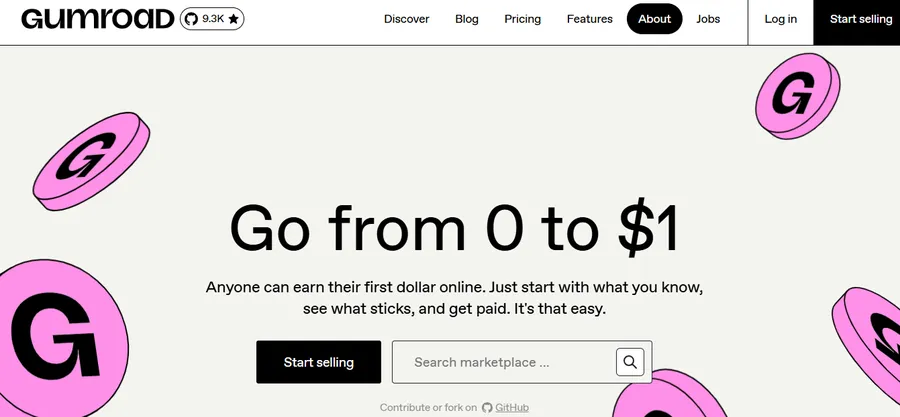
Gumroad simplified its pricing to a flat 10 percent fee per sale with no monthly cost, which makes it one of the easiest content selling websites to start with. There is no setup fee and no subscription, so it works well if you are not sure yet how much volume you will do. The tradeoff is that 10 percent adds up once your sales grow, and the storefront design options are fairly limited compared to a fully custom site.
Payhip
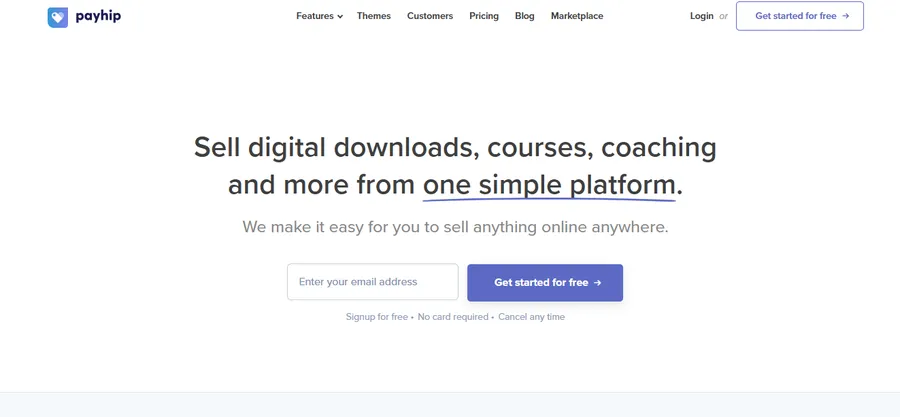
Payhip supports digital downloads, online courses, coaching, and memberships from one dashboard, and it includes built-in EU VAT handling plus discount codes and a basic affiliate program. Its free tier charges a small transaction fee, while the paid Pro plan removes transaction fees entirely. You can also embed Payhip’s checkout directly on your own website, which keeps the buying experience from feeling like it lives somewhere else. Payhip’s main limitation is visibility. Unlike a marketplace, there is no built-in audience, so you still need to drive your own traffic through content, email, or ads.
Sellfy
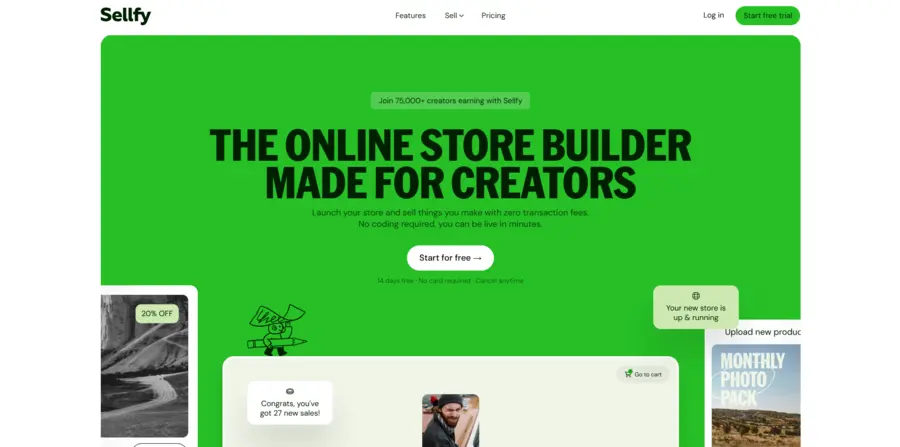
Sellfy is built specifically for creators who already have some kind of following, whether that is a blog, a YouTube channel, or a social account. You can embed a buy button directly on your existing website, which is useful if you do not want a separate storefront. It supports digital products, subscriptions, and even print-on-demand merchandise from the same store, and it charges no transaction fees on top of your plan.
Ko-fi
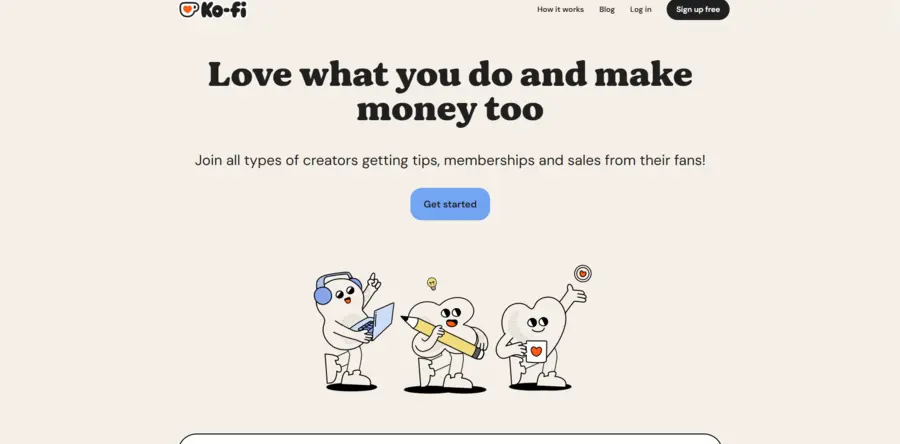
Ko-fi charges zero percent in transaction fees on digital product sales, which makes it one of the lowest-cost places to sell content if you are just starting out or run a smaller catalog. It began as a tipping platform and still carries that “support the creator” feel, which works well for artists, writers, and musicians but less well for formal course businesses.
If you are searching for where can I sell my content without committing to a monthly subscription, Gumroad, Payhip’s free plan, and Ko-fi are the three most common starting points, since all three let you list a product without paying anything upfront.
3+ Best platforms for selling online courses
Courses need more than a checkout button. You need video hosting, lesson sequencing, quizzes, and usually some way to track student progress. General-purpose stores can do this with add-ons, but dedicated course platforms build it in from day one.
Teachable
Teachable’s Basic plan starts at 39 dollars a month with zero transaction fees, scaling up to a Pro plan for advanced features like graded quizzes and custom certificates. There is also a free plan, though it charges a per-transaction fee. The course builder supports video, text, PDF, and audio lessons with drip scheduling, and it also handles coaching products with milestone tracking and integrated booking.
Thinkific
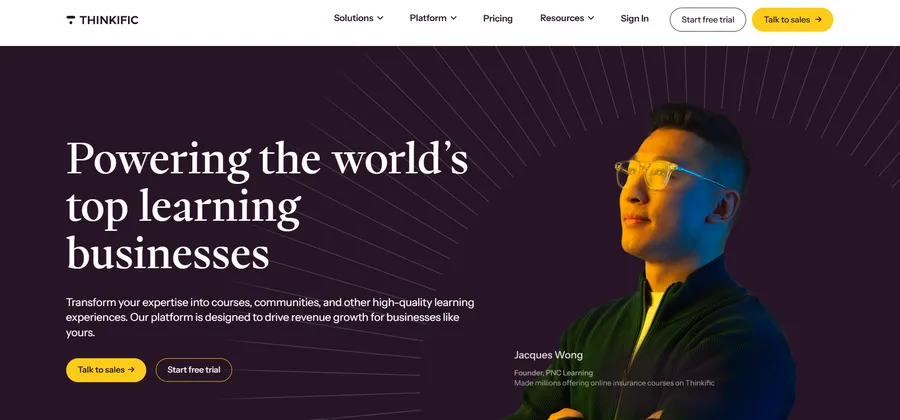
Thinkific is built specifically for course creators and includes a full learning management system alongside marketing tools. You get pre-made course templates, a drag-and-drop builder, and support for live and pre-recorded lessons in the same course, plus community features if you want students interacting with each other.
Skool
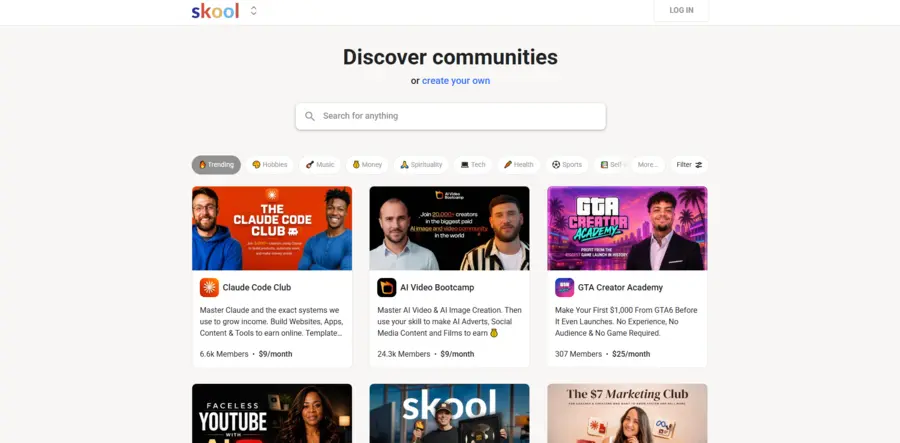
Skool combines a paid community with courses and memberships in one space. Members can post to the community themselves, not just consume content from the creator, which sets it apart from more one-directional platforms. It runs 99 dollars a month plus a transaction fee, so it tends to make more sense once you already have an engaged group of paying members rather than as a first platform.
4+ Best platforms for memberships and paid newsletters
If your content is ongoing rather than a one-time download, a membership or subscription model usually earns more over time than single sales, since it turns a one-time buyer into recurring revenue.
Patreon remains the most recognized membership platform, especially for creators who post regularly and want tiered pricing for different levels of access.
Kit (formerly ConvertKit) lets you combine email marketing with paid newsletter subscriptions and digital product sales, which is useful if your content strategy already runs through email rather than a separate storefront.
Substack works well for writers who want a simple paid newsletter without building a separate store, since publishing and billing live in the same place and there is no design to configure.
Stan Store and similar link-in-bio tools are built for social media creators who need a single link that sells digital products, books calls, and collects emails, all optimized for mobile checkout.
Each of these trades some design flexibility for simplicity. You are not building a custom storefront, you are plugging into a system that already knows how to handle recurring billing and subscriber management.
Selling content from your own WordPress site
Every option above puts your store on someone else’s platform. That is fine for testing an idea, but it means you are always subject to their fee changes, their design limits, and their rules about what you can sell. Building your own store on WordPress solves that, and it is one of the most durable content selling websites you can build precisely because you are not renting space on it.
A self-hosted WordPress store usually needs a few pieces working together:
- An e-commerce or LMS plugin to handle product creation, checkout, and delivery.
- A payment gateway such as Stripe or PayPal connected to that plugin.
- A clean theme that does not slow the site down or fight with the plugin’s layout.
- Reliable hosting, since a self-hosted store is only as fast as the server behind it.
| Plugin | Best for | Transaction fee | Notes |
| WooCommerce | General digital and physical products | None from the plugin itself | Most flexible, but needs extensions for subscriptions and license keys |
| Easy Digital Downloads | Digital-only sellers who want a focused tool | None from the plugin itself | Lighter weight than WooCommerce for pure downloads |
| LearnPress | Course creators building a full LMS | None from the plugin itself | Purpose-built for lessons, quizzes, and student progress tracking |
For straightforward digital downloads, WooCommerce or Easy Digital Downloads cover most needs. But if the content you are selling is a course rather than a single file, a general e-commerce plugin will only get you partway there. You still need lesson sequencing, quizzes, student progress tracking, and a way to gate content behind a purchase, which is where a dedicated learning management system plugin like LearnPress fits in.
LearnPress turns a standard WordPress install into a full course-selling platform without requiring any code. You can build a curriculum with lessons and quizzes, set flexible pricing per course, and accept payments through PayPal, Stripe, or a WooCommerce connection, all while keeping full ownership of your site and your student data. Because it is a WordPress plugin rather than a hosted platform, there is no per-sale fee taken by LearnPress itself, and it works with any WordPress theme if you already have a site design you like. For creators who already know they are staying in the game long term, that combination of control and no revenue share tends to pay for itself within the first few dozen sales.
The tradeoff with any self-hosted approach, LearnPress included, is that you are responsible for hosting, updates, and driving your own traffic. There is no built-in marketplace sending you buyers. If you are comfortable with that responsibility, or you already have an audience through content or email, the long-term savings and control are hard to match.
If you want to use LearnPress without managing the hosting and WordPress setup yourself, LearnPress Cloud offers a managed alternative. You’ll still need to bring your own audience, but the technical infrastructure is handled for you.
How much can you realistically earn selling content online
Earnings depend far more on audience size and pricing than on which platform you pick, but the numbers are still worth grounding. A single ebook priced at 15 dollars and sold to 200 buyers a month brings in 3,000 dollars before fees. A course priced at 200 dollars needs only 15 sales a month to hit the same total. A membership charging 10 dollars a month reaches similar revenue with around 300 active members, but it compounds over time since existing members keep paying without you making a new sale.
This is why the platform choice matters less than it feels like it should at the start. A 10 percent fee on Gumroad versus a flat 39 dollar plan on Teachable is a rounding error next to the difference between selling to 20 people and selling to 200. Spend your early effort on the content and the audience, then revisit the platform question once volume makes the fee structure meaningful.
How to choose where to sell content
With this many options, the decision usually comes down to five questions.
What format is your content in
A single PDF has very different needs than a 12-module video course. Match the platform’s core strength to your product type before looking at price.
How much traffic can you bring yourself
If you have no existing audience, a marketplace’s built-in discovery matters more than a low fee. If you already have followers, email subscribers, or an existing blog, a hosted platform or your own WordPress store will keep more of each sale.
How important is owning the customer relationship
Platforms like Patreon and course marketplaces often limit how much buyer data you can access directly. If email list ownership matters to your business long term, a self-hosted store or a platform with clear data export options is the safer bet.
What are the real fees at your expected volume
A flat 10 percent fee on Gumroad might cost less than a 39 dollar monthly plan if you are only selling a few hundred dollars a month. The math flips once you are selling thousands of dollars monthly, where a fixed monthly cost with no transaction fee usually wins.
Do you plan to add more content types later
If you are likely to expand from ebooks into courses, or from one-off sales into a membership, pick a platform or plugin stack that can grow with you instead of switching systems twice. This is one of the strongest arguments for starting on WordPress with a plugin like LearnPress even if your first product is small, since the same site can later host downloads, courses, and memberships side by side.
Common mistakes when selling content online
A few mistakes show up again and again with new sellers, and most of them are avoidable.
- Picking a platform before defining the product. Choosing a course platform for a single ebook, or a simple checkout tool for a full curriculum, creates friction you will have to undo later.
- Ignoring fees at scale. A fee that looks small on your first sale can quietly eat a large share of revenue once volume grows. Run the math at your expected monthly total, not just your first sale.
- Underpricing to compete with free content. Content sold at a price too close to zero rarely builds a sustainable business, and it can undercut how buyers perceive quality.
- Skipping a backup delivery method. Relying entirely on one platform for both sales and file delivery means a service outage stops your income entirely. Keeping files backed up outside the platform is a simple safeguard.
- Not testing the buyer experience yourself. Go through your own checkout flow as a customer before launching. A confusing purchase page loses sales that good content alone cannot make up for.
- Waiting for the perfect platform before launching. Every option in this guide can process a payment today. The platform rarely explains why a product is not selling, the audience and the offer usually do.
Conclusion
There is no single best place to sell content online. Marketplaces bring built-in traffic but take a larger cut and limit your design control. Hosted platforms like Gumroad, Payhip, and Sellfy get you selling fast with predictable fees. Course-specific tools like Teachable and Thinkific handle the structure a full curriculum needs. And a self-hosted WordPress store, especially one built with a plugin like LearnPress for course content, gives you the most long-term control and the lowest ongoing cost once you have some traffic of your own.
Start with the platform that matches your current product and audience size, not the one with the flashiest homepage. You can always add a second channel, or move to your own site, once you know what sells.
FAQs About Selling Content Online
Where can I sell my content without any technical setup?
Gumroad, Payhip, and Ko-fi all let you list a product and start selling within an hour, with no coding or hosting required. They handle checkout, file delivery, and basic analytics out of the box, which makes them the fastest starting point if you are not ready to manage your own website.
Is it better to sell content on a marketplace or my own website?
A marketplace works best when you have no existing audience and want built-in discovery, while your own website works best once you can drive your own traffic and want to keep more of each sale. Many creators start on a marketplace or hosted platform, then move to a self-hosted WordPress store as sales grow.
How much does it cost to sell digital content online?
Costs range from zero percent transaction fees on platforms like Ko-fi to flat monthly fees of 39 dollars or more on dedicated course platforms. Self-hosted WordPress stores avoid per-sale platform fees entirely, but you pay for hosting and any premium plugins you use instead.
Can I sell online courses using WordPress instead of a hosted platform?
Yes. A plugin like LearnPress turns a standard WordPress site into a full course platform, complete with lesson sequencing, quizzes, and flexible pricing, without requiring any code. This gives you full ownership of your course content and student data instead of renting space on a third-party platform.
Read more:
AI WordPress Theme Guide: Best Builders, Coding Tools & Themes
Where Can I Sell ebooks Online: Best Platforms
14 Essential LMS Features Every Learning Platform Should Have