Not all online learning platforms deliver the same experience. If you are comparing options right now, the decision almost always comes down to LMS features, and which ones actually match the way your team trains and grows.
This guide covers the core and advanced learning management system features you need to understand, explains the real impact each one has on training outcomes, and gives you a practical framework for evaluating vendors before you commit budget.
LearnPress – WordPress LMS Plugin
We provide an amazing WordPress LMS plugin to create & sell online courses. Let’s find out!
Try NowWhat is an LMS and why do its features matter?
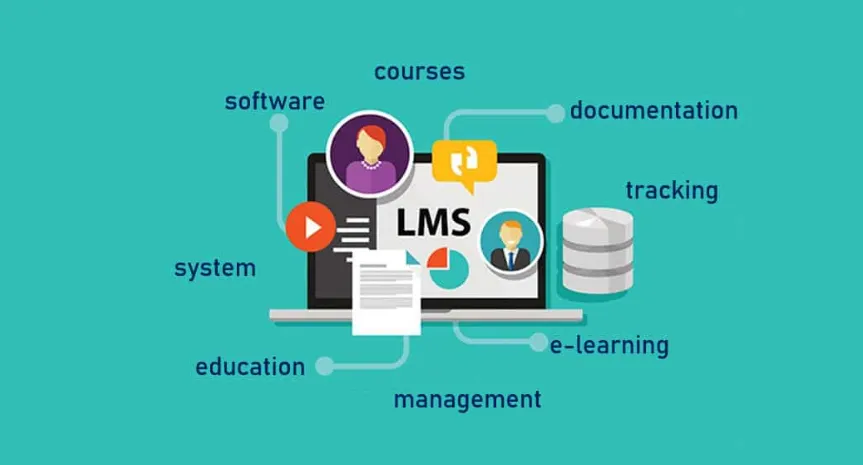
A learning management system is software that organizations use to create, deliver, and track training content, whether that is onboarding new employees, certifying compliance teams, or running paid courses for external learners. The platform you pick sets the ceiling on what your training program can do.
The LMS features you end up with determine how much control you have over the learner experience, how accurately you can measure training impact, and how easily your team can build and update content without calling a developer. Getting clear on what you need before comparing vendors saves months of regret and avoids costly migration projects down the road.
The difference between an LMS and a training management system
A learning management system focuses on digital content delivery and learner progress. Understanding the advantages of an LMS reveals that it goes well beyond merely hosting videos in one place. A training management system, on the other hand, focuses on logistics: scheduling instructors, booking venues, managing registrations, and tracking compliance deadlines across large workforces.
Training management system features often include instructor-led training (ILT) scheduling, resource allocation, and blended learning coordination on top of standard eLearning delivery. Some modern platforms combine both tool sets into one interface. Others specialize in one area. Knowing which operational gap you are trying to close makes the evaluation significantly cleaner.
Core LMS features every platform should have
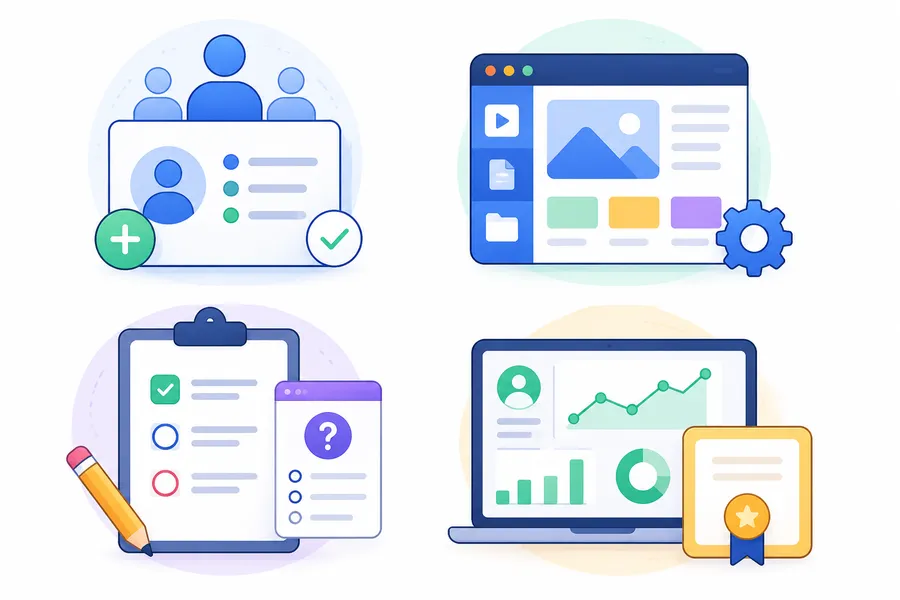
The baseline matters more than most buyers realize. Before you get interested in AI recommendations or gamification dashboards, verify that the platform handles the fundamentals reliably. These are the capabilities that affect every learner, every single day, and where poor execution causes the most frustration.
User management and enrollment
A solid platform lets you organize learners into groups, assign courses based on role or department, and automate enrollment when someone joins a team. The must-have items include bulk import via CSV, SSO (single sign-on) support, and the ability to configure enrollment rules without manual intervention.
If you are managing hundreds of learners, manual enrollment is a bottleneck that kills adoption fast. Platforms that connect directly to your HR software, Active Directory, or identity provider handle this automatically and keep your learner records in sync without a separate maintenance step each time someone joins or leaves the organization.
Course creation and content management
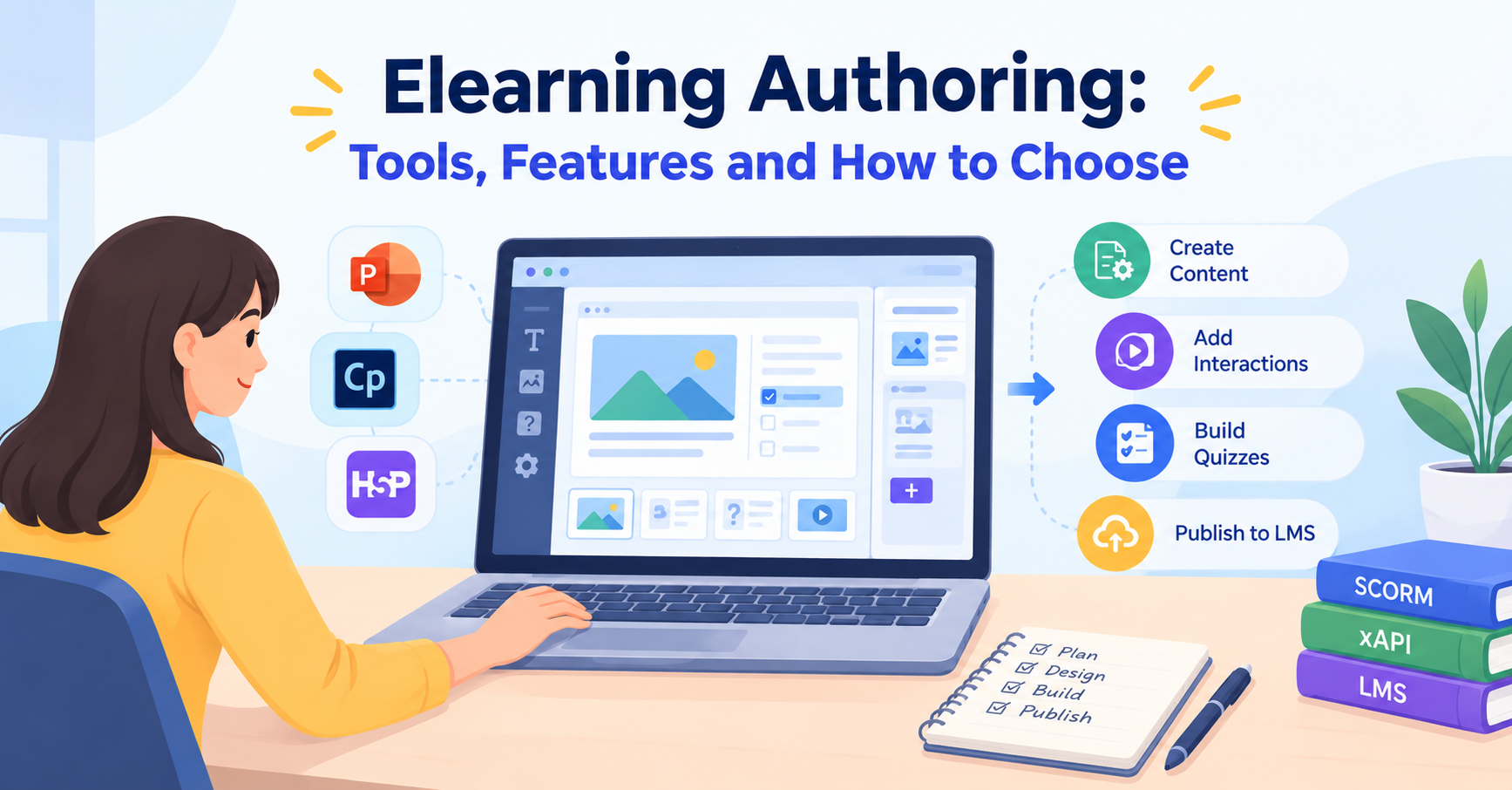
The authoring environment is where your instructors and L&D team spend most of their time, so it needs to be something they will actually use without extensive training. Strong course creation LMS functions include a drag-and-drop lesson builder, support for SCORM and xAPI content packages, video hosting with in-player quiz overlays, and the ability to reuse content blocks across multiple courses without duplicating files.
Content versioning matters more than most buyers anticipate. When you update a compliance course mid-year, you need to control which learner sees which version and confirm that prior completions stay on record correctly for any audit or report.
Assessment and quiz tools
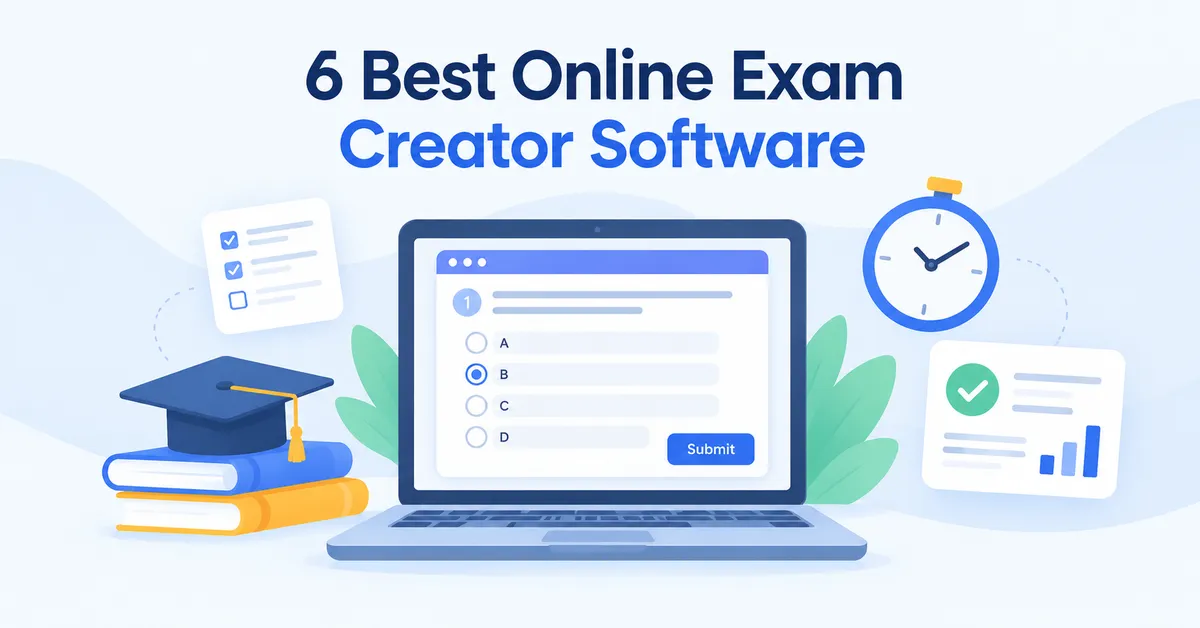
Quizzes do more than test recall. They reinforce learning and give you data on exactly where understanding breaks down across your team. Look for question bank libraries, randomized question delivery, timed assessments, and multiple question formats, including multiple choice, short answer, matching, and scenario-based questions.
Better platforms also support branching scenarios, where a wrong answer routes the learner through remediation content before they can attempt the question again. That approach closes the knowledge gap instead of simply logging a failed attempt and moving on.
Progress tracking and completion certificates
Learners need clear visibility into where they stand. Instructors and managers need that visibility even more urgently for planning and compliance purposes. A well-designed dashboard shows completion rates, time-on-task, quiz scores, and outstanding assignments at both the individual and group level, ideally updated in real time.
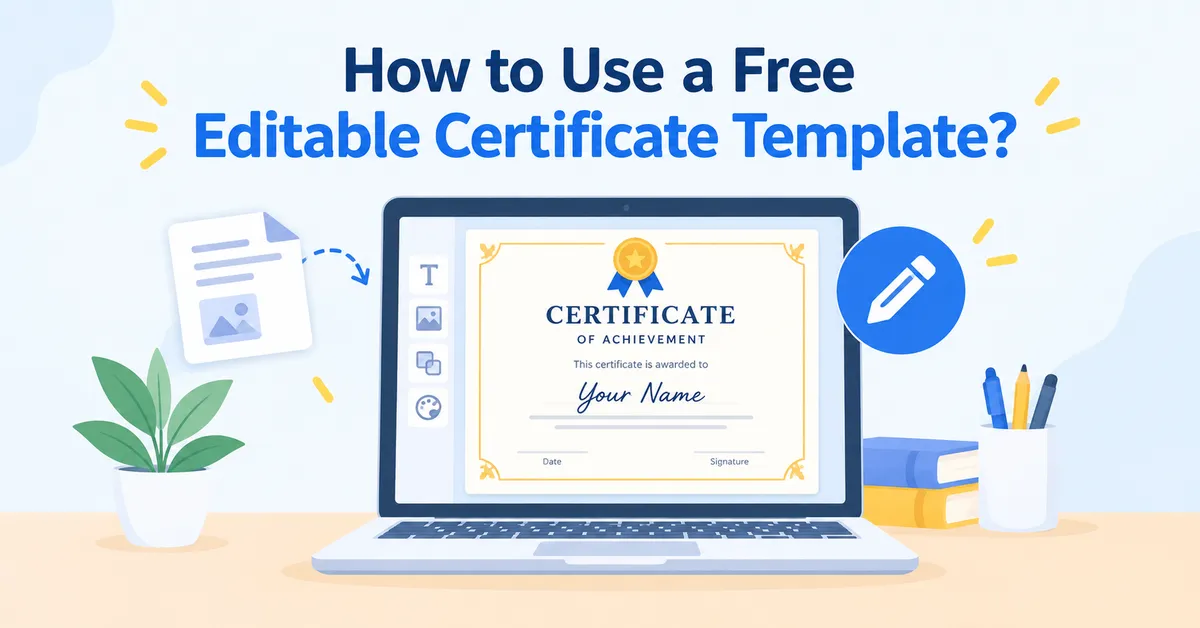
Completion certificates are a standard expectation now. The platform should auto-generate them when a learner finishes a course, with your organization’s logo and the learner’s name filled in automatically. More advanced setups include certificate expiry dates and automatic re-enrollment when a credential lapses, which is critical for annual compliance requirements.
Advanced learning management system functions
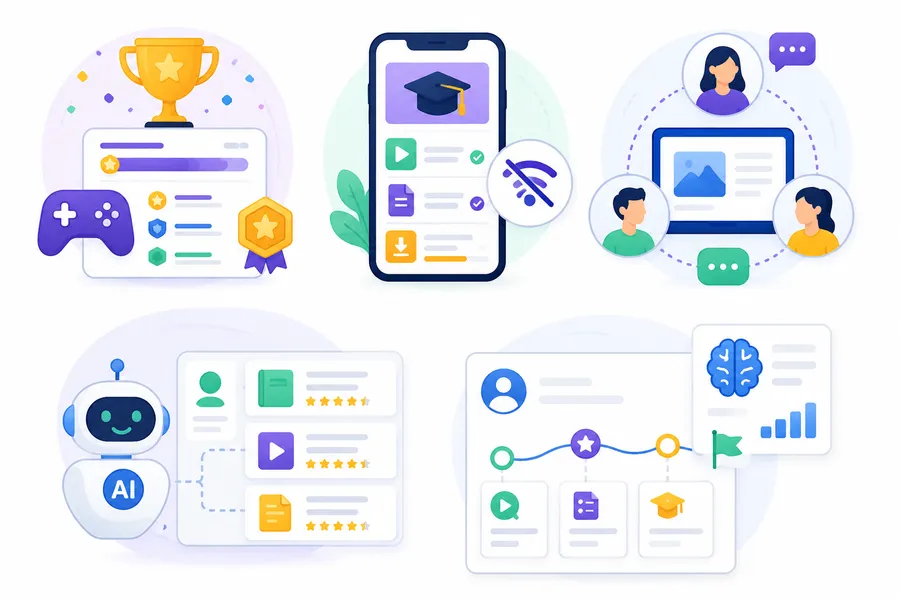
Once the basics are solid, these are the learning management system functions that separate good platforms from genuinely great ones. They are worth asking about in demos, but only after you have confirmed that the core delivery and reporting work correctly.
Gamification and learner engagement tools
Gamification is not about making training feel like a video game. It is about giving learners visible markers of progress that motivate continued engagement over time. Points, badges, leaderboards, and completion streaks all work when they are tied to learning behaviors that actually matter: finishing a lesson, passing a quiz at first attempt, or returning for a second session within a week.
The critical detail is configurability. You want to reward the behaviors that align with your specific training goals, not just any activity that generates a system event.
Mobile learning and offline access
Most learners are not sitting at a desk when they complete training anymore. A responsive mobile interface is the minimum standard now, and it should feel like a designed experience rather than a desktop layout that has been squeezed onto a smaller screen.
Offline access, where learners can download course content and complete it without a live connection, matters for field teams, manufacturing environments, logistics workers, and anyone who travels between sites. Check whether the mobile experience is a native app or a progressive web app: native apps generally handle offline content storage and push notifications more reliably.
Social learning and collaboration features
Discussion forums, peer review assignments, group projects, and live cohort sessions all support social learning, where participants benefit from each other’s real-world experience and questions. This approach matters most for soft skills training, leadership development programs, and certification pathways where discussion adds depth that static content cannot provide alone.
Look specifically for discussion threads tied to individual lessons rather than a general community forum sitting at the edge of the platform and disconnected from the course content.
AI-powered recommendations and personalization
Newer platforms use AI to recommend next courses, flag learners who appear to be struggling or falling behind, and adapt the difficulty of content based on assessment performance. This is genuinely useful at scale: when you are running a catalog with thousands of learners across dozens of courses, manual curation is not a realistic option.
That said, AI recommendations are only as useful as the metadata attached to your course library. If courses are poorly tagged or inconsistently categorized, the recommendations will be irrelevant regardless of the algorithm powering them. Get the catalog organized first, then enable the AI layer.
Training management system features that affect ROI
If your organization runs any instructor-led or blended training programs, pay close attention to training management system features that handle the operational side. This is where training programs often lose significant time and budget without a clear cause.
Scheduling and ILT management
ILT scheduling is the most common training management system feature that a pure eLearning platform handles poorly. Look for a tool that lets you build session calendars, assign instructors, send invitations with calendar integrations for both Google Calendar and Outlook, and capture attendance records in the same environment where you track eLearning completions.
Blended programs, where learners complete online pre-work before attending a live session, are increasingly common across industries. The platform needs to handle the sequencing and completion logic across both delivery formats without requiring separate tracking in a spreadsheet or a second system.
Compliance tracking and certification management
Compliance training is high-stakes and highly scrutinized. You need documented proof that the right people completed the right course by a specific deadline, and that proof needs to be audit-ready on short notice. Training management system features built specifically for compliance include automated renewal reminders when certifications are approaching expiry, tamper-resistant completion logs with timestamps, and export formats designed for regulatory review rather than general reporting.
If your industry requires specific standards, such as 21 CFR Part 11 for life sciences or OSHA certifications for manufacturing and construction, check vendor documentation explicitly for coverage before purchasing. Retrofitting a general tool for compliance requirements is significantly more work than buying a platform built with those requirements in mind.
Reporting and analytics dashboards
The standard completion report tells you who finished what and when. A useful analytics dashboard tells you whether the training is actually working. Look for learning management system functions that show completion trends over time, identify the specific lessons where learners abandon a course, and, where your platform supports it, connect training activity to downstream performance metrics.
Exportable reports in CSV and PDF formats are a baseline expectation at any price point. API access to your LMS data matters if you want to pull records into business intelligence tools like Tableau, Power BI, or Looker and build custom leadership dashboards that go beyond the standard report set.
Integration with HR and business systems
A platform that operates in isolation is one that people gradually stop using. Integration with your HRIS, CRM, or communication tools ties training data to business context and removes the friction of maintaining parallel records in separate systems.
Common integrations to verify during evaluation: Salesforce, Workday, BambooHR, Slack, Microsoft Teams, and Zoom. SCORM and xAPI support covers content portability between authoring tools and platforms. LTI (Learning Tools Interoperability) matters if you need to embed courses from external content providers or partner institutions.
LMS features and benefits: full comparison table
The table below summarizes the key learning management system features and benefits that organizations most frequently identify as the deciding factors when selecting a platform. Priorities shift depending on team size, industry, and whether your training is primarily digital, instructor-led, or blended.
| LMS feature | Who needs it most | Business benefit |
|---|---|---|
| Automated enrollment | HR teams, L&D managers | Eliminates manual admin and gets new hires into training on day one |
| SCORM and xAPI support | Content developers, enterprise buyers | Lets you move content between platforms without rebuilding from scratch |
| Mobile-responsive design | Field teams, remote workforces | Increases completion rates for learners who are not desk-based |
| Quiz and assessment engine | Compliance, skills training | Surfaces knowledge gaps before they become performance or safety problems |
| Branching scenarios | Sales training, safety programs | Builds decision-making skills in a low-risk environment before the real situation |
| Gamification tools | High-volume learner programs | Improves voluntary return visits and completion rates across large groups |
| Completion certificates | Compliance programs, academic courses | Supports audit readiness and gives learners a tangible record of achievement |
| Analytics dashboard | L&D leadership, operations | Connects training investment to measurable outcomes beyond raw completion counts |
| ILT scheduling | Blended learning programs | Reduces coordinator workload for live and hybrid training delivery |
| SSO and HR integrations | Enterprise organizations | Eliminates login friction and keeps learner data synchronized automatically |
| API access | Data and analytics teams | Unlocks custom reporting pipelines and third-party platform connections |
| AI recommendations | Large course catalogs | Scales personalization across thousands of learners without manual curation |
| Offline access | Field workers, manufacturing | Enables training completion in environments without reliable internet access |
| Discussion forums | Soft skills, leadership development | Supports peer-to-peer knowledge sharing and instructor feedback loops |
The overall picture of LMS features and benefits looks different for a 50-person business running onboarding versus a global enterprise certifying 10,000 field technicians annually. Use this table as a starting filter, not a final checklist.
LMS features for specific use cases
The same platform does not perform equally well across every training context. Here is how to think about which capabilities matter most relative to your specific situation.
Employee training and onboarding programs
Employee training programs need speed and scale above most other considerations. The highest-priority capabilities in this context are automated enrollment triggered directly by your HRIS, role-based course assignments that activate when someone changes position, completion tracking tied to probation or performance review schedules, and blended learning coordination for programs that mix digital pre-work with live sessions.
Reporting depth matters significantly here. HR and L&D managers need to pull completion data on demand, not wait for a weekly export or manually compile records from multiple sources. Real-time dashboards and scheduled report delivery to department managers are both worth asking about during demos.
Online course creators and educators
If you are selling courses or running an academic program, the capabilities that matter most shift toward the learner side of the experience. Look for a clean course player, drip content scheduling that releases lessons on a set timetable rather than all at once, peer discussion tools, assignment submission with structured instructor feedback, and a student dashboard that makes progress feel visible and worth continuing.
Payment processing, discount code management, and course bundle options matter if you are selling access directly to learners. This is where a WordPress-based LMS like LearnPress delivers clear advantages: it combines the full flexibility of WordPress for sales pages, membership options, and WooCommerce checkout with a purpose-built course delivery engine and a growing library of premium add-ons designed specifically for course creators and educators.
Compliance-heavy industries
Regulated industries, including healthcare, finance, construction, and life sciences, need a specific set of training management system features that go well beyond standard eLearning delivery. The non-negotiables are tamper-proof completion logs, version-controlled course records, automatic re-certification reminders when credentials approach expiry, and report formats designed to satisfy the requirements of your specific regulatory body.
Look for vendors who explicitly reference your industry’s compliance framework in their product documentation. A general-purpose platform can be configured for compliance, but a system built with those requirements in mind will be easier to audit and maintain over a multi-year contract.
How to evaluate a platform before you buy
A sales demo is not a real test. Vendor environments are optimized to look their best and rarely reflect the complexity of your actual training operation. Here is how to pressure-test a platform during a trial before committing.
Build a real course during the free trial
Most vendors offer a 14-to-30-day free trial. Use it to build an actual course from your own content library, not the sample material pre-loaded into the demo environment. Upload your videos, import a SCORM package if you use one, configure a quiz with your actual question types and passing thresholds, and verify that the completion logic behaves exactly the way you expect before you involve any real learners.
If you hit friction points during the trial, those same friction points will still be there after you sign the contract. The trial is the most honest signal you will get about the daily experience.
Test reporting with realistic data volumes
Ask the vendor for a demo environment with a populated learner dataset. Reporting interfaces look clean and fast with zero records. They behave very differently when you have 500 learners at various completion stages across 30 courses with different assignment types. Pay attention to how quickly reports load, how intuitive the filter controls are, and whether the export format works in your existing reporting workflow without manual cleanup.
Ask specific questions about the product roadmap
Capabilities you need today may not yet exist on every platform you are evaluating. Ask vendors directly: “What are you shipping in the next two quarters?” A vague answer tells you something important about how the product is managed. A vendor with a clear roadmap and a maintained public changelog is one that is actively investing in the platform rather than holding the status quo.
Calculate the full cost of ownership
The headline license fee is rarely the complete cost of a platform. Factor in implementation and data migration fees, administrator training time, any content authoring tools you need to buy separately, support tier pricing above the base plan, and how the per-learner or per-seat pricing model affects your cost as your team grows. Some platforms charge monthly per active user. Others offer flat annual fees that scale more predictably at volume.
FAQs
What are the most important LMS features for a small business?
For small businesses, the highest-priority items are ease of course creation, automated enrollment, mobile access, and clear progress reporting without a steep configuration learning curve. Most small teams do not need AI personalization or a full training management system at the start. A platform that gets learners into content quickly and gives managers a clean completion view is usually enough to build on. Focus on reliable course authoring and automatic certificate generation before evaluating anything more advanced.
What is the difference between LMS features and training management system features?
LMS features cover digital content delivery, learner progress tracking, and assessment tools. Training management system features cover the operational logistics of training: scheduling instructor-led sessions, coordinating venue and resource bookings, managing registrations, and organizing blended programs that combine online and in-person delivery. Some platforms include both. If your program includes live workshops, classroom components, or in-person certification events, verify that the platform handles both the digital and the logistical sides before committing.
How do LMS features and benefits affect learner engagement?
The capabilities that most directly drive engagement are mobile access, gamification tools, social learning features, and personalized content recommendations. Learners who can train on the device they prefer, track visible progress, and interact with peers complete courses at significantly higher rates than those logging into a desktop-only portal with no motivational or social layer. Industry research consistently shows that platforms combining mobile access with gamification report meaningfully higher voluntary engagement, though the exact improvement varies by audience and content type.
Can LMS functions support both online and in-person training in one system?
Yes. Modern platforms that include training management system functions support blended learning by combining digital modules with instructor-led sessions in a single administrative workflow. A learner completes online pre-work in the LMS, then attends a live session scheduled and managed through the same platform. Attendance from the live event is logged alongside eLearning completions in one unified record, which matters significantly for compliance programs where you need a single, audit-ready trail covering every delivery format rather than a patchwork of exports from separate systems.
Read more: 6+ Best Online Training Program Software