Finding the best AI for homework is harder than it looks. Dozens of apps promise instant answers, but only a few help students understand the material. Some also create problems with grades, privacy, or school rules.
This guide compares the most useful tools, shows how to use them honestly, and covers free options for teachers. It also explains where AI powered authoring tools fit if you want to turn your own lessons into online courses. Plans and features change often, so confirm details on each vendor’s site before you commit.
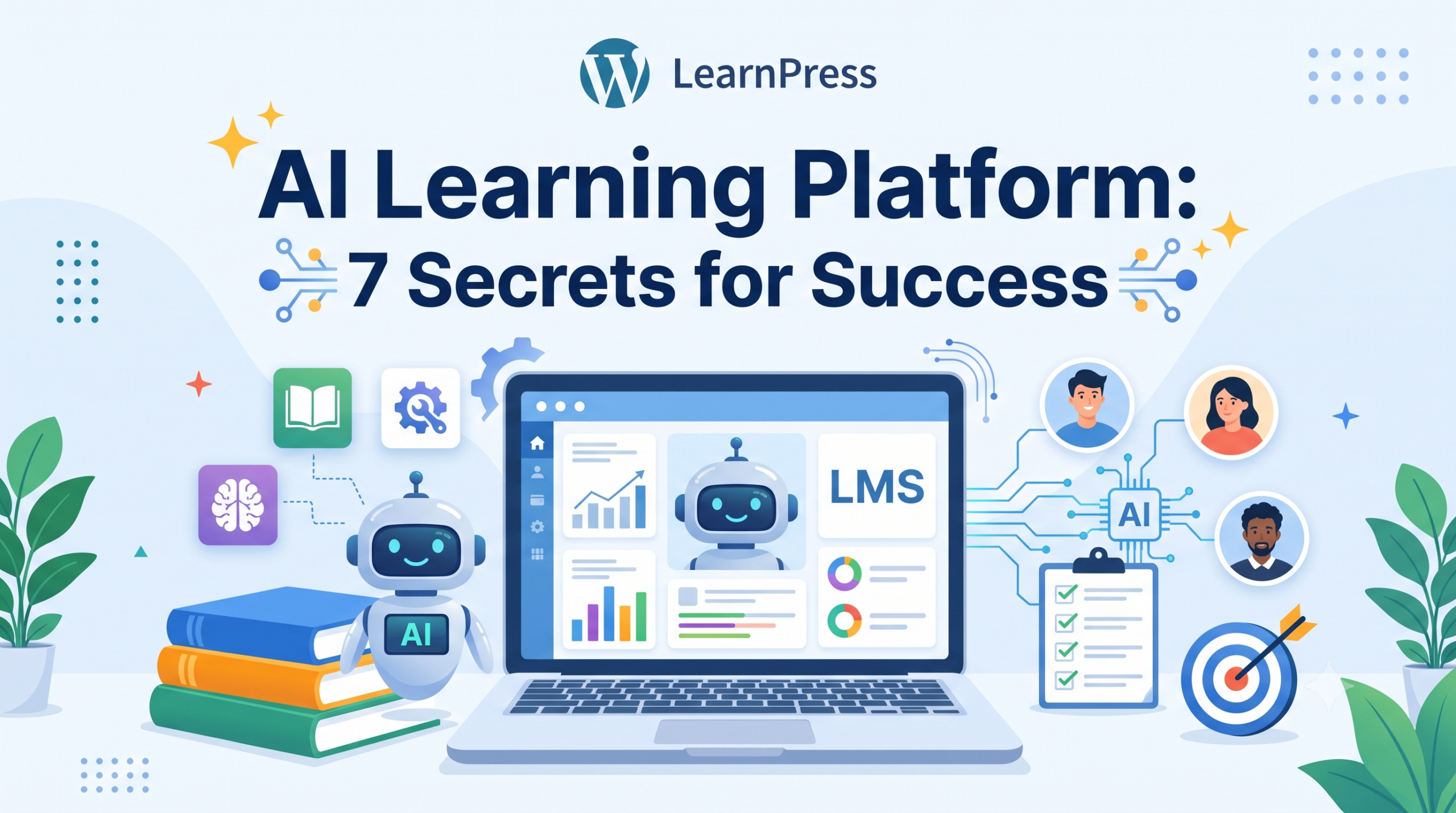
While students use AI to understand homework and practice new skills, teachers can use AI to create structured learning materials. LearnPress AI helps educators build online courses on WordPress by generating course outlines, lessons, quiz questions, and images. It is worth exploring if you want to turn your teaching expertise into an online course.
LearnPress – WordPress LMS Plugin
We provide an amazing WordPress LMS plugin to create & sell online courses. Let’s find out!
Try NowTable of Contents
What makes the best AI for homework
The best AI for homework explains its steps, adapts to the student’s level, and respects school rules. Speed matters less than whether the student can repeat the work alone afterward. Use the three checks below before you pick a tool.
It teaches the method
A good tool shows its reasoning step by step and asks questions back. A tool that only pastes a final answer trains students to copy. Look for modes called guided learning, tutor mode, or hint-only mode. These are built to slow the student down in a useful way.
It protects student data
Read the privacy policy before a student signs up. Many general chatbots set a minimum age, often 13, and some ask for parental consent for users under 18. In the US, schools also need to think about FERPA and COPPA when students share personal details. Students should never paste full names, grades, or health information into a public tool.
It matches your school’s policy
Some schools allow AI for brainstorming but not for drafting. Others ban it for graded work. Read the policy first. If it is unclear, ask the teacher and keep the reply. A tool that is fine in one class may be off limits in another.
Best AI for school work: top tools compared
The best AI for school work depends on the subject, the age of the student, and whether the school allows the tool. The table gives a quick view. Short notes on each tool follow.
| Tool | Best for | Free option | Main limit |
|---|---|---|---|
| ChatGPT | Explanations, writing feedback, study plans | Free tier with usage limits | Can state wrong facts with confidence |
| Claude | Long readings, essay feedback, careful explanations | Free tier with usage limits | Free usage caps; needs clear prompts |
| Google Gemini | Research and Google Docs or Classroom workflows | Free with a Google account | School account rules vary |
| Khanmigo | Guided tutoring in math, science, and writing | Free for teachers in some regions; families pay | Narrower scope than general chatbots |
| Photomath | Step-by-step math help | Free basic steps | Math only |
| Quizlet | Flashcards and practice tests | Free tier | Some study modes need a paid plan |
Pricing and availability change often, so treat the “free option” column as a starting point and check each site.
ChatGPT
ChatGPT works well as a patient explainer. A student can ask for the same idea three ways, from simple to advanced. It is also strong for outlining and quiz practice. The risk is that it can sound sure when it is wrong, so every fact needs a second source.
Claude
Claude handles long texts well, which helps with set readings and essay drafts. Students can paste their own paragraph and ask for feedback on structure instead of a rewrite. As with any chatbot, the answer is only as good as the prompt, and facts still need checking.
Google Gemini
Gemini is useful for students who already live in Google Docs and Google Classroom. It can summarize notes and suggest study questions. School-managed accounts often have different rules from personal accounts, so check with your school’s IT team.
Khanmigo
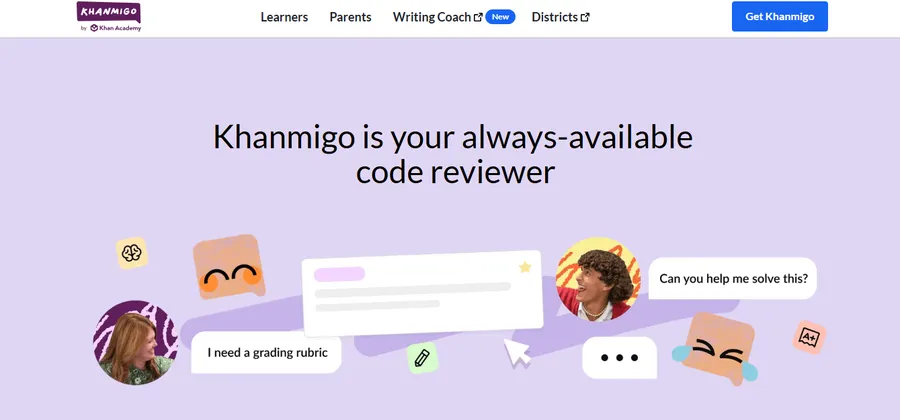
Khanmigo from Khan Academy is built as a tutor. It tends to ask guiding questions instead of handing over answers, which suits students who want to learn the method. Its scope is narrower than a general chatbot, but that focus is the point.
Photomath
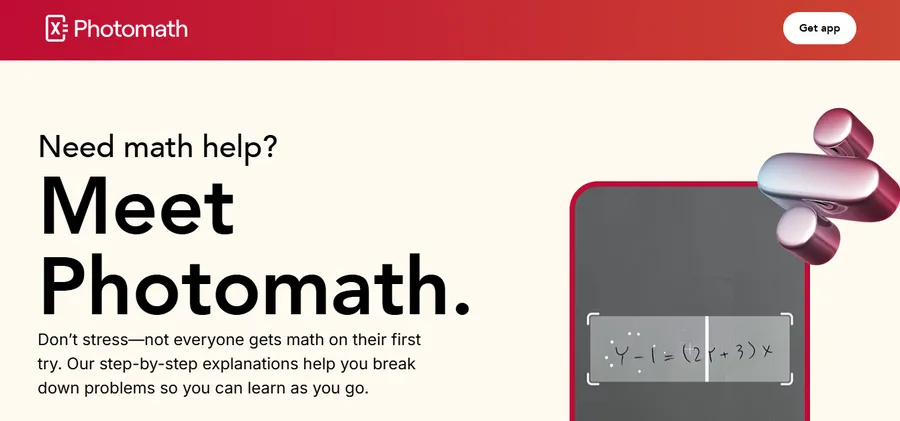
Photomath breaks a math problem into steps, which helps students see where they got stuck.
Quizlet
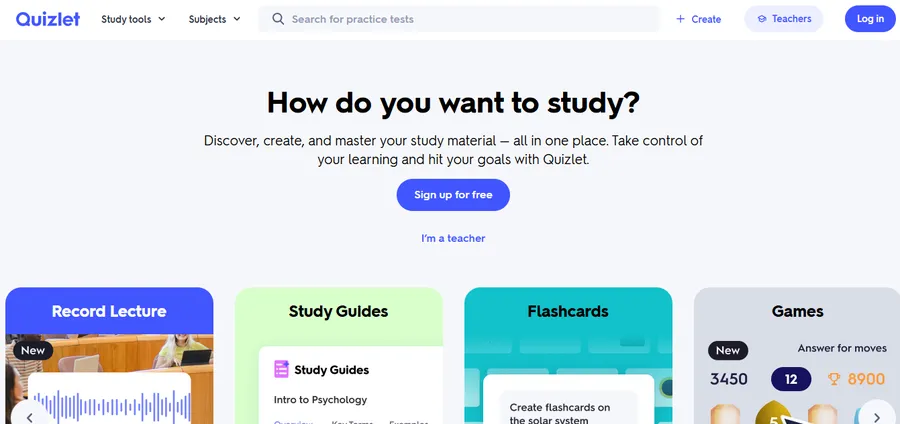
Quizlet turns notes into flashcards and practice tests. Neither tool writes essays, so they are lower risk for academic honesty when used as study aids.
How students can use AI for homework the right way
Students get the most from AI for homework when they treat it like a tutor, not a ghostwriter. The habits below keep learning intact and keep students out of trouble.
Ask for hints before answers
Try the problem first. If you get stuck, ask for one hint, then try again. Only ask for the full worked solution after you have made a real attempt. This keeps your brain doing the hard part.
Verify every important fact
Check dates, formulas, quotes, and sources in your textbook or a trusted site. AI tools can invent references that look real. If a source cannot be found, do not use it.
Use prompts that build understanding
These prompts push the tool toward teaching:
- “Explain this concept as if I am in grade 8, then quiz me with three questions.”
- “Here is my answer. Do not fix it. Tell me where my reasoning breaks down.”
- “Give me a hint for step two only.”
Be open with your teacher
If AI helped with an assignment, say how. A short note such as “I used AI to check my outline and to explain the formula” builds trust. Many teachers are happy to allow limited use when students are honest about it.
AI for teachers free: save planning time
Teachers do not need a big budget to benefit from AI. Several tools offer free plans that cover everyday planning, and AI for teachers free options are now easy to find. The main task is picking one or two and learning them well.
Free tools worth trying
- MagicSchool: lesson plans, rubrics, and parent emails from short prompts. It has a free plan with limits.
- Diffit: adapts a reading passage to different reading levels and builds questions from it. A free tier is available.
- Brisk Teaching: a browser extension that gives feedback and creates materials inside Google Docs and Slides. It has a free tier.
- Khanmigo for teachers: lesson ideas and student-facing tutoring tools, free to teachers in some regions.
- Gemini or ChatGPT free tiers: good for brainstorming activities, writing exit tickets, and drafting quiz questions.
Free tiers change, so verify the current limits before you plan a unit around any of them.
A simple weekly workflow
- Pick one repetitive task, such as writing exit tickets or differentiating a reading.
- Write a prompt with grade level, topic, length, and standard.
- Edit the output so it matches your class and your voice.
- Save the prompt that worked in a shared document.
- Review what saved time after two weeks and drop what did not.
Always read the output closely. AI drafts can contain errors, bias, or content that does not fit your students.
AI for special education teachers: support without losing the human touch
AI for special education teachers can reduce the heavy load of adapting materials, but it must be used carefully. The goal is to free time for direct support, not to replace professional judgment or the IEP team.
Differentiating materials faster
Special education teachers often rewrite the same text at several reading levels. Tools like Diffit and MagicSchool can produce a first draft in seconds. You can ask for shorter sentences, visual cues, sentence starters, or a vocabulary list with simple definitions. Then you refine the draft for the actual student.
Built-in accessibility tools
Not every helpful tool is a chatbot. Microsoft’s Immersive Reader and similar read-aloud features support students with dyslexia or attention needs. Speech-to-text helps students who struggle with writing, and text-to-speech helps with long readings. Many of these are built into school devices and cost nothing extra.
Keep privacy and compliance first
Never paste names, diagnoses, or evaluation details into a public AI tool. Remove identifying information and describe the need in general terms, for example “a grade 4 student who needs sentence frames for paragraph writing.” Follow your district’s rules on IDEA and FERPA. AI can help draft goal wording, but a qualified team must check it against real assessment data. Using AI for special education teachers works best as a drafting aid, not a decision maker.
AI powered authoring tools for lessons and courses
If you want to turn your lessons into a structured online course, AI powered authoring tools can remove the blank-page problem. This matters for tutors, schools, and teachers who want to publish on their own site instead of relying on a third-party platform.
LearnPress AI
LearnPress is a free WordPress LMS plugin, and its AI features are aimed at instructors who build courses on their own site. According to the LearnPress documentation, the AI Course Builder generates a full course structure and content using OpenAI, and starts with a Course Goal step where you define the audience and objectives. The tool can draft course descriptions, lessons, quiz questions, and images. Per LearnPress, lessons created by the generator become real WordPress post types, categorized and assigned to the course, and you can connect your own OpenAI API key. You stay in control: edit every lesson before you publish.
A practical way to start is to enter your topic, grade level, and goals, review the generated outline, and then rewrite each lesson in your own voice. That keeps the speed of AI while keeping your expertise at the center.
Eduma theme for education sites
LearnPress works with many themes, and Eduma from ThimPress is one built for education sites. Its WordPress.org listing says Eduma offers more than 50 demos and works with the LearnPress LMS plugin. For a school, tutoring brand, or teacher who wants a course site with a ready layout, pairing Eduma with LearnPress saves design time. You can then use the AI features inside LearnPress to fill the courses with first drafts.
When you do not need an authoring tool
If you only need a worksheet or a quick quiz, the free tools above are enough. A full authoring setup makes sense when you want a branded course site, student accounts, quizzes, and progress tracking in one place. Start small: build one course, test it with a few students, and expand if it works.
Risks to watch before you rely on AI
AI tools save time, but they come with limits that every student and teacher should understand. A few habits reduce most of the risk.
Wrong or made-up answers
AI can produce confident mistakes, especially in math, history dates, and citations. Treat every output as a draft. Cross-check with class notes or a trusted source.
Over-reliance
If a student asks AI for every answer, skills do not grow. Set simple rules, such as “attempt first, then ask for a hint.” Teachers can support this by grading the process, such as notes and drafts, and not only the final answer.
Unreliable AI detectors
Detection tools can flag honest work and miss AI text, so they should never be the only evidence in a misconduct case. A short conversation about how the student produced the work is usually more reliable.
FAQs about AI for homework
Is it cheating to use AI for homework?
It depends on the school and the assignment. Using AI to explain a concept or check your reasoning is often allowed, while submitting AI-written work as your own usually is not. Read your school’s policy and ask your teacher when in doubt.
Can teachers tell if students used AI?
Sometimes, but not with certainty. Teachers often notice a sudden change in writing style or a lack of understanding when asked follow-up questions. Detection software is not fully reliable, so many schools rely on drafts, in-class writing, and short discussions instead.
Can AI do math homework accurately?
AI can solve many math problems and show steps, but it still makes errors, especially on multi-step or word problems. Use it to understand the method, then check the result by hand or with a calculator. Tools built for math, such as Photomath, tend to be more reliable than general chatbots for routine problems.
What age can children use AI chatbots?
Most general chatbots set a minimum age of about 13, and many require parental permission for users under 18. Education-focused tools may offer school-managed accounts for younger students. Check each tool’s terms and your school’s rules before a child signs up.
Conclusion
The best AI for homework is the one that helps a student think, not just finish. Pick a tool that explains steps, protects data, and fits your school’s rules, then use it for hints, practice, and feedback. Teachers can start with free planning tools and use accessibility features for students who need extra support. If you want to go further and publish your own lessons, AI powered authoring tools such as LearnPress AI, paired with the Eduma theme, give you a fast way to build a course on your own WordPress site. Whatever you choose, check the output, stay transparent, and keep the human teacher at the center.
Read more: How to Use a Grade Calculator Points System?