An AI chatbox is the small chat window on a website that answers visitor questions instantly, using artificial intelligence instead of a fixed script. If you run a blog, a store or an online course site, it can handle repeat questions around the clock and free up your time.
This guide compares six popular AI chatbot solutions, with the features, pros, cons and pricing you need to choose one with confidence.
LearnPress – WordPress LMS Plugin
We provide an amazing WordPress LMS plugin to create & sell online courses. Let’s find out!
Try NowTable of Contents
What is an AI chatbox?
An AI chatbox is a chat widget that uses a language model to understand a visitor’s question and write a helpful answer in real time. Unlike older rule-based bots, it does not depend on a fixed list of buttons and keywords.
How an AI chatbox works
Most tools follow the same pattern. You connect your content, such as web pages, PDFs or a help centre. The tool stores it in a knowledge base. When a visitor types a question, the chatbot searches that knowledge base and builds a reply from it. If the question is too hard, a good tool passes the chat to a human.
Why site owners use one
A chat AI chatbot saves time on repeat questions about pricing, delivery, refunds or course access. It also keeps visitors on the page longer, because they get an answer without waiting for an email reply. For online schools and WordPress shops, that often means fewer support tickets and more completed sign-ups.
How we compared these tools
We compared each tool on the same five points: ease of setup, quality of AI answers, human handoff, integrations and real cost. Pricing was checked against vendor pricing pages and recent independent pricing reviews in October 2026.
Prices in this space change often. Several vendors, including Botpress and Tidio, have changed their billing models in the last year. Treat every price below as a guide, and confirm it on the vendor’s own page before you pay.
6+ best AI chatbox tools at a glance
The table below gives a quick view of the six tools. Detailed reviews follow right after it.
| Tool | Best for | Free plan | Paid plans from | Setup effort |
|---|---|---|---|---|
| Tidio | Small stores and live chat plus AI | Yes | About $29 per month | Low |
| Chatbase | Bots trained on your own content | Yes | $40 per month | Low |
| Botpress | Custom bots and developers | Yes | Around $79 to $150 per month, plus AI usage | High |
| Fin (formerly Intercom) | Support teams with high volume | No | $0.99 per resolution, plus seats | Medium |
| Landbot | Lead generation flows | Yes | About €40 per month | Medium |
| Voiceflow | Teams building multi-channel agents | Yes | $60 per month | Medium |
Tidio: best AI chatbot solution for small online stores
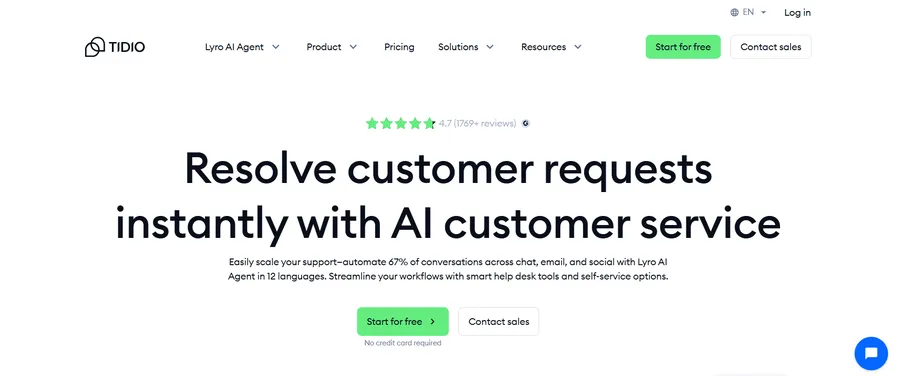
Tidio combines live chat, a visual automation builder and an AI agent called Lyro in one dashboard. It is a good first choice for small shops and service sites that want something working in an afternoon.
Tidio started as a live chat widget and added AI later. You install it with a short script or a plugin, then train Lyro on your help pages and product information. Visitors can chat with the bot, and your team can step in from the same inbox.
Key features
- Lyro AI agent that answers questions from your content
- Flows, a drag-and-drop builder for automations such as cart reminders
- Live chat with a shared team inbox
- Integrations with WordPress, WooCommerce and Shopify
- Support for website chat, email and social channels
Pros
- Quick setup with a friendly dashboard
- A free plan that lets you test the basics
- Strong fit for online stores
Cons
- Lyro has its own conversation quota, separate from the main plan
- Costs can rise quickly as your chat volume grows
Chatbase: best way to make a chatbot from your own content
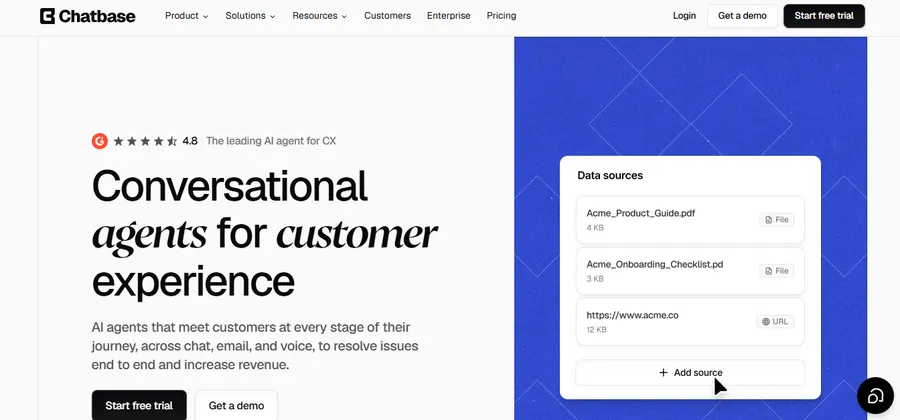
Chatbase lets you make a chatbot by uploading your website pages, files or text, then embedding the finished bot on your site. It is one of the simplest AI chatbot platforms for beginners.
You paste a link or upload a document, and Chatbase builds a bot that answers from that material. There is no flow chart to design. This suits course creators and bloggers who already have plenty of written content and want visitors to find answers faster.
Key features
- Training on websites, PDFs and plain text
- An embeddable chat widget with custom branding
- Choice of several AI models
- Conversation history and basic analytics
- Connections to common business tools
Pros
- Very fast to set up, often in minutes
- No coding or flow design required
- Clear plans for solo owners and small teams
Cons
- Pricing is based on message credits, so busy sites can run out
- Less control over step-by-step conversation flows than builders like Botpress
Botpress: best chatbot solution for developers and custom builds
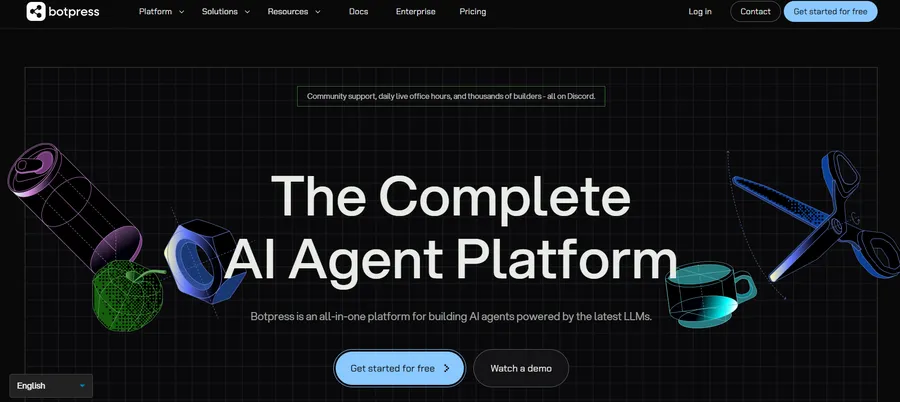
Botpress is a flexible platform for people who want full control over how their bot thinks and behaves. It rewards technical skill, but it takes longer to learn.
Botpress gives you a visual studio for designing conversations, plus the option to add your own code. Its roots are in open-source tools, and developers often prefer it for that reason. It can power customer support, lead capture and internal assistants.
Key features
- Visual drag-and-drop studio for building agents
- Knowledge bases that ground answers in your content
- Custom code and API connections
- Human handoff on paid plans
- Many channels, including web chat
Pros
- High flexibility for complex workflows
- A free tier that works for experiments
- Good choice if you have a developer on the team
Cons
- Steeper learning curve than Chatbase or Tidio
- AI usage costs sit on top of the base plan, so budgets are harder to predict
Fin (formerly Intercom): best AI chatbox for busy support teams
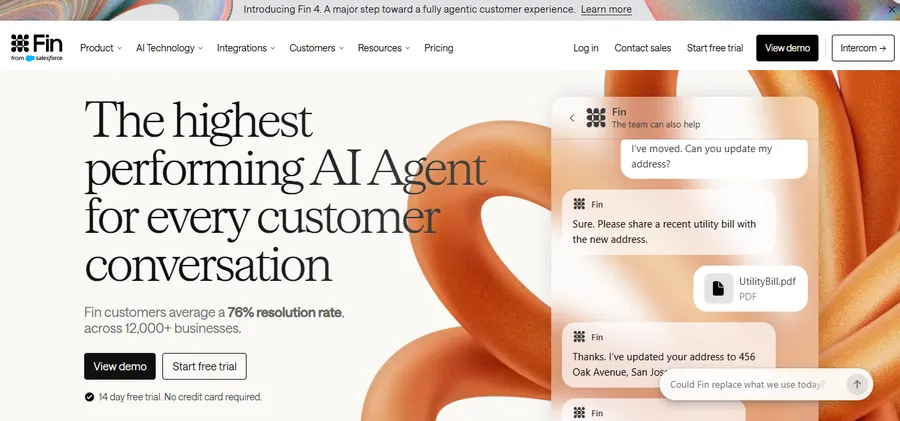
Fin is built for companies with a real support queue. It resolves a large share of questions on its own and charges you only when it succeeds.
Intercom renamed itself Fin earlier in 2026, and Salesforce signed an agreement in June 2026 to acquire the company. The Fin AI agent can run inside the Intercom helpdesk or sit on top of tools such as Zendesk. It is aimed at teams, not hobby sites.
Key features
- AI agent that resolves customer questions end to end
- Handoff to human agents with full conversation context
- Works with the Intercom inbox or other helpdesks
- Reporting on resolution rates
- Strong support for large help centres
Pros
- You pay for results, not for every chat
- Mature tooling for support operations
- Works well at high volume
Cons
- Costs are hard to forecast when volume changes
- Too heavy for a small blog or a single course site
Landbot: best chat AI chatbot for lead generation
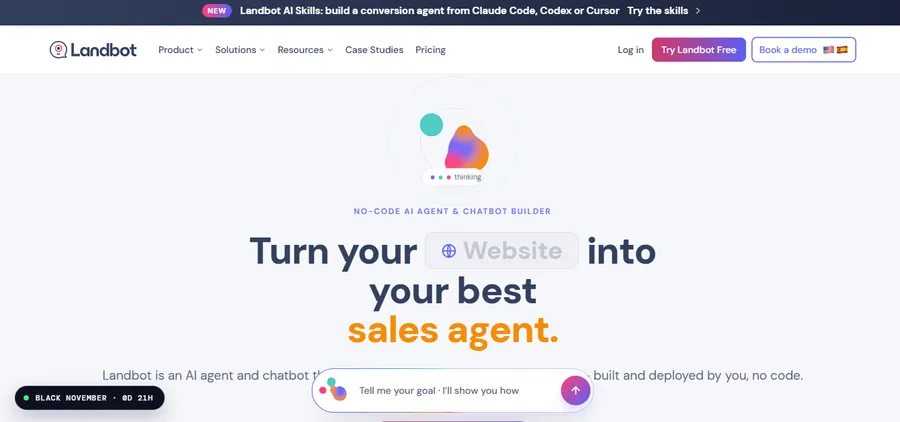
Landbot focuses on guided conversations that collect leads, book calls and qualify visitors. It is a strong pick if your main goal is sales rather than support.
Landbot uses a no-code builder where you drag blocks to design a conversation. It then adds AI assistants for answering questions and capturing leads. Marketing teams often use it on landing pages and in WhatsApp campaigns.
Key features
- No-code conversation builder
- AI assistants for lead generation and FAQs
- Web chat and WhatsApp options
- Integrations with CRMs and spreadsheets
- Team seats on higher plans
Pros
- Easy for marketers to use without a developer
- Good templates for lead forms and surveys
- Free plan for small tests
Cons
- WhatsApp access is sold as separate plans
- Prices are listed in euros and chat limits are fairly small on lower plans
Voiceflow: best AI chatbot platform for multi-channel agents
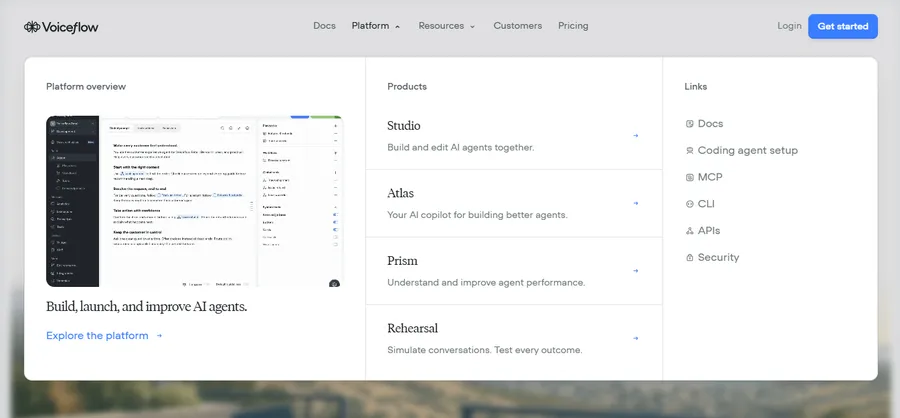
Voiceflow is a collaborative builder for chat and voice agents. It suits teams that design, test and improve conversations together.
Voiceflow lets designers, writers and developers work in one canvas. You can test an agent in the browser, connect it to your knowledge base and publish it to several channels. It is more of a build platform than a ready-made widget.
Key features
- Shared canvas for designing conversation flows
- Knowledge base support and API steps
- Chat and voice agent options
- Version history and testing tools
- Multiple AI model choices on paid plans
Pros
- Excellent for teams that collaborate on bot design
- Flexible enough for complex projects
- A free plan for early experiments
Cons
- Each extra editor adds to the monthly bill
- Usage credits can run out, so you should turn on auto top-ups
How to choose the right AI chatbot platform
The best tool depends on your goal, budget and skills. Start with what you want the bot to do, then match it to a platform.
Match the tool to your goal
If you sell products, Tidio is a natural fit. If you want visitors to ask questions about your articles or lessons, Chatbase is the quickest route. If you need lead capture, look at Landbot. If you have developers and complex needs, choose Botpress or Voiceflow. Large support teams should look at Fin.
Check the real cost
Look beyond the headline price. Ask how the tool bills AI usage, how many conversations are included and what happens when you hit the limit. Many AI chatbot solutions look cheap at first and grow expensive as traffic rises.
Review data and privacy rules
Your chatbot will handle visitor messages, so read the vendor’s privacy policy. Avoid putting passwords, payment details or private student records into a knowledge base. If you serve visitors in the EU, check where the vendor stores data.
How to add an AI chatbot to a LearnPress or Eduma site
If you run an online school on WordPress, an AI chatbot can help students get answers about courses, learning materials and other common questions. Instead of relying on a separate third-party chatbot, LearnPress users can explore the LearnPress AI Chatbot, designed to support their online learning experience.
LearnPress is a free WordPress LMS plugin for creating and selling online courses, while Eduma is an education WordPress theme from ThimPress that works seamlessly with LearnPress.
Use LearnPress AI Chatbot for your online courses
With LearnPress AI Chatbot, you can bring AI-powered assistance into your eLearning experience. It provides another way to support students as they navigate their courses and look for learning-related information.
If you are building an online school with LearnPress and Eduma, consider these benefits:
- AI-powered assistance: Give students access to AI support during their learning experience.
- Better learning support: Help learners find information and get assistance without relying entirely on instructors.
- Integrated LMS experience: Keep AI assistance connected to your LearnPress learning environment.
- Improved student experience: Make online learning more interactive and convenient.
If you want to explore how it works and what it can offer your online school, visit the LearnPress AI Chatbot page.
FAQs
Can I make a chatbot for free?
Yes. Tidio, Chatbase, Botpress, Landbot and Voiceflow all offer free plans, but each has tight limits on conversations or credits. A free plan is enough for testing on a small site. Expect to upgrade once real visitors start using the bot.
How long does it take to make a chatbot?
A simple bot trained on your own pages can go live in under an hour. Tools like Chatbase and Tidio are the fastest. Complex bots with custom flows, integrations and testing can take days or weeks.
Can an AI chatbox replace human support?
No, but it can handle the repeat questions. Most bots resolve simple queries well and struggle with unusual or emotional cases. Choose a tool with human handoff so a person can take over when needed.
Are AI chatbots safe for customer data?
They can be, if you choose a vendor with clear privacy terms and limit what you share. Check the vendor’s data storage location and retention rules. Never upload sensitive personal data into the bot’s knowledge base.
Conclusion
The right AI chatbox depends on your goal. Tidio suits small stores, Chatbase is the easiest way to train a bot on your own content, Botpress and Voiceflow reward builders, Landbot helps with leads, and Fin fits large support teams. Start with a free plan, test it on a few key pages and watch real questions before you pay. If you run a LearnPress or Eduma course site, a well-trained AI chatbox can give students quick answers while you focus on teaching.
Read more: 6+ Best AI for Homework: Tools for Students and Teachers