Picking the right LMS website builder decides how fast you can get a course online, how much control you keep over your data, and how much you pay once your student count grows past a handful of signups.
Some builders hand you a hosted platform with everything preset and locked to their servers. Others, like a WordPress LMS plugin, give you the same flexibility as a custom build without writing a single line of code.
This guide walks through ten solid options, compares them side by side in a single table, and explains when a ready-made builder is enough and when moving toward a more tailored setup actually pays off.
LearnPress – WordPress LMS Plugin
We provide an amazing WordPress LMS plugin to create & sell online courses. Let’s find out!
Try NowTable of Contents
What an LMS platform actually does
An LMS platform is software that lets you create courses, enroll students, collect payments, and track progress without hiring a development team. Most builders bundle a course editor, a student dashboard, quiz tools, and some form of payment gateway into one package, so a first course can go live in an afternoon rather than a month.
The difference between builders shows up once you look past the marketing page. A hosted platform stores your content and student data inside its own servers, and you pay a recurring fee no matter how small your course catalog stays. A self-hosted option, such as a WordPress plugin, keeps everything on a server you control and usually charges a one-time or annual license instead of a monthly cut of your revenue. After testing several of each type on live sites, the gap between the two only gets more obvious as enrollment grows: hosted fees climb with every new student, while a self-hosted install stays flat.
Key features worth checking before you sign up
Look for a drag-and-drop course builder, quiz and assignment support, certificate generation, and a gradebook that shows progress at a glance. Payment integration matters just as much: check whether the builder connects to Stripe, PayPal, or WooCommerce directly, since bolting on a payment processor after launch is usually harder than setting it up on day one. Mobile responsiveness is no longer optional either, since a large share of students now start a lesson on a phone during a commute and finish it on a laptop that evening.
It also helps to check how each platform handles content updates. Some builders force you to republish an entire course after a small edit, while others, including most WordPress LMS plugins, update a single lesson instantly without touching the rest of the course structure.
Building toward a tailored platform instead of a template
A ready-made builder gets a course live in a day. Building a fully custom platform from scratch takes longer but removes the ceiling on what it can do, from unique certification workflows to integrations with an existing HR or CRM system. Many teams start with a plugin-based setup on WordPress, because it gives most of the ownership of a fully custom solution while skipping months of development time and budget.
How these ten platforms were evaluated
Each platform below was reviewed on five points: how long setup takes for a first course, how the pricing model behaves as enrollment scales, how much design and workflow freedom the platform allows, whether payments and certificates work out of the box, and how the platform performs on mobile. Pricing figures reflect published rates as of 2026 and can shift, so check each vendor’s current pricing page before committing to a plan.
The top 10 LMS website builder options in 2026
Here are ten platforms worth testing, based on course capacity, pricing structure, and how much control you keep over the finished site.
1. LearnPress
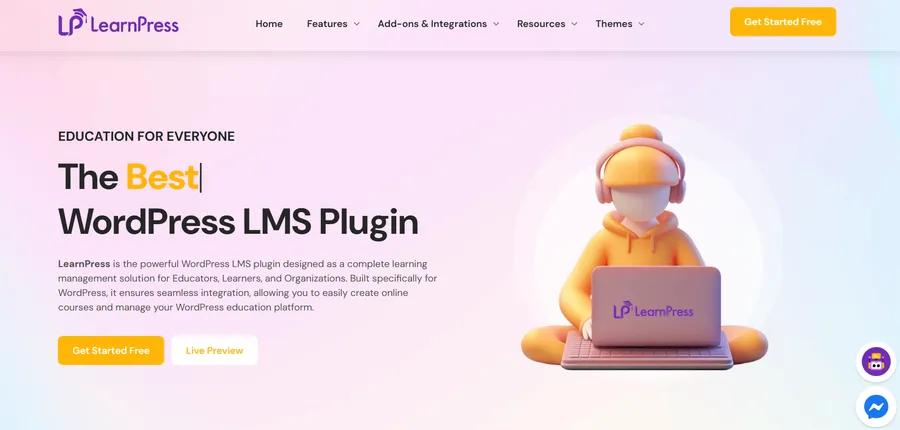
LearnPress is a WordPress plugin built for site owners who want the flexibility of a custom-built course platform without paying a monthly platform fee. It runs entirely on your own WordPress install, so course content, student records, and payment data stay on servers you control instead of a third party’s.
The core plugin is free, and official add-ons cover certificates, course bundles, WooCommerce payments, and content dripping for teams that need more structure as their catalog grows. Activating LearnPress on a fresh WordPress install takes only a few minutes, and the first course can be built and published the same day using the built-in curriculum builder. For anyone already comfortable with WordPress, it is one of the fastest paths from an empty site to a working course platform, and it remains one of the most cost-effective ways to run a serious course business long term.
2. TalentLMS
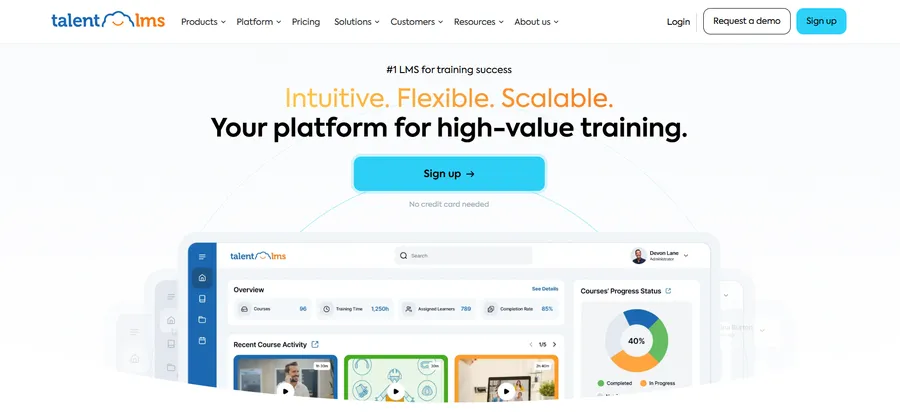
TalentLMS is a cloud-hosted option aimed at corporate training rather than public course sales. Setup takes under an hour, and the interface favors HR teams running onboarding programs over solo course creators building a public catalog. Pricing scales by active user count, which works well for a fixed employee base but gets expensive quickly for a public-facing course business with growing enrollment.
3. Thinkific

Thinkific targets creators who want a hosted, all-in-one course site without touching a plugin or theme setting. The course builder is straightforward, and the built-in sales page tools handle basic marketing without extra software. The tradeoff is a monthly fee on every plan and a transaction cut on the lowest tier, plus more limited design flexibility compared with a self-hosted site.
4. Teachable
Teachable is close in spirit to Thinkific, with a stronger focus on selling cohort-based courses and coaching packages. Payment processing is built in, and the checkout flow is polished enough that most creators skip a separate payment plugin entirely. Like Thinkific, customization stays inside the templates the platform provides, so a highly branded site takes more workaround effort than it would on a WordPress-based install.
5. LearnDash
LearnDash is another WordPress LMS plugin, positioned toward larger course businesses and membership sites that need advanced drip content and prerequisite rules out of the box. Pricing runs higher than most WordPress plugin alternatives, and some features that come free elsewhere sit behind paid add-ons.
If you’re deciding between these two platforms, see our LearnPress vs LearnDash comparison for a detailed breakdown of features, pricing, integrations, and ease of use. LearnPress vs LearnDash
6. Tutor LMS
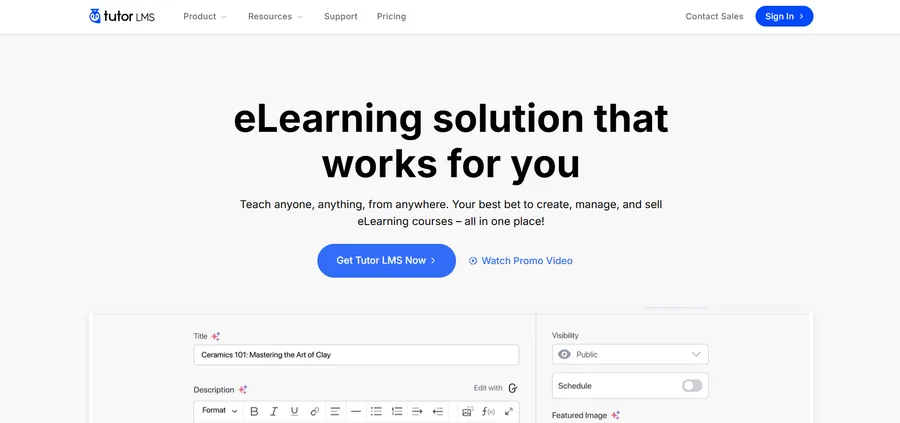
Tutor LMS is a WordPress plugin with a frontend course builder aimed at instructors who prefer working outside the WordPress dashboard. The free version covers the basics well, while the pro tier adds content drip, prerequisites, and a certificate builder. It sits in similar territory to LearnPress, and the right pick between the two usually comes down to interface preference and which specific add-ons a course actually needs.
For a detailed feature-by-feature breakdown, check out our LearnPress vs Tutor LMS comparison.
7. Moodle
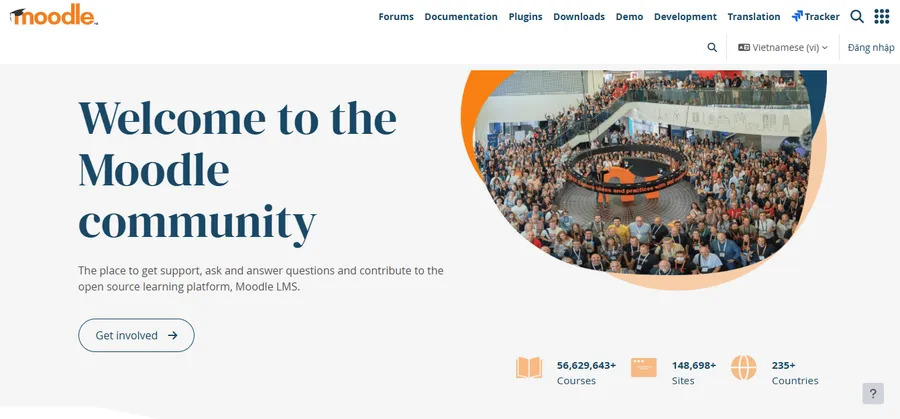
Moodle is an open-source LMS used heavily by universities and large training departments. It is free to self-host, but running it well requires server management skills or a paid Moodle hosting partner, which pushes the real cost higher than the license price suggests. It fits institutions with dedicated IT support more than solo creators launching a first course.
8. Docebo
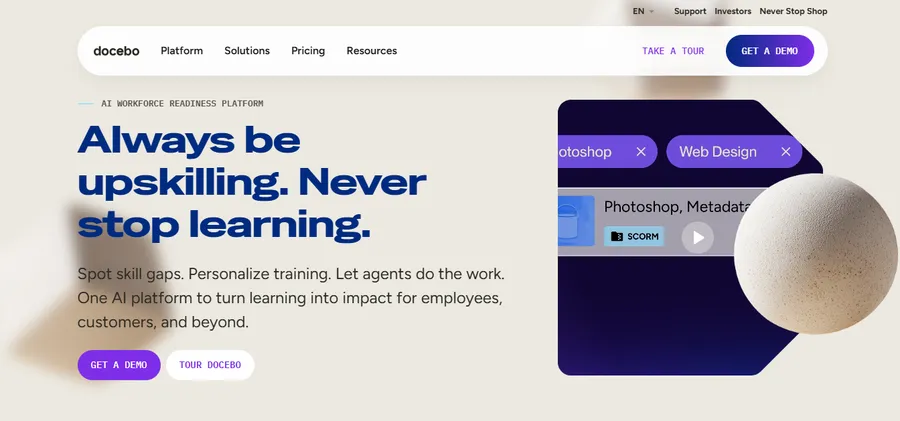
Docebo is an enterprise LMS built for large corporate training programs with AI-assisted content recommendations and detailed compliance tracking. Pricing is quote-based and generally out of reach for small teams, but for a company training thousands of employees, the automation saves real administrative time across departments.
9. Kajabi
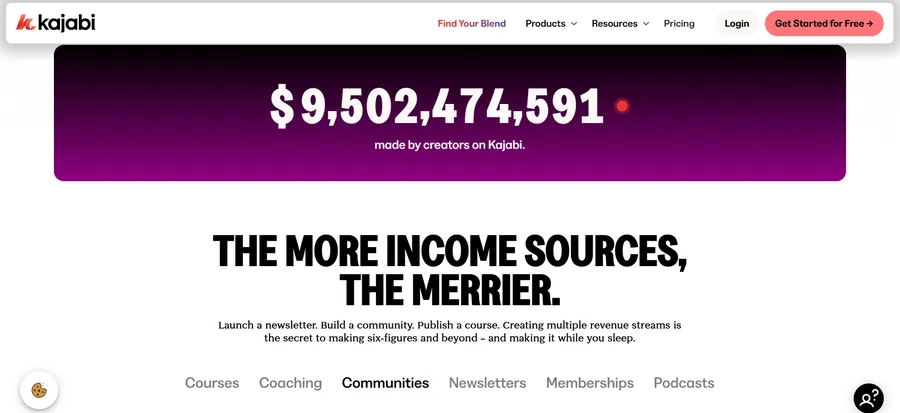
Kajabi bundles a course builder with email marketing, a website builder, and a sales funnel tool in one subscription. It suits creators who want a single tool for the entire business rather than stitching a course platform to separate marketing software. The all-in-one convenience comes with one of the higher price points on this list.
10. iSpring Learn
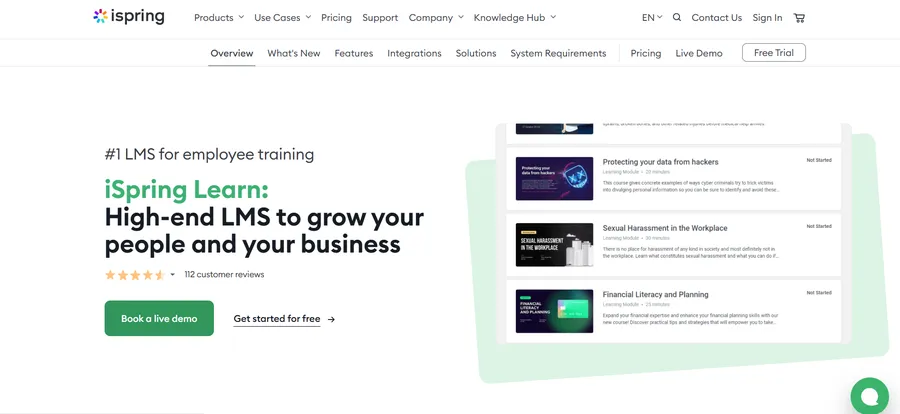
iSpring Learn pairs a cloud LMS with the iSpring Suite content authoring tools, making it a strong pick for teams that already build SCORM-based training content. It handles compliance training and certification tracking well, though it leans more corporate than creator-focused in both pricing and feature set.
Comparing the top LMS platforms
| Platform | Hosting type | Pricing model | Best for |
| LearnPress | Self-hosted (WordPress) | Free core, paid add-ons | Cost-effective course sites on your own domain |
| TalentLMS | Cloud-hosted | Per active user | Corporate onboarding |
| Thinkific | Cloud-hosted | Monthly subscription | Solo course creators |
| Teachable | Cloud-hosted | Monthly subscription | Cohort courses and coaching |
| LearnDash | Self-hosted (WordPress) | One-time/annual license | Membership course sites |
| Tutor LMS | Self-hosted (WordPress) | Free core, paid pro tier | Frontend course creation |
| Moodle | Self-hosted or managed | Free, hosting costs extra | Universities and institutions |
| Docebo | Cloud-hosted | Quote-based | Enterprise compliance training |
| Kajabi | Cloud-hosted | Monthly subscription | All-in-one creator business |
| iSpring Learn | Cloud-hosted | Per user, annual | SCORM-based corporate training |
When a tailored build makes more sense than a template
A ready-made builder covers most course businesses, but some situations call for custom LMS solutions instead of an off-the-shelf template. If your training program needs to talk to an existing HR system, enforce a compliance workflow unique to your industry, or handle enrollment logic no plugin supports out of the box, a fully custom platform removes those limits entirely.
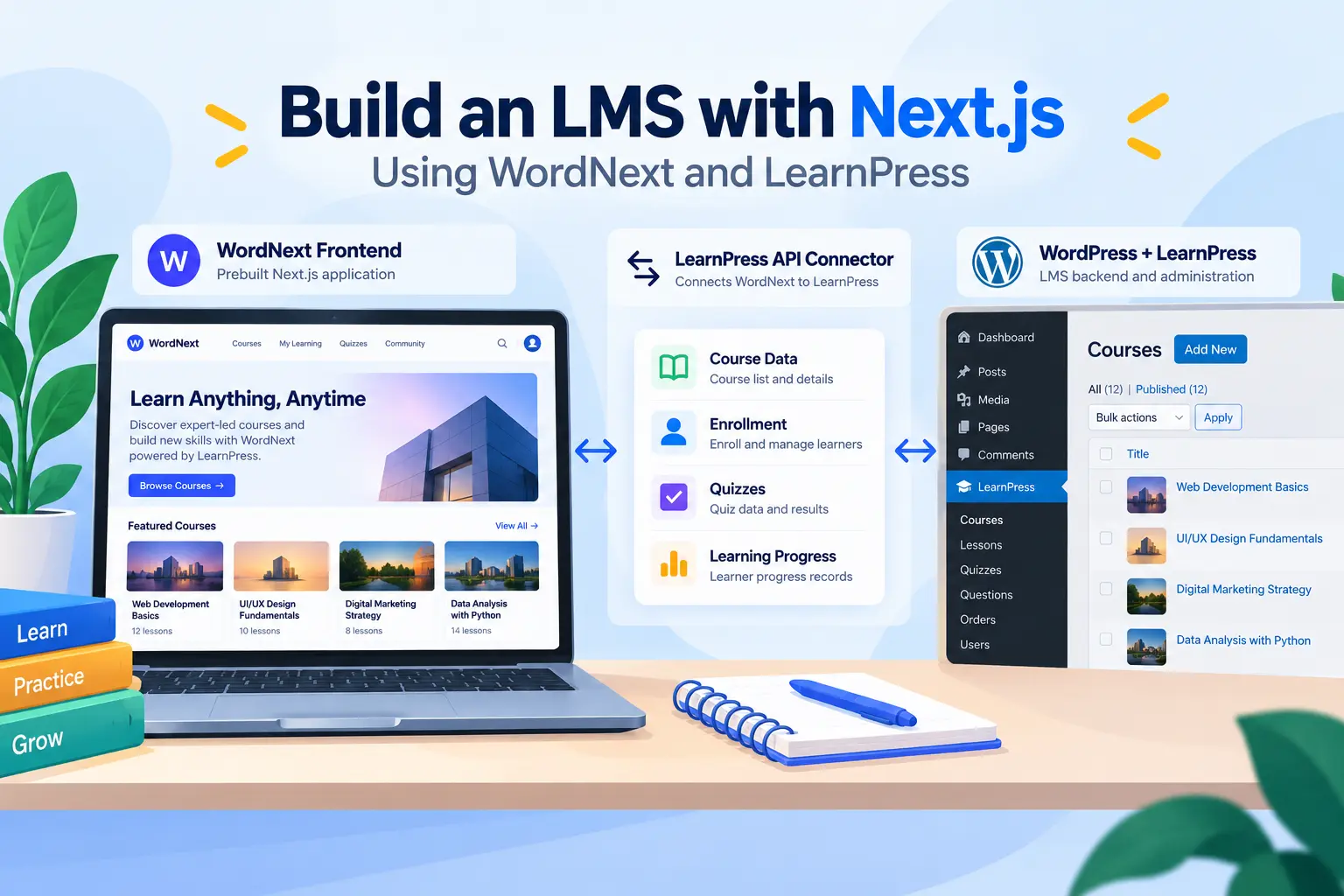
The middle ground that most growing businesses land on is a custom built LMS on top of WordPress. Building on a plugin like LearnPress gives a development team a working course engine to extend, rather than starting a learning platform from a blank codebase. That approach usually costs a fraction of building a fully custom platform from the ground up, while still leaving room to add the specific features a generic hosted platform will not support, such as custom certification logic or a bespoke enrollment flow tied to an external database.
How to choose the right LMS platform for your project
Start with where your data needs to live. If keeping full ownership of student records and course content matters, a self-hosted WordPress LMS plugin fits better than a cloud platform that stores everything on its own servers with no direct database access for you. Next, check the pricing model against your expected student count: platforms that charge per active user get expensive as enrollment grows, while a self-hosted plugin with a flat license cost stays predictable no matter how large the course catalog becomes.
Finally, test the course builder itself before committing to a full migration. Create a sample lesson, add a quiz, and check how certificates generate and how the gradebook records results. A platform that feels clumsy during a five-minute test rarely improves once real course content and hundreds of students are involved, and switching platforms later means re-importing every lesson, quiz question, and student record from scratch.
FAQs
Is a WordPress LMS plugin better than a hosted course platform?
It depends on how much control you want over your data and design. A WordPress LMS plugin like LearnPress keeps everything on your own hosting and avoids recurring per-student fees, while a hosted platform trades that control for a faster initial setup and less server maintenance on your end. If you want to use LearnPress with less server setup and maintenance, LearnPress Cloud offers a managed option with WordPress, LearnPress, and hosting already set up.
How much does an LMS platform cost?
Costs range from free, self-hosted plugins with paid add-ons to enterprise platforms that charge per active user and can run into thousands of dollars a month. WordPress-based options like LearnPress or Tutor LMS typically cost the least over time since there is no recurring platform fee tied directly to enrollment numbers.
Can I switch from a hosted LMS to a self-hosted one later?
Yes, though migrating course content, quiz data, and student records takes planning, since each platform stores data in a different format. Exporting content early and testing the import process on a staging site before the full migration avoids losing progress data for students who are already partway through a course.
Do I need a fully custom platform if I am just starting out?
Most new course creators do not need a fully custom build at the start. A WordPress LMS plugin or a hosted builder covers the core needs of course delivery, and investing in a custom build only pays off once specific integrations or workflows outgrow what an existing plugin supports.
Conclusion
The right lms website builder comes down to how much control over data and design your course business needs, and how your budget scales as enrollment grows. Hosted platforms like Thinkific, Teachable, and Kajabi get a course live fast but carry an ongoing subscription tied directly to your success. WordPress LMS plugins, including LearnPress, deliver the same core course tools while keeping content on servers you own, with a cost structure that stays flat instead of climbing with every new student. For most course creators weighing long-term cost against flexibility, starting with a self-hosted plugin and moving toward a fully custom setup only once the business genuinely needs it is the more sustainable path.