Shopping for an LMS without a structured comparison framework is like buying a car by test-driving one model and then guessing about the rest. You end up with a gut feeling instead of a defensible decision your stakeholders can stand behind.
This learning management system comparison matrix gives you exactly what buyers need: a side-by-side look at seven leading LMS vendors, evaluated across the features that actually matter in day-to-day use.
Whether you are moving from a spreadsheet-driven training program or replacing a platform your team has quietly stopped using, the tables and breakdowns below will help you identify which system fits your learners, your budget, and your technical environment.
The platforms covered are LearnPress, Moodle, Canvas by Instructure, TalentLMS, Docebo, Absorb LMS, and LearnDash. Together they span open-source, cloud-native, and WordPress-based deployments, so the matrix reflects the full range of options a real buyer encounters when running a serious LMS evaluation.
Pricing figures are verified as of mid-2026. Where vendors do not publish list pricing, figures reflect benchmarks from independent review platforms and analyst sources. Always request a direct quote before finalizing your budget, since most enterprise-tier platforms negotiate meaningfully from their opening position.
LearnPress – WordPress LMS Plugin
We provide an amazing WordPress LMS plugin to create & sell online courses. Let’s find out!
Try NowTable of Contents
What Features Belong in a Solid LMS Comparison Matrix
Before you open a spreadsheet or schedule a demo, you need to agree internally on which features actually matter to your use case.
The LMS market is crowded, and nearly every vendor claims to support every capability on your checklist.
The criteria below separate the core capabilities that every platform must get right from the differentiating features that separate an adequate tool from a genuinely useful one.
Course creation and content management
Every platform on this list lets you build courses, add lessons, and organize content into structured sequences.
What varies dramatically is the builder experience. Drag-and-drop builders with live preview (LearnPress, TalentLMS, LearnDash) feel entirely different from the traditional form-based authoring you’ll encounter in older Moodle configurations. If your team is building 50 or more courses per year, a few extra clicks per lesson translates to hours of lost time per month.
Beyond the builder, check how each platform handles content versioning, bulk upload, and multi-instructor setups. The moment you scale beyond a single course creator, you need role-based permissions that let instructors edit their own content without touching anyone else’s.
Assessment, certification, and compliance tools
Quizzes and certificates are table stakes across every platform in this matrix. The differentiators are question randomization, time-limited attempts, proctoring integrations, and automatic certificate issuance when a learner crosses a completion threshold.
For compliance-heavy industries, specifically healthcare, finance, and manufacturing, also verify whether the platform supports recurring certification cycles, expiry date tracking on issued certificates, and audit-ready completion reports. Missing any of those three features typically disqualifies a platform at the procurement stage for regulated industries.
Reporting and analytics depth
Bare-minimum reporting tells you who completed what. Advanced reporting tells you why learners are dropping out at a specific lesson, which quiz questions have a below-average pass rate, and which departments are trailing on their mandatory training targets.
Platforms like Docebo and Absorb LMS produce dashboards an L&D manager can hand directly to a VP without any manual data cleanup. Moodle’s core reporting is functional but basic; meaningful analytics usually require a plugin or an external business intelligence connection. For teams going that route, it helps to review Power BI data analysis best practices before connecting an LMS export into an existing reporting stack. LearnDash and LearnPress provide progress tracking and gradebooks natively, with more advanced reporting available through add-ons.
Integration ecosystem
No LMS operates in isolation. You need it to connect with your HR system, CRM, video conferencing tools, payment gateways, and single sign-on provider. The platforms in this comparison vary significantly in how they approach integrations.
Cloud-native platforms (TalentLMS, Docebo, Absorb LMS) offer pre-built connectors to Salesforce, BambooHR, Zoom, and Microsoft Teams. WordPress-based options (LearnDash, LearnPress) rely on the WordPress plugin ecosystem, which provides near-unlimited extensibility but requires more hands-on configuration.
SCORM and xAPI compliance
If you’re buying or building eLearning content in tools like Articulate Storyline, Adobe Captivate, or iSpring Suite, your LMS must support SCORM 1.2, SCORM 2004, or xAPI (Tin Can). Nearly every platform on this list handles SCORM 1.2 without any additional setup. xAPI support and Learning Record Store (LRS) integration are less consistent and matter most to organizations running blended or offline learning programs.
The 7 Leading LMS Vendors in This Comparison
Here is a quick orientation to each platform before we look at the full comparison matrix. These profiles are intentionally concise; the tables in the sections below give you the side-by-side data.
LearnPress
LearnPress is a free WordPress LMS plugin developed by ThimPress. Its core plugin is available at no cost from WordPress.org and supports unlimited courses, lessons, and quizzes without any license requirement.
The Semi-Pro Bundle ($149, renewing at $104) adds five essential premium add-ons: Assignments, Gradebook, Certificates, WooCommerce, and Stripe. The Pro Bundle ($299, renewing at approximately $209) unlocks all 25-plus premium add-ons.
LearnPress powers thousands of academic institutions and training sites around the world, and it’s especially well-suited for educators, small academies, and WordPress site owners who want to keep their LMS on the same platform as their website without committing to a recurring cloud subscription.
Moodle
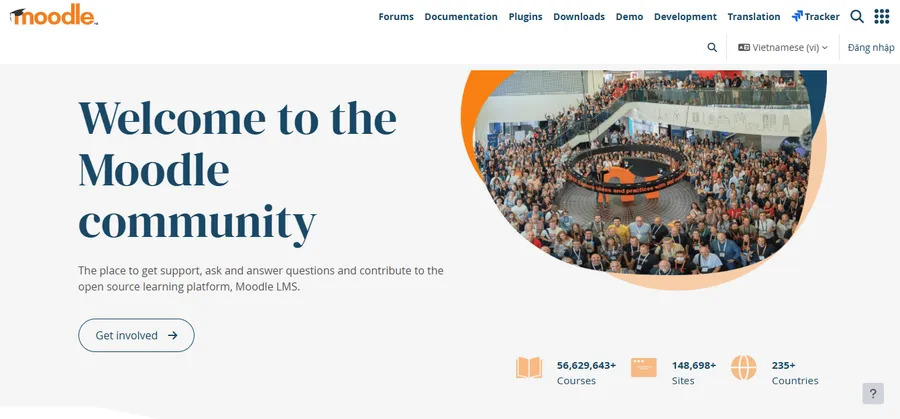
Moodle is the world’s most widely deployed LMS by raw installation count. It is open source under the GNU GPL license, meaning the software costs nothing to download and self-host. MoodleCloud, the official hosted version, starts at approximately $160 per year for up to 50 users and scales to roughly $2,160 per year for 750 users.
Moodle Workplace, the enterprise product, is sold through certified Moodle Partners and typically runs into the tens of thousands of dollars annually. Moodle’s breadth is its defining strength; its setup complexity is the primary reason organizations with small IT teams look elsewhere.
Canvas by Instructure
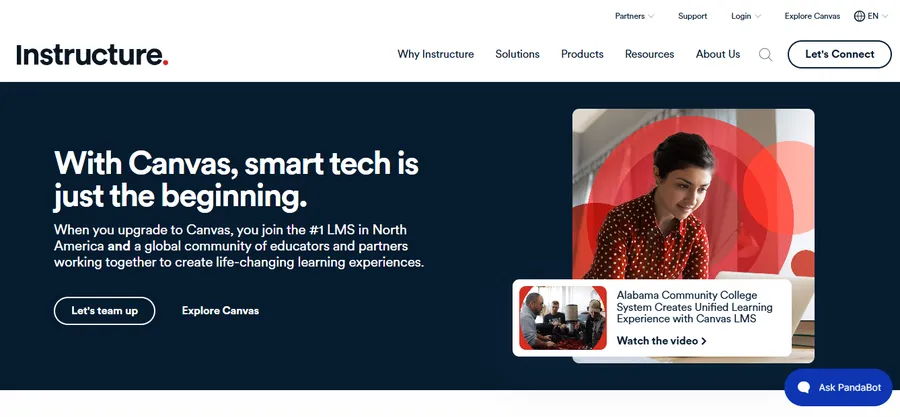
Canvas dominates higher education LMS contracts in the United States and is expanding into corporate training through Bridge, its business-focused product. Institutional pricing is not published. Most institutions pay between $5 and $30 per student per year under a negotiated contract, with small institutions typically spending $25,000 to $75,000 annually.
A free version exists for individual teachers. Canvas stands out for its SpeedGrader workflow, its open API with over 400 documented endpoints, and an extensive library of LTI-certified integrations.
ProProfs Training Maker
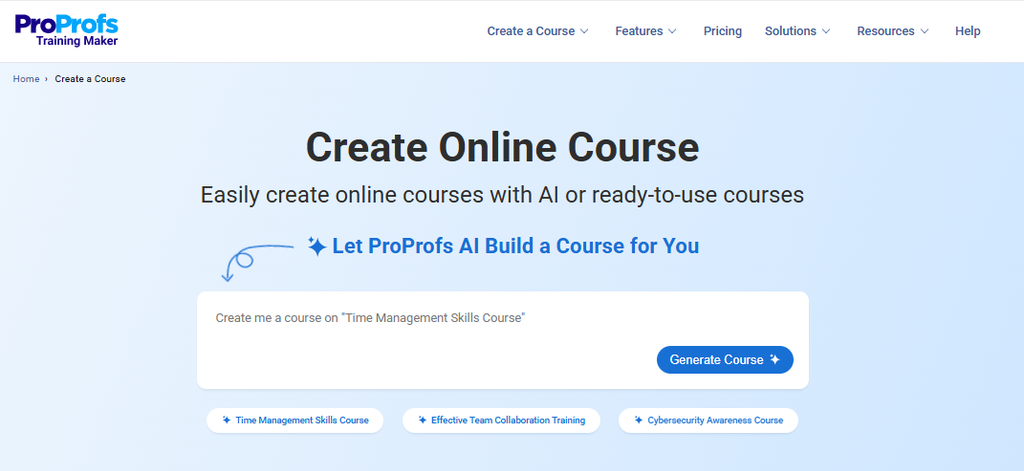
ProProfs Training Maker is an easy-to-use, AI-powered LMS and course builder for employee training, compliance, and skill assessment. Its AI course builder can generate a complete course from a single prompt, while 500+ expert-built courses give teams a faster way to launch common training programs without having to start from scratch.
The platform also handles the operational side of training, including assessments, certifications, learner tracking, reporting, and automated reminders. A free tier is available, while paid plans start at $1.99 per active learner/month, making it a practical option for teams that want structured training without the complexity or cost of heavier enterprise LMS platforms.
TalentLMS
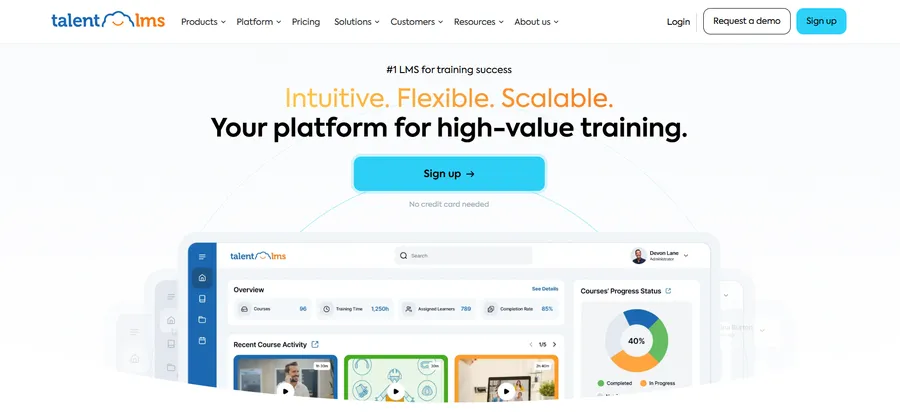
TalentLMS is the most popular cloud LMS for small to mid-sized businesses that want a working training portal within hours. The free tier supports up to 5 users and 10 courses. Paid plans start at $119 per month (billed annually) on the Core plan for up to 100 users.
The Grow plan starts at $229 per month for up to 500 users. Pro starts at $399 per month for up to 1,000 users. The Enterprise plan is custom-priced and requires a 1,000-user minimum.
Docebo
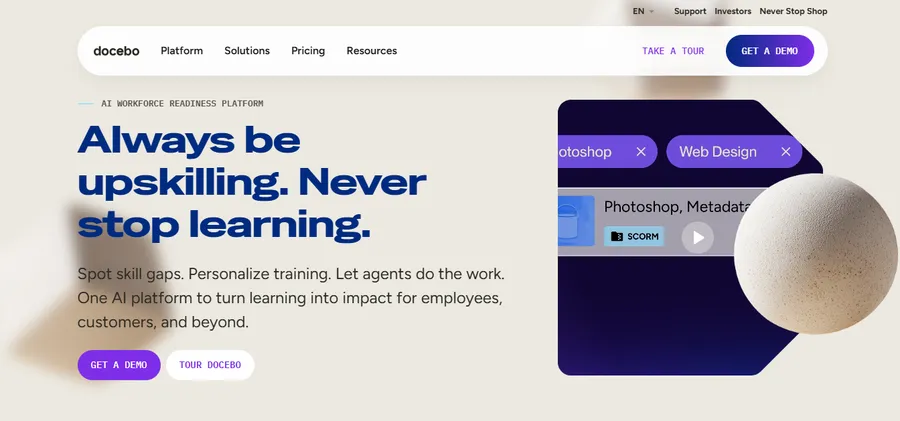
Docebo targets mid-market and enterprise organizations, and its minimum deal size reflects that. Most buyers see starting annual costs of at least $25,000. Pricing is per active user with no published list rates; contact their sales team for a quote.
Docebo’s differentiators are its AI-powered personalized learning paths, advanced social learning features, and a built-in content marketplace.
Absorb LMS
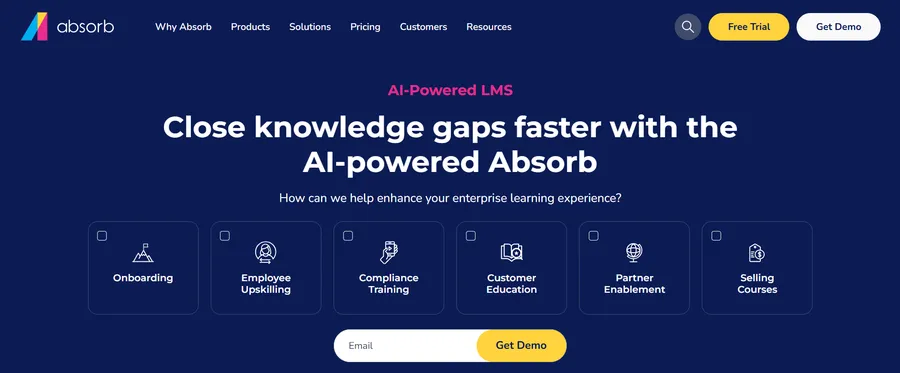
Absorb LMS uses a custom, per-active-learner pricing model with no publicly listed rates. Independent analyst benchmarks place SMB contracts in the range of $30,000 to $40,000 per year.
Absorb competes directly with Docebo and TalentLMS on ease of use, but focuses more heavily on compliance training, certification management, and frontline workforce training than either of its closest competitors.
LearnDash
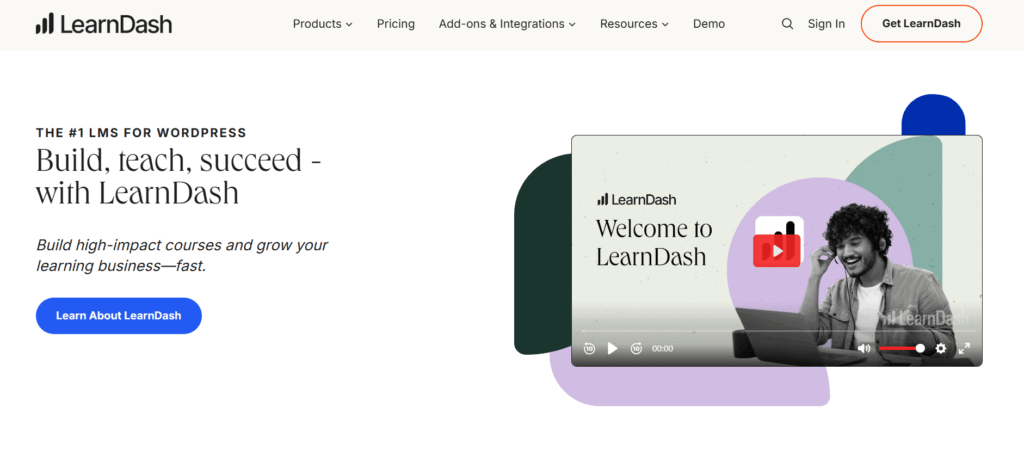
LearnDash is the leading WordPress LMS plugin for professional course creators and organizations already running on WordPress.
The self-hosted plugin costs $199 per year for a single site license, $399 per year for up to 10 sites, and $799 per year for unlimited sites. LearnDash Cloud, the hosted version, starts at $29 per month. The platform charges zero transaction fees and keeps learner data inside your own WordPress install.
D2L Brightspace
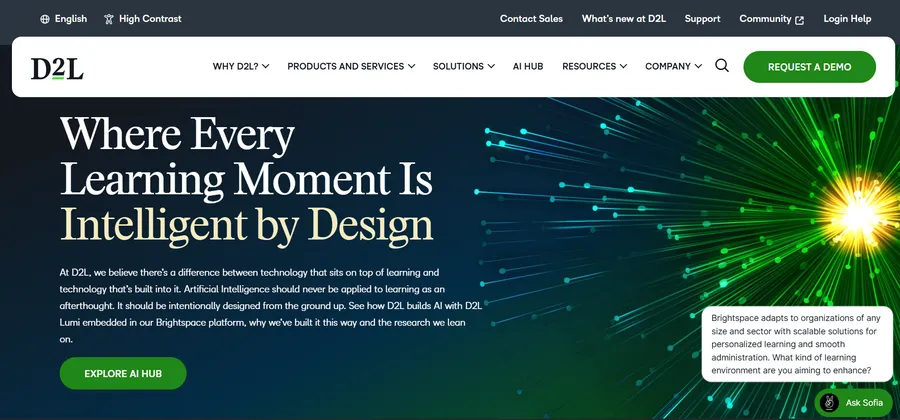
D2L Brightspace is a cloud-based learning platform ecosystem developed by D2L (the company) to pair human-first AI with learning science. For over 25 years, the platform has supported higher education, K-12, and corporate training by focusing on the “learning moment” rather than just administrative checklists. It differentiates itself through its “Learning Partnership” model, offering dedicated implementation and ongoing strategic advisory services that go beyond the typical software-as-a-service vendor relationship.
The platform includes D2L Lumi, a human-first AI that ensures educators remain in control, and D2L Creator+ for building interactive, no-code course content. Recognized as G2’s #1 easiest LMS to use, Brightspace is built with WCAG 2.2 accessibility conformance and mobile access via the Brightspace Pulse app. For organizations prioritizing data-driven results, D2L Performance+ provides predictive analytics and competency tracking. D2L currently serves over 1,400 customers and 21 million learners globally with a guaranteed 99.95%+ uptime.
LMS Pricing Comparison Chart
Pricing is where comparison matrices most often mislead buyers, because the number on a vendor’s pricing page rarely matches the final invoice.
The table below lists verified starting prices as of mid-2026, along with each platform’s pricing model and the primary cost drivers to watch.
| Platform | Starting Price | Pricing Model | Main Cost Drivers |
| LearnPress (core) | Free | Free core + optional add-ons | Semi-Pro Bundle ($149), Pro Bundle ($299) |
| Moodle (self-hosted) | Free (open source) | Free software, pay for hosting | Hosting, admin staff time, custom dev |
| MoodleCloud | ~$160/year | Per-user subscription tiers | Higher user tiers, Workplace upgrade |
| ProProfs Training Maker | Free tier; paid from $1.99/active learner/month | Per active learner | Learner volume, advanced integrations, enterprise controls |
| Canvas | Custom quote | Per-FTE/year (institutional) | Contract length, add-on modules |
| TalentLMS Free | $0 | Up to 5 users, 10 courses | Grows with user count |
| TalentLMS Core | $119/month (annual) | Flat rate, up to 100 users | Tier jumps at 100/500/1,000 users |
| TalentLMS Grow | $229/month (annual) | Flat rate, up to 500 users | Branches, custom reports |
| TalentLMS Pro | $399/month (annual) | Flat rate, up to 1,000 users | Automations, priority support |
| Docebo | Custom (quote required) | Per active user | Enterprise modules, contract length |
| Absorb LMS | Custom (quote required) | Per active learner | Compliance modules, user volume |
| LearnDash (plugin) | $199/year (1 site) | Per-site annual license | Add-ons, hosting, multi-site needs |
| D2L Brightspace | Custom Quote (Contact Sales) | Quote-based / Annual Subscription | Number of learners, implementation support level, advanced add-ons (D2L Lumi, Creator+) |
A few observations worth making explicit before you take these numbers into a budget meeting.
Moodle’s zero license cost is real, but the total cost of ownership for a self-hosted Moodle deployment at 500 users typically includes $5 to $30 per month for cloud hosting, plus administrator time estimated at 0.25 to 0.5 FTE (roughly $20,000 to $40,000 annually in staff time).
For many mid-sized organizations, that is more expensive than a TalentLMS subscription, especially once you account for the time spent on plugin updates, security patches, and occasional version migrations.
TalentLMS offers the most transparent pricing in this group, and the predictability is genuinely valuable for annual budgeting. The jump from Core to Grow ($119 to $229 per month) triggers at 100 registered users.
If your organization is training 90 learners today and expects to bring on 20 more in the next quarter, budget for the higher tier now rather than facing an unexpected upgrade mid-cycle.
Docebo and Absorb LMS do not publish rates because final pricing depends on which product modules your contract includes, how many years you commit to, and how actively you negotiate.
Both vendors respond to competitive evaluation pressure: bringing a verified TalentLMS or 360Learning quote into a Docebo negotiation typically moves the initial number.
LearnPress stands apart from every cloud platform in this chart because the core plugin is free, and the Pro Bundle renewal cost is lower than the initial purchase price.
At $209 per year to renew (all 25-plus premium add-ons included), the three-year total cost of ownership for LearnPress is lower than the first year of TalentLMS Core for any organization comfortable managing a WordPress site.
Choosing The Right Platform from the LMS Comparison Matrix
The matrix and pricing table tell you what each platform can do and what it costs. This section helps you match those data points to your actual situation.
For small businesses and individual course creators
If your training program serves fewer than 100 learners and you are running it alongside other responsibilities, setup complexity matters more than feature depth. An LMS you can launch in a day beats one that takes three months to configure correctly.
LearnPress is one of the most practical options for small businesses and course creators that already operate a WordPress website. The free core plugin allows organizations to launch without software licensing costs, while optional bundles unlock advanced functionality only when needed. For teams seeking full ownership of their platform and predictable long-term costs, LearnPress often delivers greater value than subscription-based LMS alternatives.
Organizations that prefer a fully managed SaaS environment with minimal setup may also consider TalentLMS. The onboarding wizard walks you through creating your first course, adding learners, and configuring your brand in a single session. The built-in gamification (points, badges, leaderboards) keeps completion rates healthy without requiring any additional setup.
If you prefer LearnPress but want a managed setup, LearnPress Cloud offers another option, with WordPress, LearnPress, and hosting already prepared for you.
If you are already running your website on WordPress and want to keep everything in one place, LearnPress is worth serious consideration. The free core plugin handles unlimited courses, lessons, and quizzes. The $149 Semi-Pro Bundle adds Certificates, Gradebook, Assignments, and payment gateways, which covers everything most small academies need to run a full course business. Your learner data lives on your own server, you pay no per-learner fees, and there is no subscription rate that climbs as your student count grows.
When scaling your e-learning business or managing B2B clients, handling administrative tasks efficiently is just as important as choosing the right LMS. For instance, utilizing a professional tool like Zintego can help you streamline your billing and invoice generation.
For growing organizations training 100 to 1,000 learners
This is the most competitive segment of the LMS market. TalentLMS Grow ($229 per month for up to 500 users) serves as a reasonable anchor: custom reporting, multiple training branches, and SSO are all included without an add-on fee.
If compliance tracking and certification management are central to your program, Absorb LMS is worth running through a formal RFP process even without a published list price. Its compliance workflows and audit-ready reporting are more fully developed than TalentLMS’s at this learner count, and the per-active-learner billing model can be more cost-effective than flat-rate pricing when a significant portion of your registered users are not logging in every month.
For academic programs in this size range, Canvas is often the most defensible choice, particularly if your organization has any existing affiliation with higher education and can access consortium pricing.
For enterprise and large organizations
Docebo and Absorb LMS are the two platforms most commonly shortlisted at enterprise scale. Both require direct sales engagement and multi-year contracts.
Docebo has the stronger AI story right now. Its recommendation engine surfaces relevant content to individual learners based on role, past completion history, and learning preferences. If your L&D team is investing in personalized learning at scale across a global workforce, that engine produces measurable impact on completion rates.
Absorb LMS typically wins evaluations where the primary requirement is compliance: recurring certifications, comprehensive audit trails, and completion-by-department reporting that survives a regulatory review. Its learner interface is cleaner than Docebo’s for employees with no prior LMS experience, which matters for organizations training frontline or field workers.
Moodle Workplace is a viable third option at enterprise scale, particularly for higher education institutions, government agencies, and healthcare organizations that already have technical resources in-house and prefer open-source infrastructure. The license cost is zero; the implementation and ongoing administration cost is not.
For institutions and higher education
Canvas has the deepest footprint in US higher education, with more than 6,000 institutional clients and a SpeedGrader feature that faculty consistently report reduces grading time by 30 to 50 percent. If your institution is running a competitive evaluation, request a multi-year contract proposal and use Moodle as a negotiating alternative; that comparison regularly produces meaningful movement on Canvas pricing.
Moodle remains the most common LMS in international higher education and government sectors, particularly outside North America. Its plugin directory covers nearly any academic workflow imaginable. The ongoing trade-off is maintenance: a production Moodle deployment at institutional scale requires at least one dedicated administrator.
For institutions that already run WordPress-powered websites, LearnPress presents an increasingly attractive alternative. It combines the flexibility of open-source software with a modern course-building experience, allowing schools and training organizations to avoid the licensing and infrastructure costs commonly associated with enterprise LMS platforms.
If You’re Building on WordPress: LearnPress vs. LearnDash
If your organization already runs its website on WordPress, keeping your LMS inside the same ecosystem can dramatically reduce complexity, maintenance costs, and training requirements. Both LearnPress and LearnDash are designed for WordPress, but they serve different priorities.
LearnPress stands out as one of the most cost-effective LMS solutions available today. The core plugin is free, allowing schools, training centers, coaches, and businesses to launch online learning platforms without committing to recurring per-user subscription fees. For organizations using a ThimPress education theme, LearnPress is often already included, further lowering implementation costs. Despite its affordability, LearnPress provides essential LMS capabilities such as course creation, quizzes, certificates, content dripping, course prerequisites, student progress tracking, WooCommerce integration, and a growing collection of add-ons that can be activated as needed.
Another advantage is flexibility. LearnPress recently introduced AI-powered course generation tools that help instructors create course structures faster, while its open-source foundation gives developers complete control over customization and integrations. Unlike many SaaS LMS platforms that charge based on learner volume, LearnPress allows organizations to scale their training programs without worrying about rising subscription costs.
LearnDash is a mature premium WordPress LMS that focuses on advanced learning features and a polished user experience. However, many of its headline features are most valuable for large training operations or professional course businesses with specialized requirements. For schools, academies, coaches, and most SMB training programs, LearnPress already provides the core LMS functionality needed to create, manage, and sell courses at a significantly lower total cost. However, these advantages come with a higher starting cost and a proprietary licensing model.
For most schools, academies, educational entrepreneurs, and growing training businesses, LearnPress offers the strongest balance of affordability, functionality, and scalability. It delivers the core features required to build and monetize online courses while avoiding the recurring costs associated with many commercial LMS platforms.
From a technical perspective, LearnPress also benefits from being fully open source, similar to Moodle. Organizations can inspect the code, customize functionality, integrate third-party systems, and contribute improvements back to the community. This level of ownership is particularly valuable for institutions that prioritize long-term flexibility and control over their learning infrastructure.
LearnPress supports SCORM-based learning workflows used by most online education businesses. Organizations with highly specialized enterprise training requirements or complex xAPI implementations should validate their content during evaluation, but for the vast majority of course creators, schools, and training providers, LearnPress offers all the functionality needed to deliver and track learning effectively.
For most standard online course implementations, however, LearnPress provides more than enough functionality while maintaining one of the lowest total costs of ownership in the LMS market.
FAQs
What is an LMS comparison matrix and how do you use one?
An LMS comparison matrix is a structured table that places multiple learning management systems side by side against a standardized set of criteria: course creation tools, assessment depth, reporting capabilities, integrations, pricing model, and ideal use case. To use one effectively, start by listing which features are non-negotiable for your organization and which are nice-to-have. Then work through the matrix to eliminate any platform that misses a non-negotiable, and score the remaining options against your secondary criteria. The platform with the highest score at the lowest total cost of ownership is your shortlist candidate for demos.
Which LMS is best for small businesses in 2026?
LearnPress is one of the best LMS solutions for small businesses in 2026, especially for organizations already using WordPress. Its free core plugin, low total cost of ownership, and ability to scale without per-user fees make it an attractive alternative to subscription-based LMS platforms. Businesses that prefer a fully managed cloud solution may also consider TalentLMS.
Can I migrate from one LMS to another without losing learner data?
Yes, though the process ranges from straightforward to time-intensive depending on the platforms involved. Most cloud LMS vendors export learner completion records as CSV files. SCORM content packages can be re-uploaded to a new platform without rebuilding courses from scratch. LearnPress, for example, has a dedicated course content export and import tool that simplifies moving curriculum between WordPress sites. The important steps are: export all learner data before decommissioning the old system, run a parallel pilot with a test cohort on the new platform, and verify that completion records display correctly before you cut over the full learner base.
What is the difference between SCORM and xAPI in an LMS comparison?
SCORM (Sharable Content Object Reference Model) is the older standard, available in versions 1.2 and 2004, and tracks completion status and quiz scores for packaged eLearning content. xAPI, also called Tin Can API, is the newer standard that captures a much wider range of learning activity: offline mobile learning, simulator performance, on-the-job task completion, and social learning interactions. If you build content in Articulate Storyline or similar tools and only need completion tracking inside a browser, SCORM 1.2 is sufficient and supported by every platform in this comparison. If your learning program includes offline components, mobile-first delivery, or experiences that happen outside the LMS itself, xAPI is the standard to prioritize when comparing platforms.
Why LearnPress Delivers the Best Value in 2026
Among all seven platforms in this comparison, LearnPress offers one of the strongest combinations of affordability, flexibility, and ownership. Unlike SaaS LMS platforms that increase costs as learner numbers grow, LearnPress allows organizations to scale without recurring per-user fees. Combined with its open-source foundation, AI-powered course generation tools, WooCommerce integration, and extensive add-on ecosystem, LearnPress is an excellent choice for educators, training providers, schools, and businesses seeking long-term LMS value without enterprise-level pricing.
Read more: LMS Pricing: How Much Does a Learning Management System Cost?