If you run courses, certifications, or any kind of graded assessment on WordPress, picking from the right WordPress examination plugins matters more than most site owners expect. A quiz plugin that works fine for a five-question trivia post will fall apart the moment you need timed sections, question banks, or anonymous exam access for a certification program.
We tested five of the most widely used options, from full LMS platforms to standalone quiz builders, so you can match the tool to what you’re actually trying to grade.
Let’s get started!
LearnPress – WordPress LMS Plugin
We provide an amazing WordPress LMS plugin to create & sell online courses. Let’s find out!
Try NowTable of Contents
How we tested these WordPress examination plugins
We installed each plugin on a staging WordPress 6.8 site running PHP 8.2, built a sample 15-question exam with mixed question types, and timed the setup process from activation to a published, gradable exam. For the LMS plugins (LearnPress, LearnDash, Tutor LMS), we also checked how exam or quiz data integrates with course completion, gradebooks, and certificates. For the standalone options, we looked at how quickly a non-technical user could get from installation to a live exam embedded in a page.
One thing became obvious fast: “quiz” and “exam” are not interchangeable inside these tools. A quiz typically lives inside a course and checks whether a student understood a lesson. An exam is usually a standalone assessment that can pull from multiple courses, run on a schedule, and stand as final proof of mastery, sometimes open to people who never enrolled in a course at all. Keep that distinction in mind as you read the reviews below, since it changes which plugin actually fits your use case.
1. LearnPress (with Exam Add-on)
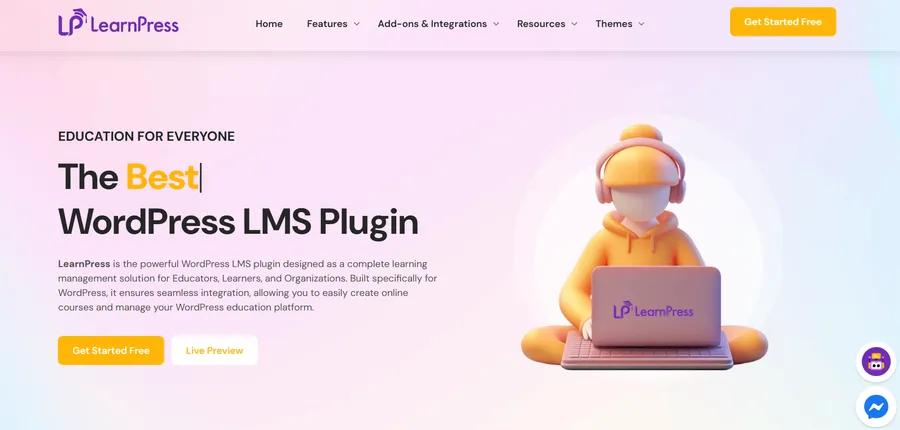
LearnPress is a free WordPress LMS plugin with more than 100,000 active installs, and on its own it ships with quizzes tied to individual courses. To get a true standalone examination system, you need the separate Exam Add-on for LearnPress from ThimPress, the same team behind the core plugin.
Key features
Once the Exam Add-on is active, you manage everything under LearnPress > Exams > All Exams. Creating a new exam walks you through four tabs: Overview (title, description, instructions, password protection, categories), Question (build new questions or pull from a shared Question Bank), Settings, and Submissions. Supported question types are single choice, multiple choice, true or false, and fill in the blanks.
What sets the exam add-on apart from a regular course quiz is that exams are not tied to a single course. You can set a start and end date, a duration with automatic submission when time runs out, a pass percentage, and a retake limit, and you can allow guest attempts so people without an account can sit the exam. That last point matters if you’re running placement tests or open certification exams rather than assessments limited to enrolled students.
Performance
Because the add-on hooks into the existing LearnPress data structure, exam submissions render inside the same dashboard as course progress, so there’s no separate plugin database to manage on top of what LearnPress already stores. In our test, publishing a 15-question exam with a linked question bank took about ten minutes, most of it spent configuring the Settings tab rather than writing questions.
Customization options
The Attempts & Access section lets you randomize question order per student, and the Display / Result section controls whether students see their score, the correct answers, and any explanations immediately after submitting. If you want a stricter certification exam, you can hide all of that until you manually review results.
Pricing
The Exam Add-on is a paid add-on with a lifetime license for one site, plus 12 months of updates and support included in the base price, with optional extended support tiers. LearnPress core itself remains free on WordPress.org.
Who it’s best for
LearnPress with the Exam Add-on is a solid fit if you’re already using LearnPress for course delivery and want a genuinely separate examination layer instead of a course-locked quiz, especially if you plan to open exams to non-enrolled candidates.
2. LearnDash

LearnDash is one of the most established WordPress LMS plugins, and it takes a different approach to assessment than LearnPress. Native LearnDash quizzes are flexible enough to function as informal exams: you get timed quizzes, question pools, multiple question types, custom certificates on passing, and the ability to require a quiz before a student can move to the next lesson.
Key features
For sites that need formal, proctored examinations rather than course quizzes, LearnDash supports third-party extensions such as the bizExaminer LearnDash Extension. This connects a LearnDash quiz to bizExaminer’s exam engine, which adds more than 20 question types, remote proctoring integrations (including Proctorio and ProctorU), and lockdown browser support for exam integrity. Students still start the assessment from the normal LearnDash quiz screen, get redirected to bizExaminer to sit the exam, and land back on the standard LearnDash results page when they finish, with results stored inside LearnDash so they show up in the usual reports and certificates.
Performance
Native LearnDash quizzes are fast to set up since question building happens in the same interface you already use for lessons. Adding the bizExaminer extension introduces an external API connection, which is worth the added setup time only if you actually need proctoring or a large bank of specialized question types.
Customization options
LearnDash quiz settings cover timers, passing scores, retake limits, and certificate templates out of the box. With bizExaminer layered on top, you also get configuration for proctoring providers and the option to import exam attempts that started directly inside bizExaminer, using shortcodes to display those results back on your WordPress site.
Pricing
LearnDash is a premium plugin sold as an annual or lifetime license depending on the plan. The bizExaminer extension itself is free to install, but running actual proctored exams requires a paid bizExaminer account, since the extension is a bridge rather than a standalone exam engine.
Who it’s best for
LearnDash suits organizations that need academic-grade rigor, particularly if remote proctoring or a large, specialized question bank is a requirement rather than a nice-to-have.
3. Tutor LMS
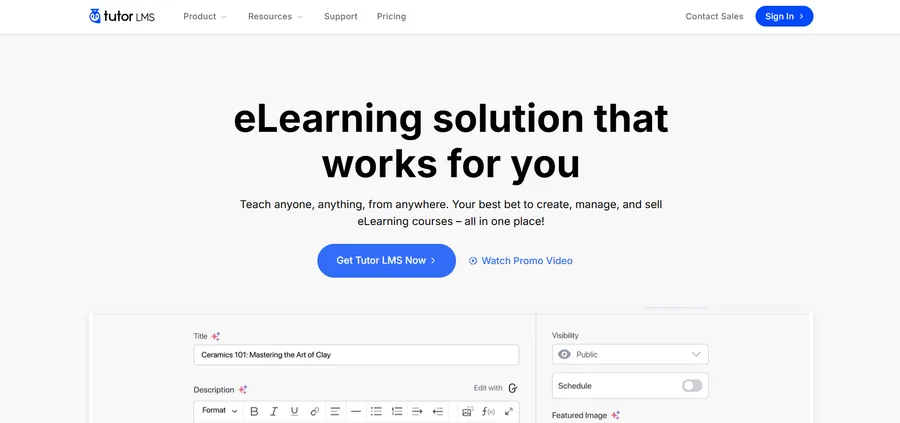
Tutor LMS, built by Themeum, includes a quiz builder as a core part of the free plugin rather than as a separate add-on, which makes it one of the more accessible WordPress online exam plugin options for smaller course creators.
Key features
The built-in quiz builder supports multiple question types, custom pass percentages, question randomization, and detailed reports covering enrollments, completions, and quiz performance. If you need scheduled, calendar-based examination sessions rather than a quiz sitting inside a lesson, the third-party Exam Center for Tutor LMS add-on layers booking and session management on top, with three access levels for admins, tutors or proctors, and students, plus CSV export of booking data.
Performance
Because the quiz builder is native to Tutor LMS rather than bolted on, question creation feels integrated into the course-building flow, and it doesn’t require a separate settings screen the way some add-on-based systems do.
Customization options
Tutor LMS lets you attach quizzes to specific lessons or make them standalone within a course, and its reporting dashboard breaks performance data into overview, course, and quiz sections so instructors can see where students are struggling without exporting anything.
Pricing
Tutor LMS core, including the quiz builder, is free. Tutor LMS Pro unlocks additional features such as content drip and advanced question types, sold through one-time or subscription pricing.
Who it’s best for
Tutor LMS is a good match for instructors and small academies who want built-in quiz functionality without buying a separate exam add-on, and who can add the Exam Center plugin later if scheduled sessions become necessary.
4. Quiz and Survey Master (QSM)
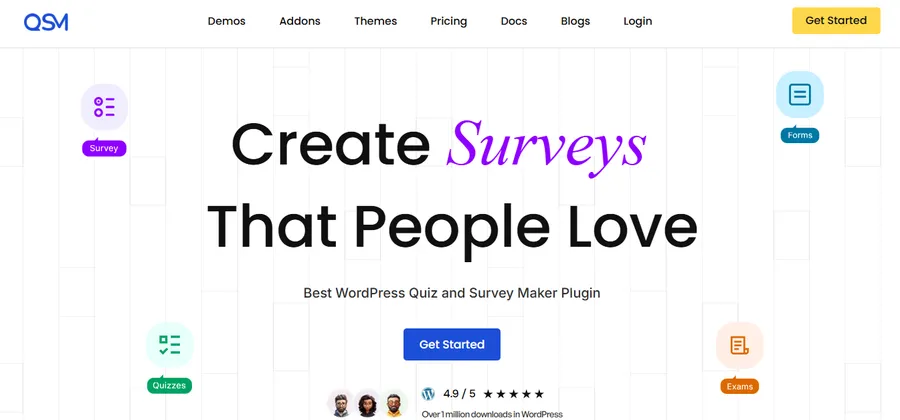
Quiz and Survey Master takes a completely different route from the three LMS plugins above: it’s a standalone quiz and survey builder with no course system attached, and it’s used on more than 40,000 sites.
Key features
QSM offers a drag-and-drop builder with more than 12 question types, including multiple choice, true/false, dropdowns, open-ended responses, fill-in-the-blank, and file uploads, which covers most of what a formal exam needs even without an LMS underneath it. Results pages are score-based, and the plugin includes lead-capture options if you’re using a quiz for marketing rather than grading.
Performance
Since QSM doesn’t depend on a course structure, setup is faster if all you need is a single graded exam on an otherwise ordinary WordPress site. Our test exam was live in under ten minutes using the plugin’s own block editor.
Customization options
You can fully restyle the quiz with custom CSS, add custom text blocks and button labels, and extend functionality with add-ons for exporting results or generating detailed reports and analytics.
Pricing
The core QSM plugin is free on WordPress.org. Paid add-ons cover features like advanced reporting, export, and additional integrations.
Who it’s best for
QSM fits sites that need one or a handful of graded exams but don’t want to install a full LMS just to get there, such as a business running employee assessments or a school offering a single certification test.
5. HD Quiz

HD Quiz rounds out the list as a lightweight, developer-friendly alternative among WordPress quiz plugins, built by Harmonic Design and installed on thousands of sites.
Key features
HD Quiz supports scored quizzes and personality-style quizzes, quiz timers set per quiz or per question, pagination, question pools that randomly pull a set number of questions from a larger pool, and weighted answers. Question types include text-based and image-based multiple choice, select-all-that-apply, and text input answers.
Performance
The plugin is built to load scripts only on pages that actually contain a quiz, which keeps it light on sites that use exams sparingly. It also runs without jQuery and avoids external tracking scripts, which matters for GDPR compliance if you collect exam responses from EU visitors.
Customization options
You can randomize question and answer order, add tooltips and extra explanatory text to individual questions, and create dynamic result tiers instead of a flat pass or fail outcome. A dedicated HD Quiz Gutenberg block makes it simple to drop an exam into any page or post.
Pricing
HD Quiz’s core feature set, including timers, pagination, and advanced marking, is entirely free. A separate Limit Attempts add-on is available for sites that need to cap retakes.
Who it’s best for
HD Quiz works well for bloggers, trainers, and small business owners who want a fast, no-frills exam or quiz without any course infrastructure attached to it.
LearnPress vs LearnDash vs Tutor LMS: quick comparison
| Plugin | Exam type | Setup effort | Best for |
|---|---|---|---|
| LearnPress + Exam Add-on | Standalone exam, paid add-on | Moderate | Course sites needing exams separate from lessons |
| LearnDash + bizExaminer | Quiz native, proctored exam via extension | Higher | Certification bodies needing proctoring |
| Tutor LMS | Quiz built into core, exam sessions via add-on | Low | Instructors wanting quizzes without extra purchases |
| Quiz and Survey Master | Standalone exam or quiz | Low | Sites without a full course system |
| HD Quiz | Standalone quiz | Low | Simple graded quizzes and personality quizzes |
How to choose the best WordPress exam plugin for your site
Start by asking whether you actually need a full LMS. If your goal is course delivery with graded checkpoints along the way, LearnPress, LearnDash, or Tutor LMS will serve you better long term, since exam or quiz data ties directly into enrollment, progress tracking, and certificates. If you just need one exam, a certification test, or an employee assessment without building out courses, QSM or HD Quiz will get you there with far less setup.
If proctoring and exam security are non-negotiable, such as for professional certification exams, LearnDash paired with bizExaminer is currently the most complete option among these five, since it covers lockdown browsers and remote monitoring that the others don’t offer natively. For everyone else, weigh cost against how much of the work you want done inside the box: Tutor LMS and HD Quiz both include strong assessment tools in their free tiers, while LearnPress’s exam functionality requires a paid add-on from the outset.
FAQs
Is there a free WordPress plugin for creating exams?
Yes. Tutor LMS includes a quiz builder in its free core plugin, and both HD Quiz and Quiz and Survey Master offer full exam and quiz functionality at no cost, with paid add-ons available for extra features like reporting or attempt limits.
Can students take a WordPress exam without creating an account?
It depends on the plugin. The LearnPress Exam Add-on and Quiz and Survey Master both support guest or anonymous submissions, which is useful for open placement tests or lead-generation quizzes. LearnDash quizzes generally require enrollment unless you configure a workaround.
What’s the difference between a quiz plugin and an exam plugin in WordPress?
A quiz plugin typically checks understanding of a single lesson and lives inside a course structure. An exam plugin is usually a standalone assessment that can draw from multiple sources, run on its own schedule, and serve as a final proof of mastery independent of any one course.
Do WordPress exam plugins support proctoring or exam security features?
Some do. LearnDash, through the bizExaminer extension, supports remote proctoring providers and lockdown browsers for secure testing. Most of the other plugins covered here, including LearnPress’s Exam Add-on, Tutor LMS, QSM, and HD Quiz, focus on grading and access control rather than live proctoring.
Conclusion
There’s no single best WordPress examination plugin, only the right one for how you’re already running your site. If you’re building a course platform, look at the LMS you already have and check whether its native quiz tool or an add-on covers what you need, since LearnPress, LearnDash, and Tutor LMS all take different approaches to the line between a quiz and a formal exam. If you don’t have an LMS at all, Quiz and Survey Master and HD Quiz both get a graded assessment live in minutes, without asking you to restructure your site around courses you may never build.
Read more: How to Build Professional Online Mock Exams (IELTS, TOEFL, PMP) Using LearnPress