Online education platforms make it possible to learn a new skill, earn a certificate, or launch your own school from a laptop. The hard part is choosing. Some tools are free, some charge per course, and some let you build and sell your own lessons. This guide reviews the 10 best online education platforms for 2026, compares them in one table, and explains which one suits learners, teachers, and training teams.
Features and pricing change often, so confirm details on each official site before you commit.
LearnPress – WordPress LMS Plugin
We provide an amazing WordPress LMS plugin to create & sell online courses. Let’s find out!
Try NowTable of Contents
What are online education platforms?
Online education platforms are websites or apps that deliver courses, lessons, quizzes, and certificates over the internet. They fall into a few clear groups, and knowing the difference helps you avoid paying for the wrong tool.
Course marketplaces and university partners
These platforms host courses made by universities, companies, or independent teachers. You browse a catalog, enroll, and learn at your own pace. Coursera, edX, and Udemy are well-known examples. They suit people who want to learn, not build.
Subscription and free online learning sites
Some online learning sites charge a monthly or yearly fee for access to a full library. Others, like Khan Academy, are free. These work well if you like to explore many topics instead of finishing one long program.
Self-hosted and open source LMS software
A learning management system (LMS) is software that lets you create courses, enroll students, track progress, and issue certificates. An open source LMS gives you the code for free, so you can host it on your own server and change how it works. This group is the right choice for schools, companies, and course creators who want full control of their content and student data.
How we chose the best options
We compared each tool using its official documentation, public pricing pages, and published feature lists. We scored every platform on the same six points:
- Course quality and variety: Is the content reliable and up to date?
- Pricing clarity: Can you tell what you will pay before you start?
- Ease of use: Can a beginner find and finish a lesson without help?
- Certificates and credentials: Does the platform offer proof of learning?
- Tools for teachers: Can you build quizzes, assignments, and tracking?
- Flexibility: Can you customize the design, domain, and payment options?
Learner-focused online learning websites were judged mostly on the first four points. Builder tools were judged mostly on the last three.
Comparison of the best online education platforms
The table below gives a fast side-by-side view of all 10 options. Use it to narrow your list, then read the full reviews that follow.
| Platform | Type | Best for | Pricing model | Certificates |
|---|---|---|---|---|
| Coursera | Marketplace | University-backed learning | Free audit on some courses, paid certificates or subscription | Yes |
| edX | Marketplace | Academic and career programs | Free audit on many courses, paid verified certificates | Yes |
| Khan Academy | Free nonprofit | School subjects and test prep | Free | No formal certificates |
| Udemy | Marketplace | Practical skills at a low cost | Pay per course | Completion certificates |
| LinkedIn Learning | Subscription | Workplace and career skills | Subscription with a free trial | Yes |
| Skillshare | Subscription | Creative skills | Subscription | No formal certificates |
| Moodle | Open source LMS | Schools and universities | Free software, paid hosting optional | Yes, with setup |
| Canvas LMS | LMS | Institutions and large teams | Open source code, paid hosted plans | Yes, with setup |
| LearnPress | Open source LMS plugin | WordPress course websites | Free core plugin, paid add-ons | Yes, with add-on |
| Thinkific | Hosted course builder | Creators who want a fast launch | Free plan and paid tiers | Yes |
Best online learning sites for students and professionals
This group is for people who want to take courses, not build them. Each of these online learning sites has a different style, so match the format to how you like to study.
1. LearnPress and the Eduma theme – Best platforms to build your own online school
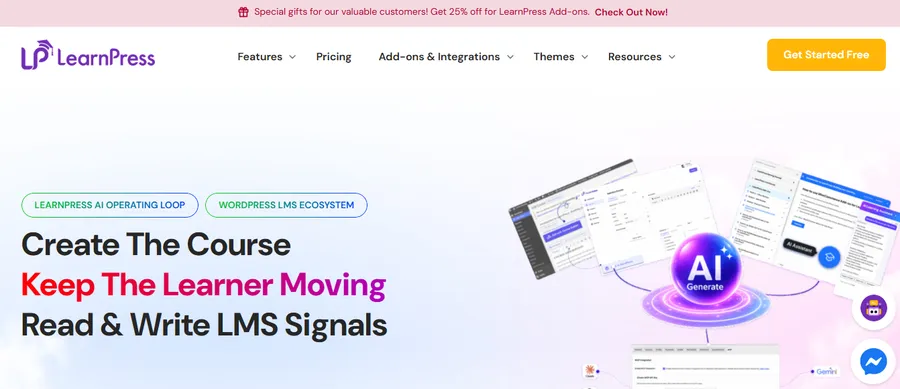
If you already use WordPress, LearnPress is one of the simplest ways to turn your site into a digital learning platform. It is a free LMS plugin from ThimPress, so you install it from Plugins > Add New, run the setup wizard, and create your first course with lessons and quizzes inside the familiar WordPress dashboard. Because it is open source, you own your content, your student data, and your domain.
The core plugin covers courses, lessons, quizzes, and basic student management. Paid add-ons extend it with options such as WooCommerce and Stripe payments, certificates, assignments, course reviews, content drip, and co-instructors. This lets you start small and add only the features you need.
Design matters as much as features, since students judge a course site within seconds. The Eduma theme is an education WordPress theme from ThimPress built to work with LearnPress. It includes ready-made demo layouts you can import, plus page builder support, so you can set up a polished course site without writing code. Pairing the two gives you a complete setup: LearnPress runs the learning engine, and Eduma controls how the site looks and feels. One practical tip is to create a child theme before you customize anything, so theme updates never overwrite your changes.
LearnPress is best for teachers, schools, and businesses that want to own their platform. Its main limit is that it requires WordPress hosting and some basic site maintenance, such as updates and backups.
2. Coursera
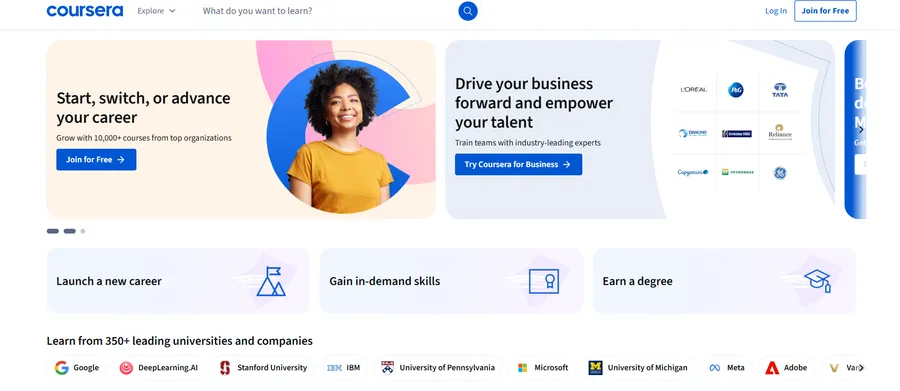
Coursera partners with universities and companies to offer courses, professional certificates, and online degrees. Many courses let you watch lectures for free, but graded work and certificates usually need a paid plan. It is a strong pick if you want a recognized name on your resume. The trade-off is that deadlines and graded assignments can feel strict if you only want a quick overview.
3. edX
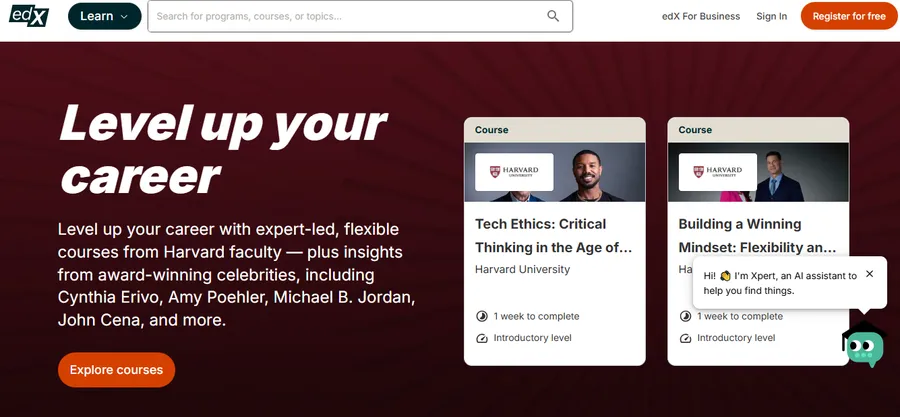
edX was created by Harvard and MIT and focuses on academic content, from computer science to history. Like Coursera, many courses can be audited for free, and you pay if you want a verified certificate. It suits learners who prefer a university-style structure with clear modules and exams.
4. Khan Academy
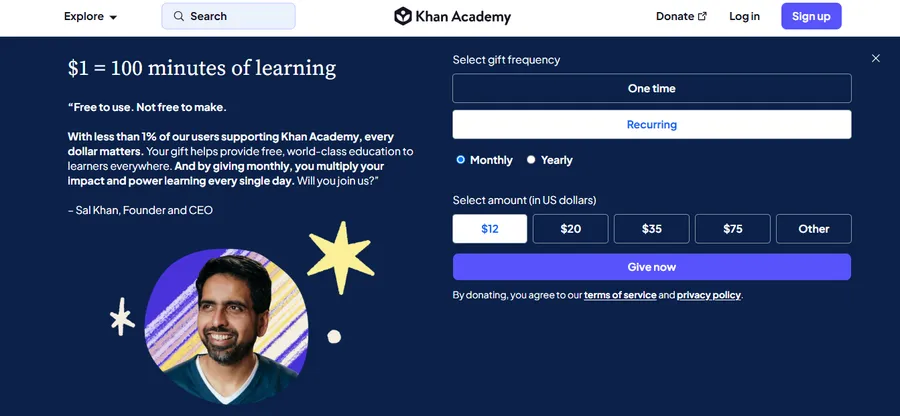
Khan Academy is a free nonprofit platform covering math, science, grammar, economics, and more. Its short videos and practice questions are ideal for school students, parents, and anyone refreshing basic knowledge. It does not offer professional certificates, so treat it as a study aid rather than a credential.
5. Udemy

Udemy is a marketplace where independent instructors publish courses on thousands of topics. You pay per course instead of a subscription, and you keep lifetime access to what you buy. Quality varies by instructor, so check ratings, preview videos, and recent reviews before you buy. It is a good fit for practical skills such as coding, design, and photography.
6. LinkedIn Learning
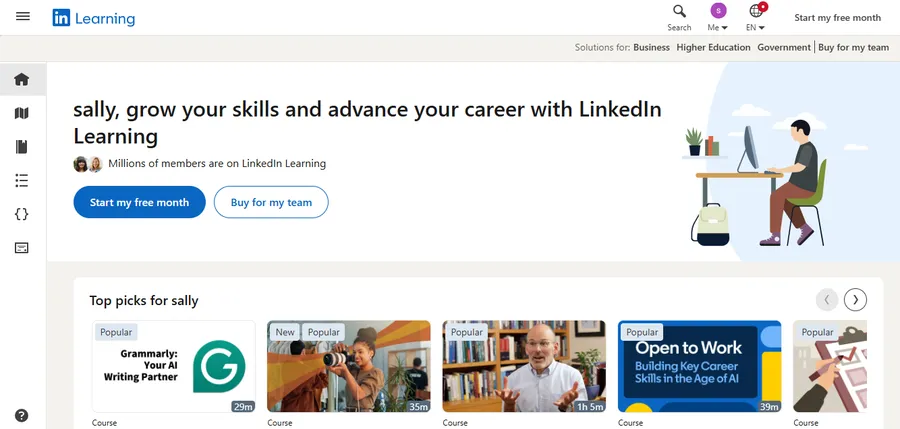
LinkedIn Learning offers short, professional courses on business, software, and leadership. Because it connects to your LinkedIn profile, you can show finished courses to employers. Many companies and public libraries provide free access, so check that before paying yourself.
7. Skillshare

Skillshare focuses on creative and project-based classes such as illustration, video editing, and freelancing. You learn by making something, which keeps lessons engaging. It works best as a hobby or side-skill tool, since it is not built around formal credentials.
Best platforms to build your own online school
If you want to teach instead of study, you need software that handles lessons, students, and payments. This is where a self-hosted LMS or a hosted course builder comes in, and where the choice affects your costs for years.
8. Moodle
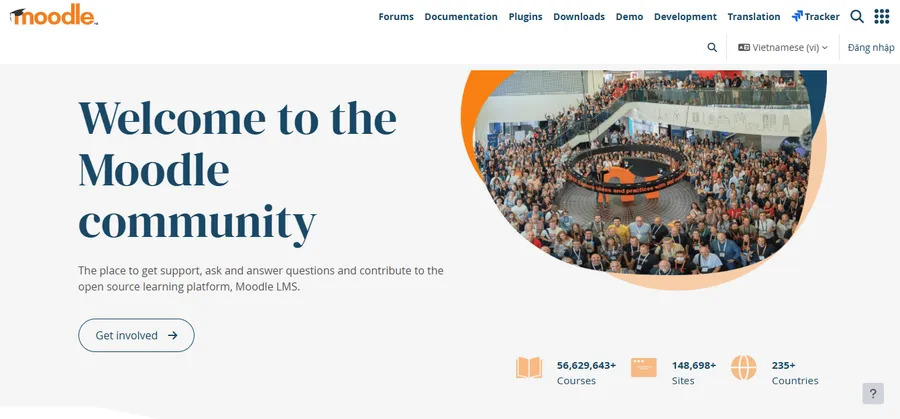
Moodle is one of the most widely used open source LMS options in the world. It is free to download, has a large plugin library, and is used by universities, schools, and corporate training teams. You can host it yourself or use a paid hosting service. The learning curve is real: the admin area has many settings, and the default design feels dated, so plan time for setup and theming.
9. Canvas LMS
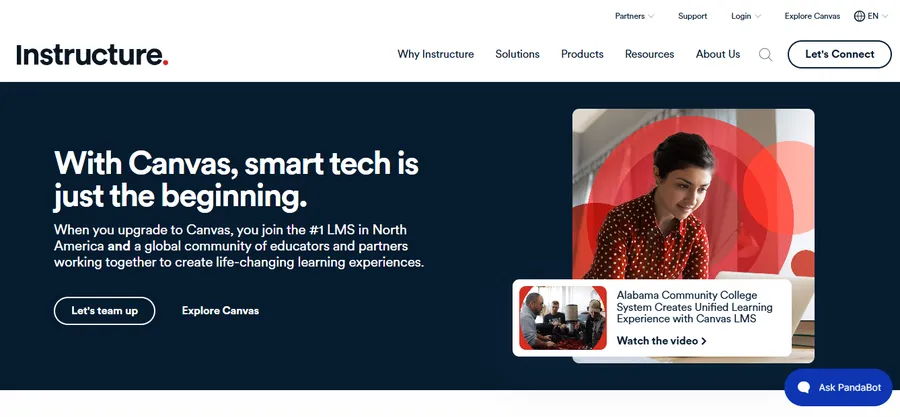
Canvas LMS, from Instructure, is popular in colleges and large school districts. Its interface is clean, and it handles grading, discussions, and mobile access well. An open source version exists, but most institutions use the paid hosted plans. It is a solid choice for large organizations, though it is more than a solo course creator needs.
10. Thinkific
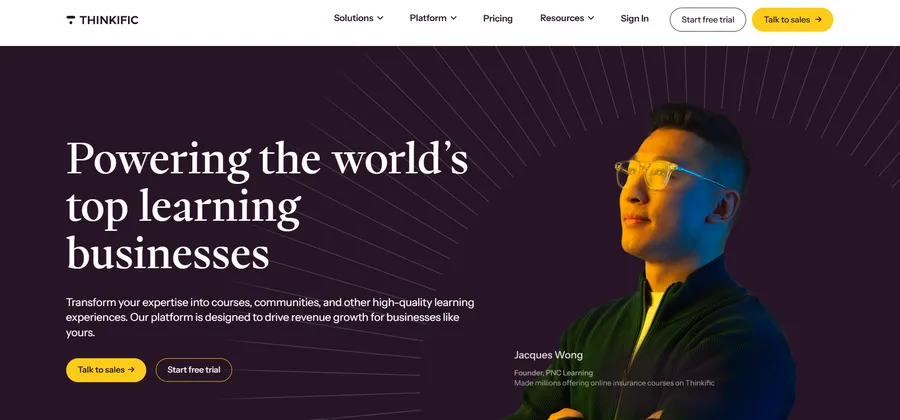
Thinkific is a hosted course builder, so you do not manage servers or updates. You upload lessons, set a price, and sell through a ready-made site. It has a free plan and paid tiers, which makes it easy to test an idea. The trade-off is less control than a self-hosted solution, and your costs rise as your needs grow.
How to choose the right digital learning platform
The best digital learning platform depends on your goal, your budget, and how much control you want. Start with the question below that matches you.
If you want to learn
Pick a marketplace or subscription service. Choose Coursera or edX for academic content, Khan Academy for free basics, Udemy for specific practical skills, and LinkedIn Learning for workplace topics. Try a free course first to see if the teaching style suits you.
If you want to teach or sell courses
Decide between hosted and self-hosted. A hosted tool such as Thinkific is faster to start. A self-hosted open source LMS such as Moodle or LearnPress costs more effort upfront but gives you lower long-term fees, full branding control, and ownership of your data.
If you run a school or training team
Look for tools that handle many users, roles, grading, and reports. Moodle and Canvas are built for this scale. If your team already works in WordPress, LearnPress with the Eduma theme can also work well for smaller schools and training programs.
Questions to ask before you commit
- Will I own my content and student data if I leave?
- Can I accept payments in my country and currency?
- Does it work well on mobile?
- What are the total costs, including add-ons, hosting, and transaction fees?
Working through these four questions with each of the sites for online education on your shortlist usually makes the best choice obvious.
FAQs about online education platforms
Are online education platforms worth the money?
Yes, if you choose one that matches your goal. A low-cost course can teach a job-ready skill, and free platforms cover many school subjects at no charge. To avoid wasting money, start with a free trial or audit option and only pay for a certificate when you need proof of learning.
Do employers accept online course certificates?
Many employers accept them, especially when they come from known providers such as universities or recognized companies. A certificate helps most when it is paired with real work, such as a project or portfolio. Always check whether the credential is something your target employer values.
How much does it cost to start my own online learning website?
Costs range from nothing to several hundred dollars a year, depending on your tools. A WordPress setup with a free plugin such as LearnPress still needs domain and hosting fees, and you may add paid add-ons or a premium theme later. Hosted builders often charge a monthly fee instead, so compare yearly totals, not just the starting price.
Is open source LMS software safe to use?
Yes, when you keep it updated and follow basic security steps. Well-maintained projects are reviewed by large communities, and fixes are released regularly. Use strong passwords, install updates promptly, back up your site, and download plugins and themes only from trusted sources.
Conclusion
The best online education platforms are not the same for every person. Learners can start with Coursera, edX, Khan Academy, Udemy, LinkedIn Learning, or Skillshare, depending on budget and goals. Teachers and organizations should look at Moodle, Canvas, Thinkific, or a WordPress-based setup.
If you want full ownership of your courses and a flexible, low-cost start, LearnPress is a strong choice, especially when paired with the Eduma theme for a professional design. Pick two or three options from the comparison table, test them with a small course or a free trial, and choose the one that feels easiest for you and your students.