Finding the right assessment tools for teachers can save hours of marking and show you who needs help before a test even starts. The options are many, from quick quiz apps to full learning management systems.
This guide compares eight tools that work in real classrooms, explains what each one does best, and helps you choose based on your subject, class size, and budget.
LearnPress – WordPress LMS Plugin
We provide an amazing WordPress LMS plugin to create & sell online courses. Let’s find out!
Try NowTable of Contents
What are assessment tools for teachers?
Assessment tools for teachers are methods, apps, or platforms that measure what students know, what they can do, and where they are struggling. They include quizzes, polls, rubrics, checklists, digital portfolios, and online testing platforms. A good tool gives you clear data fast, so you can adjust your next lesson instead of waiting for end-of-term results.
Teacher assessment tools fall into two groups: digital and traditional. Digital tools grade automatically and show class-wide trends. Traditional tools, such as paper rubrics and observation notes, still matter for skills like speaking, group work, and handwriting.
Formative and summative assessment explained
Formative assessment checks learning while it is happening. Summative assessment measures learning at the end of a unit or term. Both are needed, but they use different tools.
Formative assessment tools for teachers are short, low-stakes, and frequent. Think of a three-question poll at the start of class or an exit ticket at the end. The goal is feedback, not a grade. Summative tools are longer and more formal, such as final exams, projects, and standardized tests.
Most tools in this guide lean formative, because that is where digital tools save the most time. A few, such as LearnPress, also handle summative quizzes and course-level grading.
How we chose these tools
We looked at each tool against five practical questions. Does it work on a school laptop, a tablet, and a phone? Can a teacher build an assessment in under 15 minutes? Does it give useful reports, not just scores? Is there a free plan or a fair trial? Does it fit different class sizes and age groups?
We also reviewed each vendor’s official documentation and plan pages. Pricing and features change often, so check each tool’s website for current details before you commit.
The 8 best assessment tools for teachers
Each tool below solves a slightly different problem. Some are best for live classroom games, others for self-paced homework or full online courses. Read the “best for” line first, then check the details.
1. Google Forms
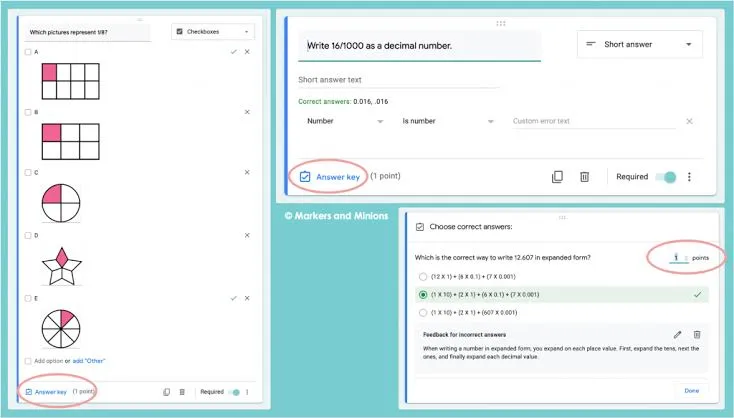
Best for: quick quizzes, exit tickets, and surveys on a zero budget.
Google Forms is the easiest place to start if your school already uses Google Workspace. You can build a quiz with multiple choice, short answer, and checkbox questions, and turn on auto-grading for objective items. Responses land in a spreadsheet, which makes it simple to sort scores and spot patterns.
The main limit is design. Forms looks plain, and it offers few game features to keep younger students engaged. It is a dependable evaluation tool for teachers who want speed over style.
2. Kahoot!
Best for: live, game-style review sessions.
Kahoot! turns a quiz into a competition. Students join with a code on their own device, answer timed questions, and watch a leaderboard update. It works well for revision days and vocabulary checks.
Because answers are timed, it rewards fast recall more than deep thinking. Use it for low-stakes checks, not for grades. The free plan covers basic quiz creation, while reports and some question types need a paid plan.
3. Quizizz
Best for: self-paced practice and homework.
Quizizz lets students work through questions at their own speed, with the questions appearing on their own screen. That makes it a better fit than live games for mixed-ability classes, since slower readers are not rushed. You can assign a quiz as homework and review results by student and by question.
It also has a large library of ready-made quizzes, which helps when you are short on time. Always check shared quizzes for accuracy and alignment with your curriculum before assigning them.
4. Socrative
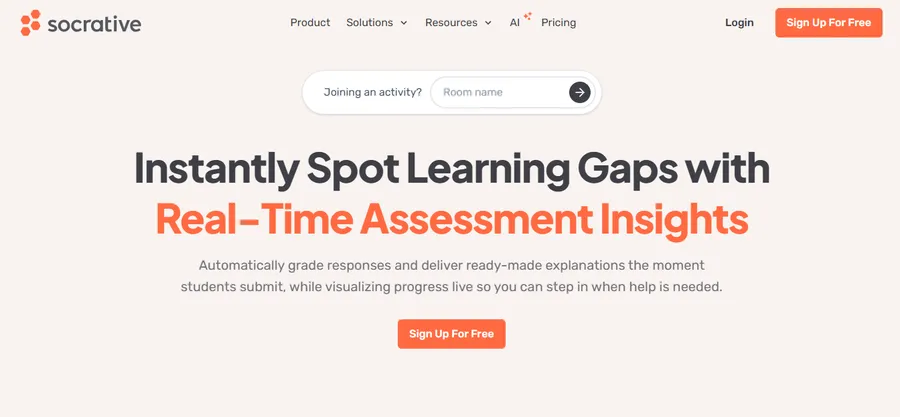
Best for: exit tickets and quick formative checks.
Socrative is built around fast feedback. You can launch a short quiz, a quick question, or an exit ticket in seconds, and see responses appear live. Its “space race” mode adds a light game element without heavy setup.
It is a strong choice among formative assessment tools for teachers who want clean, simple reports. The interface is basic, but that is part of the appeal when you have five minutes left in a lesson.
5. Formative
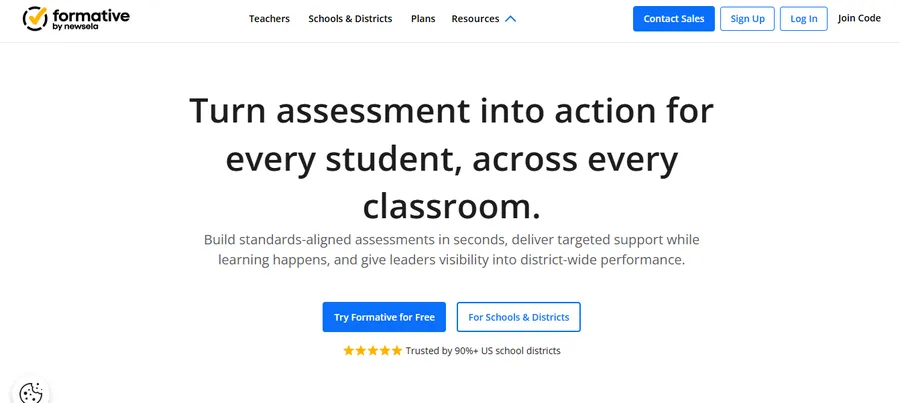
Best for: live monitoring of student work.
Formative (the product is literally named that) lets you see student responses as they type, draw, or answer. You can watch a class work through a math problem in real time and step in when someone goes off track. That live view is the main difference from tools that only show results afterward.
It supports multiple question types, including drawing and short written answers, so it works across subjects. It suits teachers who want to give feedback during the task, not after it.
6. Padlet
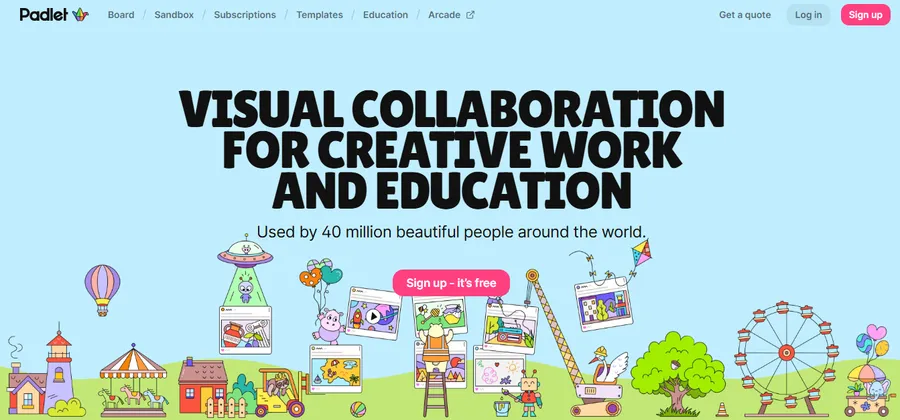
Best for: collaborative and creative assessment.
Padlet is a shared digital board where students post text, images, links, and videos. It works well for brainstorming, reflection, and project showcases. Instead of right-or-wrong answers, you see how students think and organize ideas.
Pair it with a simple rubric to grade posts. Padlet is not a quiz engine, so use it alongside an auto-graded tool when you need hard numbers.
7. Edpuzzle
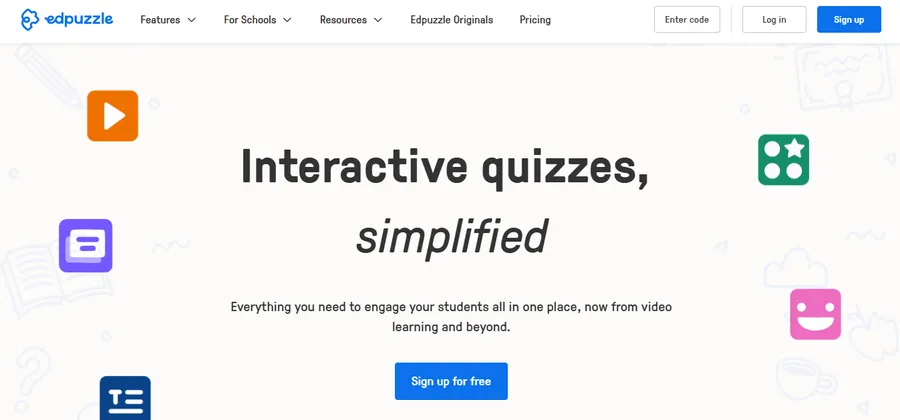
Best for: checking understanding of video lessons.
Edpuzzle lets you take a video, trim it, and add questions at set points. Students must answer before the video continues, which discourages passive watching. It is useful for flipped classrooms, where students watch a lesson at home and practice in class.
Reports show who watched, how long they watched, and how they answered. That helps you tell apart students who skipped the video from those who watched and misunderstood it.
8. LearnPress (best for WordPress-based teaching)

Best for: teachers and schools who want to run assessments inside their own website.
LearnPress is a free WordPress LMS plugin that lets you build courses, lessons, and quizzes on your own site. It supports multiple question types, quiz time limits, pass marks, and result tracking. Because you host it yourself, you keep control of student data and branding instead of relying on a third-party app.
For teachers who already use WordPress, this is where assessment tools for teachers and course delivery meet. You can attach a quiz to each lesson for formative checks, then add a final exam for summative grading. Add-ons extend it with features such as assignments, certificates, and gradebook-style tracking, though some add-ons are paid.
If you want a ready-made site that looks professional from day one, the Eduma education theme is designed to work with LearnPress. It gives you course listings, instructor pages, and a clean layout so you can launch an online school faster. Both need some setup time, so they suit teachers who are comfortable with WordPress or have help from a web developer.
Comparison table of teacher assessment tools
The table below puts the eight tools side by side. Use it to narrow your list before testing two or three in your own class.
| Tool | Best for | Assessment type | Auto-grading | Free plan | Ease of setup |
|---|---|---|---|---|---|
| Google Forms | Quick quizzes and surveys | Formative, basic summative | Yes, objective questions | Yes | Very easy |
| Kahoot! | Live review games | Formative | Yes | Yes, limited | Very easy |
| Quizizz | Self-paced practice | Formative, homework | Yes | Yes, limited | Easy |
| Socrative | Exit tickets | Formative | Yes | Yes, limited | Very easy |
| Formative | Live work monitoring | Formative | Partly | Yes, limited | Easy |
| Padlet | Collaboration and projects | Creative, reflective | No | Yes, limited | Very easy |
| Edpuzzle | Video-based checks | Formative | Yes, for questions | Yes, limited | Easy |
| LearnPress | Full online courses and exams | Formative and summative | Yes | Yes, core plugin | Moderate |
Free plan limits change often, so confirm the current details on each vendor’s pricing page.
Non-digital examples of assessment tools for teachers
Not every check needs a screen. Some of the most reliable examples of assessment tools for teachers cost nothing and take seconds. They are also useful when devices are limited or when you want to see thinking that a multiple-choice question cannot capture.
Rubrics and checklists
A rubric lists the criteria for a task and describes what each performance level looks like. Students know what is expected, and you grade more consistently. A checklist is a simpler version, used to confirm that specific skills or steps are present.
Exit tickets and observation notes
An exit ticket is a short written response at the end of a lesson, such as “What was the muddiest point today?” Reading 25 of them takes about five minutes and tells you exactly what to reteach tomorrow. Observation notes work the same way for skills you can only see in action, such as lab technique or discussion skills.
Portfolios and peer review
A portfolio collects student work over time and shows growth, not just a single score. Peer review asks students to give feedback using a simple guide. Both build reflection skills, but they need clear criteria so grading stays fair.
How to choose the right evaluation tools for teachers
The best evaluation tools for teachers are the ones you will actually use every week. Start with your goal, then match the tool. A tool that looks impressive but takes 40 minutes to set up will not survive a busy term.
Match the tool to the purpose
If you need quick feedback during a lesson, choose Socrative, Formative, or Kahoot!. If you need homework or independent practice, Quizizz and Edpuzzle fit better. If you need graded course-level assessment with student records, a platform like LearnPress is a better long-term home.
Check student age and device access
Young learners may find text-heavy apps hard, while older students may find game-style tools childish. Also check whether students have their own devices, shared devices, or none. A tool that needs a phone for every child will fail in a shared-laptop classroom.
Review data privacy and cost
Look at where student data is stored and whether the tool meets your school’s policies. Free plans are a good way to test, but check what happens to your quizzes and results if you stop paying. Self-hosted options such as LearnPress give you more control, but you are then responsible for hosting, backups, and updates.
Start small
Pick one tool and use it for a single unit before expanding. Ask students what they liked and what confused them. A short trial tells you more than any feature list.
FAQs about the assessment tools for teachers
What is the difference between assessment tools and evaluation tools?
Assessment tools gather information about learning to guide teaching, usually during a lesson or unit. Evaluation tools use that information to make a final judgment, such as a grade or a pass or fail result. In practice, many platforms do both, so the line is blurry.
Which assessment tool is best for beginners?
Google Forms is the best starting point for most beginners. It is free, familiar, and quick to learn, and it needs no new accounts if your school uses Google Workspace. After you feel comfortable, try a tool like Quizizz or Socrative for extra features.
Are free assessment tools good enough for a classroom?
Yes, for most day-to-day needs. Free plans on Google Forms, Kahoot!, Quizizz, and Socrative cover quiz creation and basic reports. Paid plans mainly add deeper analytics, more question types, and larger class management features.
Can I run assessments on my own website?
Yes. A WordPress LMS plugin such as LearnPress lets you create quizzes and courses on your own site. You will need web hosting and a basic WordPress setup, and you control your own student data and design.
Conclusion
The right assessment tools for teachers depend on what you want to learn about your students and how much time you have. For fast, free checks, start with Google Forms or Socrative. For engagement, try Kahoot! or Quizizz. For video lessons, Edpuzzle is a natural fit, and Padlet suits creative work.
If you want full control over courses, quizzes, and student records, build your own platform. LearnPress handles quizzes and course delivery on WordPress, and the Eduma theme gives you a ready-made school layout to go with it. Whichever tools you pick, mix digital and traditional methods, keep checks short and frequent, and use the results to change what you teach next.
Read more: Quiz WordPress: How To Build And Run Online Quizzes