Picking the right corporate LMS is one of those decisions that looks simple on a vendor homepage and turns messy the moment you try to roll it out to 200 employees across three departments. Every platform promises AI, compliance tracking, and a clean dashboard.
Few of them tell you what happens after month three, when your L&D team is buried in support tickets or, on the other end, breezing through renewals because the setup actually held up.
This guide walks through what a corporate LMS should do, which platforms are worth shortlisting in 2026, and how to avoid paying enterprise prices for features you will never touch.
LearnPress – WordPress LMS Plugin
We provide an amazing WordPress LMS plugin to create & sell online courses. Let’s find out!
Try NowTable of Contents
What a corporate LMS actually does
A corporate LMS is software that lets a business build, assign, deliver, and track training for employees, partners, or customers from one central dashboard. Instead of emailing PDFs and tracking completions in a spreadsheet, you upload a course once, assign it to the right people or teams, and get a report that shows exactly who finished it and who did not.
Corporate learning management started out as little more than a digital filing cabinet for compliance courses. That has changed. Modern corporate learning management systems now handle onboarding paths, skills tracking, certification renewals, manager coaching, and in a lot of cases customer or partner education too. The shift matters because training is no longer treated as a once-a-year checkbox. It is tied to retention numbers, audit readiness, and how fast a new hire becomes productive.
The market reflects that shift. According to Grand View Research, the global learning management systems market was valued at $28.6 billion in 2025 and is projected to keep expanding through the rest of the decade as more companies move training out of spreadsheets and into dedicated software.
That growth is not evenly spread across every type of buyer. A 20-person startup and a 5,000-employee manufacturer are both shopping for “a corporate LMS,” but their actual requirements barely overlap. The startup usually just needs a clean way to onboard new hires and store a handful of policy documents. The manufacturer needs shift-based compliance tracking, multi-language support, and integration with a legacy HRIS that has been running since before cloud software existed. Keeping that distinction in mind while reading vendor marketing will save you from paying for capacity you do not need, or worse, choosing a tool that cannot grow with you.
Which service provides the best corporate LMS features
There is no single platform that wins on every feature, and any article that tells you otherwise is skipping the fine print. What actually separates a strong corporate LMS from a mediocre one comes down to a handful of capabilities that show up in daily use, not in the demo call.
Content authoring and a real learning content management system
You want an editor that lets your team build online courses without exporting to a third-party authoring tool every time. A genuine learning content management system software layer means you can reuse blocks of content across multiple courses, version control your material, and update one lesson without rebuilding an entire path. Platforms that only support SCORM uploads look fine at first, then become a bottleneck the moment you need to make a quick edit.
Automated compliance and certification tracking
For regulated industries, this is non-negotiable. The LMS should auto-enroll new hires into required courses, send reminders before a certification expires, and generate an audit-ready report in a couple of clicks rather than a spreadsheet export you have to clean up by hand.
Native integrations with HR and business tools
A corporate LMS that cannot talk to your HRIS, Slack, or CRM creates duplicate data entry and stale user lists. Look for pre-built connectors, not just a generic API you would need a developer to wire up.
Reporting that ties learning to outcomes
Completion percentages are the bare minimum. The platforms worth paying for connect course activity to skills gaps, manager visibility, and in some cases performance data, so L&D can show that training actually moved a number leadership cares about.
AI that saves setup time, not just marketing copy
In 2026, most vendors claim AI course generation. The difference is whether that AI actually cuts your build time in half or produces a rough draft you still have to rewrite from scratch. Ask for a live demo of the AI features before you sign anything.
Security, data privacy, and single sign-on
Employee training data often includes performance information, so security cannot be an afterthought. Confirm that the platform supports single sign-on through your identity provider, encrypts data at rest and in transit, and can meet whatever regional data residency rules apply to your industry. This matters even more for companies training partners or customers, since that data sits outside your own employee directory and needs the same level of protection.
Scalability without a re-platform
A corporate LMS that works for 50 employees should not force a full migration once you hit 500. Ask vendors directly how pricing and performance change as user counts grow, and whether adding new departments or business units requires professional services fees on top of the subscription.
Corporate LMS trends shaping 2026
A few shifts are changing what buyers should expect from a corporate LMS this year, and it is worth factoring these into a purchase decision rather than evaluating platforms purely on today’s feature list.
AI is moving from content generation to content curation
Early AI features in corporate learning management systems focused on generating quizzes or summarizing text. The more useful shift now is AI that recommends the right course to the right employee based on their role and skill gaps, cutting down the time L&D spends manually assigning training.
Skills-based learning is replacing course completion as the main metric
Completion rates tell you someone clicked through a course, not that they can actually do the job better. More corporate learning management platforms now map courses to specific skills and track proficiency over time, which gives L&D teams a stronger story to bring to leadership.
Employee-generated content is becoming normal
Tools like 360Learning popularized the idea of subject-matter experts building courses directly instead of routing everything through a central instructional design team. Expect more platforms to add lightweight authoring tools aimed at non-specialists this year.
Buyers want transparent pricing
Quote-based pricing used to be the default across the industry. More vendors are now publishing per-user pricing upfront because buyers increasingly rule out platforms that hide costs behind a sales call.
What makes a corporate LMS worth the investment
The best corporate LMS is not necessarily the platform with the longest feature list. It is the one that removes friction from training for both administrators and employees. A good system should make it easy for L&D teams to create or upload courses, organize learners into groups, automate assignments, and see whether training is actually being completed. If basic tasks require constant manual work, even an impressive feature set can become a burden.
Ease of use also matters on the learner side. Employees are more likely to complete training when they can quickly find the right course, understand what is expected of them, and continue learning across desktop and mobile devices. A confusing interface can reduce engagement even when the underlying content is strong.
Another important factor is flexibility. Your training needs will probably change as the company grows. You may start with employee onboarding and compliance training, then add leadership development, customer education, certifications, or partner training later. Choosing a corporate LMS that can support these use cases without forcing a complete migration can save significant time and money.
That is why it is useful to evaluate an LMS based on everyday workflows, scalability, user experience, integrations, and total cost—not simply the number of features listed on the vendor’s website.
Top corporate learning management systems to consider in 2026
Here is where the shortlist gets real. Below are the platforms that consistently show up in serious corporate LMS evaluations this year, along with what each one is actually good at and where it tends to fall short.
Docebo
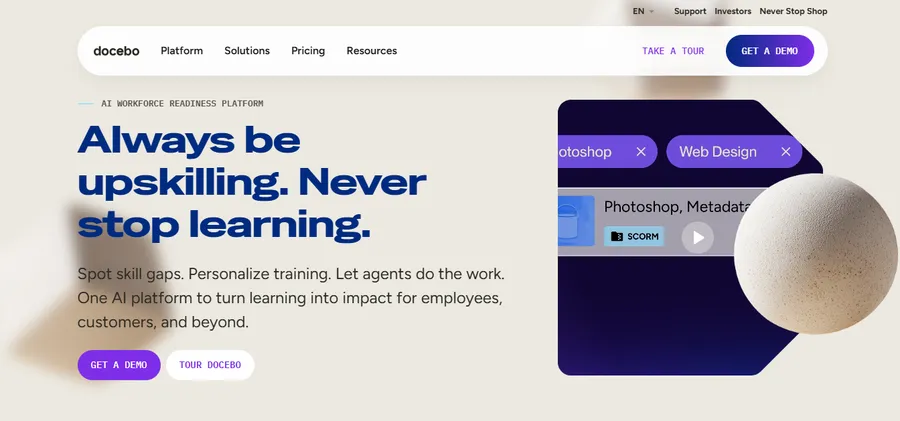
Docebo is built for enterprise-scale training and leans heavily on AI for content curation and personalized learning paths. It supports hundreds of third-party integrations and includes a built-in authoring tool called Shape. The catch is cost and complexity: smaller teams often find the setup more than they need, and pricing is quote-based rather than published.
Cornerstone OnDemand
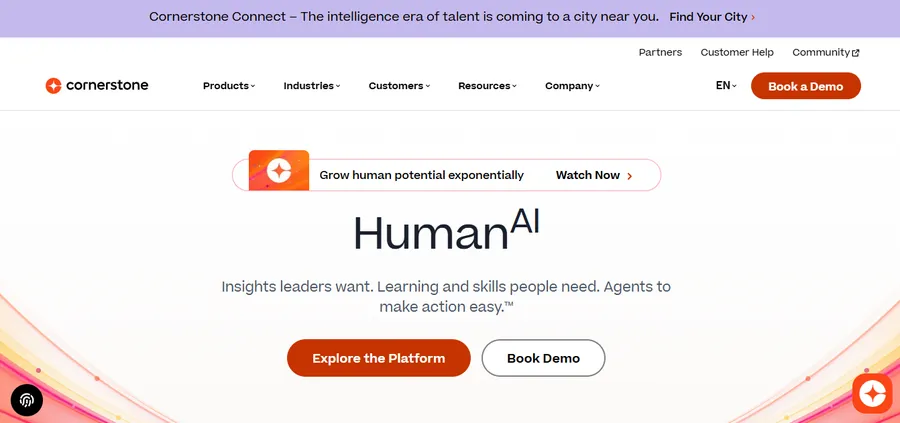
Cornerstone pairs learning with talent management, so if your company already leans on it for performance reviews or succession planning, the learning module fits naturally into that ecosystem. It is a strong pick for large enterprises but tends to require a longer implementation timeline than lighter tools.
TalentLMS
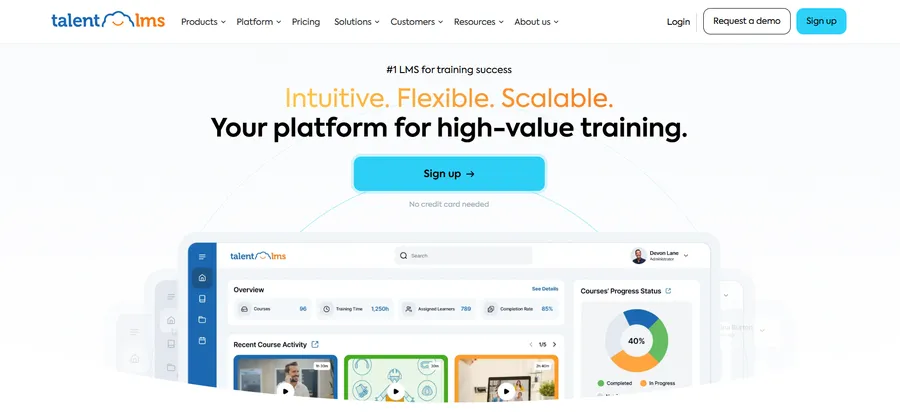
TalentLMS is aimed at teams that want to be live within days, not months. The interface is simple, pricing is published upfront, and it covers the onboarding and compliance basics well. It is not built for the deep talent-integration features that a Cornerstone or Docebo customer might expect at enterprise scale.
Absorb LMS
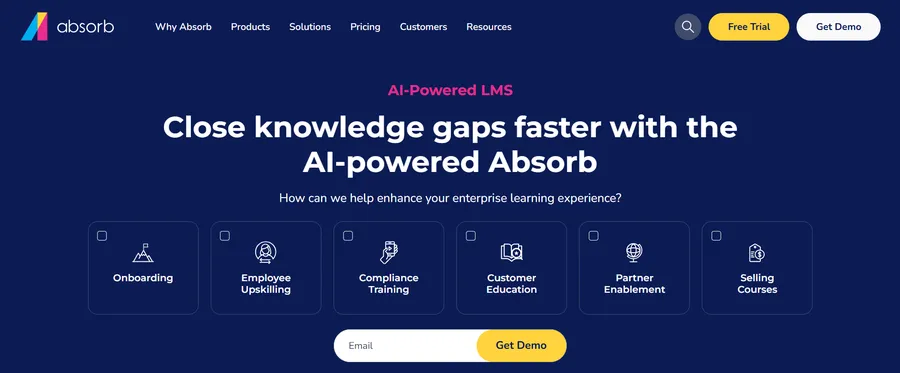
Absorb balances a clean admin experience with solid reporting and e-commerce features, which makes it a common choice for companies that also sell training externally to customers or partners. Its AI assistant handles some content tagging and search improvements, though its automation depth still trails Docebo’s.
iSpring Learn
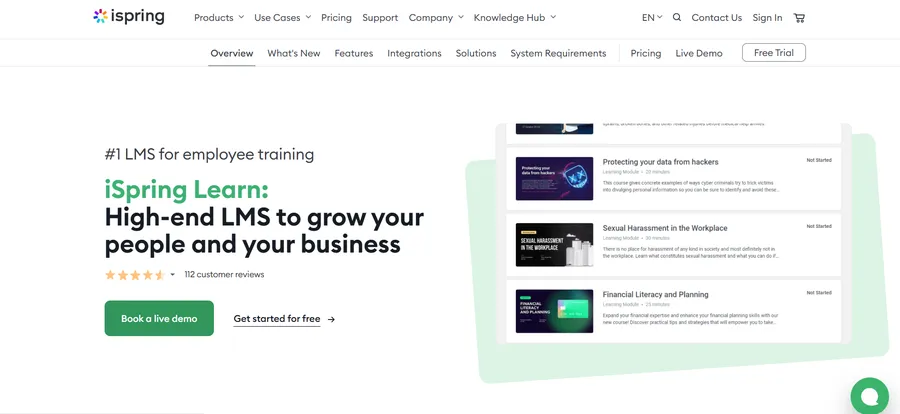
iSpring Learn is a good fit for teams that want role-specific training paths without a steep learning curve for administrators. It pairs well with iSpring’s authoring suite if your team is already building PowerPoint-based courses and wants a straightforward way to publish them.
Litmos
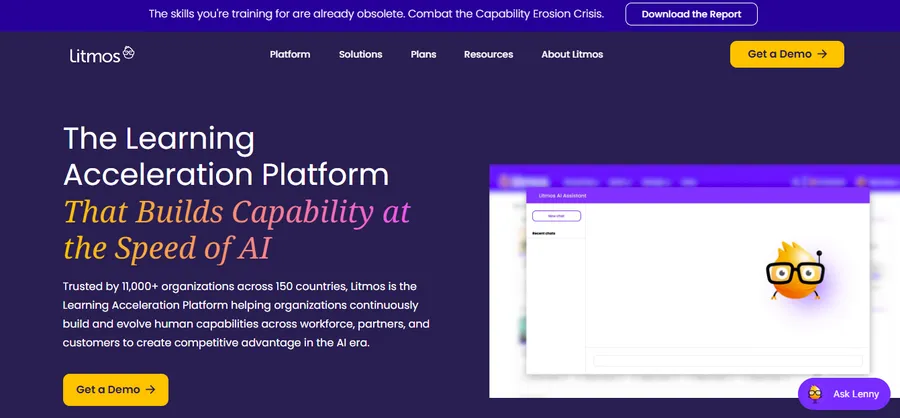
Litmos leans into fast deployment for large, regulated organizations that need to push compliance training globally with minimal setup time. It ships with a large content library, which helps teams that do not want to build every course from scratch.
360Learning
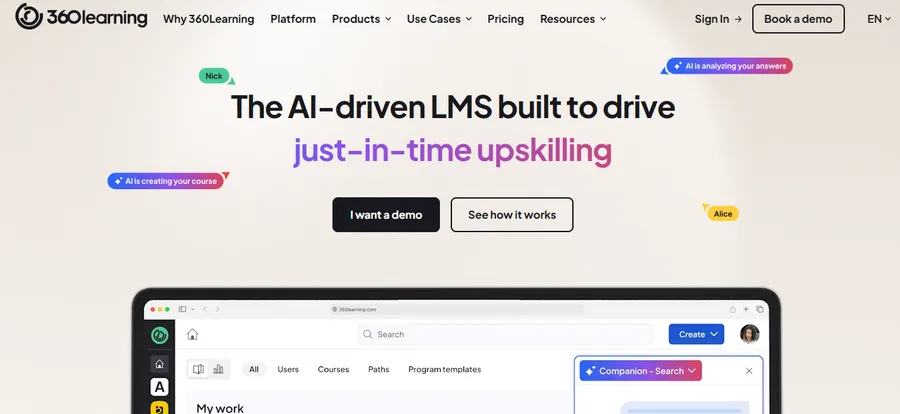
360Learning is built around collaborative learning, where subject-matter experts co-author courses instead of leaving everything to a central L&D team. That model works well for fast-growing companies that need training content produced faster than a traditional authoring workflow allows.
LearnUpon
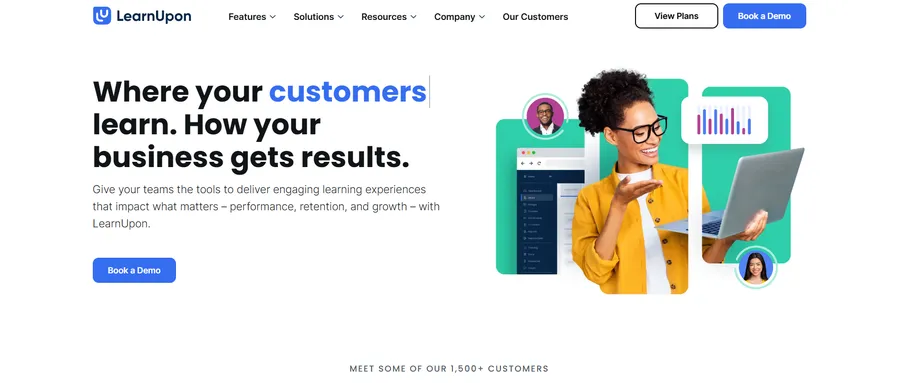
LearnUpon supports multiple learner audiences (employees, partners, and customers) from separate branded portals under one account. It is a solid middle-ground option for companies that have outgrown a basic tool but are not ready for full enterprise pricing.
Moodle Workplace
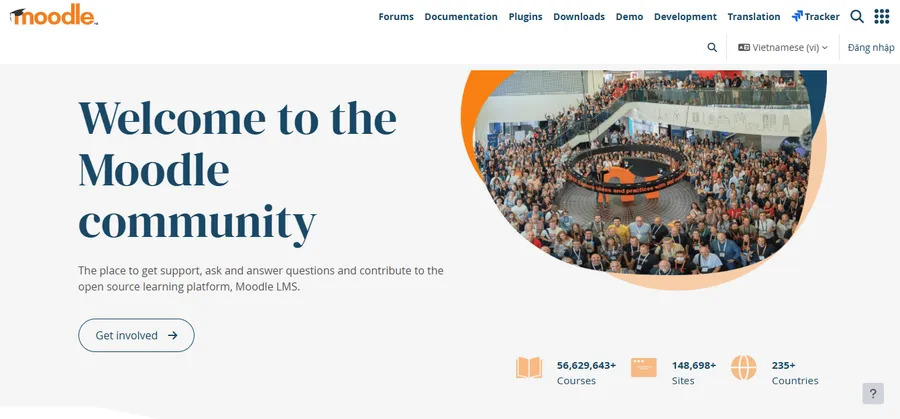
Moodle Workplace is the corporate layer on top of the open-source Moodle LMS, adding multi-tenancy and job-role management. It suits organizations that want open-source flexibility and are comfortable managing more of the technical setup themselves or through a partner.
WordPress with LearnPress
If your company already runs on WordPress for its website, intranet, or knowledge base, LearnPress turns that same install into a fully functional corporate LMS without asking you to manage a second platform or pay per-seat enterprise pricing. It handles course building, quizzes, certificates, and learner progress tracking directly inside WordPress, which keeps training content on infrastructure your team already controls.
Comparison at a glance
| Platform | Best for | Standout feature | Pricing model |
|---|---|---|---|
| Docebo | Large enterprises scaling AI-driven training | AI content curation, Shape authoring | Custom quote |
| Cornerstone OnDemand | Companies combining learning with talent management | Talent and skills integration | Custom quote |
| TalentLMS | Fast setup for small and mid-size teams | Published, simple pricing | Per-active-user |
| Absorb LMS | Companies selling training externally | E-commerce and reporting | Custom quote |
| iSpring Learn | Role-specific training with an easy admin panel | PowerPoint-based authoring | Per-user tiers |
| Litmos | Global compliance rollouts | Large built-in content library | Custom quote |
| 360Learning | Collaborative, SME-authored courses | Peer-review course creation | Per-user tiers |
| LearnUpon | Multi-audience training (staff, partners, customers) | Branded multi-portal setup | Custom quote |
| Moodle Workplace | Teams wanting open-source flexibility | Multi-tenancy, job roles | Custom quote |
| WordPress + LearnPress | Teams already running WordPress | Built-in course tools, no per-seat fees | One-time or freemium |
Corporate training software vs. spreadsheets and shared drives
Plenty of small teams start out managing training with a shared folder of PDFs and a spreadsheet tracking who has read what. It works until it does not. The moment you have more than a handful of employees, or any regulatory requirement to prove someone completed mandatory training by a specific date, that manual process becomes a liability rather than a convenience.
Dedicated corporate training software solves three problems a spreadsheet cannot. First, it automates enrollment so new hires get the right courses without someone remembering to assign them manually. Second, it produces audit-ready reports in minutes instead of hours of manual cross-referencing. Third, it gives learners a consistent experience across devices, which matters when half your workforce is remote or working from a phone on a warehouse floor.
The trade-off is upfront setup time. Migrating existing training material into a new corporate LMS is real work, and it is worth budgeting a few weeks for content cleanup rather than assuming a straight upload will do the job.
Enterprise learning management software vs. SMB-friendly corporate LMS options
Not every company needs the same tier of platform, and this is where a lot of buyers overspend. Enterprise learning management software like Cornerstone or Docebo makes sense once you are managing thousands of learners, multiple business units, and complex compliance requirements across regions. These platforms come with deep customization, dedicated account management, and integration depth that smaller tools cannot match, but they also come with implementation timelines measured in months and pricing that only makes sense at scale.
For a company under a few hundred employees, the best LMS for corporate training is often the one that gets you live in a week, not the one with the longest feature list. TalentLMS, iSpring Learn, and WordPress-based options like LearnPress tend to fit this bracket well because they skip the lengthy sales and implementation cycle that enterprise tools require.
A useful gut check: if your procurement team is used to negotiating annual contracts with named account executives, you are probably an enterprise buyer. If your L&D function is one or two people wearing multiple hats, you are almost certainly better served by a leaner, faster-to-deploy corporate LMS.
How to choose the best corporate LMS for your organization
Buying the wrong LMS is an expensive mistake, both in wasted subscription cost and in the internal trust you burn asking employees to switch tools twice in a year. Work through these steps before signing anything.
Define your primary use case first
Onboarding, compliance, skills development, and customer education all have different platform requirements. Trying to buy one tool that does all four equally well usually means it does none of them particularly well. Rank your top use case, then evaluate platforms against that first.
Map your existing tech stack
List the tools your LMS needs to talk to, your HRIS, single sign-on provider, communication tools, and any CRM if you plan to train customers or partners. A platform with a native integration saves your IT team weeks of custom API work later.
Set a real budget, not a wish-list budget
Enterprise learning management software can run into six figures annually once you add active users, premium support, and content libraries. Decide what you are actually willing to spend before you take a sales call, or you will end up anchored to a number a vendor picked for you.
Run a pilot with real content
Do not evaluate a corporate LMS on the demo environment alone. Upload one of your actual courses, assign it to a small test group, and see how the platform performs with your real content and your real learners before committing.
Check what happens after the sale
Ask current customers how support response times hold up three months after signing, not during the sales process. A platform that is easy to buy and hard to get help with later will cost you more in the long run than a slightly pricier option with responsive support.
Involve the people who will actually use it
L&D leaders sometimes choose a corporate LMS based on what looks impressive to leadership without asking the managers and employees who will use it daily. Bring a few frontline employees and hiring managers into the pilot phase. Their feedback on how intuitive the course player feels, or whether the mobile experience actually works on the job floor, often catches problems that an admin-only trial misses.
Why growing teams pair WordPress with LearnPress for training
For companies that already run their website, blog, or internal knowledge base on WordPress, LearnPress is worth a serious look before jumping to a standalone enterprise tool. It turns an existing WordPress install into a working corporate LMS, complete with course builders, quizzes, certificates, and progress tracking, without adding a second login system or a new per-seat bill for every employee. That combination of familiar infrastructure and predictable cost makes it a practical starting point for mid-size teams who want to own their training content instead of renting it from a closed platform.
FAQs
What is the difference between a corporate LMS and a regular LMS?
A corporate LMS is built around workforce use cases like onboarding, compliance tracking, and skills development, while a general LMS often targets academic institutions with features like grading and student enrollment periods. Corporate platforms typically prioritize integrations with HR systems and reporting tied to business outcomes rather than academic credit.
How much does a corporate LMS typically cost?
Pricing ranges widely, from free or low-cost WordPress-based options like LearnPress to enterprise platforms that charge per active user and run into six figures annually for larger organizations. Most mid-tier platforms price per user per month, so the total cost depends heavily on how many employees you need to train.
Can a small business use an enterprise-grade corporate LMS?
Technically yes, but it is rarely the right move. Enterprise learning management software is built for complexity most small businesses do not have yet, and the implementation timeline and cost usually outweigh the benefit until a company reaches a few hundred employees or more.
Do corporate LMS platforms support mobile learning?
Most modern corporate learning management systems offer either a dedicated mobile app or a responsive web experience, which matters for frontline or field employees who do not sit at a desk. When comparing platforms, check whether progress syncs properly between mobile and desktop, since this is a common weak spot even among well-known vendors.
Final thoughts
There is no universal answer to which corporate LMS is best, only the one that matches your team size, budget, and the specific training problem you are trying to solve right now. Enterprise tools like Docebo and Cornerstone earn their price tag at scale, fast-deployment platforms like TalentLMS and iSpring Learn suit companies that need to move quickly, and WordPress-based options like LearnPress give teams that already live in WordPress a low-friction way to own their training content outright. Shortlist two or three platforms, run a real pilot with your own content, and let that trial decide the purchase rather than the sales deck.
Read more: Social Media Marketing Course: How to Pick the Right One