
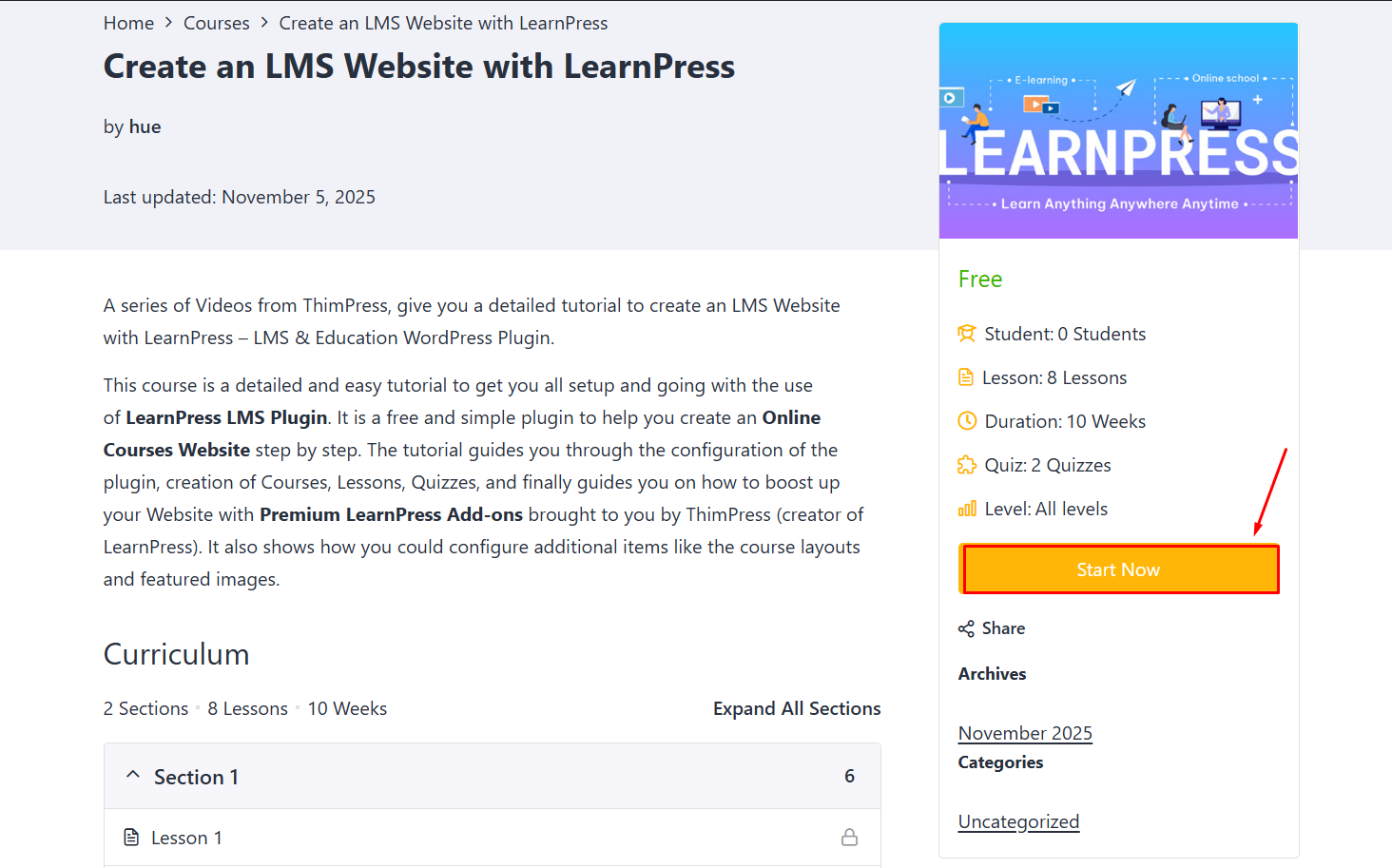
1. Coure Free
The free course, you can click “Start Now” to join the course.
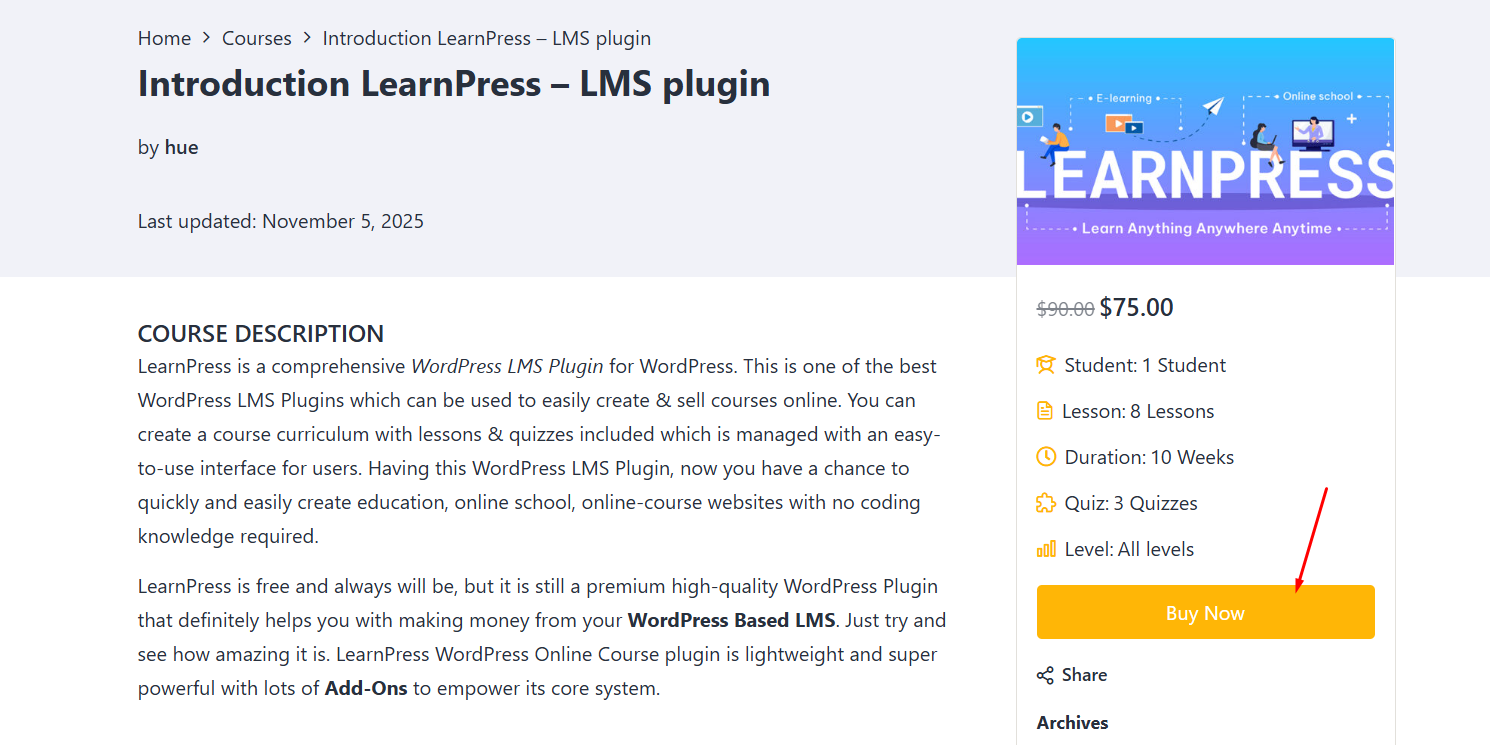
2. Paid course
For paid courses, you need to click ‘Buy Now‘ to be able to purchase and study the course.
3. Profile
On the Student Profile, you can see the courses, orders, setting, …
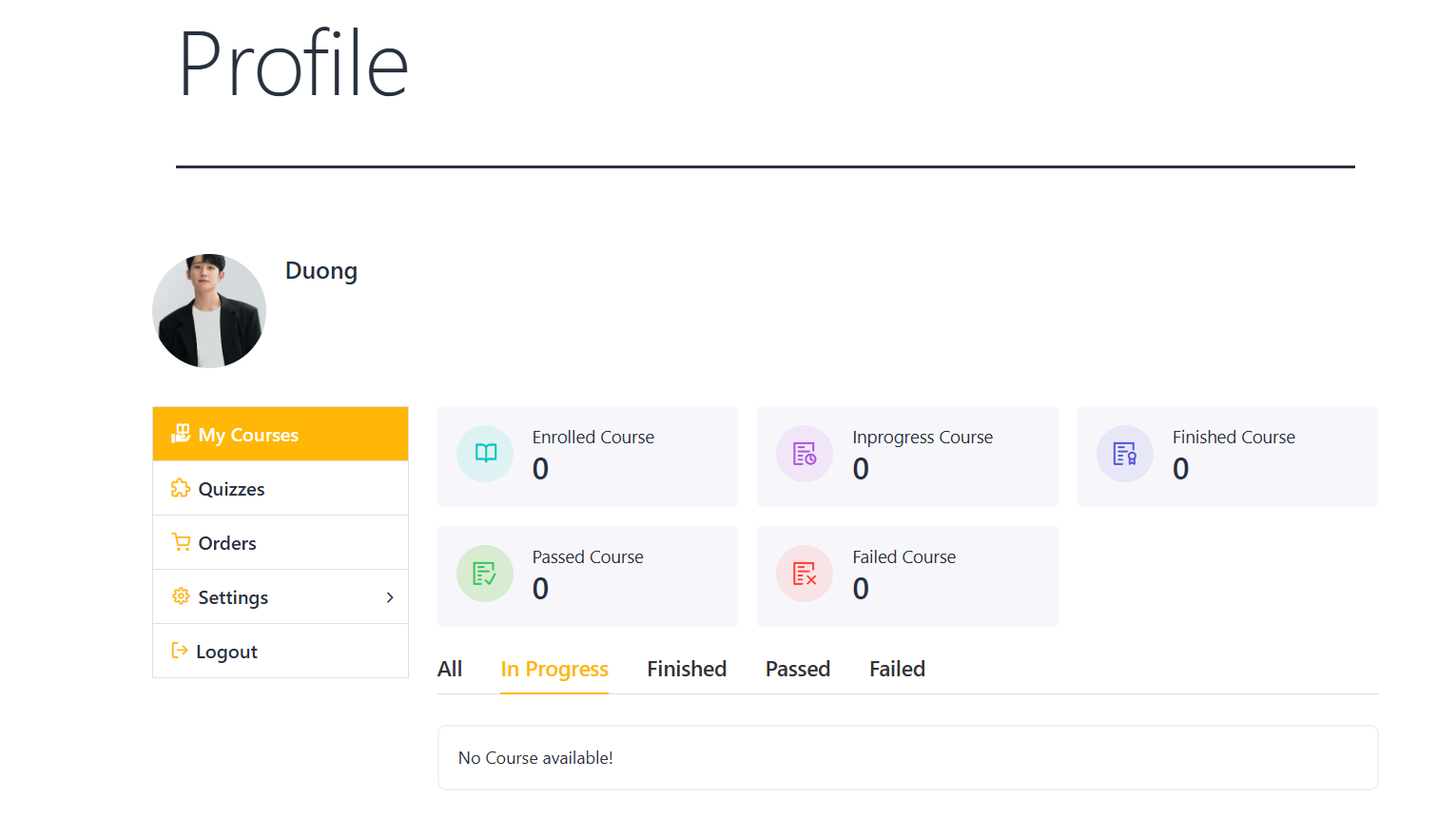
– Course: Here will display the courses you have purchased
– Order: Show order details and order status
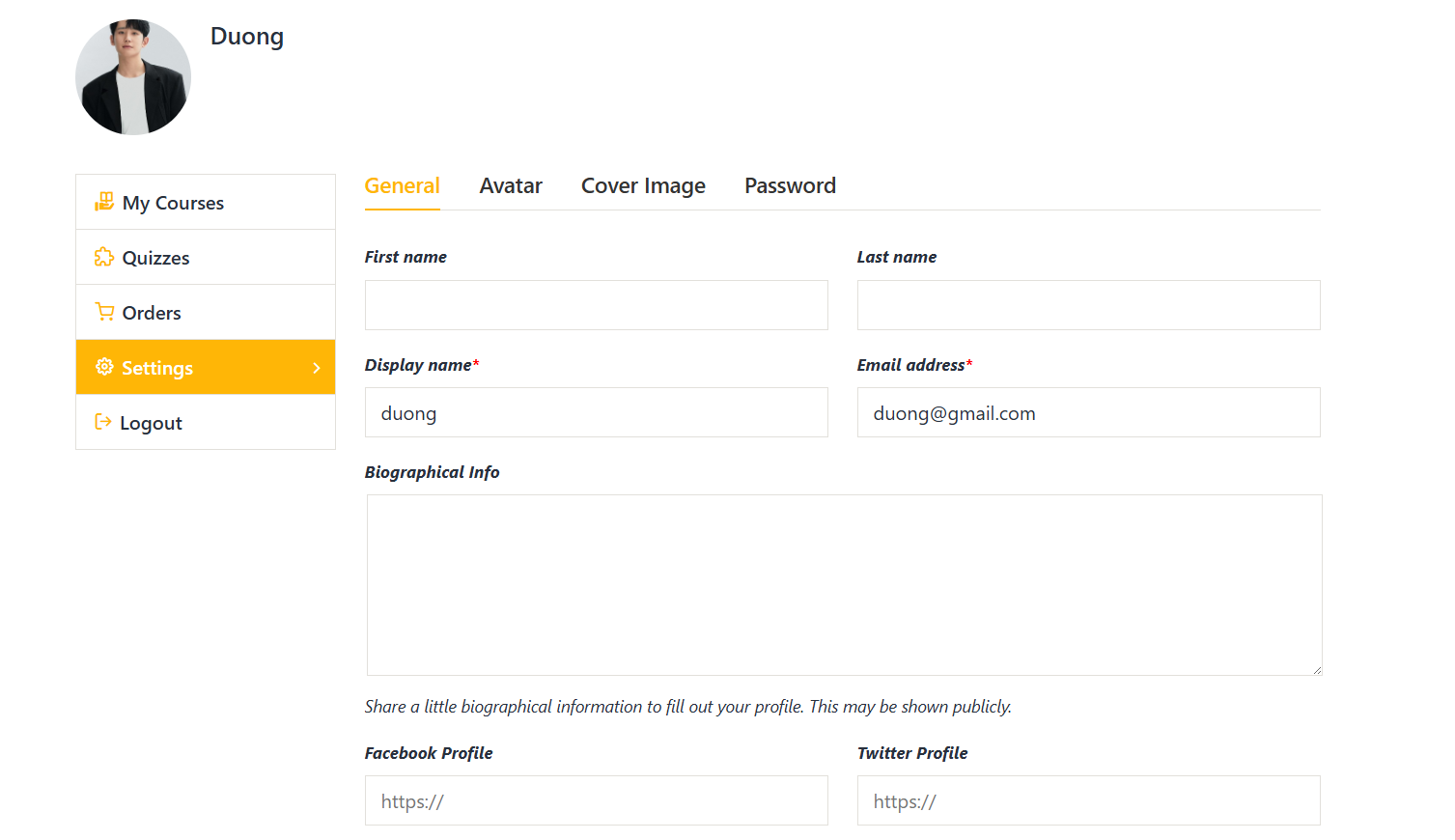
– Setting: Students can edit their profile: General, Avatar, Password, Publicity.
– Quiz Results: displays the quiz of the courses that students take, the quiz which passes, the quiz false