
The best WordPress chat module is the one that lets visitors reach you in seconds without slowing your pages down. Whether you run a blog, a WooCommerce store, or an online course site, a chat box turns quick questions into sales and support wins. This guide compares six tools by features, pros, cons, and pricing, so you can pick one and go live today.
LearnPress – WordPress LMS Plugin
We provide an amazing WordPress LMS plugin to create & sell online courses. Let’s find out!
Try NowTable of Contents
What is a WordPress chat module?
A WordPress chat module is a plugin or script that adds a chat window to your site so visitors can message you while they browse. Some modules connect to a hosted service with an inbox, mobile apps, and chatbots. Others are simple buttons that open WhatsApp or another app.
WordPress does not include live chat in core, so you need a WordPress plugin. Most tools install from Plugins > Add New in the dashboard. Conversations usually live in the vendor’s cloud, not in your WordPress database, which keeps your site lighter.
Live chat, chatbot, and click-to-chat
Live chat connects a visitor to a real person in real time. A chatbot answers common questions automatically, often with AI. Click-to-chat is a button that sends the visitor to another messaging app. Many tools now mix all three, so the right choice depends on who answers first, you or a bot.
How we compared these tools
We reviewed each tool’s WordPress.org listing, official pricing page, and feature documentation. We judged them on setup effort, free plan limits, chatbot support, team features, and pricing clarity. This is a feature comparison, not a speed test. Prices change often, so confirm the current rate on each vendor’s site before you buy.
The 6 best WordPress chat module options
Each tool below includes an overview, key features, pros, cons, and a link. They are listed by use case, not strict rank.
1. Tidio: best for small stores that want AI and live chat together

Tidio combines live chat, chatbots, and an AI agent called Lyro in one app. It is popular with online stores and small teams that want automation from day one. The free plan includes 50 billable conversations a month and 10 seats.
Key features:
- Live chat, shared inbox, and visitor tracking
- Lyro AI agent for automated answers
- Ready-made chatbot flows for common questions
- WooCommerce and email integrations
- Mobile apps for iOS and Android
Pros:
- Easy install from the WordPress plugin directory
- Free plan works for a new site
- Chatbots reduce repeat questions
Cons:
- Free plan caps conversations, so busy sites will upgrade
- You need a Tidio account, and chats are stored in Tidio’s cloud
2. Tawk.to: best free live chat widget for WordPress
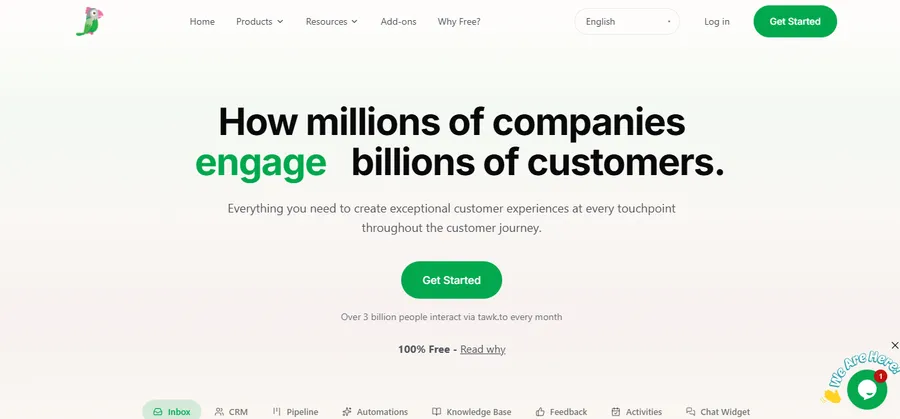
Tawk.to is the most common answer when people search for a free live chat widget WordPress owners can run without limits. It offers unlimited agents, chats, and sites at no cost. Its WordPress plugin was last updated in January 2026, a slower release pace than some rivals.
Key features:
- Unlimited agents, chats, and websites
- Knowledge base and contact management
- Visitor monitoring and chat triggers
- Mobile apps for answering on the go
- Official WordPress plugin
Pros:
- Truly free for core live chat
- No seat limits, so a growing team pays nothing extra
- Works on any theme
Cons:
- The dashboard feels busier than paid tools
- Removing the branding and adding hosted agents are paid options
- Built-in AI features are lighter than Tidio’s
3. HubSpot live chat: best free chat tool with a built-in CRM
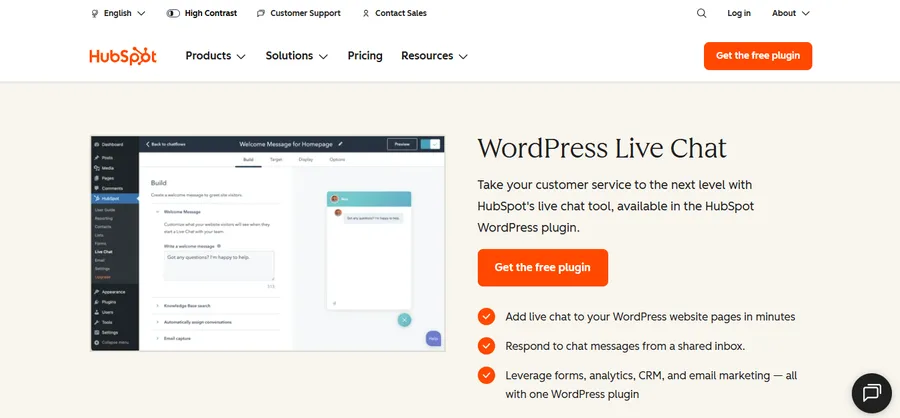
HubSpot adds a chat widget to your site and sends every conversation into its free CRM. That makes it a strong pick for lead generation, because each chat becomes a contact record with history. It is a good chat plugin for website owners who already use, or plan to use, HubSpot for email and sales.
Key features:
- Free live chat and free chatbot builder
- Shared inbox and built-in CRM
- Lead capture forms inside the chat
- Email automation and lead scoring on paid tiers
- Reports linked to contacts and deals
Pros:
- Chats connect directly to sales and marketing data
- Free plan covers live chat and basic bots
- Well-documented, with strong support content
Cons:
- The plugin does more than chat, so it can feel heavy for simple sites
- Paid tiers can get expensive; one comparison lists them from around $28 per agent per month, so check HubSpot for current rates
- Best value comes only if you use the wider HubSpot suite
4. 3CX free live chat: best for chat plus calls and video
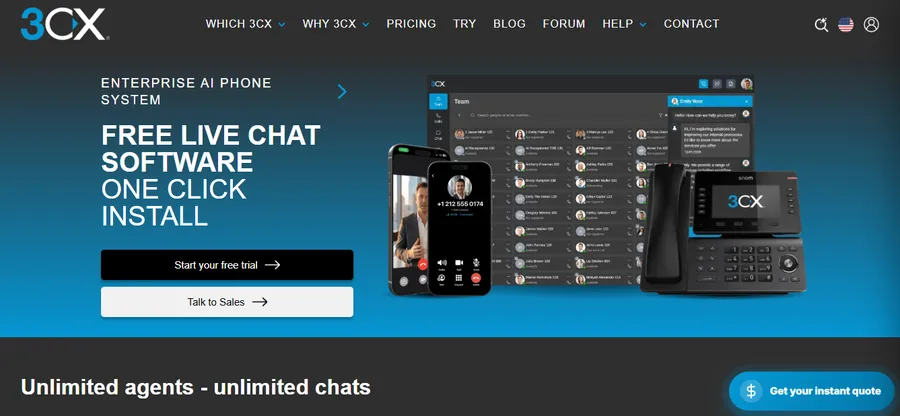
3CX Free Live Chat adds a chat widget and lets you move to a call or video chat when typing is not enough. It suits service businesses that already talk to customers by phone.
Key features:
- Live chat, voice, and video from one widget
- Messaging in the 3CX web client and apps
- Visitor information shown during the chat
- Works with the 3CX phone system
Pros:
- Free to start
- Voice and video options set it apart from text-only tools
- Fits teams that already use 3CX
Cons:
- Works best if you use the 3CX ecosystem
- Fewer sales and AI features than Tidio or HubSpot
- Tidio’s comparison notes that 3CX does not publish prices for AI add-ons or branding removal, so confirm costs with the vendor
5. LiveChat: best for sales and support teams that need depth
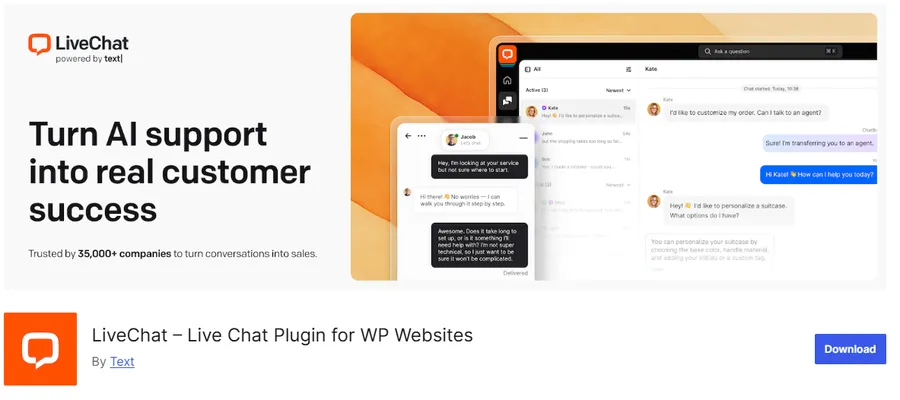
LiveChat is a long-running, paid product with strong reporting, canned replies, and team tools. It has no free plan, only a trial. Pricing is per agent: Starter is $19 per agent per month, Team is $49, and Business is $79 when billed annually, as verified by third-party reviewers.
Key features:
- Targeted greetings and chat routing
- Chat history, ratings, and detailed analytics
- Integrations with CRMs and help desks
- Pre-chat forms and canned responses
- ChatBot add-on sold separately
Pros:
- Mature, reliable feature set
- Strong reporting for managers
- Good for teams with several agents
Cons:
- No free plan
- Per-agent pricing adds up as your team grows
- The ChatBot add-on is a separate subscription
6. Crisp: best for flexible pricing per workspace
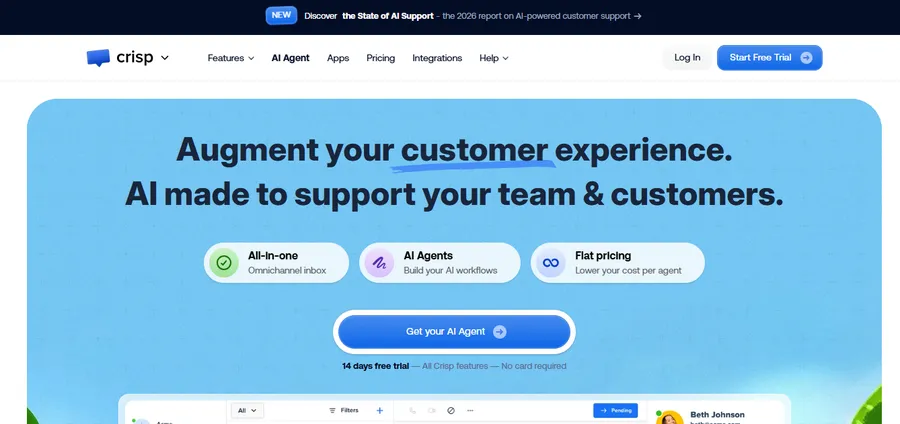
Crisp offers a free plan for small sites and charges per workspace instead of per agent. That makes costs more predictable for growing teams. It also covers more than chat, including email and social inboxes.
Key features:
- Free plan for small websites
- Shared inbox across chat, email, and social channels
- Chatbot scenarios and knowledge base
- Visitor profiles and chat triggers
- Mini, Essentials, and Plus paid plans
Pros:
- Predictable workspace-based pricing
- Clean, modern chat box
- Good multichannel inbox
Cons:
- Free plan has limited features
- Advanced automation sits in higher plans
- Setup takes longer if you use several channels
Comparison table
Here is how the six tools line up on the points most buyers ask about first. Prices are based on public pages and may change.
| Tool | Free plan | Paid from | Best for | Built-in AI or chatbot |
|---|---|---|---|---|
| Tidio | Yes, 50 conversations a month | Check Tidio pricing page | Stores and small teams | Yes, Lyro AI and flows |
| Tawk.to | Yes, unlimited agents | Optional paid add-ons | Free live chat | Basic automation |
| HubSpot live chat | Yes | Around $28 per agent per month | Lead generation with CRM | Yes, chatbot builder |
| 3CX free live chat | Yes | Not clearly published | Chat plus calls | Limited |
| LiveChat | No, trial only | $19 per agent per month, billed annually | Support and sales teams | Via separate ChatBot add-on |
| Crisp | Yes | Workspace plans | Multichannel inbox | Yes, chatbot scenarios |
How to add live chat to WordPress
You can add live chat to WordPress in about ten minutes with any tool above. The steps are almost the same for each plugin.
- Create a free account with your chosen chat vendor.
- In your WordPress dashboard, go to Plugins > Add New and search for the plugin name.
- Click Install Now, then Activate.
- Open the plugin settings and sign in to link your account. Most tools then place the chat box automatically.
- Set your greeting, brand color, and working hours in the vendor dashboard.
- Open your site in a private browser window and send a test message to confirm it reaches your inbox.
- Install the vendor’s mobile app so you can reply when you are away from your desk.
Tip: Test your live chat widget on a phone as well. Make sure it does not cover your checkout button or cookie banner. If you edit any theme files for custom placement, use a child theme so updates do not erase your work. This guide reflects WordPress 7.0 and current plugin versions in late 2026, so menu names may change in newer releases.
How to choose the right chat tool
The right tool depends on your budget, team size, and goals. Start with the questions below.
Match the tool to your budget
If you want zero cost and no limits, start with Tawk.to. If you want a free plan with built-in AI, try Tidio or Crisp. If you can pay per agent for deeper reports, look at LiveChat.
Match the tool to your workflow
Pick HubSpot if chats should feed your sales pipeline. Pick 3CX if your team also takes calls. Pick Crisp if you want chat, email, and social messages in one inbox. A good WordPress chat module should fit the way your team already works, not force a new process.
Check privacy and branding
Chat tools collect visitor data, so read the vendor’s privacy policy and add a notice to your site’s privacy page. Check whether the free plan shows the vendor’s logo in the chat box, and whether removing it costs extra.
Live chat for course sites with LearnPress and Eduma
Live chat is especially useful on education sites, where students ask about enrollment, payments, and lesson access. If you build your course site with LearnPress, the free LMS plugin for WordPress, a chat widget gives learners a fast way to get help before they buy a course. Sites built on the Eduma education theme can use the same setup, since the tools above work with any well-coded theme.
A practical setup is to use a free chat tool like Tawk.to or Tidio for pre-sale questions, and keep a short knowledge base for common issues such as password resets and certificate downloads. A free live chat widget WordPress course owners can set up in minutes often lifts enrollments, because hesitant buyers get answers right away.
FAQs
Does a live chat widget slow down my WordPress site?
It can, because every widget loads extra JavaScript. Choose a tool that loads its script asynchronously, and use the plugin’s settings to show the chat only on pages where you need it. After installing, run PageSpeed Insights and compare your Largest Contentful Paint (LCP) before and after.
Is live chat GDPR compliant?
It can be, but compliance depends on how you set it up. You need a clear privacy notice, a lawful basis for collecting chat data, and a data processing agreement with the vendor. If you serve visitors in the EU, check whether the tool offers consent controls before the chat loads.
Do I need to be online all day to run live chat?
No. Most tools let you set working hours and show an offline form that sends messages to your email. A chatbot can also answer common questions when your team is away, and mobile apps let you reply from your phone.
Is a chatbot better than live chat?
Neither is better in every case. A chatbot handles repeat questions at any hour, while live chat works better for complex or high-value conversations. Many sites combine both, letting a bot answer first and handing over to a person when needed.
Conclusion
Choosing a WordPress chat module comes down to your budget, your team, and how you want to talk to customers. Tawk.to is the best pick if you want free, unlimited chat. Tidio suits stores that want AI and automation, while HubSpot works best for lead generation. 3CX fits teams that also take calls, LiveChat serves larger support teams, and Crisp gives flexible pricing. Whichever chat plugin for website owners you pick, start with the free plan, test it on mobile, and watch your page speed. Then upgrade only when your chat volume proves you need more.
Read more: 6 Best Online EZ Grader Tools for Teachers (Free)