Learning flash cards are one of the simplest ways to remember facts, terms, and formulas, and today you can build them in a browser in a few minutes. The hard part is choosing the right tool, because every app now promises AI, games, and free plans with different limits. This guide compares six options so you can pick one without wasting a week on trial and error.
LearnPress – WordPress LMS Plugin
We provide an amazing WordPress LMS plugin to create & sell online courses. Let’s find out!
Try NowTable of Contents
What learning flash cards are and why they work
Learning flash cards are small study prompts with a question on one side and an answer on the other, used to practice recall instead of rereading notes. The format is old, but the digital version adds search, images, audio, and automatic scheduling. Two ideas explain most of the benefit.
Active recall
Active recall means you pull the answer out of memory before you see it. A card forces that moment. When you flip it and find you were wrong, the correction sticks better than a highlighted paragraph. Educators call this retrieval practice, and it is the reason a quiz often teaches more than a second reading.
Spaced repetition
Spaced repetition means you see a card again just before you would forget it. Easy cards come back after a long gap. Hard cards come back soon. Tools such as Anki and Brainscape build this into the app, so you do not have to manage a pile of paper cards by hand.
How we picked the best online flashcards
We compared each tool on the same six points, using official product pages and independent reviews published in 2026. We did not run a lab benchmark, so treat the scores as a guide rather than a lab result.
- Free access: How much you can do without paying, and whether ads or daily limits get in the way.
- Editing: Whether you can change cards after you create them, add images, and import or export sets.
- Study modes: Flip cards, quiz flashcards, matching games, and written practice.
- Scheduling: Whether the app uses spaced repetition.
- Devices: Web, iOS, Android, and offline use.
- Fit for teaching: Whether a teacher or course creator can use it with a class.
Prices and plan limits change often. Check each vendor’s pricing page before you commit.
Quick comparison of learning flash cards tools
The table below shows how the six tools differ at a glance, so you can shortlist two or three before reading the full reviews.
| Tool | Best for | Free plan | Editable cards | Quiz and matching modes | Spaced repetition |
|---|---|---|---|---|---|
| Quizlet | Ready-made sets | Yes, with ads and daily caps | Yes | Yes | Yes (Learn mode) |
| Anki | Serious long-term study | Yes (desktop and Android) | Yes, fully | Add-ons and card types | Yes, built in |
| Knowt | Free quizzes and notes | Yes, generous | Yes | Yes | Learn-style mode |
| Brainscape | Confidence-based review | Yes, limited | Yes | Limited | Yes, built in |
| Cram | Simple free sets | Yes, with ads | Yes | Yes | No |
| LearnPress with H5P | Teachers and course sites | Core plugin is free | Yes, in WordPress | Yes, as graded items | No |
The best online flashcards tools reviewed
Each review below covers an overview, who the tool suits, key features, pros, and cons, so you can compare them on equal terms.
1. Quizlet
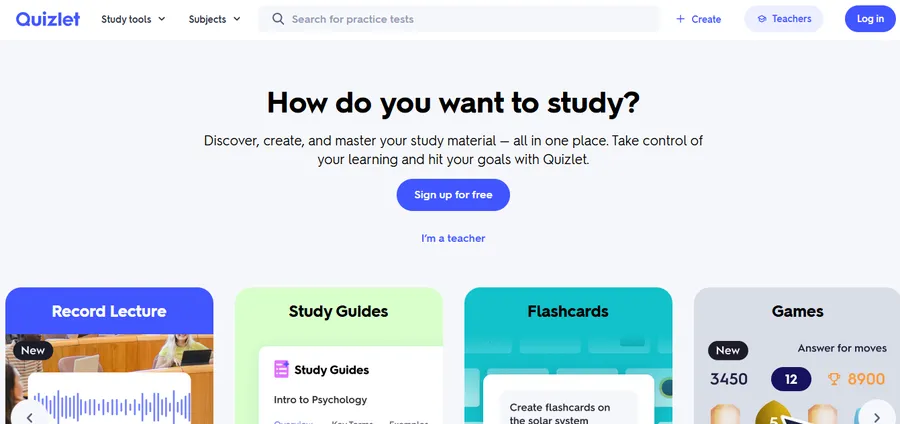
Quizlet is the best-known flashcard platform and a good first stop if you want ready-made sets on almost any school subject. Its study modes include Flashcards, Learn, Test, and Match, and all of them draw from the same set of cards.
Best for: Students who want to search for an existing set, or teachers who want a game like Quizlet Live for class review.
Key features:
- Five core study modes built on one set of cards
- A very large library of shared sets
- Web, iOS, and Android apps
- Paid plans add AI tools, offline study, and ad-free use
Pros:
- Easy to start, with a clean interface
- Strong matching flashcards game for quick review
- Huge public library saves time
Cons:
- The free plan has tightened. Learn and Test modes run for a limited number of rounds per day on free accounts, and ads appear between sessions
- Public sets can contain mistakes, so check them before an exam
- Some features, such as offline study, need a paid plan
2. Anki
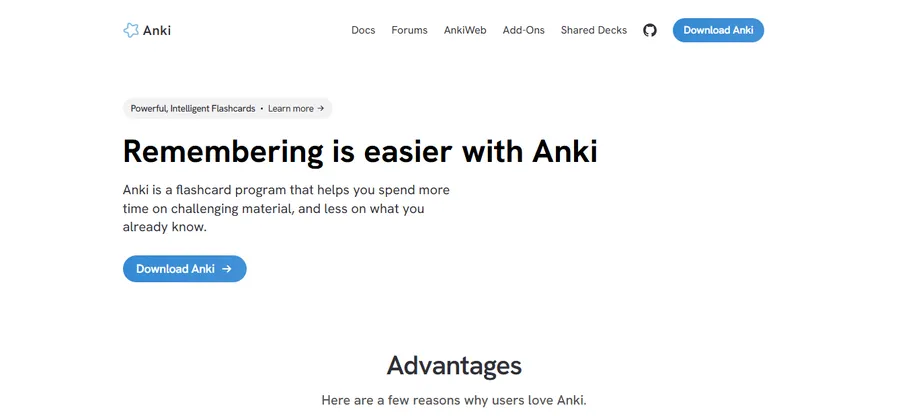
Anki is a free, open-source flashcard program built around spaced repetition. It looks plain, but it is one of the most flexible tools for long-term memory work, and it syncs decks across devices through AnkiWeb.
Best for: Medical students, language learners, and anyone memorizing thousands of facts over months.
Key features:
- Built-in spaced repetition scheduling
- Fully editable flash cards with text, images, audio, and cloze deletions
- Large add-on ecosystem
- Free sync through AnkiWeb
Pros:
- Free on desktop and Android, with no ads
- You control every detail of the card layout
- Excellent for large, long-running decks
Cons:
- The learning curve is steeper than other apps
- The interface feels dated
- The iPhone app is a paid purchase, and the core app has no AI card generator
3. Knowt
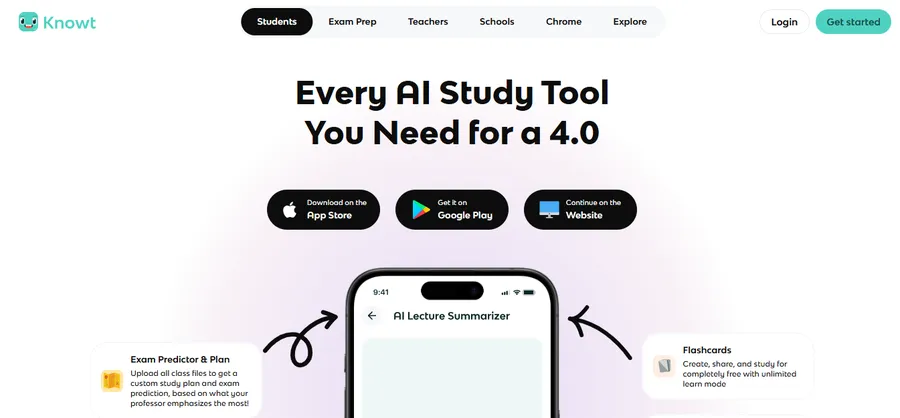
Knowt is a newer study platform that turns notes into flashcards and practice tests. It is often chosen as a free alternative to Quizlet, and it can import Quizlet sets.
Best for: Students who want free quiz flashcards, practice tests, and note-taking in one place.
Key features:
- Flashcards, a Learn-style mode, practice tests, and matching
- Import from Quizlet
- AI features with free monthly limits
- Web and mobile apps
Pros:
- Core studying is free with no daily round caps, according to 2026 comparisons
- Notes and cards live in the same account
- Good for AP and exam prep
Cons:
- The public library is smaller than Quizlet’s
- Heavy AI use moves you to a paid tier
- The app is newer, so the community is smaller
4. Brainscape
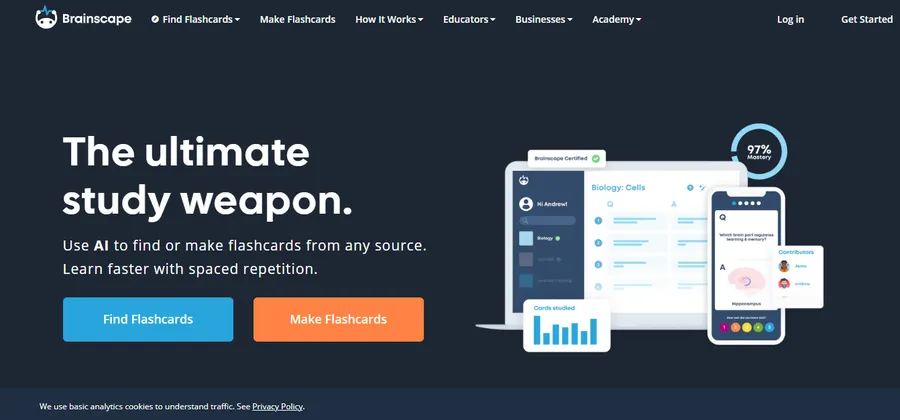
Brainscape is built around confidence-based repetition. After each card you rate how well you knew it, and the app uses that rating to decide when the card returns.
Best for: Language learners and professionals who want a structured routine with minimal setup.
Key features:
- Confidence rating from 1 to 5 after each card
- Spaced repetition scheduling
- Images and audio on cards
- Class and deck sharing tools
Pros:
- The rating system keeps you honest about weak cards
- Clean, focused study screen
- Good progress tracking
Cons:
- The free plan has limits, and the full feature set needs a subscription
- Fewer game-style modes than Quizlet
- Less flexible card design than Anki
5. Cram
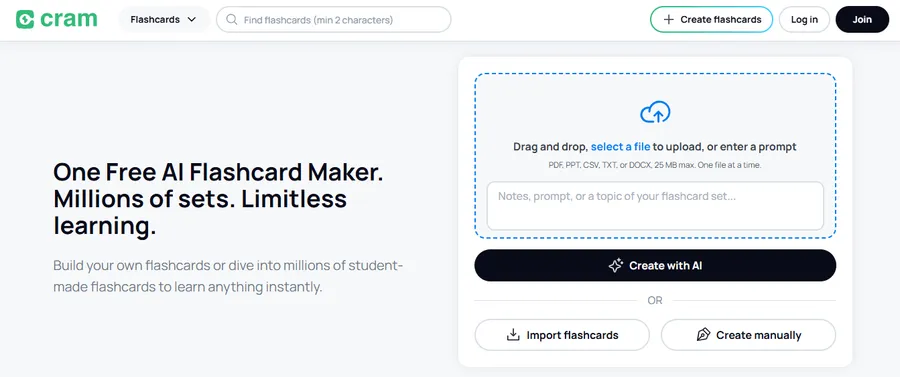
Cram is a long-running site for making and sharing flashcard sets. It is simple, fast, and works well if you only need basic flash cards online free of charge.
Best for: Quick, no-fuss study sessions on a laptop or phone.
Key features:
- Free set creation and a searchable public library
- Study modes, including a test mode and memory-style games
- Image support on cards
- Browser-based access
Pros:
- Very low barrier to entry
- Works without a complicated setup
- Useful for last-minute review
Cons:
- Ads appear on the free version
- No built-in spaced repetition
- The design feels older than newer competitors
6. LearnPress with the H5P add-on
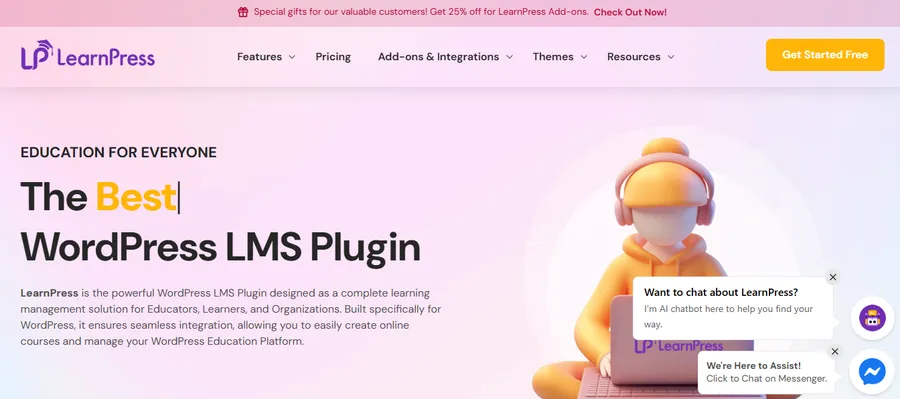
LearnPress is a free WordPress LMS plugin from ThimPress for building and selling online courses. It does not include a flashcard builder in the core plugin, but the H5P add-on lets you place H5P interactive content, including Flashcards and Dialog Cards, directly in your course curriculum. This makes it a strong choice if you teach online and want learning flash cards inside your own site.
Best for: Teachers, trainers, and course creators who want flashcards, grading, and student progress in one WordPress site, rather than sending learners to a separate app.
Key features:
- H5P add-on connects H5P items to LearnPress courses. You create the item in the H5P plugin, then add it to a course under Curriculum.
- H5P Dialog Cards give you two-sided cards with optional images and audio. H5P Flashcards ask learners to type an answer.
- You can set a passing grade on each H5P item and pair it with regular LearnPress quizzes.
- Fully editable flash cards, since you own the content and can change it anytime from the WordPress dashboard.
- Pairs with themes such as Eduma for a ready-made course layout.
Pros:
- You control branding, pricing, and student data
- Flashcards sit next to lessons, quizzes, and certificates
- The core LearnPress plugin is free, and add-ons can be bought as needed
Cons:
- It needs a WordPress site, which takes more setup than a flashcard app
- The H5P add-on is a premium add-on, so check ThimPress for current pricing
- Not designed for solo students who just want to flip cards tonight
If you already run a course site, the setup is short. Install LearnPress and the H5P plugin, activate the LearnPress H5P add-on, and create an H5P item under LearnPress > H5P items. Then attach it to a lesson from the course Curriculum tab. This walkthrough is based on the current add-on documentation, and menu names may change in newer versions.
Learning flash cards for different subjects
The same tool can behave very differently depending on what you are studying, so match the card style to the material. The examples below show how learners commonly adapt learning flash cards to their subject.
Languages
Put the word on one side and a short example sentence on the other. Add audio if the app supports it, because hearing the word helps with pronunciation. Anki, Brainscape, and H5P Dialog Cards all handle audio. If you only need flash cards online free of charge for a quick vocabulary list, Cram or Knowt will do the job.
Science and medicine
Use images for diagrams and anatomy, and cloze deletions for definitions where one word is hidden. Anki is the usual pick here because it handles large decks and image-heavy cards well. Pair your cards with practice questions, since recalling a fact is not the same as applying it.
Exams and certifications
Group cards by topic, then finish with a timed round of quiz flashcards that mixes everything. Mixing topics is harder, but it mirrors the real exam. If you want the best online flashcards for a short deadline, pick a tool with a Test or practice-test mode and use it twice a week.
How to choose the right tool
The best choice depends on who is studying and how long they need to remember the material. Use the short guide below.
For students who need a quick free option
Start with Knowt or Cram. Both let you build sets and study without paying. If you need a large library of shared sets, Quizlet is still the easiest place to find them, as long as you accept the daily limits.
For long-term memory
Choose Anki or Brainscape. Both schedule reviews for you, which matters when the exam is months away. Anki wins on flexibility and price, while Brainscape wins on simplicity.
For teachers and course creators
Use LearnPress with H5P if you already sell or host courses on WordPress. A standalone app works fine for class review, but a course site gives you grades, certificates, and a single login for students.
How to make better learning flash cards
A good tool will not fix a poor card. These habits matter more than the app you choose.
Keep one idea per card
A card that asks for five facts is really five cards. Split it. Short cards are faster to review and easier to score honestly.
Mix card types
Basic cards work for definitions, but you can add variety. Use matching flashcards for vocabulary and terms that look alike. Use quiz flashcards with multiple choice when you need to separate similar answers. Use images for anatomy, maps, and diagrams.
Edit as you learn
Your first draft will have gaps. Editable flash cards let you rewrite confusing prompts, add a hint, or delete a card you already know. Set aside five minutes each week to clean up your deck.
FAQs
Are digital flashcards better than paper ones?
Digital cards are better for large decks because they schedule reviews, search quickly, and sync across devices. Paper cards can still help for short lists and for learners who remember better when they write by hand. Many people use both: paper while first learning, then an app for review.
How many new flashcards should I study each day?
A common starting point is 10 to 20 new cards per day, plus any reviews the app schedules. Increase the number only if reviews feel easy. If your review pile grows faster than you can finish it, lower the daily new-card limit.
Can I move my flashcards from one app to another?
Often yes. Knowt can import Quizlet sets, and Anki can import text and CSV files, so you can usually move a deck with a bit of cleanup. Export options vary by app and plan, so test with a small set first.
Do flashcards work for subjects other than vocabulary?
Yes. Flashcards work for any material that can be turned into a question and a short answer, such as formulas, dates, anatomy terms, legal definitions, and code syntax. They work less well for deep reasoning, so pair them with practice problems and written explanations.
Conclusion
Learning flash cards work because they make you recall information instead of rereading it. For most students, Knowt and Cram are easy free starts, Quizlet offers the biggest library, and Anki or Brainscape suit long-term memory goals. If you teach online, LearnPress with the H5P add-on lets you place flashcards inside a WordPress course, next to lessons and quizzes, under your own branding. Pick one tool, build a small deck this week, and review it every day. Consistent short sessions will help you far more than a long cram the night before.