Schools lose enquiries in shared inboxes, spreadsheets, and paper forms every term. An education CRM fixes this by keeping every lead, student, and parent conversation in one searchable place. Instead of asking who replied to a family last week, your team can see the full history in seconds.
This guide compares the best education CRM software for schools in 2026. You will learn what these tools do, which features matter, how the top options differ, and how to choose one that fits your size and budget. Features and pricing change often, so confirm current details on each vendor’s website before you buy.
LearnPress – WordPress LMS Plugin
We provide an amazing WordPress LMS plugin to create & sell online courses. Let’s find out!
Try NowTable of Contents
What is an education CRM?
An education CRM is software that stores and manages relationships with prospective students, current students, parents, and alumni in one database. It is built around communication and follow-up, not grades or timetables.
How it differs from an SIS and an LMS
A student information system (SIS) holds official records such as attendance, grades, and timetables. A learning management system (LMS) delivers courses, lessons, and quizzes. A CRM sits before and around both. It tracks the enquiry, the application, the offer, the enrolment, and the long-term relationship. Most institutions end up using all three, and the best setups connect them so staff do not type the same data twice.
Who uses it
Admissions teams, student support staff, marketing teams, and principals all use these tools. Private K-12 schools use CRM software for schools to manage open days, tours, and applications. Colleges and universities use it for recruitment at scale. Training providers and online academies use it to turn website visitors into paying learners.
Why schools need a student CRM system
A student CRM system saves staff time and helps more families finish the enrolment process. The gains show up in four places.
Faster admissions follow-up
Families often contact several schools at once, and the school that replies first with a clear next step usually keeps the conversation going. A CRM can send an instant confirmation email, assign the lead to a staff member, and remind that person to call within 24 hours.
One communication history
When a parent calls the front desk, the receptionist should see the last email, the open day booking, and any notes from the admissions officer. Without a shared record, families repeat themselves, and that feels careless even when the staff are doing a good job.
Reporting that answers real questions
Which marketing channel brings the most applications? Which stage of the process loses the most families? With CRM for student management, you can answer these questions from a dashboard instead of rebuilding a spreadsheet every month.
Stronger retention
Enrolment is not the end of the relationship. Many schools use their CRM to track re-enrolment, send reminders, flag students who disengage, and keep in touch with alumni for events and donations.
Key features to look for in education CRM systems
Not every CRM is built for schools, so the feature list matters more than the brand name. Use the points below to judge any of the education CRM systems you shortlist.
Lead and admissions tracking
Look for a visual pipeline that matches your process, for example enquiry, tour, application, offer, and enrolled. You should be able to rename stages, add custom fields such as grade level or intake year, and track sources like website forms, events, and referrals.
Email and SMS automation
Automation should cover welcome messages, tour reminders, missing document nudges, and deadline alerts. Check that you can personalise messages using student and parent fields, and that unsubscribes are handled correctly.
Integrations
A CRM that does not connect to your other systems creates extra work. Check for links to your website forms, SIS, LMS, payment gateway, calendar, and email platform. If a direct integration does not exist, confirm that the tool offers an open API or webhooks.
Data privacy and security
You will store data about minors, so privacy is not optional. Ask where data is hosted, how access is controlled, and whether the vendor supports the rules that apply to you, such as FERPA in the United States or GDPR in Europe. Role-based permissions matter too, because a marketing assistant should not see sensitive counselling notes.
Reporting and ease of use
Staff will only use a tool they find easy. Test the interface with real users, not just the person buying the software. Dashboards should show conversion rates, response times, and pipeline value without a data analyst.
How we evaluated these tools
This list is based on publicly available product information, vendor documentation, and common school use cases. It is not a lab benchmark, and we did not run speed or load tests. We scored each tool on six points: fit for education workflows, ease of setup, integrations, data privacy controls, pricing transparency, and the level of support or community available. Where a vendor does not publish prices, we say so rather than guess.
5+ Best education CRM tools for schools in 2026
Each tool below suits a different type of institution. Read the “best for” line first, then check the details.
Salesforce Education Cloud
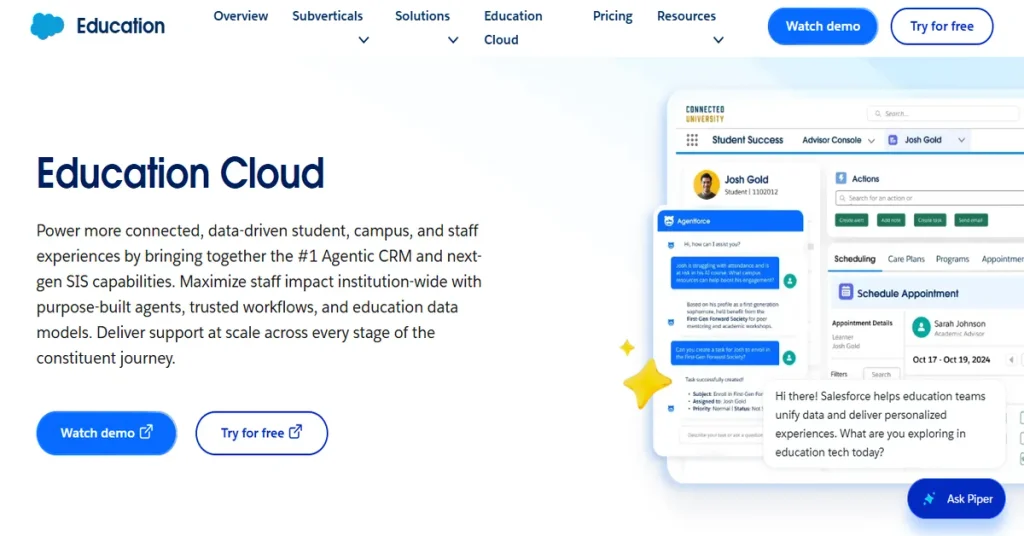
Best for: large schools, colleges, and universities with an IT team.
Salesforce Education Cloud adds an education-focused data model to the Salesforce platform. It covers recruitment, admissions, student success, and alumni relations in one system. It is highly customisable, and the AppExchange marketplace offers many add-ons.
The trade-off is complexity. Most institutions need an admin or an implementation partner, and costs rise with users and add-ons. For a small private school, this is usually more than you need.
Slate by Technolutions
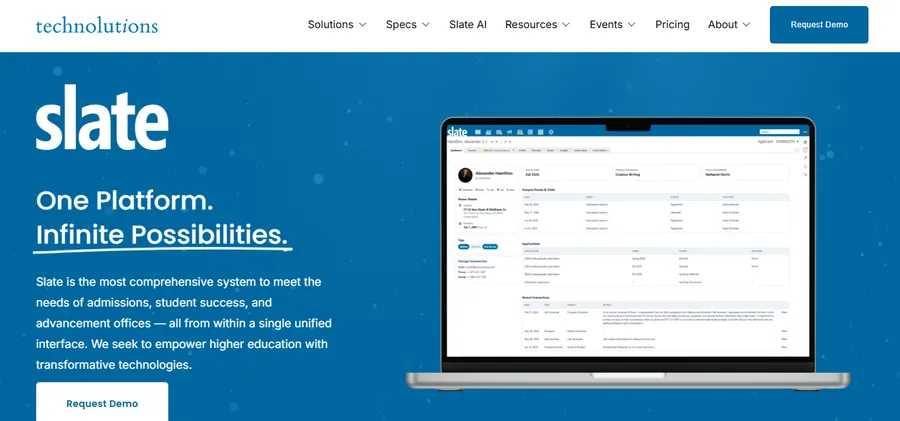
Best for: colleges and universities focused on admissions and enrolment.
Slate is widely used in higher education for recruitment, applications, events, and communications. It combines CRM, application management, and email tools in one platform, so you can reduce the number of separate systems. Pricing is typically quote-based, and it is built mainly for higher education rather than primary or secondary schools.
HubSpot CRM
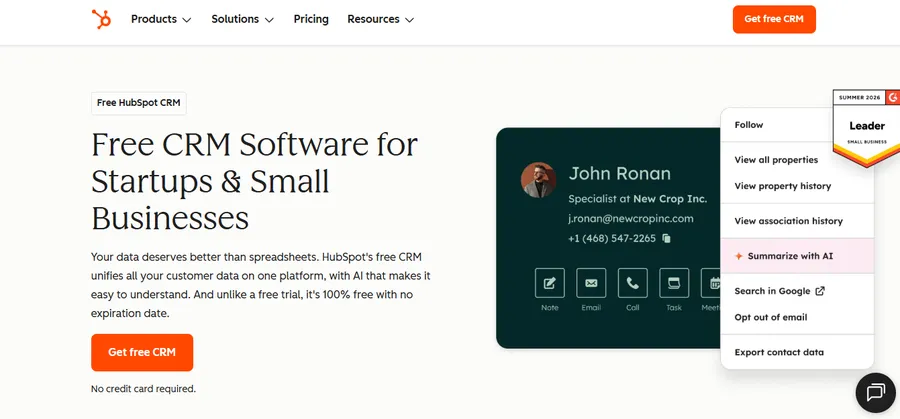
Best for: small private schools, language schools, and training providers.
HubSpot is not an education-specific product, but it is easy to learn and has a free tier plus paid plans. You can create custom properties for grade, intake, and guardian details, build email sequences, and track deals as admissions stages. It works well when your team is small and wants quick results.
The limitation is that you must set up education workflows yourself. There is no built-in concept of a student record or academic term, so plan some setup time.
Zoho CRM
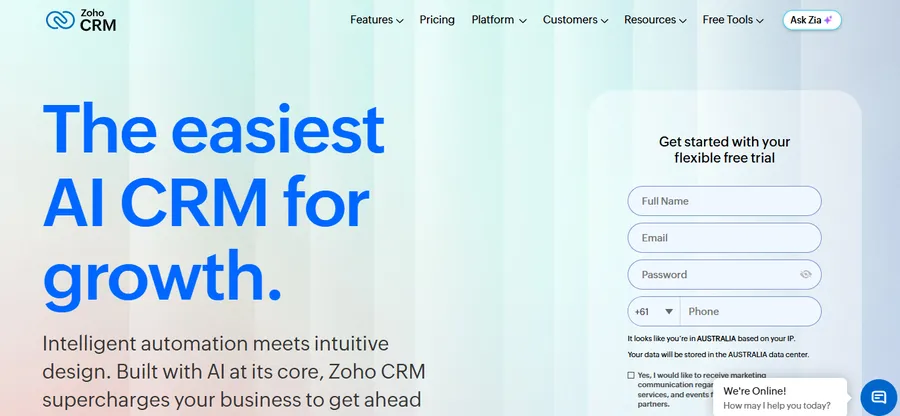
Best for: budget-conscious schools that want flexibility.
Zoho CRM offers custom modules, workflow automation, and a large app ecosystem at a lower per-user cost than many competitors. A limited free edition exists for very small teams. You can build a pipeline for enquiries and applications, then automate follow-up tasks. Like HubSpot, it is a general CRM, so expect to configure the education side.
FluentCRM
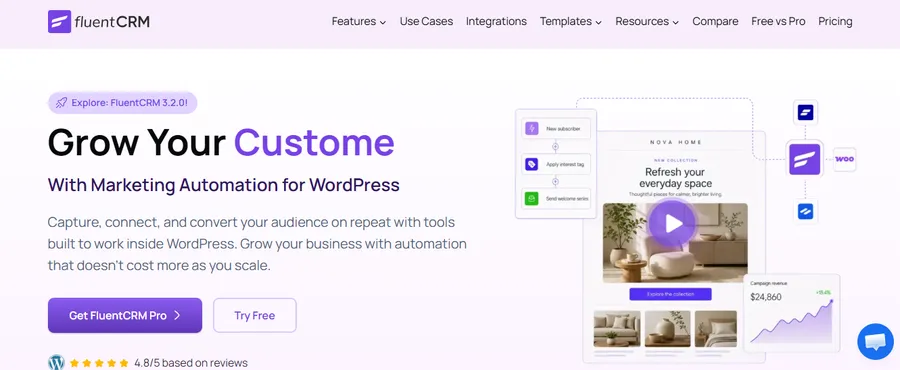
Best for: schools and course providers that run on WordPress.
FluentCRM is a self-hosted WordPress plugin for contact management and email automation. Your contact data lives inside your own site, which some schools prefer for control and cost. It has a free core version and paid plans. If you do not see a native integration for your LMS or form plugin, you can usually connect them using webhooks or an automation service. Test that connection before you commit.
Education CRM comparison table
The table below summarises the main differences. Pricing models are general; request a current quote from each vendor.
| Tool | Best for | Education features | Setup effort | Pricing model |
|---|---|---|---|---|
| Salesforce Education Cloud | Large institutions | Recruitment, admissions, student success, alumni | High | Per-user subscription, quote for education |
| Slate | Colleges and universities | Applications, events, enrolment, communications | Medium to high | Quote-based |
| HubSpot CRM | Small schools, training providers | Custom properties, email sequences, pipelines | Low | Free tier plus paid plans |
| Zoho CRM | Budget-focused schools | Custom modules, workflows, automation | Medium | Per-user plans, limited free edition |
| FluentCRM | WordPress-based schools | Contacts, tags, email automation | Low to medium | Free core version plus paid plans |
Using a CRM with a WordPress school website
If your school or academy runs on WordPress, you can build a simple and low-cost system by pairing a CRM with an LMS and a good theme. LearnPress and Eduma are worth a look here, with one honest note: neither is a CRM. They handle the learning and website side, and the CRM handles relationships.
LearnPress for course delivery and student records
LearnPress is a free WordPress LMS plugin from ThimPress. It lets you create courses, lessons, and quizzes, and manage student enrolment from your WordPress dashboard. Because student activity stays inside your own site, it works well as the learning layer next to a CRM. When a student enrols or finishes a course, you can pass that event to your CRM through an integration or webhook, then trigger a welcome email or a follow-up offer.
Eduma for the school website
Eduma is an education WordPress theme from ThimPress that is designed to work with LearnPress. It includes ready-made layouts for course pages, instructor profiles, events, and landing pages. That matters for CRM work, because every enquiry form, brochure download, and event signup on those pages can feed your CRM. A well-built landing page with a clear form often does more for lead quality than any CRM setting.
A simple workflow you can copy
- Build your enquiry and application forms on your WordPress site.
- Send each submission to your CRM and tag it with its source.
- Assign a staff owner and set a follow-up task for the next business day.
- When the student enrols in a course, update the CRM record automatically.
- Send onboarding emails and track engagement.
- Review conversion reports monthly and fix the stage that loses the most people.
This approach suits online academies, tutoring centres, and small private schools. If you need deep admissions workflows, such as multi-step applications with document review, a dedicated tool like Slate or Salesforce may fit better.
How to choose the right education CRM
The right education CRM depends on your size, your team’s technical skill, and the systems you already use. Start with your process, not the product demo.
Map your admissions process first
Write down every step from first enquiry to first day of class. Note who is responsible at each stage and where families drop off. A tool should match this map, not force you to change it.
Match the tool to your size
A small school with two admissions staff rarely needs a heavy platform. A simple tool with good automation will get used. A large institution with several campuses needs permissions, reporting, and integrations that lighter tools cannot offer. Be honest about your team’s capacity to maintain the system.
Questions to ask every vendor
- Where is our data stored, and who can access it?
- Which of our current systems do you integrate with, and is that integration native?
- What is the total cost in year one, including setup, training, and add-ons?
- How do we export our data if we leave?
- What support is included, and what are the response times?
Run a short pilot
Before signing a long contract, test the tool with a small group for 30 days. Import a sample of real enquiries, build one automation, and ask staff to log their daily work in it. A pilot shows you problems that a demo hides.
FAQs about education CRM
How much does education CRM software cost?
Costs range from free plans to enterprise contracts worth tens of thousands of dollars a year. Small schools can start with a free tier or a low per-user plan, while large institutions usually pay for licences, implementation, and support. Always ask for the total first-year cost, not just the monthly licence fee.
How long does it take to implement a student CRM system?
A simple setup for a small school can take a few days to a few weeks. Enterprise projects often run for several months because they involve data migration, integrations, and staff training. Your timeline depends mostly on data quality and how many systems you need to connect.
What data should a CRM for student management store?
Store contact details, enquiry source, communication history, application status, and consent preferences. Keep sensitive academic, medical, or counselling records in systems built for them, such as your SIS. Only collect what you need, and set permissions so staff see only what their role requires.
How do I get staff to use a new CRM?
Involve staff in the selection, train them on their own daily tasks, and keep the first setup simple. Make the CRM the only place where enquiry notes are kept, so there is no second spreadsheet to fall back on. Share early wins, such as faster response times, to build trust in the tool.
Conclusion
The best education CRM is the one your team will use every day. Large institutions with complex admissions will often do well with Salesforce Education Cloud or Slate. Small schools and training providers can get strong results from HubSpot, Zoho, or FluentCRM with far less setup. If your school runs on WordPress, pairing a CRM with LearnPress for courses and the Eduma theme for your site gives you a practical, flexible foundation.
Start by mapping your admissions process, shortlist two or three tools, and run a 30-day pilot. Check privacy rules, test integrations, and compare the full first-year cost. A careful choice now will save your staff hours every term and help more families finish enrolment.
Read more: Tuition Management Systems: A Practical Guide for Schools and Tutoring Centers