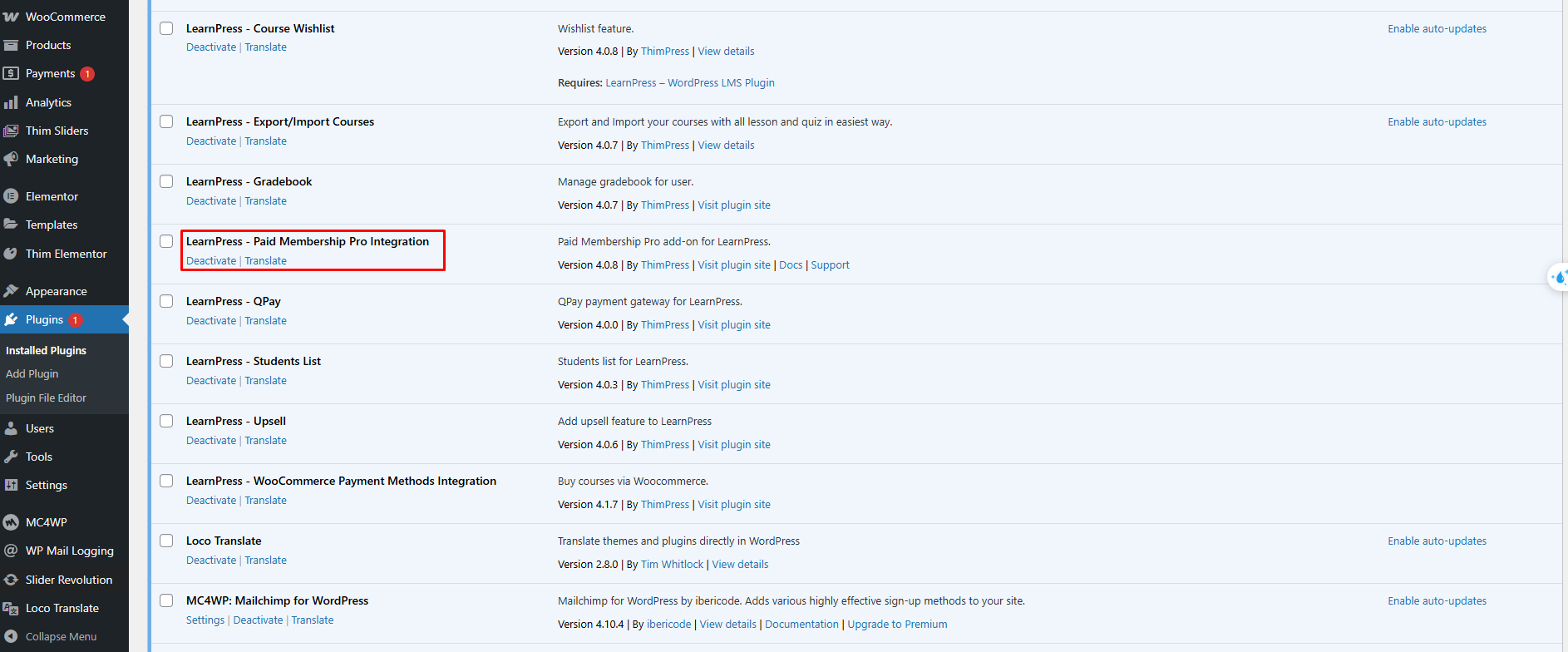
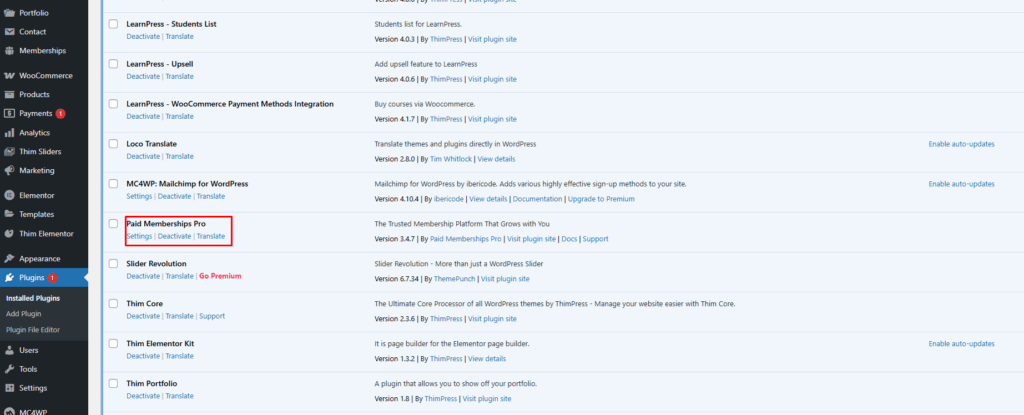
1. To activate the plugin learnpress-paid-membership-pro you need to install and active plugin Paid Memberships Pro
- You can go to the Paid Membership Pro download page, create an account, and then download: https://www.paidmembershipspro.com/documentation/download/
- You can also download directly using the .zip file link: https://license.paidmembershipspro.com/downloads/free/paid-memberships-pro.zip
- Visit ‘WordPress Dashboard > Plugins > Add New’
- The plugin is now activated and ready-to-use
2. Download and install LearnPress – Paid Membership Pro Integration
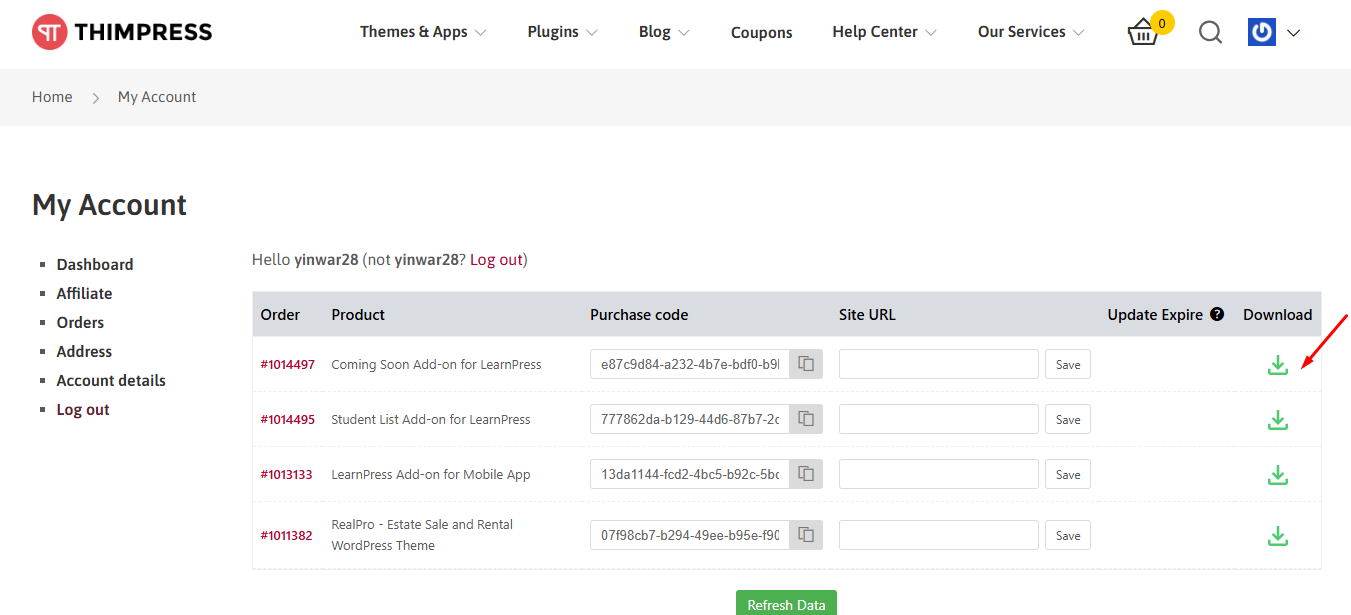
- After purchase the Paid Membership Pro Add-ons for LearnPress. You go to “My Account” on thimpress.com
- Click ‘Download‘ or ‘Select version‘ to download.
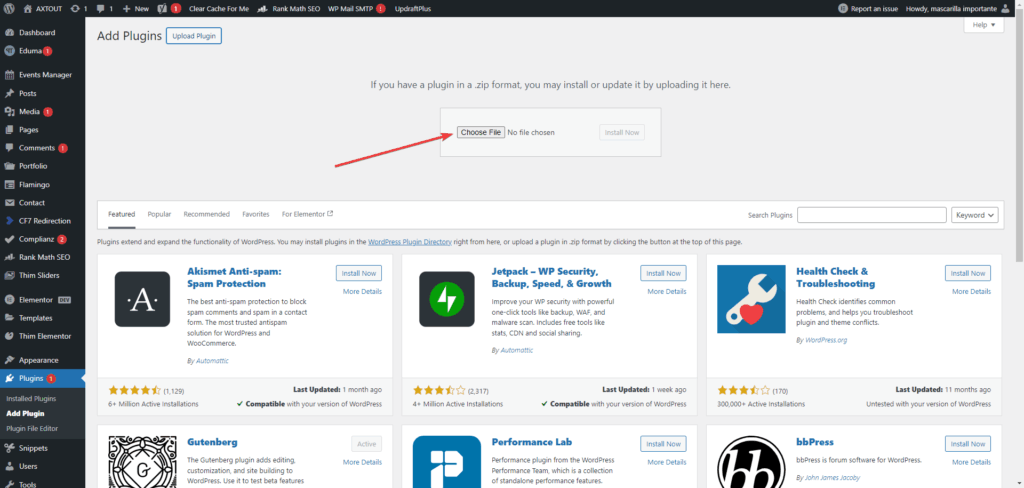
- Visit ‘WordPress Dashboard > Plugins > Add New’
- To install the Paid Memberships Pro add-on for LearnPress plugin, you can click the “Upload Plugin” button -> Choose .zip file that you have downloaded -> then click “Install Now”
- After the installation is complete, click “Activate Plugin”
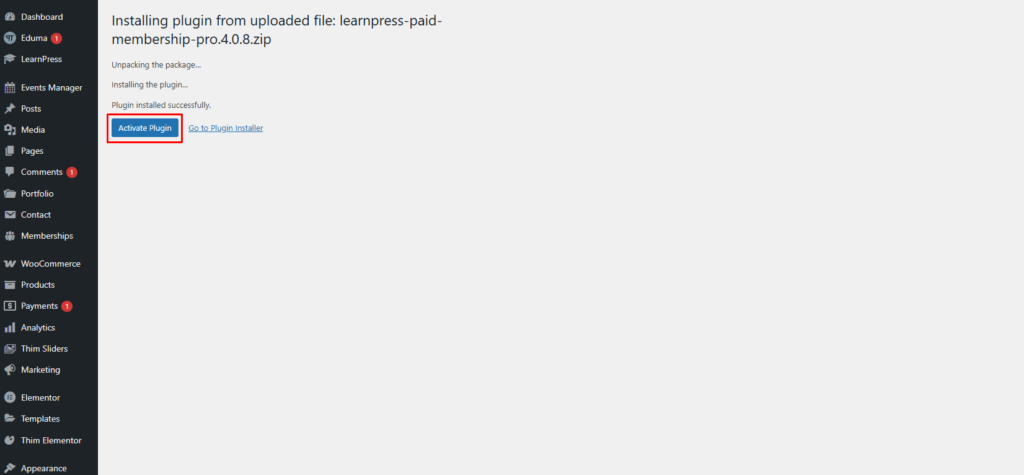
The plugin is now activated and ready-to-use.