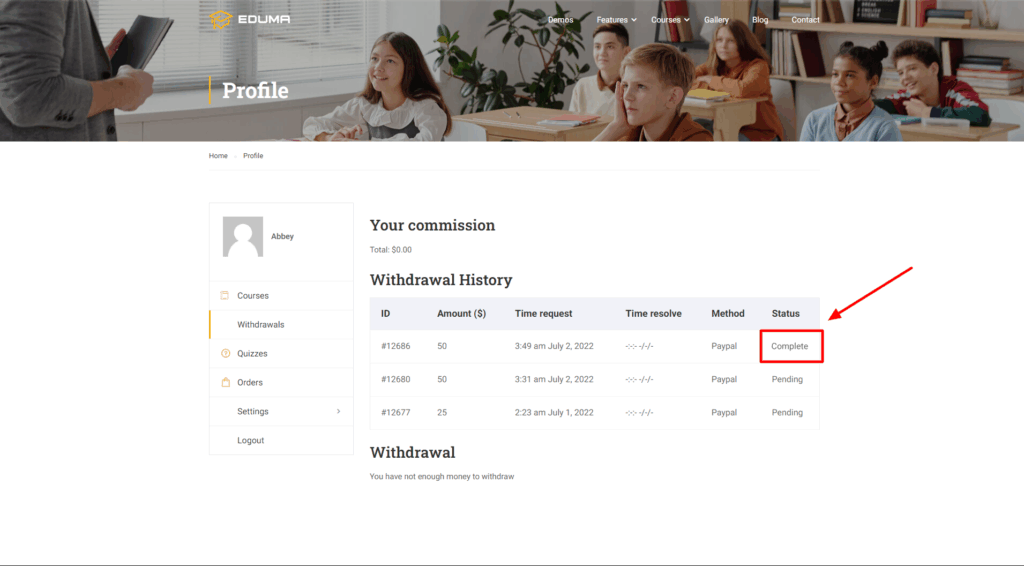
This Documentation is used for Commission add-on for LearnPress.
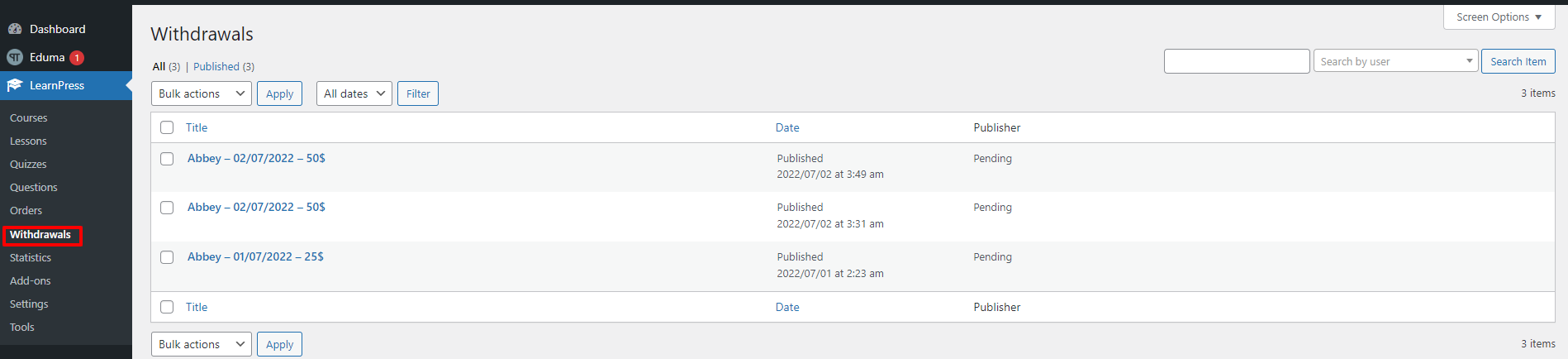
- Visit “LearnPress” -> choose “Withdrawals”
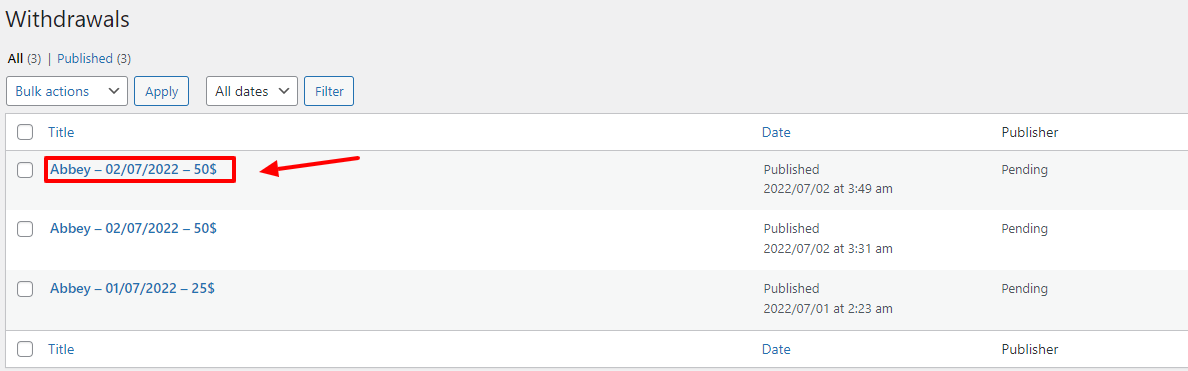
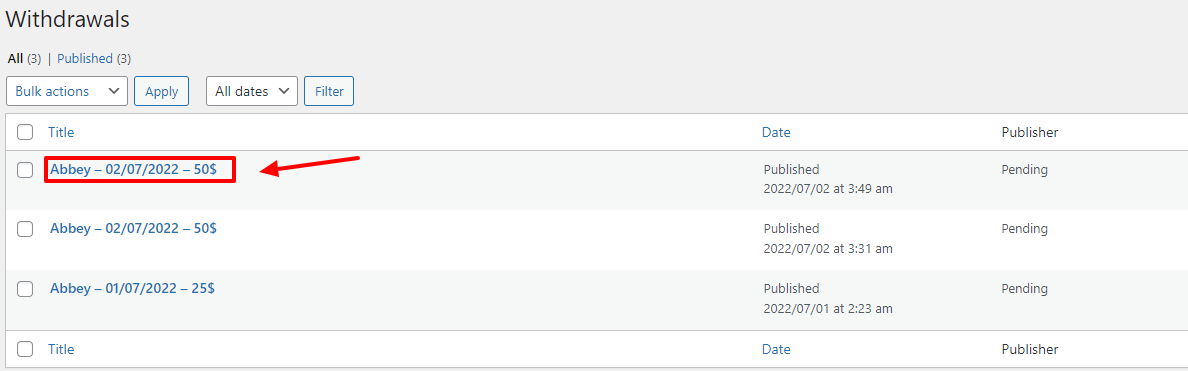
Click on any title
Enter the username and password of the admin account, then click the “Pay on” button

After clicking the “Pay On” button, the withdrawal actions go to “Complete”
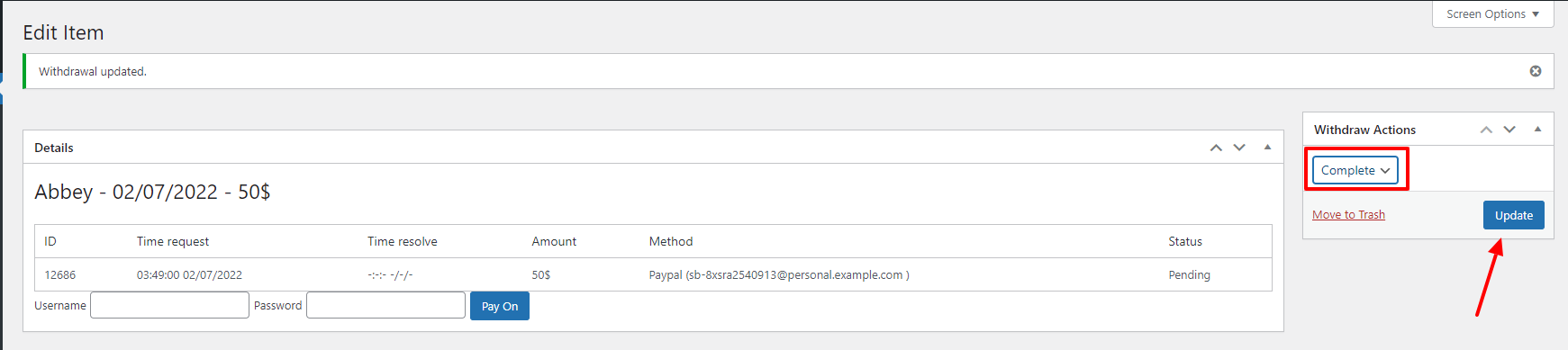
Don’t forget to press the “Update” button to finish
In addition to the font-end: the instructor’s Withdrawal History status has also changed to “Complete”.