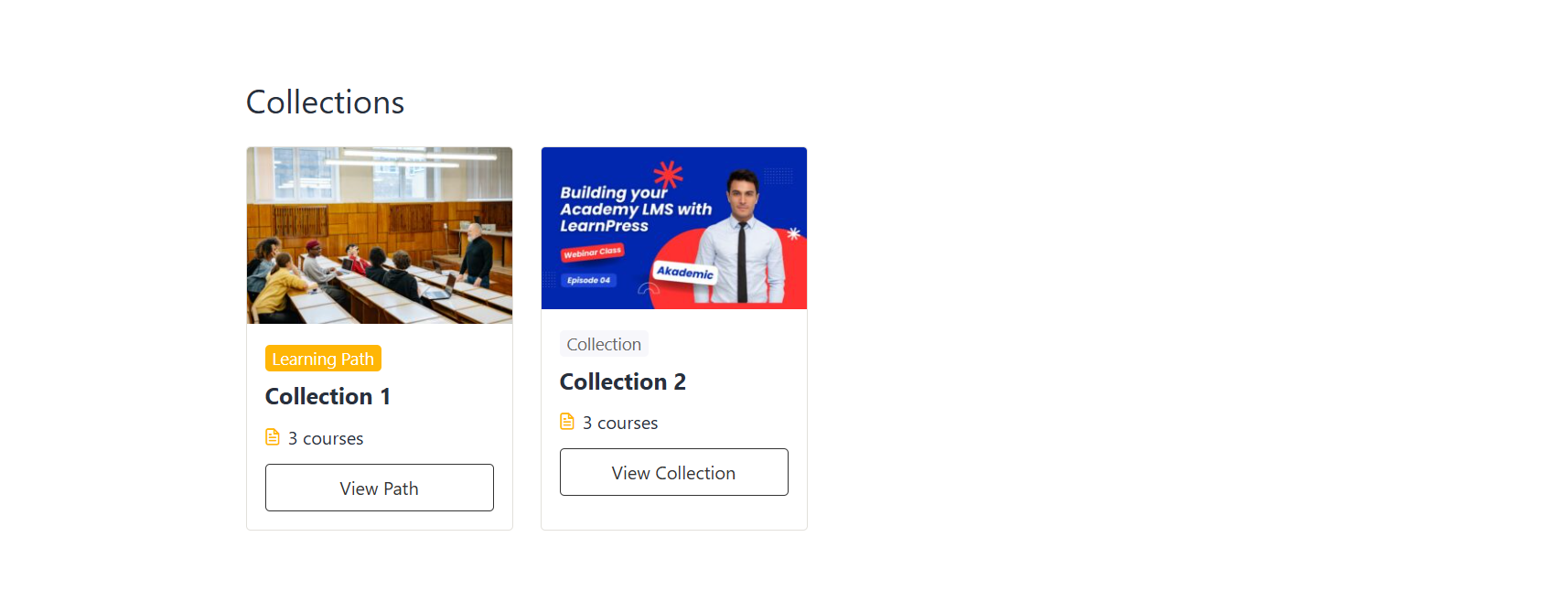
After creating and publishing a collection, learners can view the collection on the front end.
The way courses are displayed depends on the Collection Type selected when creating the collection.
Collection
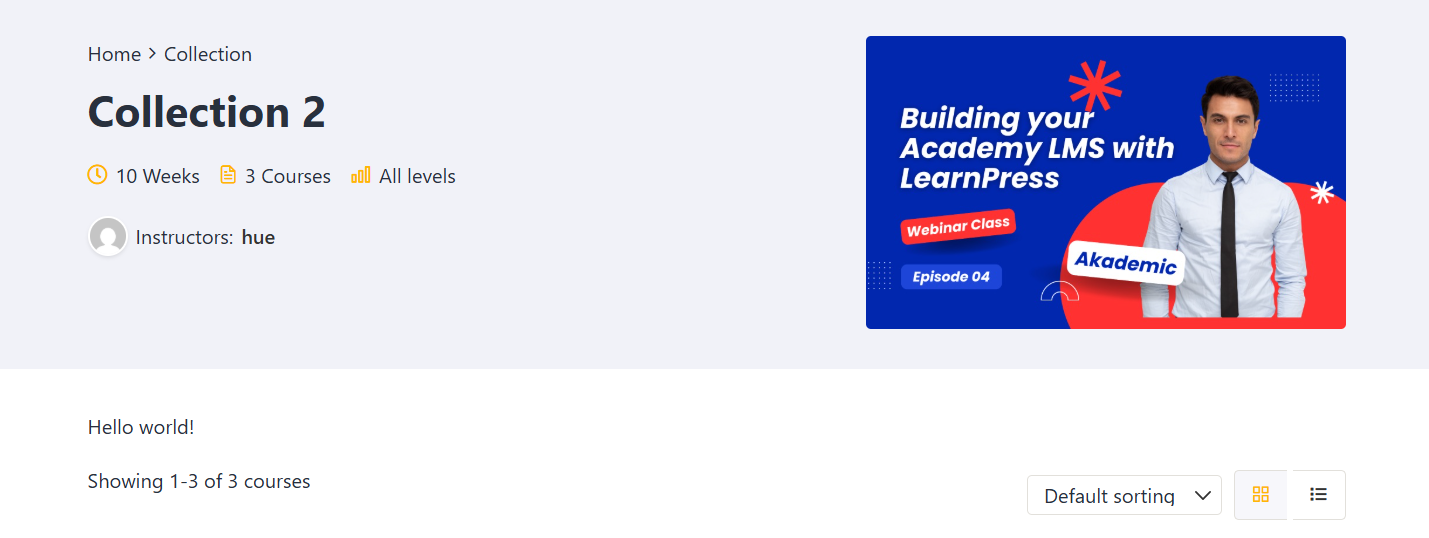
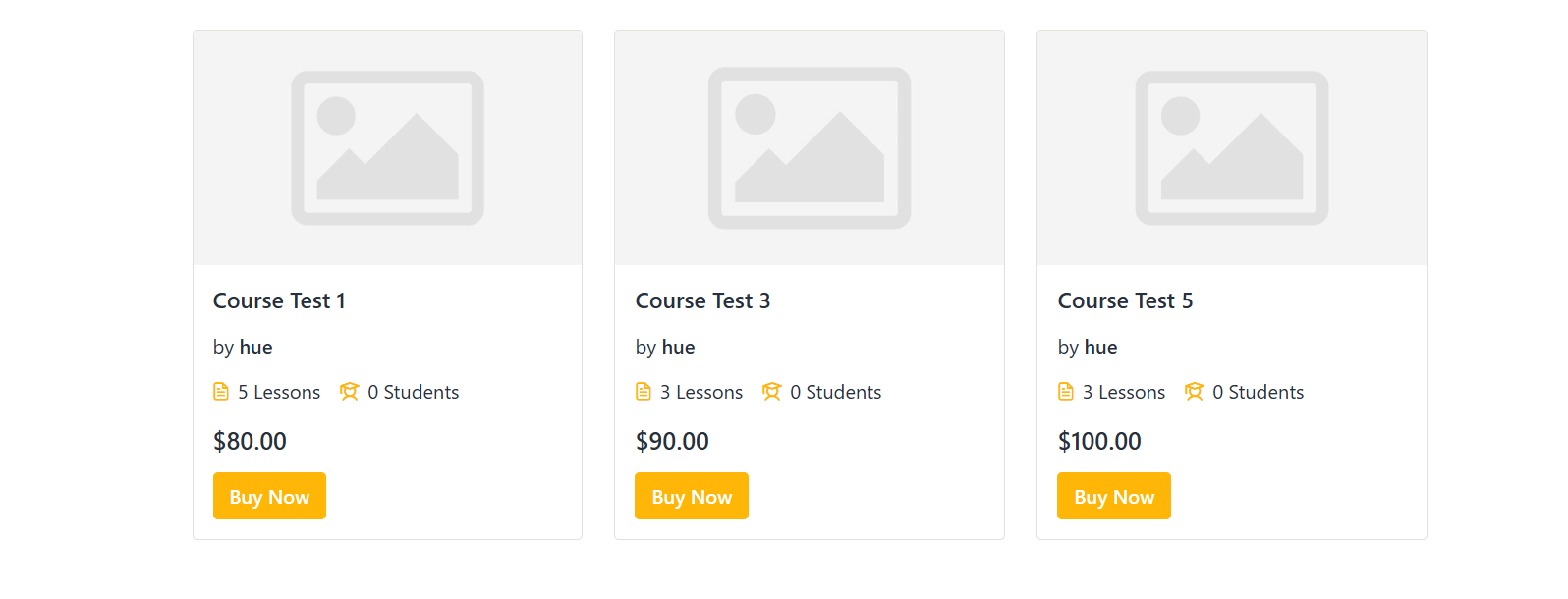
When Collection is selected as the collection type, the related courses are grouped together and displayed as a collection.
Learners can view the collection information, including the collection title, description, and the courses included in the collection.
The courses are displayed independently, so learners can access the courses without following a required learning order.
Example:
Learning Path
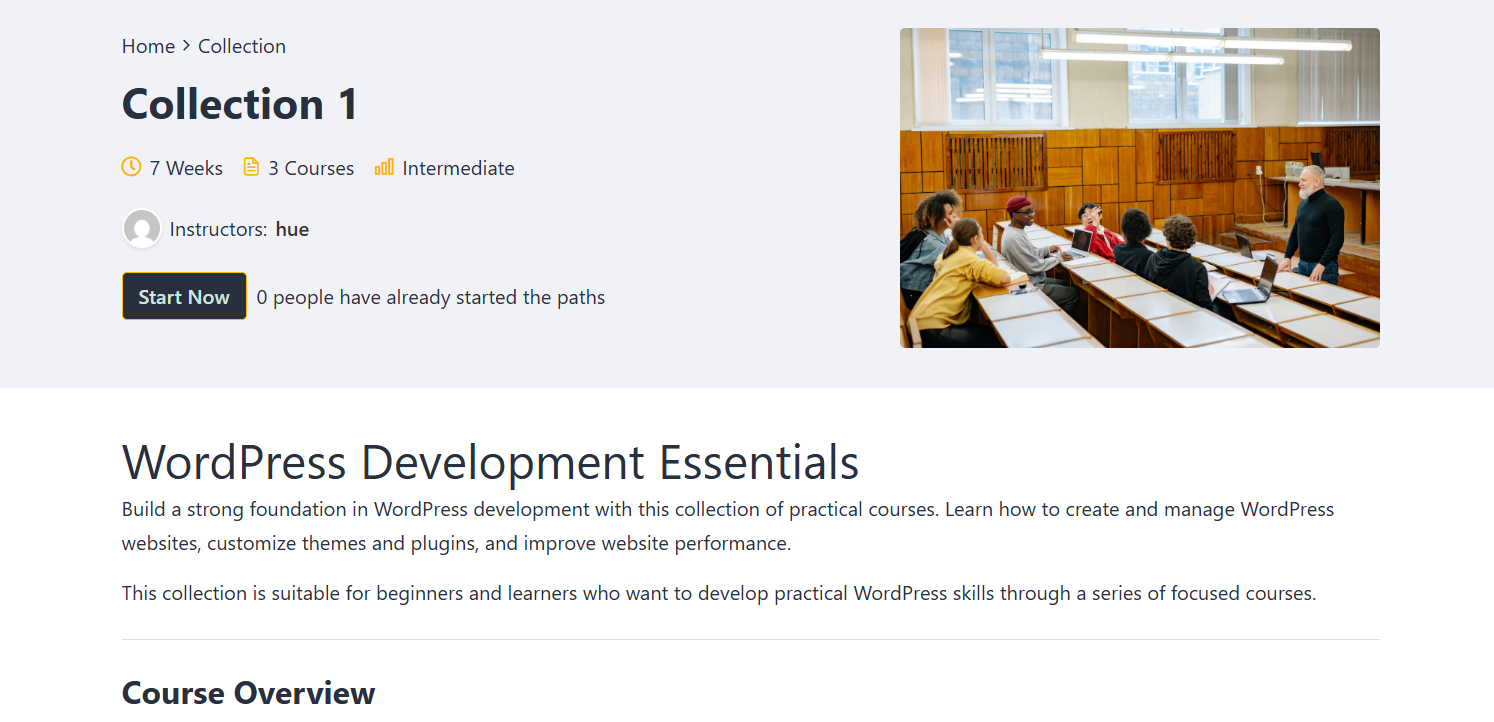
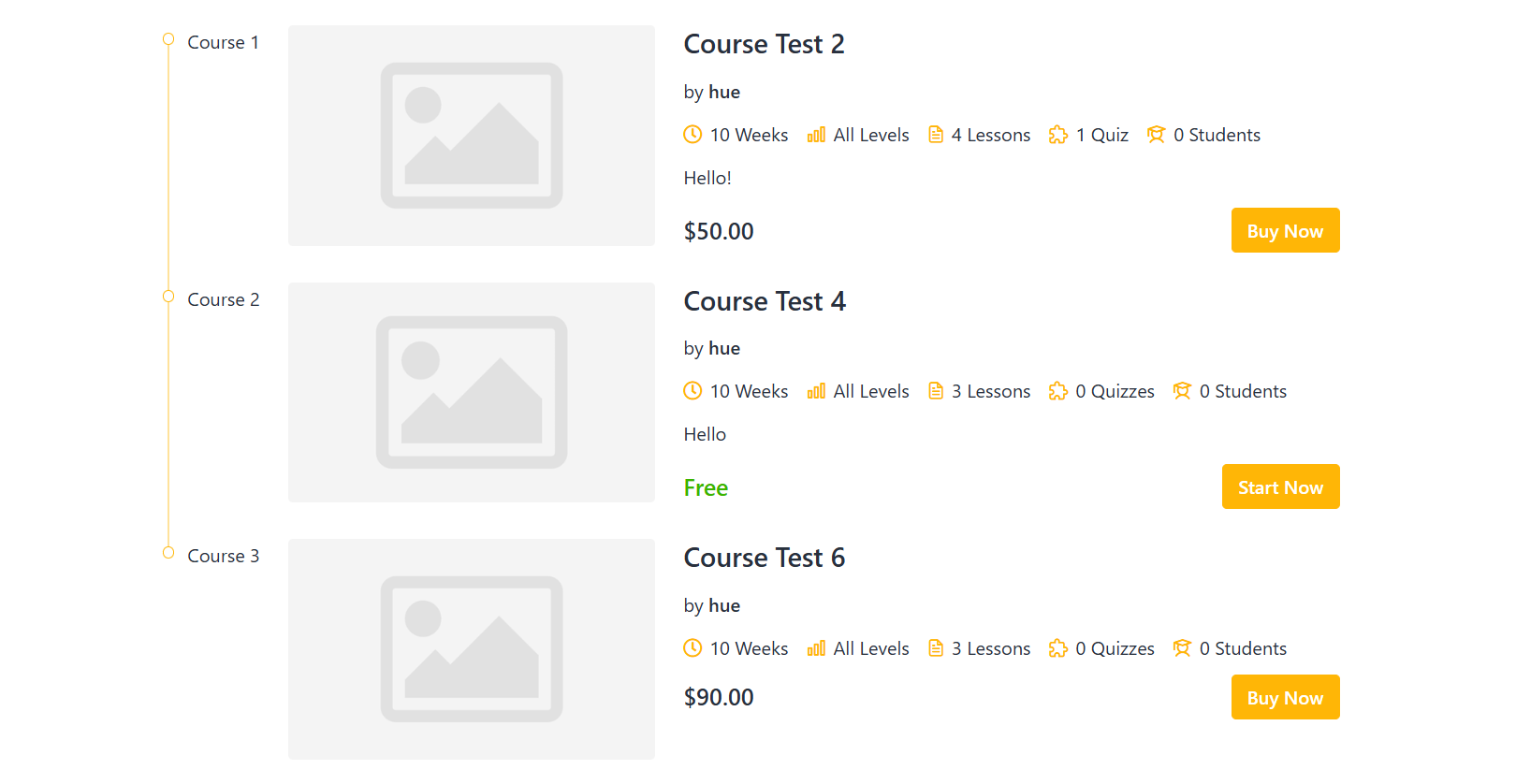
When Learning Path is selected as the collection type, the courses are displayed as a structured learning path.
The courses are arranged in the order configured by the administrator. This allows learners to follow the learning path step by step and track their progress throughout the learning journey.
The front-end page displays the learning path information and the courses included in it according to the configured course order.
Example: