Picking the right WP page builder plugin is one of the decisions that shapes your entire WordPress workflow, not just how your homepage looks.
Some builders trade speed for design flexibility, others lean into clean code and Core Web Vitals, and a few are built specifically for landing pages instead of full sites.
This guide breaks down seven of the best WordPress page builder plugin options on the market right now, with real feature comparisons, pricing, and honest pros and cons so you can pick the one that actually fits your project.
LearnPress – WordPress LMS Plugin
We provide an amazing WordPress LMS plugin to create & sell online courses. Let’s find out!
Try NowTable of Contents
What is a page builder plugin, and do you still need one
A site builder WordPress plugin replaces or extends the default block editor with a drag-and-drop interface, so you can design layouts, columns, and sections without touching CSS.
You see your changes live, on the actual front end, instead of guessing how a shortcode will render.
Gutenberg has closed a lot of the gap with full-site editing, but a dedicated page builder still wins when you need pixel-level control, a theme builder for headers and footers, or a fast way to hand a client an editable homepage builder WordPress plugin without training them on code.
How we compared these builders
Every plugin below was judged on the same four things: editor speed, output code weight, WooCommerce and theme compatibility, and how steep the learning curve is for someone who has never opened a builder before.
Pricing reflects publicly listed rates as of mid-2026 and will shift as vendors update plans, so always confirm current pricing on the plugin’s own site before buying.
7 best WP page builder plugins for WordPress in 2026
1. Elementor
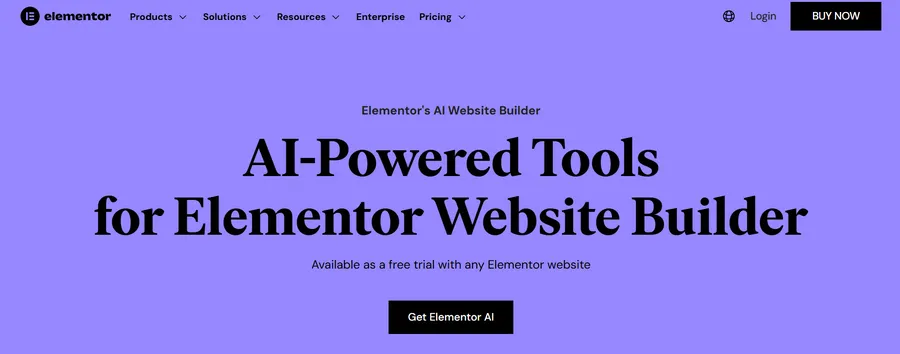
Elementor is still the most widely installed WordPress page builder plugin, and it’s usually the first one people try because the learning curve is almost flat. Drag a widget from the left panel, drop it on the canvas, and the page updates instantly. The newer Editor V4 (Atomic) rebuild moves toward a CSS-first foundation, replacing a lot of inline styling with reusable classes and variables, which trims page weight compared to older Elementor builds.
Key features:
- Theme Builder for headers, footers, archives, and single post templates
- Dozens of WooCommerce widgets for product pages and shop layouts
- A free Hello theme built to pair with the editor
- A large third-party ecosystem of add-ons and templates
Pros: Fast to learn, huge community, works with almost every theme, generous free tier.
Cons: Pro features are locked behind a paid license, and heavier pages can still carry more script weight than lighter, block-based alternatives.
2. Divi
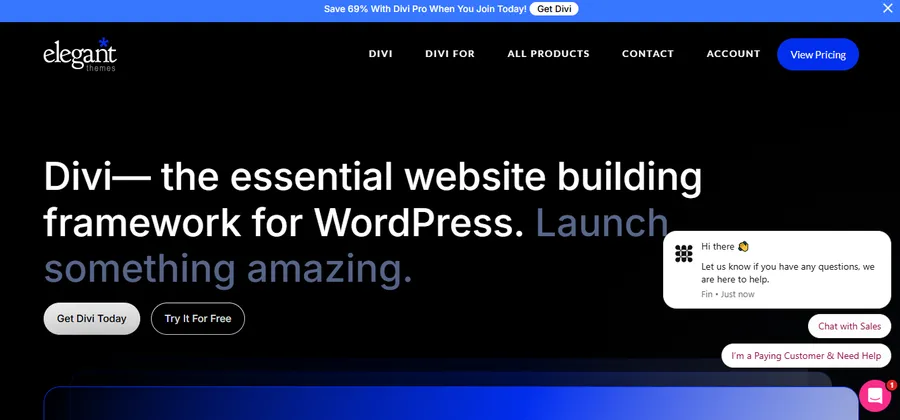
Divi is Elegant Themes’ combined theme and page builder, which is part of why it behaves differently from a plugin-only tool. Because the theme and the builder are designed together, you get front-end editing where you click directly on text and images to change them, with far fewer compatibility surprises than mixing a builder with a random third-party theme. A 2026 performance update addressed a lot of the load-time complaints that used to follow Divi around.
Key features:
- Real-time visual editor with front-end editing
- 165+ pre-made layout packs across industries
- Built-in A/B testing for pages
- Access to Elegant Themes’ Bloom and Monarch plugins
Pros: Enormous layout library, strong theme builder, good value if you run several sites under one license.
Cons: No free version, and content built with Divi’s older shortcode system can be harder to migrate away from.
3. Beaver Builder
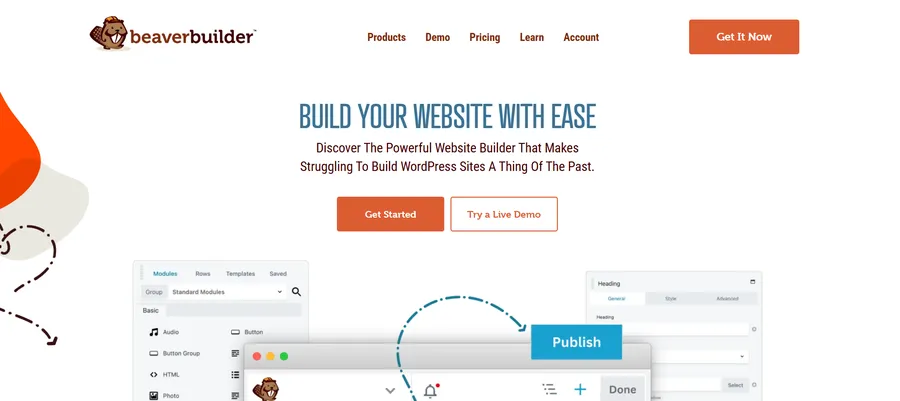
Beaver Builder is the choice agencies reach for when a client site needs to be handed off and maintained for years without breaking. It skips flashy animation effects in favor of predictable, clean output, and it works with nearly any WordPress theme without conflicts. If you’re comparing website builder plugin for WordPress options for a long-term client project, this one is built for exactly that job.
Key features:
- Beaver Themer add-on for editing headers, footers, and archive templates
- WooCommerce modules for product page design
- Client Editor Mode to lock parts of a page before handoff
- White-label options for agencies
Pros: Very stable, clean HTML output, unlimited-site licensing on most plans, low risk of theme conflicts.
Cons: Smaller template library and fewer visual effects than Divi or Elementor.
4. Bricks Builder
Bricks is a hybrid theme-and-builder aimed squarely at developers who care about output weight and structured, class-based CSS. It’s built on Vue.js, which is part of why the editor stays responsive even on long, complex pages. A blank Bricks page can register under 50KB, and the query loop builder gives you native support for custom post types and relational data without a stack of extra plugins.
Key features:
- Class-based styling system built into the core workflow
- Native query loop builder for custom post types
- Conditional logic for showing different content to different users
- Clean HTML left behind if you deactivate the plugin
Pros: Fast editor, lightweight front-end code, strong for membership and dynamic-content sites.
Cons: Assumes you’re comfortable with CSS fundamentals; the interface is less forgiving for total beginners.
5. Breakdance
Breakdance has picked up momentum by focusing hard on WooCommerce performance. It reports meaningfully faster checkout page loads than default theme templates, and its native integration with Advanced Custom Fields lets you build dynamic sliders and product grids without writing PHP. The single-license pricing that covers unlimited sites also makes it attractive for freelancers managing several stores.
Key features:
- 130+ elements aimed at conversion pages and sales funnels
- Native ACF integration for dynamic content
- Global styling controls for consistent brand design
- Built-in mega menu builder
Pros: Strong WooCommerce optimization, unlimited-site license, no need for extra menu plugins.
Cons: Third-party plugin compatibility isn’t as universal yet as it is for older, more established builders.
6. SeedProd

SeedProd takes a narrower approach than the rest of this list. Instead of trying to be a full site builder, it focuses on landing pages, coming-soon pages, and conversion-focused layouts, and it’s used by more than a million sites for exactly that. Pages built with SeedProd don’t conflict with other builders, so you can run it alongside Elementor or Divi if you only need it for a handful of high-converting pages.
Key features: <br>
- Purpose-built landing page templates
- Theme builder for full site headers and footers on higher plans
- Built-in lead generation blocks and email marketing integrations
- Works alongside other page builders without shortcode conflicts
Pros: Very easy to learn, genuinely fast to launch a single page, strong for lead gen and pre-launch pages.
Cons: Less suited to designing a full multi-page site compared to a dedicated builder like Elementor or Bricks.
7. WPBakery Page Builder
WPBakery is one of the oldest names in this space, and it’s still relevant mainly because it ships bundled with a huge number of premium themes on ThemeForest. It works with almost any theme through shortcodes, which is both its strength and its weakness: compatibility is broad, but shortcodes stay in your content if you ever deactivate the plugin.
Key features:
- Frontend and backend editor modes
- Broad compatibility through shortcode-based elements
- Grid and template library for common layouts
- Wide use across premium theme marketplaces
Pros: Familiar to a large base of theme buyers, works with nearly any theme, reasonably priced.
Cons: Interface feels dated next to newer builders, and shortcode lock-in makes switching tools later more painful.
Comparison table
| Plugin | Best for | Free version | Starting price |
|---|---|---|---|
| Elementor | Beginners and general site building | Yes | $59/year (1 site) |
| Divi | Full theme and page design in one | No | $89/year (unlimited sites) |
| Beaver Builder | Long-term client and agency sites | No | $99/year (multi-site) |
| Bricks Builder | Developers, dynamic content, performance | No | One-time or annual license |
| Breakdance | WooCommerce stores | No | $199.99/year (unlimited sites) |
| SeedProd | Landing pages and lead generation | Yes | $99/year (renews at $199) |
| WPBakery | Theme-bundled projects | No | One-time purchase |
Common features to look for in a WP page builder plugin
Most modern page builders can create attractive pages, but the differences become clear once you start building larger websites. Before choosing a WP page builder plugin, pay attention to the features that will affect your workflow over the long term rather than just the number of templates included.
A good builder should offer responsive editing, allowing you to customize layouts for desktop, tablet, and mobile devices separately. Global colors, typography settings, and reusable templates also help maintain a consistent design across every page without repeating the same work.
Performance is another important consideration. Builders that generate cleaner HTML and CSS generally load faster and are easier to optimize for Core Web Vitals. If SEO and page speed are priorities, look for plugins that minimize unnecessary code and work well with caching and optimization plugins.
For business websites, WooCommerce compatibility can save a significant amount of time. Native product widgets, checkout customization, and dynamic content support make it much easier to build online stores without relying on additional extensions. Likewise, if your website uses custom post types or plugins such as Advanced Custom Fields (ACF), choosing a builder with built-in dynamic content support will make future updates much simpler.
Finally, consider the builder’s ecosystem and long-term support. Active development, regular security updates, detailed documentation, and a large user community make it easier to solve problems and ensure your website remains compatible with future WordPress releases. Even if two builders offer similar features today, strong long-term support can make one a much better investment for websites you plan to maintain for years.
How to choose the right builder for your site
Start with what the site actually needs to do, not which builder has the most features.
If you’re designing one high-converting landing page, a full builder like Bricks is overkill; SeedProd will get you there faster.
If you’re running a WooCommerce store, prioritize a builder with native product-page tools and checkout performance, which points toward Breakdance or Elementor Pro.
If you manage client sites you won’t touch again for years, Beaver Builder’s clean, predictable output matters more than flashy animation.
Also check hosting compatibility before you commit. Server-side caching and object caching can behave differently with each builder, so it’s worth confirming with your host, or testing on a staging site, before you build your whole homepage builder WordPress plugin setup around one tool.
Building course pages with LearnPress
If part of your site includes online courses, pairing your page builder with a dedicated LMS plugin makes the setup much easier to maintain. LearnPress integrates cleanly with most of the builders above, so you can design your course landing pages visually while LearnPress handles enrollment, lessons, and quizzes behind the scenes.
FAQs About The Best WP Page Builder Plugin
Do I need a page builder if my theme already has customizer options?
Theme customizers usually only control colors, fonts, and a handful of layout settings, not full page structure. A dedicated WP page builder plugin gives you row and column control, reusable templates, and a theme builder for headers and footers, which most customizers don’t offer.
Will a page builder slow down my WordPress site?
A single, well-chosen builder paired with proper caching performs fine on most hosting. Speed problems usually come from running multiple builders at once or stacking heavy add-on packs, not from using one builder sensibly.
Can I switch page builders later without losing my content?
It depends on the builder. Tools that avoid shortcodes, like Beaver Builder or Bricks, leave cleaner content behind if you deactivate them, while shortcode-based builders like WPBakery or Divi’s classic mode can leave messy leftovers in your posts.
Is Gutenberg good enough instead of a dedicated page builder?
Gutenberg with full-site editing works well for simple blogs, documentation sites, and basic business pages that don’t need complex layouts. For landing pages, WooCommerce product design, or a full custom homepage, a dedicated builder still gives you more control.
Conclusion
There’s no single best WordPress page builder for every site. Elementor and Divi cover general site building well, Beaver Builder and Bricks suit developers and agencies who care about clean output, Breakdance leans into WooCommerce, SeedProd wins for landing pages, and WPBakery still makes sense if you’re working with a bundled premium theme. Match the builder to the job in front of you, check it against your hosting setup, and you’ll avoid rebuilding your site twice.