Planning lessons, adapting texts, writing rubrics, and answering parent emails can eat up your evenings. The right AI tools for teachers can produce a first draft in minutes, so you spend your energy on students instead of paperwork.
This guide compares 8+ tools teachers use today, explains what each one does well, and points out where each one falls short. Details were checked in September 2026, so confirm current limits on each official site before you sign up.
LearnPress – WordPress LMS Plugin
We provide an amazing WordPress LMS plugin to create & sell online courses. Let’s find out!
Try NowWhat are AI tools for teachers?
AI tools for teachers are software programs that use generative AI to help with planning, teaching, feedback, and admin work. They do not replace your judgment. They give you a draft that you review, edit, and approve.
What these tools can do
Most teacher-focused platforms cover the same core jobs:
- Draft lesson plans, hooks, and exit tickets
- Write quiz questions and rubrics
- Rewrite a reading passage at a different reading level
- Suggest feedback comments on student writing
- Build slides, worksheets, and parent emails
What artificial intelligence tools for teachers cannot do
Artificial intelligence tools for teachers can make factual mistakes, invent sources, or produce content that does not match your standards. Always check facts and align the output with your curriculum. Never paste student names or private records into a tool your school has not approved.
Benefits of AI tools for teachers
AI tools for teachers help most with repetitive writing and prep tasks. The main gains are time, differentiation, and consistent communication.
Time saved on prep
Drafting a rubric or a set of quiz questions by hand can eat a whole planning period. A good tool produces a usable draft in a minute or two, and your time goes into editing instead of starting from a blank page.
Better differentiation
Online teaching tools for teachers that adjust reading levels or create alternate tasks make it realistic to offer several versions of one lesson. Doing that by hand for every class is hard to keep up.
More consistent communication
Parent emails, newsletters, and feedback comments are easier to keep clear and steady in tone when you start from a draft. Artificial intelligence tools for teachers are especially useful here, because the writing is routine but still needs to sound like you.
How we picked these tools
We reviewed each tool’s official pages and product documentation, then compared the best AI tools for education professionals on five points that matter in a real classroom:
- Free access: a usable free plan or free teacher access
- Teacher-first design: built for classroom tasks, not general chat
- Student safety and privacy: clear data policies and guardrails
- Ease of setup: a teacher can start in one sitting
- Fit with existing tools: works with Google, Microsoft, or your LMS
Pricing and limits change often, so treat every plan detail below as a starting point.
Comparison of the best AI tools for education professionals
This table compares the AI tools for teachers covered in this guide. Each tool focuses on a different part of teaching, course creation, or learning support.
| Tool | Best for | Free option | Standout feature |
|---|---|---|---|
| LearnPress AI | AI-powered WordPress LMS | Yes, LearnPress is free | AI Course Builder, Learner AI Assistant, and LearnPress MCP |
| MagicSchool AI | All-in-one teacher planning | Yes, free plan | 80+ teacher tools |
| Khanmigo | Standards-aligned lessons | Free for teachers | No prompting needed |
| Diffit | Leveled reading | Yes, free plan | Rewrites content by grade level |
| Curipod | Live interactive lessons | Yes, limited plan | Polls and word clouds in slides |
| Brisk Teaching | Feedback inside Docs | Yes, free plan | Works with Google and Microsoft tools |
| Canva for Education | Visual teaching materials | Free for verified K-12 teachers | Magic Studio AI tools |
| Google NotebookLM | Study guides from your sources | Yes, with limits | Answers grounded in uploaded sources |
LearnPress AI
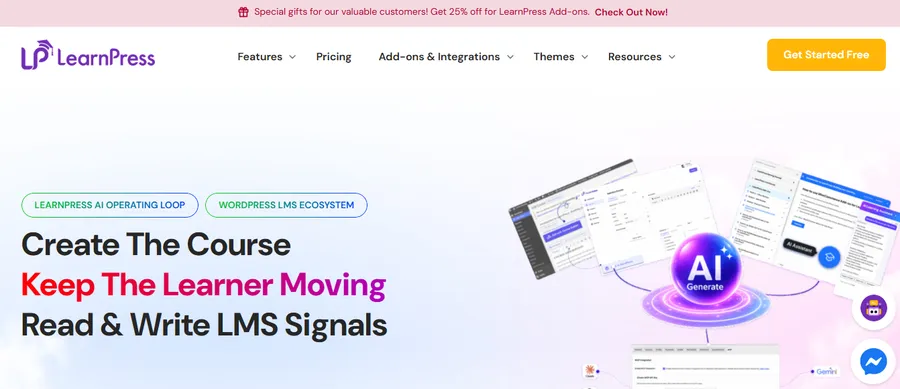
LearnPress AI is an AI-powered toolkit built for WordPress LMS websites. It is designed for educators and course creators who want to use AI directly inside their LearnPress workflow rather than switching between separate AI tools.
Key features
LearnPress AI brings three main AI capabilities to the LMS:
- AI Course Builder: Turn a course goal, target audience, tone, and structure into an editable LearnPress course draft with sections, lessons, and quizzes.
- Learner AI Assistant: Help students summarize lessons, explain concepts, take quick quizzes, and review course content within the lesson experience.
- LearnPress MCP: Give AI agents read-and-write access to LearnPress for tasks involving courses, lessons, quizzes, and enrollments.
The AI Course Builder is useful when instructors have a course idea but need help turning it into a structured curriculum. The generated content remains editable, so instructors can review and refine it before publishing.
Pricing
LearnPress is a free WordPress LMS plugin, while LearnPress AI features and availability may depend on the current LearnPress offering. Check the official LearnPress website for the latest details.
Who it is best for
WordPress educators, online course creators, and businesses that use LearnPress and want AI integrated directly into their LMS workflow.
MagicSchool AI
MagicSchool AI is a teacher platform with more than 80 tools for planning, assessment, and communication. It is the closest thing to an all-in-one option on this list.
Key features
You pick a tool, fill in a short form with grade level, topic, and standard, and get a draft. The library covers lesson plans, rubrics, IEP support, and parent emails. Students can also join teacher-controlled rooms where every interaction is visible to you. According to a June 2026 Fast.io review, MagicSchool passed 5 million educator sign-ups in early 2026. You can read the full breakdown in the Fast.io MagicSchool review. One limit to know: with 80+ tools, new users can feel overwhelmed, so begin with two or three.
Pricing
A free plan covers the core tool library with no credit card. Paid Plus and school plans add higher limits and admin features. If you want an AI lesson plan generator free to start with, the basic plan is enough for most weekly planning.
Who it is best for
Teachers who want one login for most planning tasks, and schools that need student guardrails.
Khanmigo for Teachers
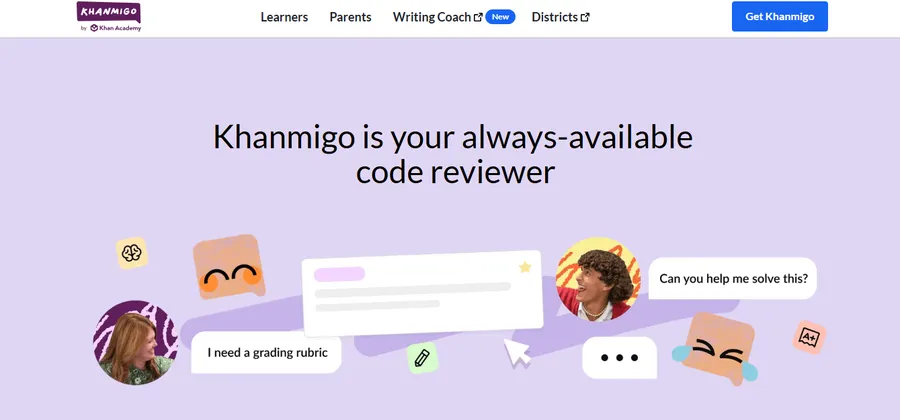
Khanmigo for Teachers is a free assistant built by the nonprofit Khan Academy. It needs almost no prompting, which makes it a gentle first step into AI.
Key features
Khanmigo offers more than 25 tools grouped around planning, creating, differentiating, and support. They include standards-aligned lesson plans, lesson hooks, exit tickets, rubrics, and student grouping suggestions. Because it draws on Khan Academy content, math and science teachers often get very relevant results. Sal Khan has said school leaders report saving roughly five hours a week of prep time. Treat that as a vendor claim and test it against your own workload. His note is on the Khan Academy blog. The trade-off is less customization than a general chatbot gives you.
Pricing
Khanmigo is free for teachers, though availability depends on your country. Confirm your access at khanmigo.ai.
Who it is best for
New AI users, math and science teachers, and anyone who dislikes writing prompts.
Diffit
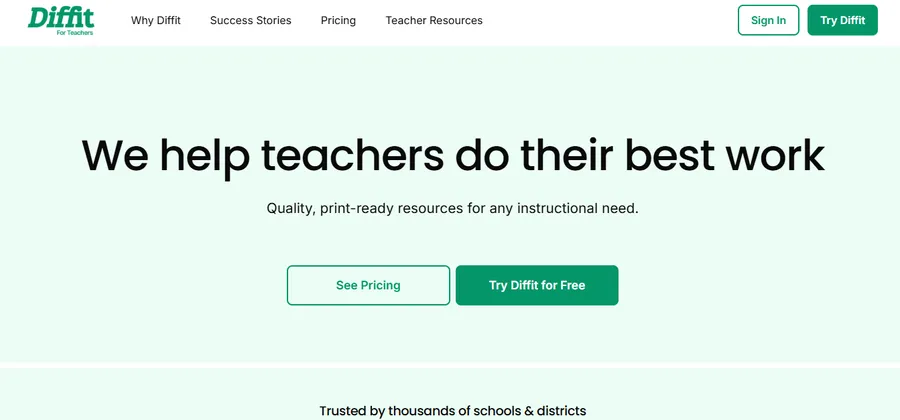
Diffit is a differentiation tool that rewrites material for a chosen reading level. You give it a topic, a web link, or a block of text, and it builds a resource around it.
Key features
A typical workflow looks like this: paste an article link, choose a grade level, and receive a leveled passage with vocabulary and comprehension questions. You then edit the result before sharing it with students. The same source can be turned into several versions in a few minutes. Always read the leveled text yourself, because simplifying can flatten nuance or introduce small errors.
Pricing
Diffit offers a free plan, and paid tiers raise the usage limits. Check the current limits on the official site.
Who it is best for
English language arts and social studies teachers, and anyone with mixed-ability or multilingual classes.
Curipod
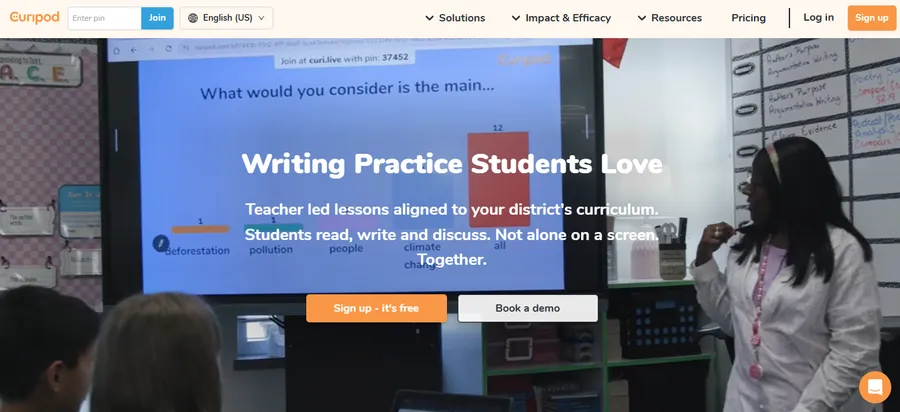
Curipod turns a topic into an interactive slide lesson. It is one of the more practical online teaching tools for teachers who run live or hybrid classes.
Key features
Enter a topic and a learning objective, and Curipod drafts slides that include polls, word clouds, open questions, and drawing activities. Students join with a code and respond live, while you watch answers arrive on your screen. That makes quiet students easier to hear. Generated slides are a starting point, and you will usually rewrite a few questions to match your objective.
Pricing
Curipod has a free plan with limits, and paid plans unlock more. Compare the current tiers before you plan a full unit around it.
Who it is best for
Teachers who want more student voice and participation during live lessons.
Brisk Teaching
Brisk Teaching is a browser extension that adds AI features inside the tools you already use, such as Google Docs, Google Slides, and Microsoft 365. You do not have to switch tabs or copy and paste.
Key features
Open a document, click the Brisk icon, and pick an action. You can generate feedback on student writing, adjust the reading level of a text, or build a quiz from a web page. Because it works where you already work, the learning curve is short. Treat feedback suggestions as support for your own comments, not a replacement for reading student work.
Pricing
Brisk has a free plan for individual teachers. School and district plans are quoted through its sales team.
Who it is best for
Teachers who live in Google Workspace or Microsoft 365 and want help with feedback and text adjustments.
Canva for Education
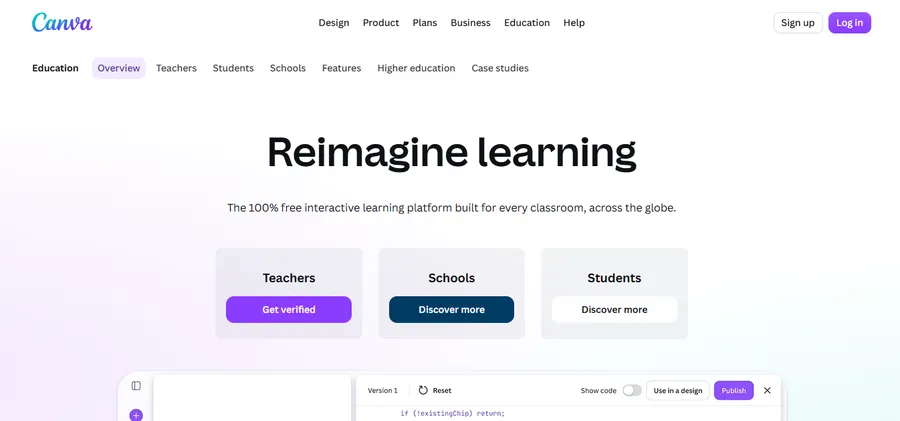
Canva for Education gives verified K-12 teachers free access to Canva’s design tools and its AI features, called Magic Studio. Among online teaching tools for teachers, it is a strong choice when your materials need to look good.
Key features
Magic Write drafts text, Magic Design builds slides and layouts from a prompt, and Magic Media creates images. You can turn the results into worksheets, posters, slide decks, and infographics, then share them with your class. Some AI features depend on your school’s settings, so check what your account allows. AI-generated images may not fit a school topic perfectly, so preview each one before you show it in class.
Pricing
Canva for Education is free for eligible K-12 teachers and students after verification. Availability can vary by region.
Who it is best for
Teachers who spend hours on visual materials such as worksheets, classroom displays, and presentations.
Google NotebookLM
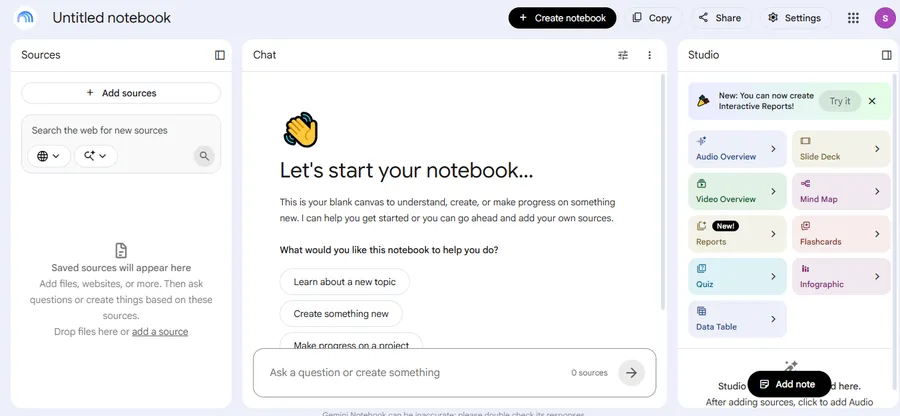
Google NotebookLM is a research and study assistant that answers questions using only the sources you upload. That source focus makes it more reliable than a general chatbot for classroom content, although you should still check its output.
Key features
Upload your syllabus, textbook chapters, or articles, then ask for study guides, quizzes, flashcards, or an audio overview. Every answer traces back to your own files, which helps you spot errors quickly. It also connects with Google Classroom. It only knows what you upload, so it cannot fill gaps in your materials.
Pricing
NotebookLM is free with usage limits. Google Workspace for Education Plus and Teaching and Learning add-on customers get higher limits at no extra cost. See the Google Workspace Updates announcement for details.
Who it is best for
Teachers who already have their own materials and want summaries, quizzes, and study guides built from them.
How to choose the right tool
The best tool depends on the task you repeat most often, not on which one has the longest feature list. Start with your biggest time drain.
Match the tool to the job
- Fast lesson plans: Khanmigo or MagicSchool AI
- Leveled reading: Diffit
- Live student interaction: Curipod
- Feedback inside Docs: Brisk Teaching
- Visual materials: Canva for Education
- Study guides from your own sources: NotebookLM
Check privacy and school policy
Ask whether your school or district has approved the tool. Read the privacy policy to see how student data is handled, including rules such as FERPA and COPPA in the United States. Do not enter student names, grades, or IEP details into any tool that lacks approval.
Start with one tool for two weeks
Pick a single tool and use it for one repeated task, such as exit tickets. Note how many minutes you save and how much editing the drafts need. Add a second tool only when the first one earns its place.
Mistakes to avoid when adopting AI
Many teachers sign up for five tools at once and use none of them well. Others copy output without editing it, or trust a generated source without opening it. Slow, focused use avoids most of these problems.
How to use AI resources for teachers responsibly
Good AI resources for teachers include your school’s AI policy, vendor guidance, and your own review habits. A simple routine keeps the quality high and the risks low.
- Write a specific prompt. Include grade level, topic, standard, time available, and student needs.
- Check the facts. Verify dates, names, formulas, and quotes before anything reaches students.
- Edit in your own voice. Adjust tone, examples, and difficulty so the material fits your class.
- Be open with students. Explain when and why you used AI, and model how to do it well.
- Keep decisions human. Use AI for drafts and suggestions, and make final grading calls yourself.
FAQs
Can teachers use ChatGPT to write lesson plans?
Yes, teachers can use ChatGPT to draft lesson plans, but the output needs careful review. General chatbots do not know your curriculum, and they can produce errors. Give it your grade level, standard, and time limit, then edit the result.
Will AI replace teachers?
No, AI will not replace teachers. It can draft materials and suggest feedback, but it cannot build relationships, manage a classroom, or understand a student’s situation. The teachers who benefit most treat AI as an assistant.
Are free AI tools good enough for a full school year?
For many teachers, yes. Free plans from MagicSchool AI, Khanmigo, Brisk, and NotebookLM work as an AI lesson plan generator free of charge and cover everyday planning and feedback. You may hit usage limits during busy weeks, so keep a backup plan such as a second free tool.
Which AI tools work best for online and hybrid classes?
Curipod suits live sessions because students respond in real time. NotebookLM helps with self-paced study guides and quizzes, and Canva for Education helps you build clear visuals. Pair any of them with a video platform such as Google Meet or Zoom.
Conclusion
AI tools for teachers work best when they handle the first draft and you handle the decisions. The seven options above are the best AI tools for education professionals who want practical help without a steep learning curve. Start with a free option such as Khanmigo, MagicSchool AI, or NotebookLM, and add specialist tools like Diffit or Curipod as your needs grow. Review every output, protect student data, and follow your school’s policy. With that routine in place, these AI resources for teachers can give you back real planning time.
Read more: 7+ Best Online Training Websites: Top Udemy Alternatives