If you have ever built a test in a Word document, printed it, and then spent a weekend grading stacks of paper by hand, you already know why so many teachers and training managers are switching to online exam creator software. The right tool lets you write questions once, reuse them across classes or cohorts, grade automatically, and catch cheating before it happens.
Below are six tools worth testing this year, based on hands-on use of their question builders, grading dashboards, and pricing pages.
Let’s get started!
LearnPress – WordPress LMS Plugin
We provide an amazing WordPress LMS plugin to create & sell online courses. Let’s find out!
Try NowHow we evaluated these tools
Every tool on this list was tested for its exam creation software workflow specifically: how fast you can build multiple choice exam questions, how grading works, and whether the free tier is usable for a real class or cohort, not just a demo. We also checked pricing pages directly rather than relying on third-party estimates, since exam software pricing changes often.
The online exam software market is growing fast enough that new entrants show up every quarter. The market was valued at $6.71 billion in 2024 and is forecast to reach $13.3 billion by 2032, according to Verified Market Research. That growth is already visible in classrooms and HR departments: over 65% of educational institutions worldwide used online assessment systems in 2024, and 45% of corporate firms adopted remote proctoring for certification and recruitment, per Market Growth Reports. With that many options competing for attention, a shortlist that has actually been used matters more than a generic feature list.
LearnPress: The best free option for creating multiple choice exams on WordPress

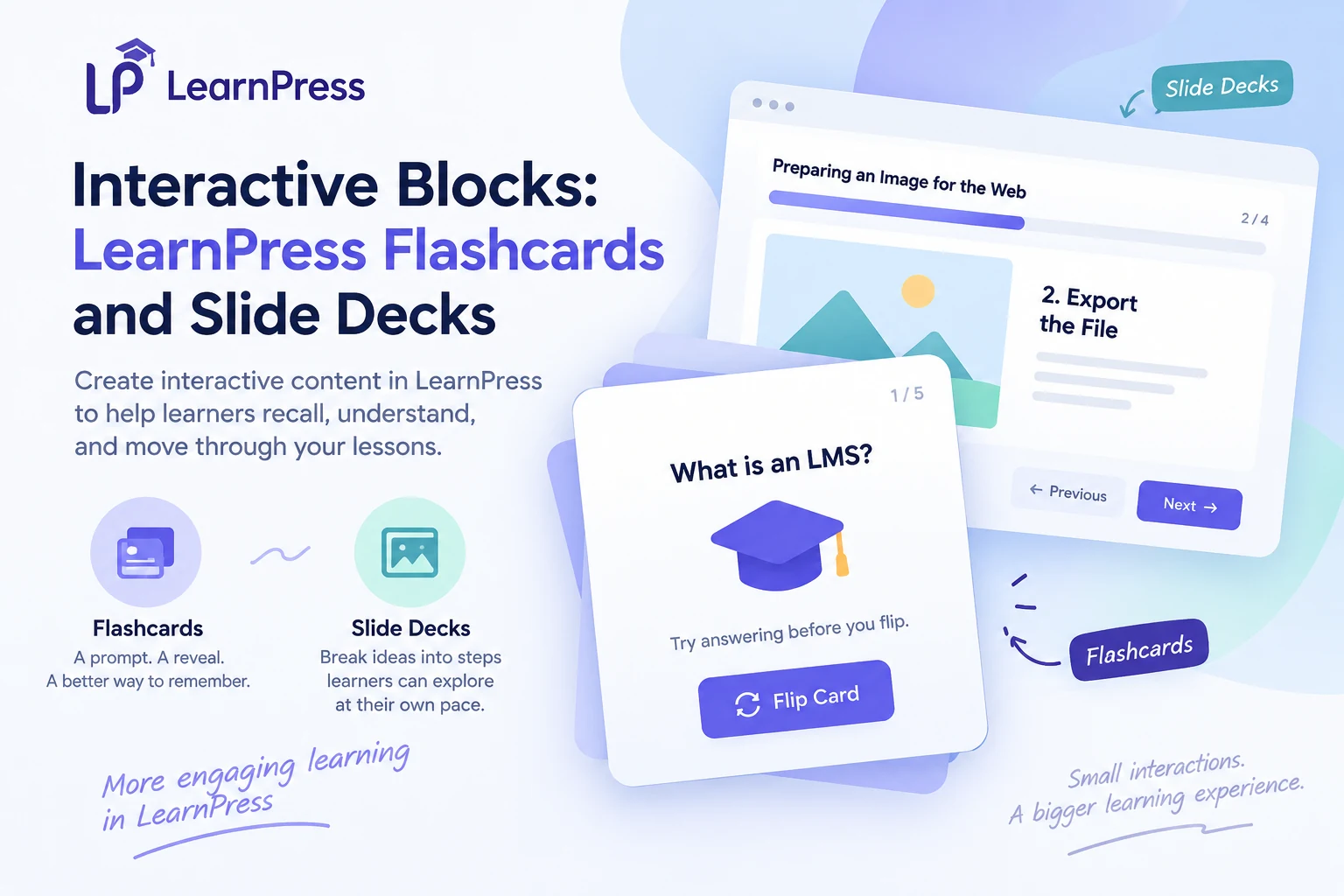
LearnPress is a free WordPress LMS plugin, and it is the closest thing to a dedicated exam creation software you can run entirely on your own site instead of a third-party platform. Activate it on any WordPress install, and you get course building, quizzes, and, with the newer Exam Add-on for LearnPress, standalone exams that pull from a shared question bank instead of forcing you to rewrite questions for every test.
Setting up a first exam took about ten minutes in testing: open the WordPress dashboard, click LearnPress in the sidebar, select Exams, and start pulling questions from the bank instead of typing them from scratch. That question bank is the real time-saver here. Earlier versions forced you to recreate the same question for every quiz it was assigned to, but the current question bank lets you build a question once and reuse it across a midterm, a final exam, and practice quizzes.
Key features
LearnPress currently supports four question types: true/false, multiple choice, single choice, and fill in the blanks. The Exam Add-on supports both automatic and manual grading, timed sections, attempt limits, anonymous access for candidates without an account, and detailed performance analytics, so you can run anything from a short placement test to a formal certification exam without leaving WordPress. Media support was added recently too: you can now insert images, diagrams, and audio into a question’s description, hint, or explanation field, not just plain text.
Pricing
LearnPress is a free core plugin, with premium add-ons available for extended features like the exam builder and certificates. That makes it the cheapest entry point on this list for anyone who already runs WordPress or is willing to set one up.
Best for
Schools, training centers, and course creators who want to own their exam data instead of renting it from a SaaS platform. If you also need a polished front end for a full course website, the Eduma WordPress theme is built specifically around LearnPress and worth pairing with it. Eduma ships with 42+ education demos and includes 24+ premium LearnPress add-ons in the theme bundle, and it is fully compatible with the Elementor page builder for no-code design work. If your site is not on WordPress, skip Eduma and just evaluate LearnPress on its own merits, or move to one of the hosted tools below.
ProProfs Quiz Maker
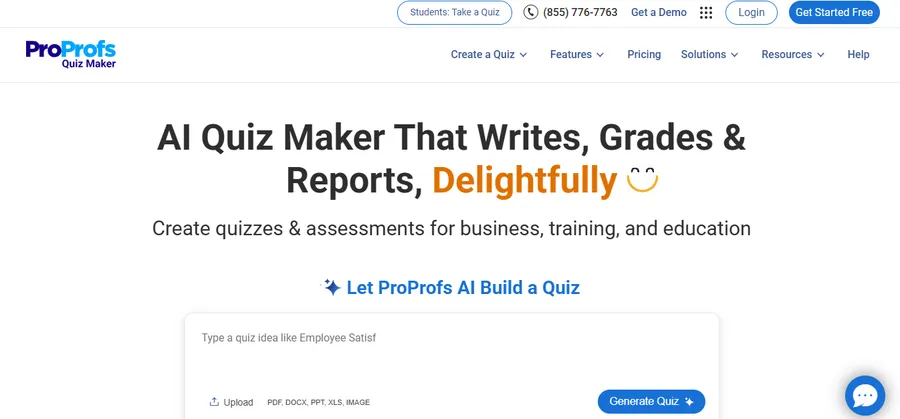
ProProfs is a hosted, browser-based quiz and exam builder aimed at trainers, educators, and marketers who want scored quizzes without touching a server or a plugin.
Key features
The editor supports scored quizzes, personality quizzes, surveys, and formal assessments from a single dashboard, with certificates and detailed reporting built in. Question logic and branching are available on paid plans, which is useful for adaptive testing rather than a flat, one-size-fits-all exam.
Pricing
Starting price is $20 per month on a flat rate, with a free trial and a free version available. Watch the add-on costs though: white labeling, e-commerce, and surveys are each sold separately at roughly $300 per year, so a fully featured setup costs more than the sticker price suggests.
Best for
Corporate trainers and small businesses that want a polished, ready-made interface and do not mind paying for extras as they scale up.
ClassMarker
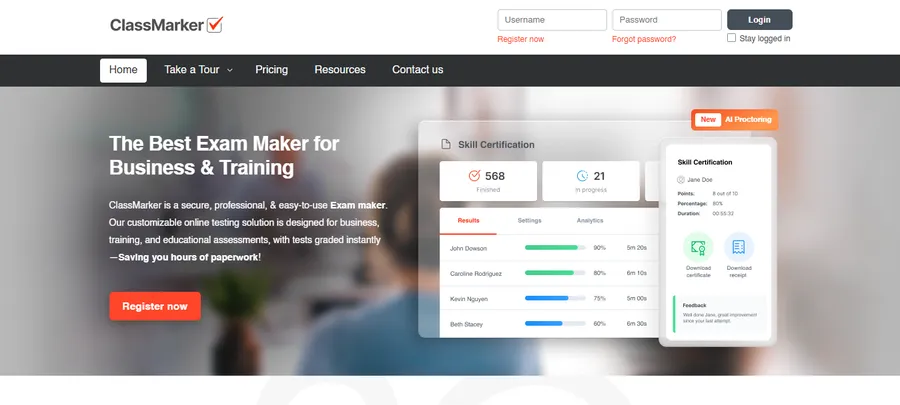
ClassMarker leans toward formal testing rather than casual quizzes, which shows in its question types and its access controls.
Key features
You can add multiple choice, true/false, short answer, matching, and essay questions, then set time limits, allow multiple attempts, randomize question order, and apply anti-cheating measures with instant automatic grading. Detailed performance analytics and password-protected or private test links make it a reasonable fit for certification bodies as well as classrooms.
Pricing
Starting price is $19.95 per feature, per month, with a free trial available. The per-feature structure means it is worth mapping out exactly which capabilities you need before committing to a tier.
Best for
Certification programs and businesses that need password-protected, tamper-resistant testing more than a flashy quiz interface.
TestInvite
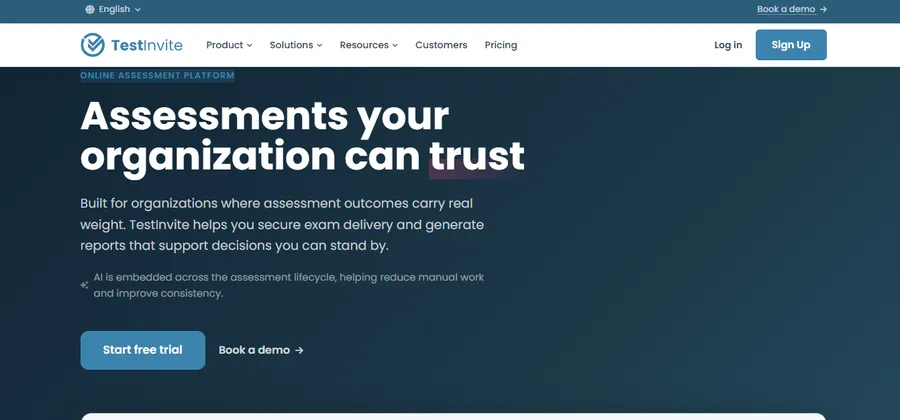
TestInvite positions itself as assessment software for organizations that care about exam integrity as much as exam creation.
Key features
TestInvite is built as leading online assessment software for creating exams with insightful reports, secured with strong anti-cheating measures. In practice that means browser lockdown options, IP tracking, and detailed candidate reporting sit alongside the standard multiple choice exam builder, which makes it a stronger match for high-stakes testing than a casual quiz tool.
Pricing
TestInvite’s plans scale with candidate volume, and pricing is not published as a flat monthly rate, so it is worth requesting a quote based on your expected exam volume before comparing it against flat-rate competitors.
Best for
Universities, recruiters, and certification bodies running remote exams where cheating prevention is the priority, not just question formatting.
iSpring QuizMaker
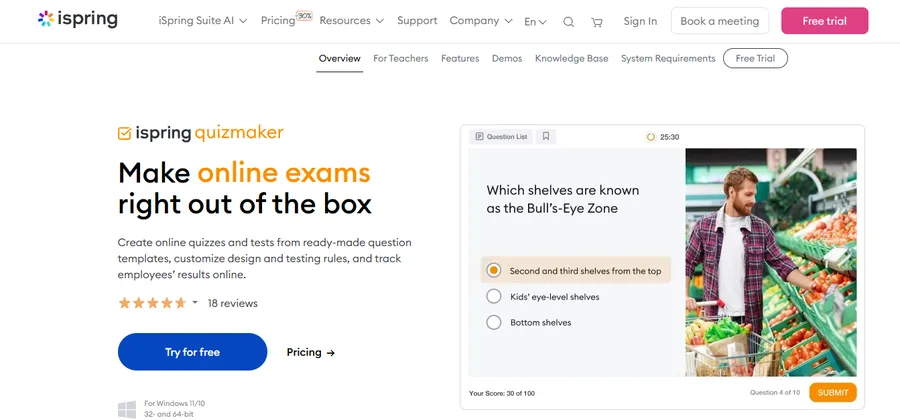
iSpring QuizMaker comes out of the eLearning authoring world rather than the classroom quiz world, and it shows in how deep the question type library goes.
Key features
iSpring QuizMaker offers 14 ready-made question types, which is well beyond the four or five types most competitors ship with, and it integrates directly with Microsoft PowerPoint for converting existing slide decks into interactive tests. That makes it a strong pick if your exams need to combine text, branching scenarios, and imported course content rather than plain multiple choice questions.
Pricing
iSpring QuizMaker is priced at $470 as a one-time purchase, while the broader iSpring Suite with AI assistant features runs $720 per author, per year. That one-time option is unusual on this list and can work out cheaper than a subscription if you only need the tool for a single course cycle.
Best for
Corporate L&D teams and instructional designers already building courses in PowerPoint who want exam creation folded into the same workflow.
Classtime
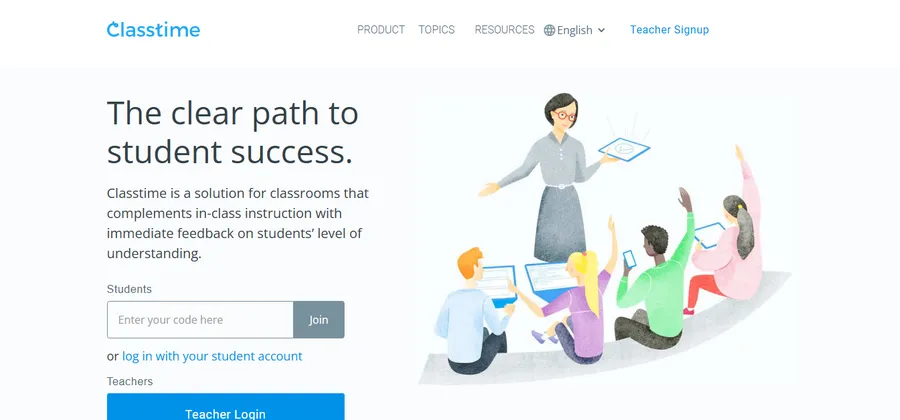
Classtime is built for live, in-classroom use as much as take-home exams, with a strong focus on question variety and anti-cheating detection.
Key features
Classtime offers 10 different question types, detailed analytics, non-cheating features, and a shared question library. Teachers can run a quiz live and watch responses come in in real time, which is a different use case from the take-home, self-paced exams most tools on this list are built around.
Pricing
Starting price is $9 per user, per month, with a free version and free trial both available. That makes it the least expensive hosted option here.
Best for
K-12 teachers running live formative assessments in class, not just formal, graded exams.
Online exam creator software comparison
| Tool | Starting price | Question types | Best for |
|---|---|---|---|
| LearnPress | Free (paid add-ons for exam features) | 4 (multiple choice, single choice, true/false, fill in blanks) | WordPress-based schools and course creators |
| ProProfs Quiz Maker | $20/month flat rate | Multiple, plus surveys and personality quizzes | Corporate training teams |
| ClassMarker | $19.95/feature/month | 5 (multiple choice, true/false, short answer, matching, essay) | Certification and formal testing |
| TestInvite | Custom, volume-based | Multiple, with strong anti-cheating tools | High-stakes remote exams |
| iSpring QuizMaker | $470 one-time | 14 | PowerPoint-based course creators |
| Classtime | $9/user/month | 10 | Live, in-classroom assessment |
How to choose the right online exam creator software for you
Start with where your content already lives. If you run a WordPress site or plan to build one, LearnPress removes the need to pay a subscription just to create multiple choice exam questions, and it keeps your student data on infrastructure you control. If you are not on WordPress and need something running in a browser today, a hosted tool like ProProfs or Classtime gets you there faster.
Next, weigh how important cheating prevention is versus how important AI exam generator style speed is. Certification bodies and universities should lean toward ClassMarker or TestInvite, which build access control and proctoring signals into the core product rather than bolting them on. Teachers running quick, low-stakes checks in class get more value from Classtime’s live response view than from a heavier assessment platform.
Finally, check your budget model. A flat monthly fee like ProProfs’ $20 rate is predictable, a per-user rate like ClassMarker’s or Classtime’s scales with how many people you test, and a one-time purchase like iSpring QuizMaker avoids recurring costs entirely but requires a bigger upfront payment. None of these is wrong. It depends on whether you are running one exam a semester or hundreds a month.
FAQs about the best online exam creator software
Is there a free way to create an online exam?
Yes. LearnPress is a free WordPress plugin that supports multiple choice, single choice, true/false, and fill-in-the-blank questions, and most hosted tools including ProProfs and Classtime offer a free tier or trial before you need to pay. The free tiers usually cap the number of questions, responses, or exams per month, so check those limits against your class size first.
Can I create an online exam without any coding knowledge?
Yes. Every tool on this list, from LearnPress’s drag-and-drop question builder to ClassMarker’s dashboard, is built for non-developers. WordPress users who want a fully designed course site without touching code can also use a theme like Eduma, which is built around LearnPress and includes pre-built page layouts through Elementor.
How do online exam tools prevent cheating?
Most platforms combine question randomization, time limits, and browser lockdown or tab-switch detection to make copying harder. TestInvite and ClassMarker focus specifically on this, offering IP tracking, password-protected test links, and detailed candidate reports so instructors can spot irregular patterns after the fact.
What is the best software for making multiple choice exams specifically?
For a free, self-hosted option, LearnPress covers multiple choice, single choice, true/false, and fill-in-the-blank formats with a reusable question bank. If you need a wider range of question formats alongside multiple choice, iSpring QuizMaker’s 14 question types or ClassMarker’s five-type library give you more room to mix formats within one exam.
Can online exam software support different question types?
Yes. The available question types vary by platform. LearnPress supports true/false, multiple choice, single choice, and fill-in-the-blank questions. ClassMarker supports multiple choice, true/false, short answer, matching, and essay questions, while iSpring QuizMaker offers 14 question types. Choose a tool based on the question formats your exams actually require.
Can I create online exams directly on my WordPress website?
Yes. LearnPress lets WordPress users create courses, quizzes, and standalone exams directly from their website. With the LearnPress Exam Add-on, you can use a shared question bank, set time limits and attempt limits, and manage automatic or manual grading without relying on a separate hosted exam platform.
Final thoughts
There is no single best exam creation software for every situation. LearnPress is the strongest pick if you want to own your platform and keep costs near zero, especially paired with a theme like Eduma if you are building a full course site. ProProfs and Classtime suit teams that want a hosted tool running today with no setup. ClassMarker and TestInvite earn their higher price by focusing on exam integrity for certification-grade testing, and iSpring QuizMaker fits teams already building courses in PowerPoint. Test the free tier of two or three of these before committing, since the real difference between them shows up once you are actually building a full exam, not just reading a feature list.
Read more: How to Approach eLearning Development: Step-by-Step