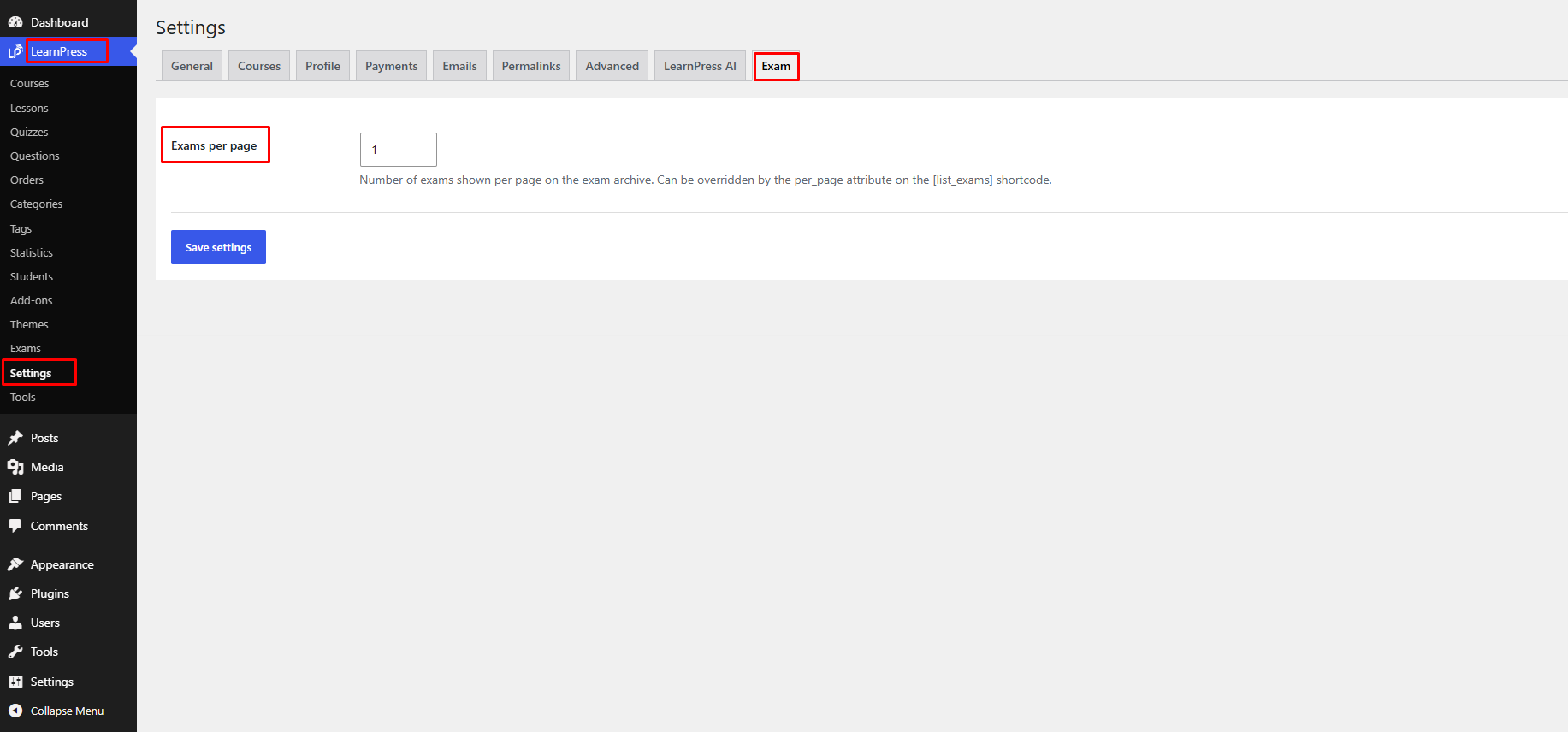
The Exam settings allow you to configure the default behavior of the Exam Add-on.
To access these settings, navigate to LearnPress → Settings → Exam.
Exams per Page
Enter the number of exams you want to display on each page of the exam archive.
For example, entering 1 will display 1 exams per page.
After making your changes, click Save Changes to apply the new settings.