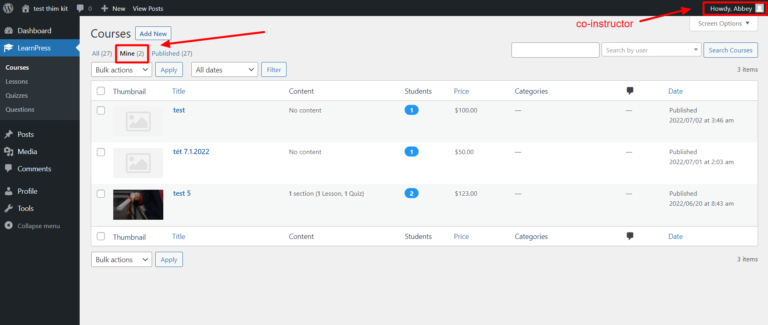
This Documentation is used for Co-Instructors add-on for LearnPrsess.
- Visit ‘LearnPress > Courses‘
- Click ‘Add New‘ or choose an existing course that you want to enable the LearnPress co-instructors add-on.

- After opening a course, scroll down to the “Course Settings” part -> “Author” -> and add one or more instructors to be the co-instructor of that class author.
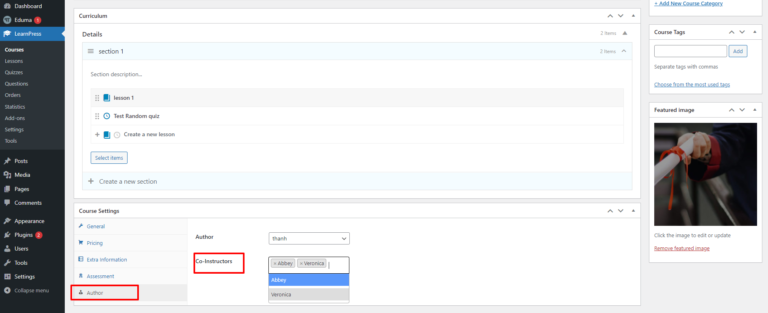
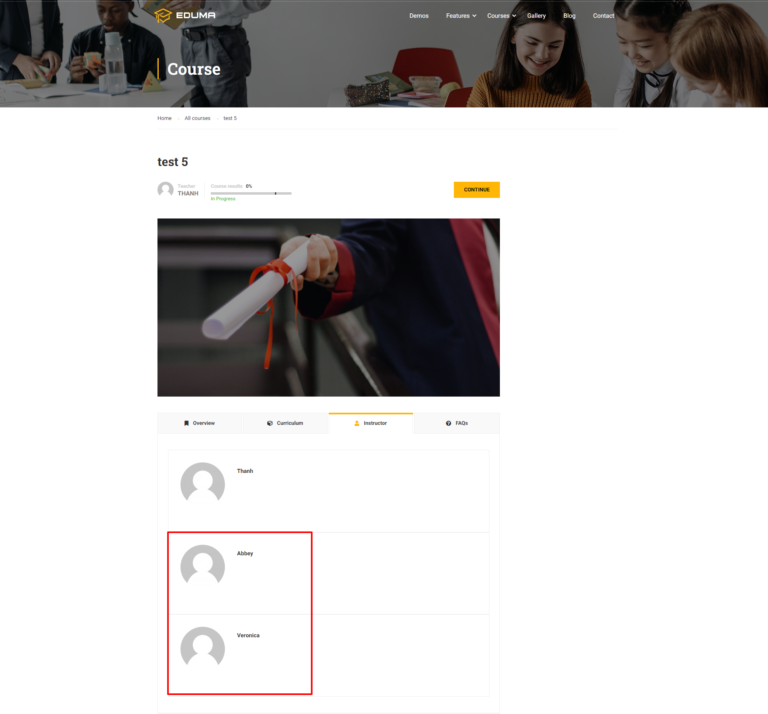
For example, I will add 2 new co-instructors here.
Note: Co-instructors can only edit lessons, quizzes, or course assignments in the “Mine” tab