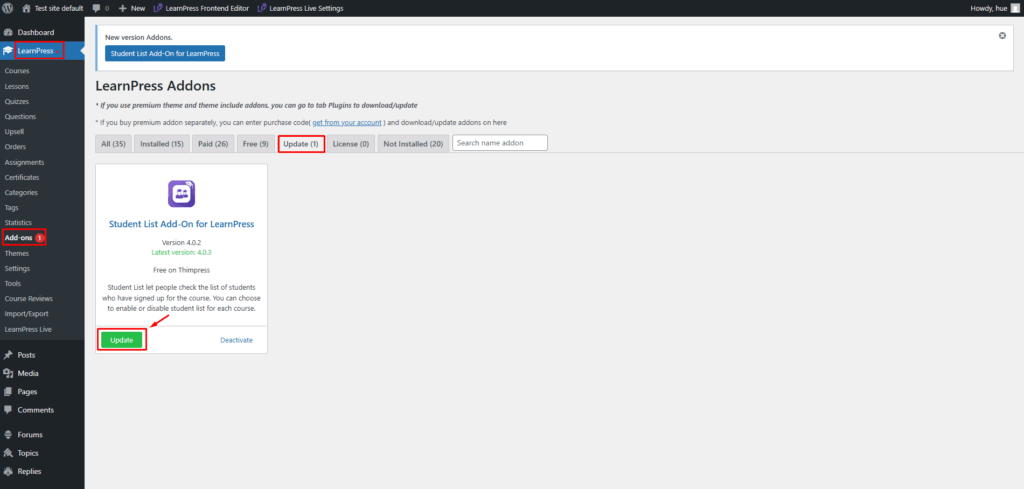
The purchase code is also used to update the add-on. There are two methods to update the add-on: When installing the add-on via purchase code and when downloading the .zip file.
Method 1: Update the add-on when installing it via the purchase code.
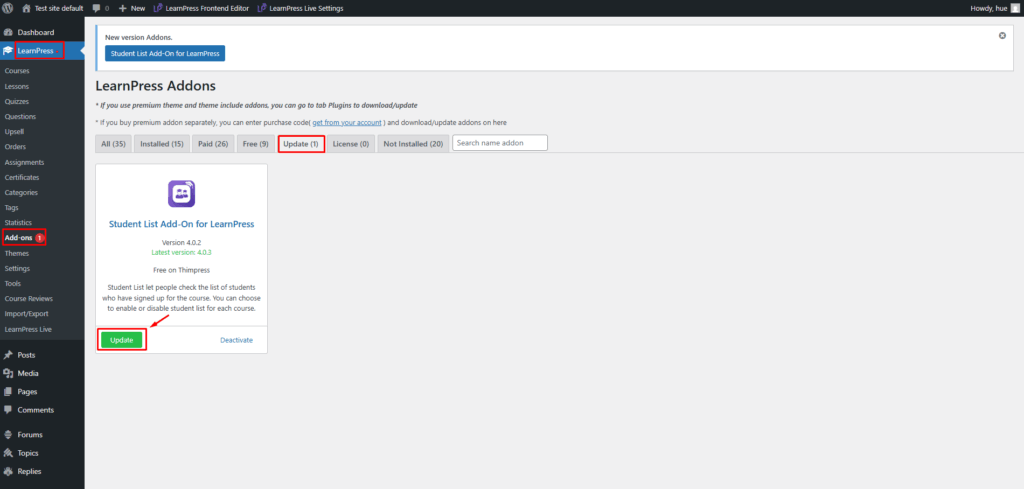
- When buying and installing the LearnPress add-ons via the purchase code, you need to go to LearnPress -> Add-ons -> Update -> select the add-on and click on the “Update” button.
Method 2: Update the add-on when installing it by downloading the .zip file
- To update the add-on, start by copying the purchase code using the copy button.
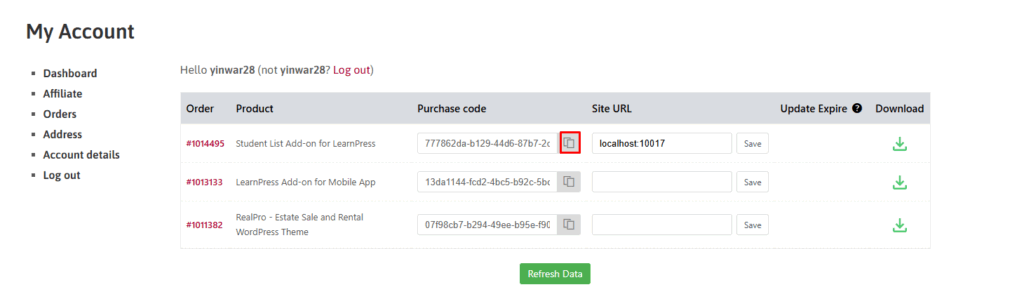
- After successfully updating the purchase code -> Click “Update” to update the add-on.