Choosing an employee onboarding platform is harder than it looks. Some tools handle paperwork and payroll, others focus on training, and a few try to do both. This guide compares six options, explains what each one does well, and shows you which team it fits best.
LearnPress – WordPress LMS Plugin
We provide an amazing WordPress LMS plugin to create & sell online courses. Let’s find out!
Try NowTable of Contents
What is an employee onboarding platform?
An employee onboarding platform is software that guides a new hire from the signed offer letter through their first weeks or months at work. It automates tasks such as document collection, equipment requests, welcome messages, and training assignments, so HR and managers do not chase people by email.
Most tools fall into one of three groups. HR suites such as BambooHR and Rippling treat onboarding as one module inside a larger people system. Engagement tools such as Enboarder focus on the new hire’s experience. Learning platforms such as LearnPress, TalentLMS, and 360Learning are built around courses, and they work well as new hire training software.
Onboarding, offboarding, and development belong together
Many companies buy an employee onboarding and offboarding software package because both processes share the same checklist logic: tasks, owners, deadlines, and sign-offs. When someone leaves, you collect equipment, remove access, and hold an exit survey. Using one tool for both keeps records consistent.
Employee development software sits one step later. Once a hire finishes their first 90 days, the same learning content can support promotions, compliance refreshers, and skills growth. A platform that handles only day one will force you to buy something else sooner than you expect.
How we evaluated these tools
We reviewed each product against the same checklist, using public documentation, product pages, and demo flows. We did not run a paid pilot for every vendor, so treat this as a shortlist to test, not a final verdict. Pricing and plans change often, so confirm current details on each vendor’s site before you decide.
Here is what we looked at:
- Task automation: Can you build a checklist once and assign it by role, location, or department?
- Training delivery: Can you publish courses, quizzes, and certificates inside the same system?
- Offboarding support: Does it cover exits, or only the first day?
- Integrations: Does it connect with payroll, Slack, Microsoft Teams, or your website?
- Ownership and cost: Is it a monthly subscription, or do you host it yourself?
- Ease of setup: How long before a non-technical HR manager can launch a working program?
Quick comparison table
The table below shows how the six tools differ at a glance. Use it to cut your list down before reading the detailed reviews.
| Tool | Main strength | Training courses | Offboarding | Hosting model | Best for |
|---|---|---|---|---|---|
| LearnPress | Self-hosted course builder on WordPress | Yes, built in | Manual (via courses and checklists) | Self-hosted | Teams that want full control over training content |
| BambooHR | Simple HR records and checklists | Limited | Yes | Cloud | Small and mid-size companies |
| Rippling | HR, IT, and payroll in one system | Basic | Yes | Cloud | Teams that also manage devices and apps |
| Enboarder | New hire engagement and communication | Limited | Partial | Cloud | Large or remote workforces |
| 360Learning | Collaborative learning | Yes, built in | No | Cloud | Peer-led training programs |
| TalentLMS | Ready-made corporate training | Yes, built in | No | Cloud | Fast launch without developers |
The 6 best employee onboarding platform options reviewed
Each review below follows the same format: a short overview, key features, and the type of team it suits. We start with LearnPress because it is the most flexible option for companies that want to own their training content.
1. LearnPress
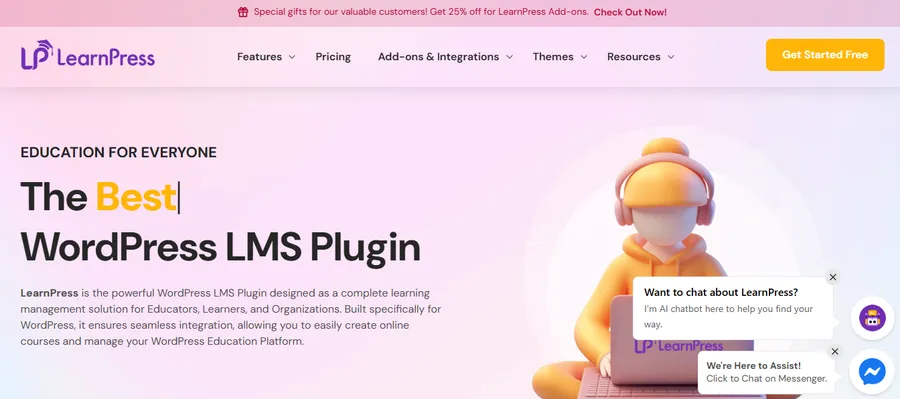
LearnPress is a free WordPress LMS plugin that lets you build structured courses on your own website. It is not an HR suite, so it does not store payroll data or run background checks. What it does well is the training side of onboarding: you can publish welcome courses, role-based lessons, quizzes, and certificates, and your team logs in through a branded portal. Because it runs on WordPress, you control hosting, design, and data. That makes it a practical onboarding training platform for corporates that have strict privacy rules or want to avoid per-user pricing. One honest limit: offboarding tasks and e-signatures need other plugins or a separate HR tool.
Key features
- Course builder with lessons, quizzes, and sections inside the WordPress dashboard
- Prerequisites Courses add-on, so new hires finish safety training before the next module unlocks
- Certificates add-on with a drag-and-drop builder for completion records
- Assignments and Gradebook add-ons for manager review of practical tasks
- Content Drip add-on to release lessons by day or by progress
- Works with Elementor and Gutenberg, and pairs with LearnPress-ready education themes
Best for: Companies with a WordPress site or in-house web team that want a customizable employee onboarding system focused on training, without paying per employee.
2. BambooHR
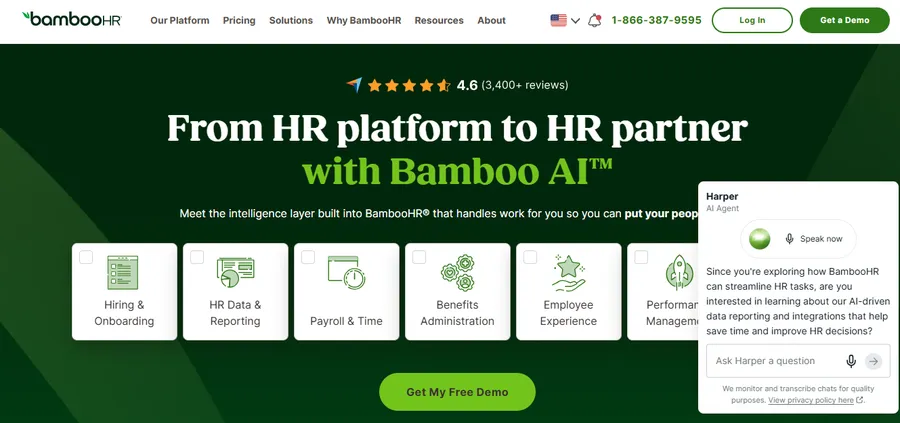
BambooHR is a cloud HR platform known for a clean interface and quick setup. Its onboarding module lets HR build task lists for new hires and managers, collect signed documents, and send welcome information before day one. Employee records live in the same system, so there is no copying data between tools. Offboarding uses the same checklist approach, which makes it a reasonable employee onboarding and offboarding software choice for growing companies. Training is lighter than a true learning platform, so most teams pair it with a separate course tool. Plans and add-ons vary, so request a current quote.
Key features
- Onboarding and offboarding checklists with due dates and owners
- Electronic signatures for offer letters and policy documents
- Central employee database with custom fields
- Performance and goal tracking modules
- Integrations with payroll and applicant tracking tools
Best for: Small and mid-size companies that want one place for HR records and a simple onboarding workflow.
3. Rippling
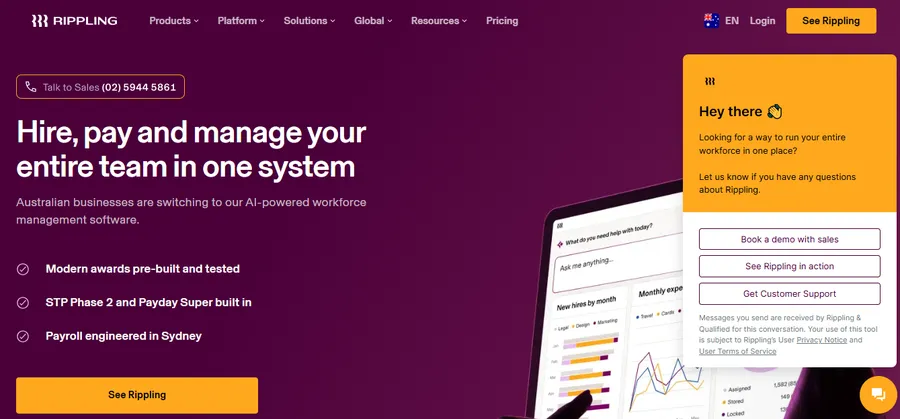
Rippling combines HR, payroll, device management, and app access in one platform. Its main advantage during onboarding is automation across systems. When a hire is added, Rippling can create their accounts, assign a laptop, and set up payroll without separate requests to IT and finance. The same logic helps during exits, when access must be removed quickly. Learning features exist but are basic, so deeper training usually runs in an LMS. Rippling is modular, which means you pay for the parts you use, and the total depends on your headcount and chosen modules.
Key features
- Automatic account and app provisioning for new hires
- Device management for company laptops
- Workflow rules based on role, team, or location
- Offboarding that revokes app access in one step
- Payroll, benefits, and time tracking in the same system
Best for: Companies with remote or hybrid staff that need HR and IT onboarding steps to run together.
4. Enboarder
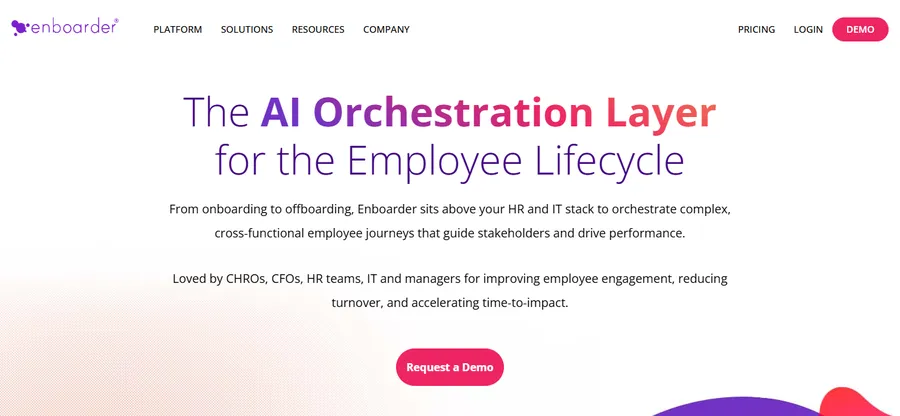
Enboarder focuses on how a new hire feels during the first weeks. Instead of a static checklist, it sends timed messages, prompts for managers, and “moments” that guide the person through culture, team introductions, and early goals. It connects with HR systems so the sequence starts when the hire record is created. This makes it useful for large employers where many people start each week and managers forget small steps. It is not a full LMS, so course content is limited, and many customers combine it with a learning tool. Pricing is quote-based.
Key features
- Journey builder with email, SMS, and chat-style messages
- Manager nudges so key conversations are not missed
- Pulse surveys to collect feedback from new hires
- Integrations with HRIS and communication tools
- Templates for pre-boarding, first week, and transitions
Best for: Large or distributed organizations that care about retention and the new hire experience.
5. 360Learning
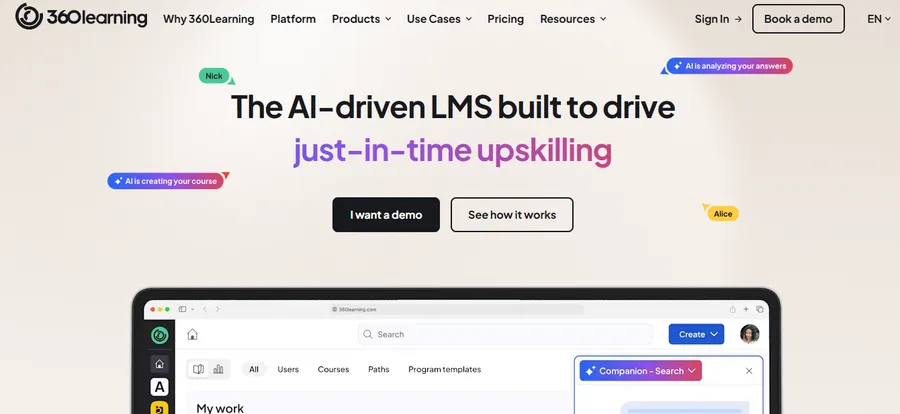
360Learning is a collaborative learning platform where subject-matter experts inside your company create courses and peers give feedback. For onboarding, this means a sales lead can build a product walkthrough, and a support manager can build a ticket-handling course, without waiting for a central training team. It fits well as employee development software because the same content can support upskilling later. It does not manage HR paperwork or offboarding tasks. Expect to connect it to an HR system and agree on content ownership early, otherwise courses can pile up without review.
Key features
- Course authoring tools aimed at non-specialists
- Peer feedback and comments on learning content
- Skills tracking and learning paths
- Reporting on completion and engagement
- Integrations with HR and communication tools
Best for: Companies that want experts and team leads to create training content together.
6. TalentLMS
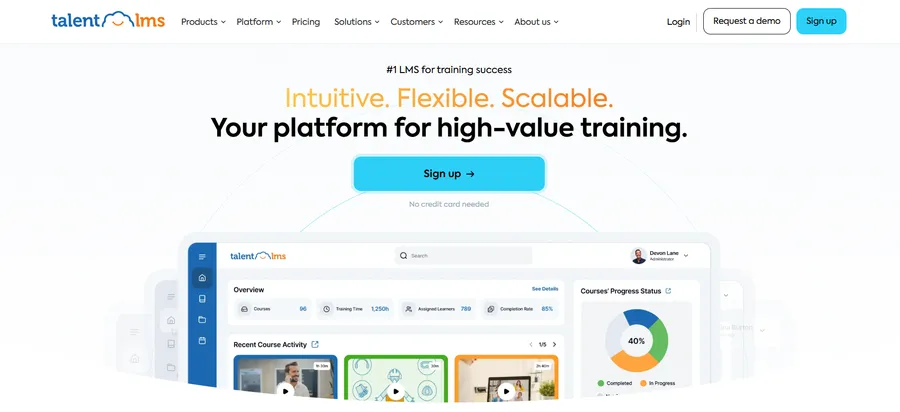
TalentLMS is a cloud learning platform that you can set up without developers. You upload videos, slides, and documents, add quizzes, and assign courses to groups. It supports automation rules, certificates, and branching by user type, so a warehouse hire and an office hire can see different paths. It works as straightforward new hire training software when you need to launch quickly and report on completion. It does not replace an HR suite, and offboarding is outside its scope. Pricing is typically tiered by user count, so check the current plan limits against your hiring volume.
Key features
- Course creator with video, SCORM, and quiz support
- Groups, branches, and automation rules
- Certificates and completion reports
- Gamification such as points and badges
- Integrations with HR and communication tools
Best for: HR teams that need a ready-made cloud tool for corporate training without technical setup.
How to choose the right employee onboarding system
The right choice depends on what you need to automate first. The steps below help you decide without buying more than you will use.
Start with the biggest pain point
If new hires miss paperwork or equipment, begin with an HR suite such as BambooHR or Rippling. If they get lost in their first week, an engagement tool like Enboarder helps more. If your problem is inconsistent product or compliance knowledge, pick a learning platform.
Decide who owns the content
Cloud tools are easier to launch, but you work within their templates and pricing. A self-hosted option such as LearnPress gives you control over branding, data location, and course structure. That control helps when legal or IT teams ask where employee records are stored. It also means someone must handle updates, backups, and security on your WordPress site.
Plan for offboarding and growth
Ask vendors how exits are handled, even if you are only buying for onboarding today. Also check whether training content can be reused for ongoing development. Switching tools after a year means rebuilding every checklist and course.
Run a small pilot first
Pick one department and one role. Build the checklist and first course, then ask the next three hires to rate it. Real feedback from new hires is more useful than any feature list, and it shows quickly whether the tool fits your team.
A simple combination that works
Many teams use two tools: an HR suite for records and tasks, plus employee development software or an LMS for training. If your HR system already handles checklists, you may only need an employee onboarding platform for the learning layer, and a WordPress LMS can fill that role at a low cost.
Frequently asked questions
How long should the onboarding process last?
Most programs built on an employee onboarding platform run for 30 to 90 days, and some continue to the first year. A longer plan works better for complex roles because early tasks cover access and policies, while later tasks cover skills and goals. Set review points at the end of week one, month one, and month three.
What should a new hire checklist include?
A good checklist in any employee onboarding system covers four areas: legal paperwork, tools and access, role training, and introductions to the team. Assign each task to a named owner and a due date. Tasks without owners are the ones most often skipped.
Can small businesses use these tools?
Yes. Small businesses often start with a simple HR tool or low-cost new hire training software instead of a full suite. A self-hosted LMS such as LearnPress can also work if someone on your team already manages a WordPress site. Start with a single process, such as first-week training, and expand later.
How do you measure whether onboarding is working?
Track completion rate of required tasks, time to first independent work, new hire feedback scores, and early turnover. Compare these numbers across teams or hiring cohorts. If one department scores lower, review its checklist and manager involvement first.
Conclusion
There is no single best employee onboarding platform for every company. HR suites like BambooHR and Rippling handle paperwork and access. Enboarder improves the new hire experience. 360Learning and TalentLMS speed up training delivery. LearnPress is a strong choice when you want to build and own your training content on WordPress, with add-ons for certificates, assignments, and course prerequisites.
Match the tool to your biggest gap, pilot it with one team, and review feedback before rolling it out company-wide. If your priority is training, you can explore LearnPress and its add-ons to build your first onboarding course this week.
Read more: Training Software: Types, Features and How to Choose