
Grading a stack of quizzes by hand is slow, and one small math slip can change a student’s letter grade. An online EZ grader fixes this by turning “questions wrong” into a percentage and a letter grade in a few seconds.
In this guide, you will find six free tools, what each one does well, where each falls short, and a direct link to open each one.
Let’s get started!
LearnPress – WordPress LMS Plugin
We provide an amazing WordPress LMS plugin to create & sell online courses. Let’s find out!
Try NowTable of Contents
What is an online EZ grader?
An online EZ grader is a web-based calculator that turns the number of wrong answers on a test into a score, a percentage, and a letter grade. It replaces the cardboard “E-Z Grader” wheel that teachers have used for decades. You enter the total number of questions and the number missed, and the tool does the rest.
The math behind it is simple. Percentage equals correct answers divided by total questions, multiplied by 100. A 25-question quiz with 3 wrong answers gives 22 correct, and 22 divided by 25 is 88%. The tool saves you from repeating that sum for every paper.
Most tools fall into two groups. Some are an EZ grading calculator for single tests and quizzes. Others work as a free grade calculator or a semester exam grade calculator, which combine many scores using weights. Both groups appear in this list because teachers and students usually need both over a school year.
How we picked these tools
We reviewed the public pages of each tool and compared what each one says it does. We looked at five things: whether it is free, whether it works on a phone, how it shows results, whether it supports a custom grading scale, and whether it handles weighted or semester grades.
We did not run controlled speed tests, so we describe features as the tools present them. Tool pages change, so check each link for the latest options before you rely on a feature.
Comparison table of the 6 best online EZ grader tools
| Tool | Best for | Input method | Main output | Cost |
|---|---|---|---|---|
| Givebutter Easy Grading Calculator | Quick quiz scoring | Questions and score | Score, percent, letter grade | Free |
| SmartCGPA EZ Grader | Printing a class chart | Total questions and wrong count | Percentage, letter grade, full chart | Free |
| EasyGrader.net | Simple right and wrong entry | Right and wrong counts | Percentage and grade | Free |
| EssayGrader.ai EZ Grader | Teachers who want one clean tool | Total questions and wrong count | Grade percentage | Free |
| Omni Calculator Final Grade Calculator | Final exam planning | Current grade, target, weight | Score needed on the final | Free |
| Wiingy Semester Grade Calculator | Semester averages | Quarter grades and final exam | Semester grade | Free |
1. Givebutter easy grading calculator
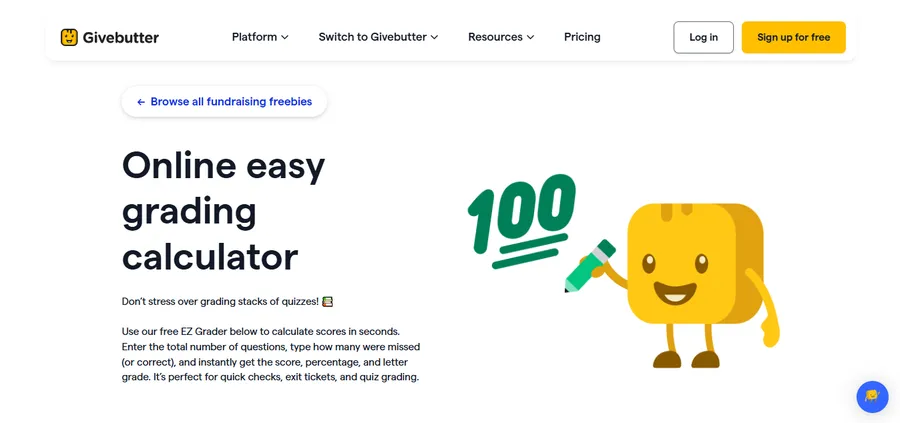
Givebutter offers a free online EZ grader as part of its collection of free tools for educators and nonprofits. The page is built around one idea: stop doing quiz math by hand. The company says every paper gets the same accurate calculation, which helps when you grade many papers in one sitting.
Key features
- Gives a score, a percentage, and a letter grade in one result
- Free to use, with no software to install
- Reduces mental math slips and inconsistent scoring across papers
- Works in a normal browser on a laptop or phone
Best for
Teachers who want a clean, no-fuss EZ grading calculator for weekly quizzes and short tests.
2. SmartCGPA EZ Grader
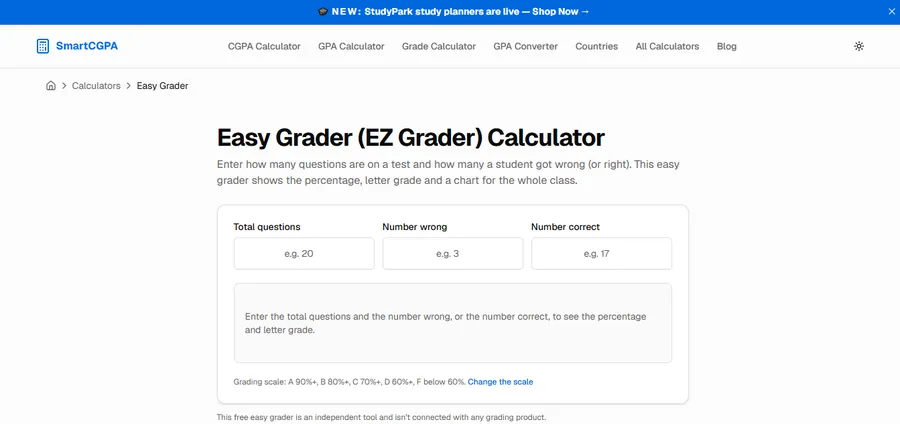
SmartCGPA presents itself as a free online EZ grader built to replace the physical grading card. You enter the total number of questions and how many were wrong. The tool then returns the percentage and letter grade straight away.
Key features
- Full class grading chart that shows every possible score for the test, so you can grade a whole class by scanning one column
- Instant percentage and letter grade
- Works on any device, including smartphones
- No sign-up required, according to the page
Best for
Teachers who like a printed or on-screen reference chart. This is the closest match to the classic EZ Grader card, and its chart works as a ready-made online grader scale for one test length. If your quiz has 25 questions, you generate the chart once and reuse it for every paper.
3. EasyGrader.net

EasyGrader.net is a straightforward EZ grading calculator for teachers. It shows a results table with columns for right answers, wrong answers, percentage, and grade. That layout makes it easy to read down the list when you are marking a full set of papers.
Key features
- Simple results table with right, wrong, percentage, and grade
- Built for exams and quizzes
- Free, with a plain interface that loads quickly
- Reader comments on the page describe it as a time saver, though these are user opinions and not independent tests
Best for
Teachers who want the simplest possible layout and do not need weighted grades or extra settings.
4. EssayGrader.ai EZ Grader
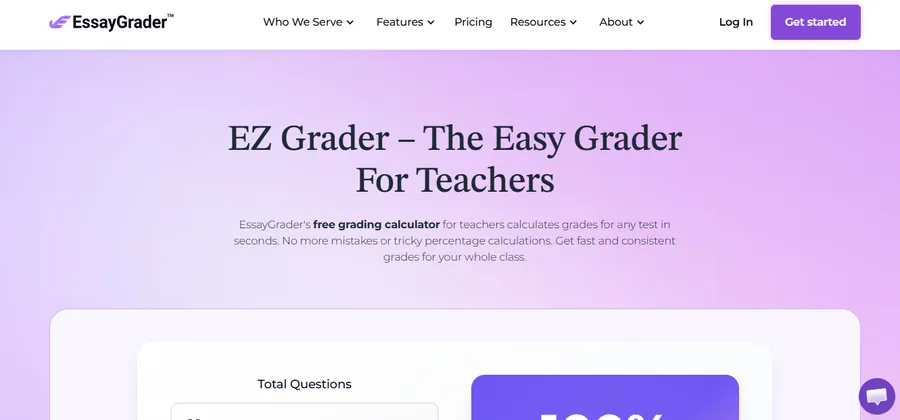
EssayGrader.ai is better known for AI-assisted essay feedback, but it also offers a separate free EZ grader. The tool follows the standard method: enter the total questions and the number wrong to get the percentage.
Key features
- Free for teachers, with no cost or subscription fees according to its FAQ
- Same quick workflow as other easy grader tools
- Sits next to other teacher tools, which helps if you also grade written work
- Works well as a free grade calculator for objective tests such as multiple choice and true or false
Best for
Teachers who already use or want to try other grading tools from the same site, especially for essays.
5. Omni Calculator final grade calculator
Omni Calculator answers a question every student asks near the end of term: “What grade do I need on my final?” It is a strong semester exam grade calculator because it works backward from your target grade.
Key features
- Calculates the score you need on a final exam to reach a target course grade
- Also works as a semester grade calculator or finals calculator, as the site explains
- Teaches the by-hand method, so you understand the math behind the result
- Covers the final semester grade, which combines grades from all subjects in a term
How the formula works
The tool uses a standard weighted-grade formula. Needed score equals the target grade minus your current grade times the share of the course already finished, all divided by the weight of the final. If the result is over 100%, the target is not reachable through the final alone.
Best for
Students who want a free grade calculator that tells them exactly how hard to study before the final.
6. Wiingy semester grade calculator
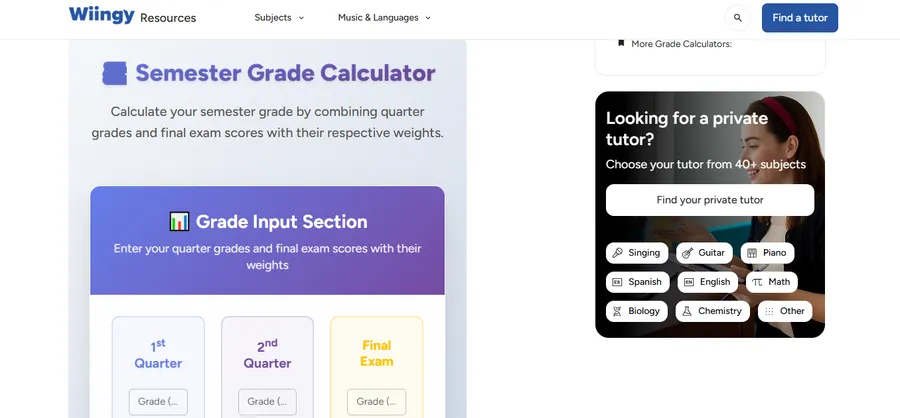
Wiingy’s tool is a dedicated semester exam grade calculator. It combines quarter grades and the final exam score, using the weight you assign to each part. This suits schools that calculate the semester grade from two quarters plus a final.
Key features
- Inputs for the first quarter, second quarter, and final exam
- Adjustable weight for each part, so it fits different school policies
- Instant semester grade after you enter your numbers
- Free to use, and the page notes that results are an estimate, so check official grades with your school
Best for
Students and parents who need a quick estimate of the semester grade before report cards arrive.
How to choose the right online grader scale
The best tool depends on the job. A single quiz and a semester average need different calculators, so start with what you want to measure.
Match the tool to the task
For quick test marking, pick a tool that takes “number wrong” as input, such as SmartCGPA or EasyGrader.net. For weighted course grades, pick a free grade calculator such as Omni Calculator. For a semester average, the Wiingy tool is the most direct fit.
Check the grading scale
Schools do not all use the same cutoffs. Many US schools use 90 to 100 for an A, 80 to 89 for a B, and 70 to 79 for a C, but some use plus and minus grades or a 93 percent A cutoff. Before you trust any online grader scale, compare it with your school handbook. If a tool does not let you change the scale, use its percentage and convert the letter yourself.
Think about privacy
Grade calculators only need numbers, not student names. Avoid entering personal details into any web tool. Keep names and student IDs in your school’s official gradebook.
Tips for Using an EZ Grader More Effectively
An online EZ grader can make test marking faster, but teachers still need a clear grading process to keep results fair and consistent. Here are four practical tips to get better results from an EZ grading calculator.
1. Check the total number of questions first
Before entering scores, confirm how many questions are included in the test. If a quiz has 30 questions but you enter 28, the final percentage will be incorrect. Double-check the test structure before using an online grader.
2. Decide how to handle partial credit
Some tests include questions that allow partial marks, such as essays, short answers, and math problems. A basic EZ grader usually works with the number of correct and incorrect answers, so it may not handle partial credit directly. In these cases, calculate the points earned first, then use a percentage or grade calculator to find the final score.
3. Keep grading rules consistent
Use the same grading scale and marking rules for every student taking the same test. If your school uses a custom grading scale, check whether the calculator supports it. Otherwise, use the percentage result and apply your school’s official grade boundaries manually.
4. Review unusual results before recording grades
An online calculator reduces manual math, but incorrect inputs can still produce incorrect results. Check unusually high or low scores, confirm the number of missed questions, and compare a few calculations manually before transferring grades to your official gradebook.
By combining an EZ grader with consistent marking rules, teachers can save time while keeping test results accurate, clear, and fair for students.
Using grading tools with LearnPress and Eduma
If you teach online, calculators are only one part of the workflow. A learning management system can score quizzes automatically and keep results in one place. LearnPress is a free WordPress LMS plugin that lets you build courses, lessons, and quizzes on your own site. Eduma is an education theme from the same team, designed to work with LearnPress for course websites.
A practical setup looks like this. Use LearnPress quizzes for auto-graded multiple choice questions, and use an online EZ grader for paper tests or oral exams that sit outside the system. At the end of term, use a semester exam grade calculator to check weighted averages before you publish final results.
You can learn more about the plugin at LearnPress. This option is most useful for tutors, schools, and training providers who already run, or plan to run, a course website. If you only grade paper tests, the free tools above are enough.
FAQs
Is an online EZ grader accurate?
Yes, when you enter the correct totals. The tool applies a fixed formula, so it removes arithmetic errors. The result is only as accurate as your inputs and your grading scale, so always confirm the cutoffs match your school’s policy.
Can I use a free grade calculator for weighted grades?
Yes, but not every tool supports it. Simple EZ graders only handle one test at a time. For weighted categories like homework, quizzes, and exams, use a calculator that lets you set a weight for each part, such as Omni Calculator.
How do I find out what I need on my semester exam?
Enter your current grade, your target grade, and the exam’s weight into a semester exam grade calculator. The tool then shows the minimum score you need. If the answer is above 100%, you cannot reach that target with the exam alone, so aim for the next grade level.
Do online graders work on a phone?
Most do. Tools such as SmartCGPA state that they work on any device, including smartphones. If a page looks cramped, try turning your phone sideways or opening the page in a desktop view.
Conclusion
The right online EZ grader depends on what you need to grade. Givebutter and EasyGrader.net suit fast quiz marking. SmartCGPA is ideal if you want a full class chart you can reuse. EssayGrader.ai is a good pick if you already use its other tools. For students, Omni Calculator and Wiingy cover final exams and semester averages with a free grade calculator approach.
Start with one tool from this list, test it on a few papers you have already graded, and confirm that the results match your own numbers. If you run a course site, pair these tools with a learning platform like LearnPress and Eduma so your online quizzes and paper tests both stay organised.
Read more: How to Choose Digital Learning Tools