Back in 2023, a survey reported that 69% of students prefer online, hybrid, or blended learning options. Since the pandemic, people’s dependency and demand for online education have only increased.
As the systems and frameworks for online education get more sophisticated, there are still a few challenges that need to be smoothed out. Assessment has always been one of the core challenges of online learning.
With no way to assess students in person, educators struggle to uphold integrity and determine how valid the evaluation is.
Here are six tools every online educator should use for essay assessment to ensure deep evaluation of the student’s work.
LearnPress – WordPress LMS Plugin
We provide an amazing WordPress LMS plugin to create & sell online courses. Let’s find out!
Try Now1. Essay Grader AI
Since the accessibility of online education is higher, assessments for online instructors can mean handling more students than an offline educator.
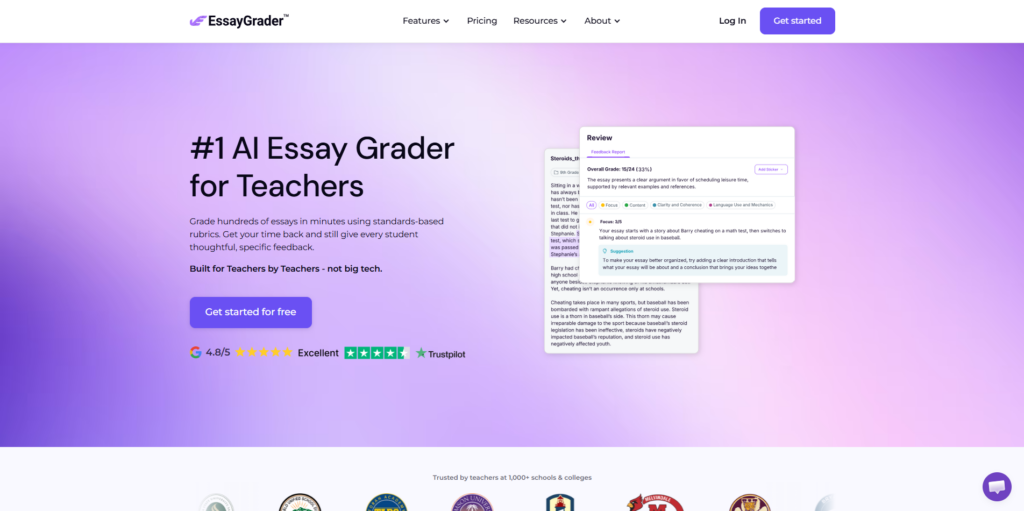
For online instructors, accessing the essays of 100+ students at once can be quite difficult, which is what makes tools like EssayGrader AI a crucial inclusion in their arsenal.
This tool evaluates essays and generates highly detailed, structural feedback, significantly cutting down the time needed for grading.
This is particularly right for an instructor who wants to provide highly specific, multifaceted critique of their student’s work to be more hands-on, involved, and encourage improvement.
Especially if you need your grading done in large batches, it allows you to upload more essays at a time, so that more time is saved.
You can either upload your own rubric, create one, or use one from their library of rubrics, making it easier for teachers to set the terms of assessment. The essay grader looks into the student’s work’s grammar, purpose, structure, content, organization, and development.
The tool can also provide the teacher with a concise summary of the essay, which can help them avoid skimming the essay if there is less time. This doesn’t just give feedback; it also gives suggestions for improvement. They also provide an analytic dashboard, where you can track student progress.
2. CoGrader
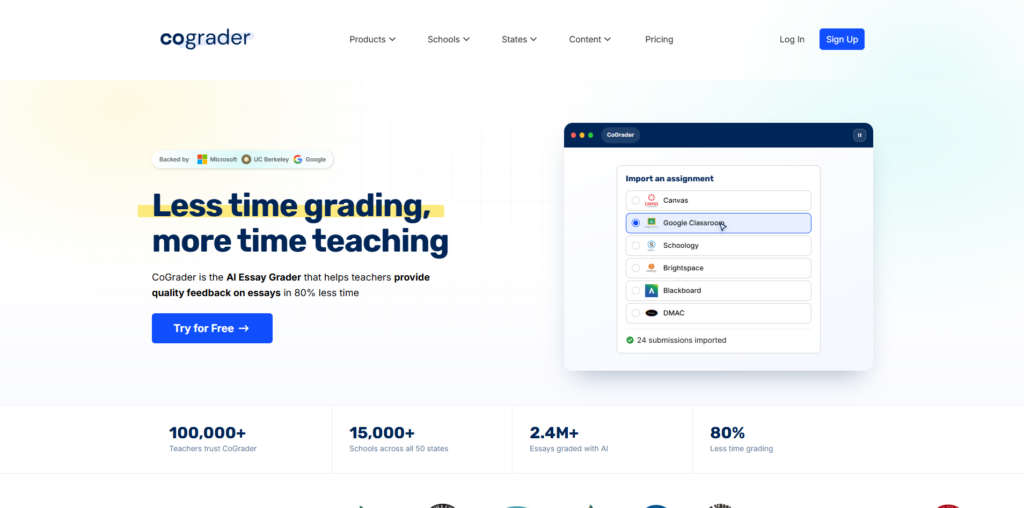
Another essay-specific grader is Cograder, which also provides rubric-based scores and comes with a decent feedback system. This specific grader has two special features.
One is that it integrates with well-known LMS like Google Classroom or Canvas, allowing teachers to directly upload essays from those platforms.
The second is that it can give criteria-based feedback. For example, aspects like evidence, organization, strength of claim, etc, can each be a criterion that is used to evaluate the essay. There are some standard rubrics available that you can use, or create your own one.
The tool also comes with analytics that can help teachers understand whether students are making progress. No results can be published unless the teacher takes the time to review the feedback to ensure everything is valid and accurate.
3. Gradescope
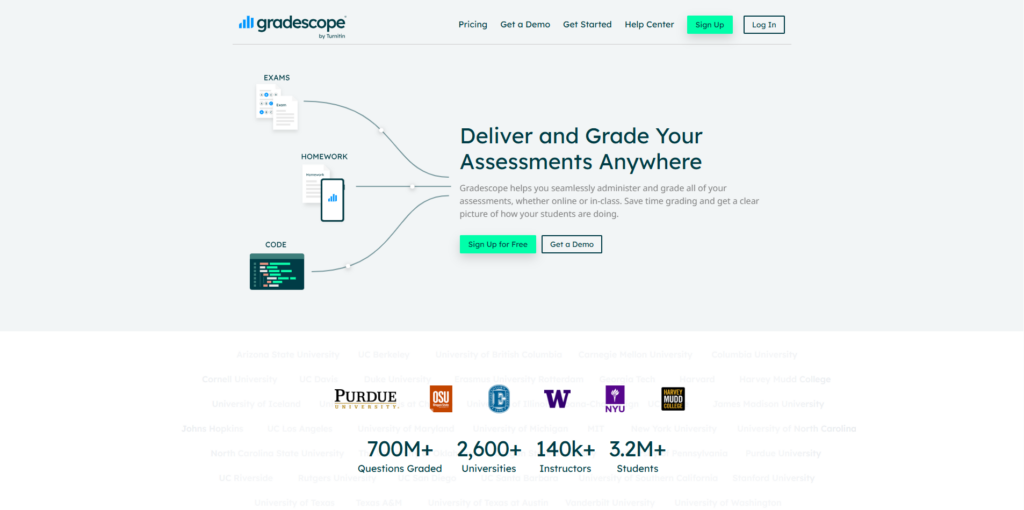
Turnitin’s own grading tool, Gradescope, is good for assessing exams. One big positive is that Turnitin doesn’t have to be the only LMS you use it with, and you can integrate with other ones like Blackboard and Canvas.
As an online educator, you may need an assessment tool that looks into more than just essays, so Gradescope’s versatility might be exactly what you need. This means you can evaluate short-answer tests and other subjects like code and math.
This tool can use the feedback from grading one paper as the benchmark with which other papers are evaluated. You can also use a rubric and update it in whatever way, when needed. It also allows teachers to grade handwritten work, which can simply be scanned and uploaded.
4. Edcafe
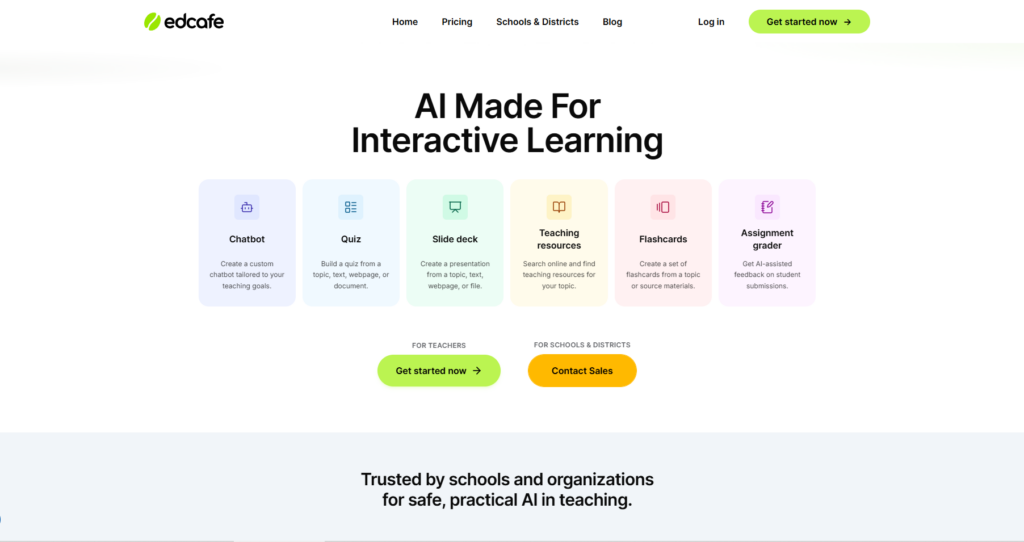
If, as an online educator, you need a tool that does a lot more than just grade papers, Edcafe is the right tool for you. It can help educators plan lessons, create learning materials, monitor and engage students, all in one workspace.
This tool can generate quizzes, and then provide feedback after they are taken, and give immediate answers and feedback. It can grade essays and written assignments.
Teachers need to provide contextual information and a rubric, and it can provide rubric-based assessment, especially if the teacher defines the criteria for assessment and gives organized feedback.
This tool can be integrated with popular LMS and can be great for any online educator who wants one platform that gets more done: like anything from creating assessments, grading submissions, providing immediate feedback, and monitoring progress.
5. Marking
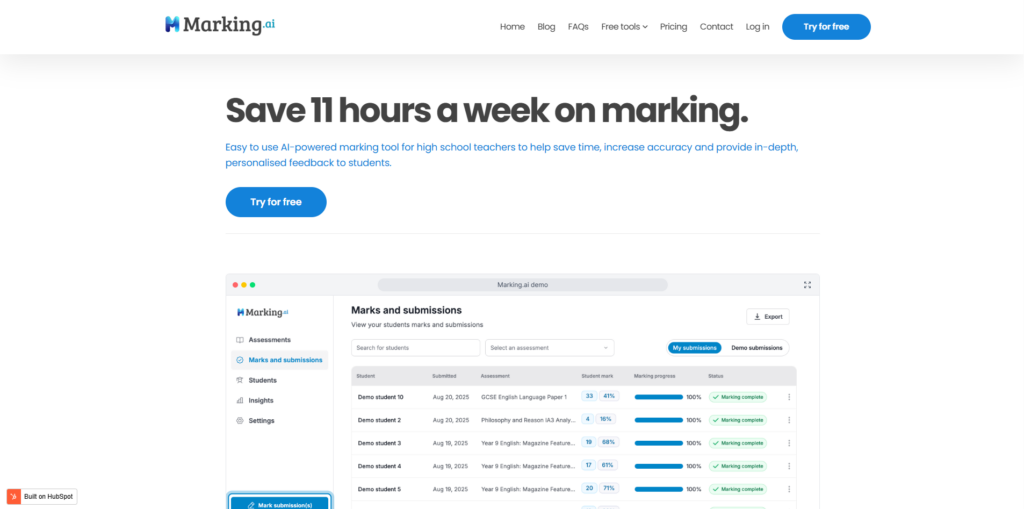
As an instructor, if you prefer an AI marking assistant for essays and longer written assessments, you can try Marking AI. This tool can mark most types of assessments, but the tool is optimized for subjects that need substantial written answers, such as language-based subjects or humanities.
If the teacher uploads one or multiple assessments, pairing them with a rubric and mark scheme, it can evaluate and grade the work. It provides a marks breakdown so that students know where the score was earned and where it was lost.
The teacher can then evaluate and change the grade after review, and students can also appeal a grade, so that it can be reevaluated. The main problem with this tool is its various limitations, such as lack of LMS integration, no tool for accessing AI, and plagiarism, etc.
6. Brisk Learning
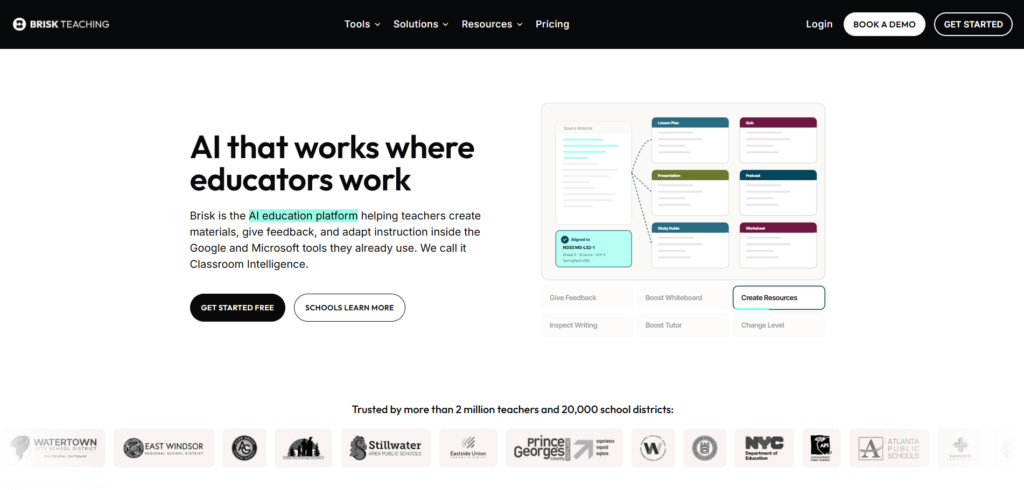
Similar to an AI grading assistant, Brisk is a browser-based application that allows you access to various teaching-related tools while you are on documents, LMS, or any specific website.
You can grade any paper, wherever it is, whether uploaded within an LMS or as a file on Google Docs. Instead of having to use multiple tools or platforms for your teaching activities, you can use Brisk.
Especially when it comes to evaluation, grading, and feedback. You can upload your preferred rubric, and it will tell you what the student did right and what they did wrong.
This is great for teachers who do not want to automate the whole evaluation process and instead would like to get a bit of perspective and then curate the feedback according to their own teaching voice and remarks.
Final Thoughts
Online educators often need to handle more students than offline instructors, which is why having a grading tool that allows batch upload is often a must.
Ultimately, you must choose a tool that works best with your curated preferences, so that you can give the best possible evaluation your students deserve.
Just make sure no feedback goes out without review, as AI can make mistakes, and it can hamper student trust if you don’t ensure human supervision.
Contact US | LearnPress:
Website: https://learnpresslms.com/
Fanpage: https://www.facebook.com/learnpresslms
Email: [email protected]