
In the Membership Plan edit screen, switch to the Members tab to view and manage users who have subscribed to this plan.
Here, you will see a list of members along with their related information.
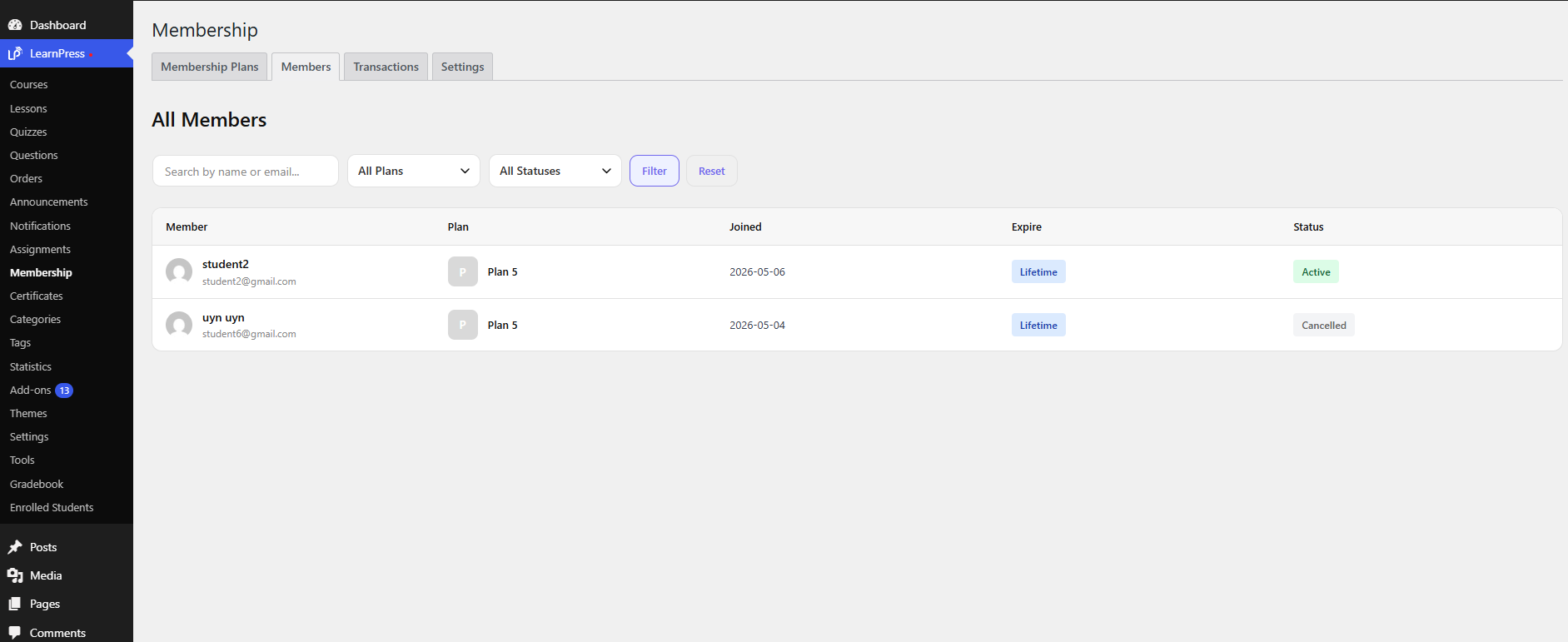
Displayed Information
- User
The username or account of the member. - Email
The user’s email address. - Start Date
When the user started the plan. - Expire Date
When the plan expires. - Status
Current membership status (e.g., Active, Expired).
Available Actions
- Search
Allows you to search members by name or email. - Filter (if available)
Filter members by status. - Pagination
Navigate between pages if there are many members.
The Members tab helps you monitor subscriptions and manage user access for each plan.