Are you looking for the Best WordPress LMS to turn your expertise into a profitable online school?
The e-learning industry is exploding, and there has never been a better time to digitize your knowledge. Whether you are a university, a fitness coach, or an entrepreneur, building a WordPress online course gives you total ownership of your content and revenue.
But here is the problem: typing “LMS” into Google yields millions of results. With so many options, knowing how to choose an online course platform that balances features, ease of use, and budget can feel overwhelming.
In this guide, we have done the heavy lifting for you. We went beyond just looking for the best free online course platforms comparison, we tested the market leaders to bring you a definitive list of the top 7 WordPress LMS plugins, helping you choose the perfect engine for your educational website.
In this guide, we have done the heavy lifting for you. While we have previously covered the leading online course platforms in the broader market, today we will focus specifically on the WordPress ecosystem. We tested the market leaders to bring you a definitive list of the top 7 WordPress LMS plugins, helping you choose the perfect engine for your educational website.
LearnPress – WordPress LMS Plugin
We provide an amazing WordPress LMS plugin to create & sell online courses. Let’s find out!
Try NowWhy Choose Online Course Platforms for WordPress vs. SaaS?
Before we dive into the reviews, let’s address the elephant in the room: Why not just use a hosted platform (SaaS) like Teachable or Kajabi?
While SaaS platforms offer a “hands-off” approach, they often come with significant downsides: high monthly fees, transaction costs that eat into your profits, and a lack of control over your design and data.
By choosing WordPress LMS plugins, you gain three massive advantages:
- Ownership: You own your data. If a SaaS platform changes its rules or shuts down, your business is safe because it lives on your own server.
- Cost-Efficiency: Building a free online course platform on WordPress is entirely possible. Even premium plugins are generally cheaper annually than paying $100+ per month for a SaaS tool.
- Flexibility: With the right WordPress LMS themes, you can customize every pixel of your classroom, ensuring it matches your brand perfectly.
If you are still weighing your options, you can check out our detailed comparison of leading online course platforms to see the full picture. But for those ready to commit to WordPress, let’s look at the top contenders.
Top 7 Best WordPress LMS Plugins Reviewed
We have analyzed these plugins based on their course-building capabilities, monetization features, and user experience.
1. LearnPress
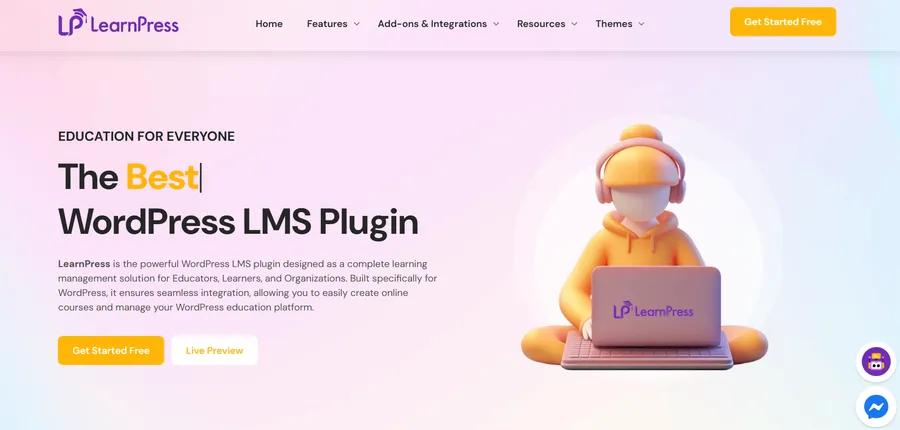
If you want to start an online school without breaking the bank, LearnPress is widely considered the Best WordPress LMS for value and flexibility. Often dubbed the “Moodle for WordPress,” it is a comprehensive solution used by thousands of institutions globally.
LearnPress stands out because its core version is completely free, yet it packs enough power to run a full-fledged university. It is designed to be lightweight and works with almost any theme, though it pairs best with specialized education themes.
Key Features:
- AI Course Creator: Revolutionize your workflow by generating comprehensive course outlines, lessons, and quizzes in seconds. It is the perfect tool to overcome writer’s block and launch courses faster than ever.
- Smart AI Chatbot: Enhance student support with an intelligent AI chatbot. It acts as a 24/7 teaching assistant, instantly answering learner queries and guiding them through course materials without manual intervention.
- Content Reusability: One of the smartest features is the ability to reuse lessons and quizzes across different courses. You do not need to recreate the same content twice; just build it once and assign it to multiple curriculums.
- Export/Import: If you manage multiple sites, LearnPress allows you to export your content to other WordPress sites easily.
- Monetization: Out of the box, it supports PayPal for selling courses. It also integrates seamlessly with WooCommerce, allowing you to use local payment gateways tailored to your region.
- Mobile App Integration: LearnPress supports mobile app connections, ensuring your students can learn on the go.
Pricing:
- Free: The core plugin is free to download and use forever.
- Pro Bundle: $299 for access to all premium add-ons like Certificates, Content Drip, and Gradebook.
For creators looking for zero-cost tools, LearnPress is the undisputed king of free online course platforms.
2. Tutor LMS
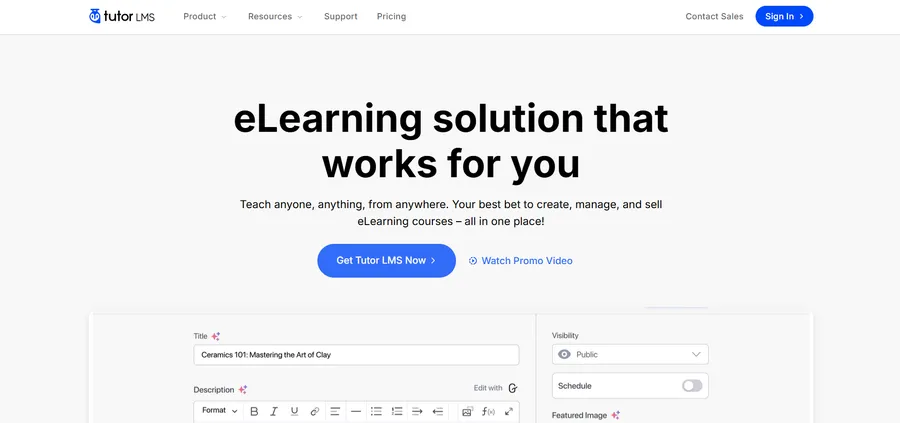
Tutor LMS is a modern, design-centric plugin that has quickly climbed the ranks to become a top contender for the best WordPress LMS. Its main selling point is its focus on the frontend user experience, making it incredibly easy for instructors who are not tech-savvy.
Unlike older plugins that force you to work in the backend WordPress dashboard, Tutor LMS offers a visual builder.
Key Features:
- Frontend Course Builder: You can drag and drop lessons, quizzes, and assignments directly on the frontend, seeing exactly how they will look to students.
- Q&A Section: Every course has a built-in Q&A tab where students can ask questions, fostering a community feel similar to Udemy.
- Detailed Reports: The dashboard provides analytics on course popularity, earnings, and student progress without needing extra add-ons.
Pricing:
- Free: Basic version available.
- Pro: Paid plans unlock certificates and the frontend builder.
3. LifterLMS
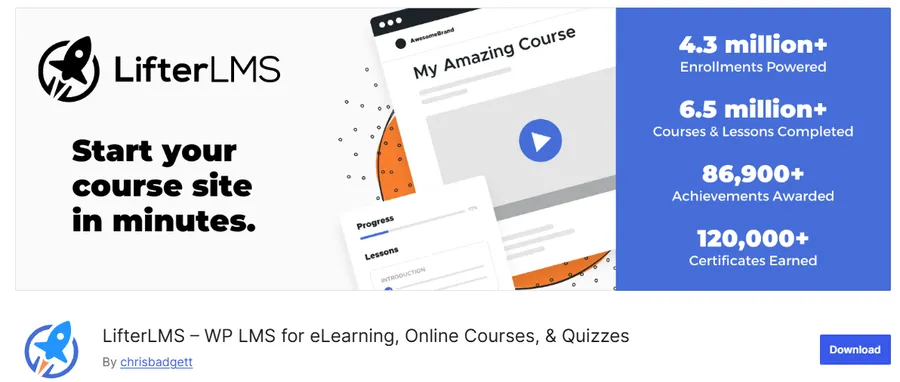
LifterLMS is more than just a course plugin; it is a complete coaching ecosystem. It is often rated as the Best WordPress LMS for fitness trainers, musicians, and leadership coaches who need to sell memberships alongside their courses.
It shines in its ability to create complex “tracks” or degree programs, where completing one course unlocks the next.
Key Features:
- Multimedia Lessons: Easily supports video, audio, text, and downloadable worksheets to cater to different learning styles.
- Built-in E-commerce: You do not technically need WooCommerce; LifterLMS has its own shopping cart to sell subscriptions and bundles.
- Gamification: Keep students addicted to learning with automated achievement badges and personalized certificates upon completion.
- Social Proof: It has a built-in system to collect reviews and testimonials from students to boost your sales.
Pricing:
- Individual Add-ons: $120/year per site.
- Bundles: Higher tiers are available for more features.
4. MemberPress Courses
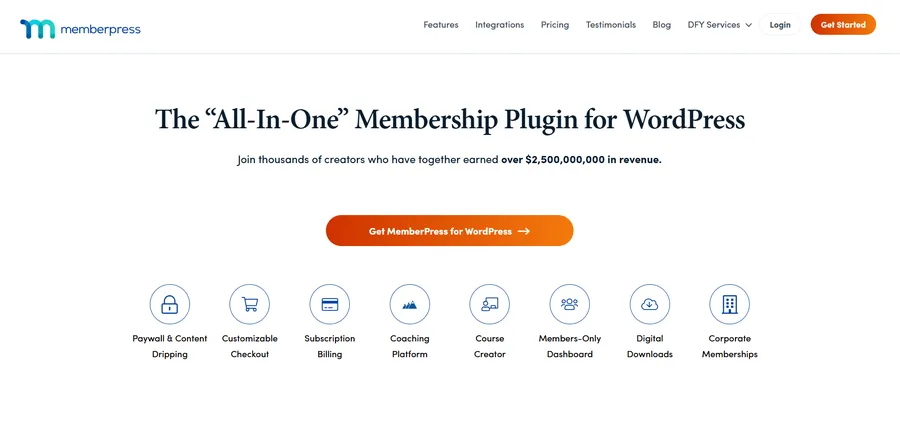
MemberPress is famous for being the world’s #1 membership plugin, but its “Courses” add-on transforms it into a powerhouse LMS. If your primary business model is selling recurring subscriptions (e.g., “Pay $50/month for access to ALL content”), this is the Best WordPress LMS for you.
Key Features:
- Classroom Mode: This unique feature automatically handles the design of your course pages. You don’t need to be a designer; the plugin ensures your lessons look professional and distraction-free instantly.
- Content Dripping: You can release lessons on a specific schedule (e.g., one lesson per week) to prevent students from binge-watching and canceling their subscription.
- Access Rules: Since it is built on a membership engine, you have granular control over who sees what. You can bundle courses, sell them individually, or restrict them to VIP members only.
Pricing:
- Basic: Starts at $179/year, which includes the Courses add-on.
5. LearnDash
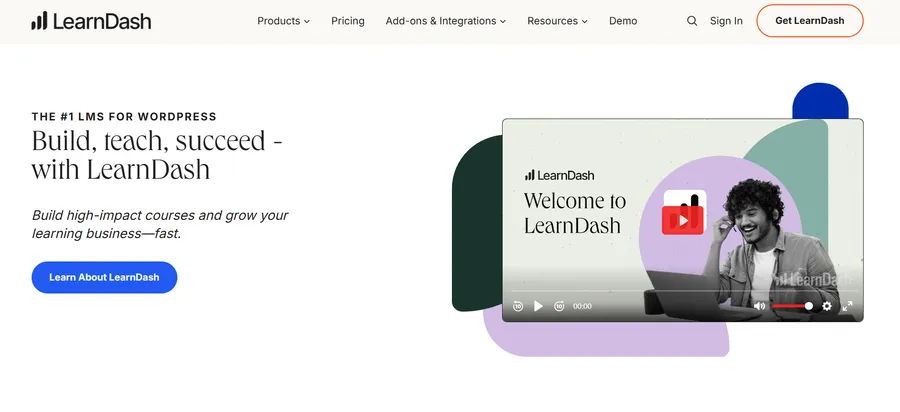
LearnDash is a heavyweight in the industry, trusted by major universities and Fortune 500 companies. For enterprise-level needs, it is often cited as the Best WordPress LMS due to its robust academic features.
It focuses heavily on the learning structure and assessment, making it ideal for certification programs.
Key Features:
- Focus Mode: A dedicated learning interface that hides the sidebar and navigation menu, helping learners focus 100% on the video or lesson content.
- Advanced Quizzing: It supports advanced question types and allows you to set time limits, randomize questions, and limit attempts to prevent cheating.
- Dynamic Forums: You can create specific forums for each course, allowing students to discuss topics and help each other.
Pricing:
- Basic: Starts at $119.40 for a single site license.
6. Sensei LMS
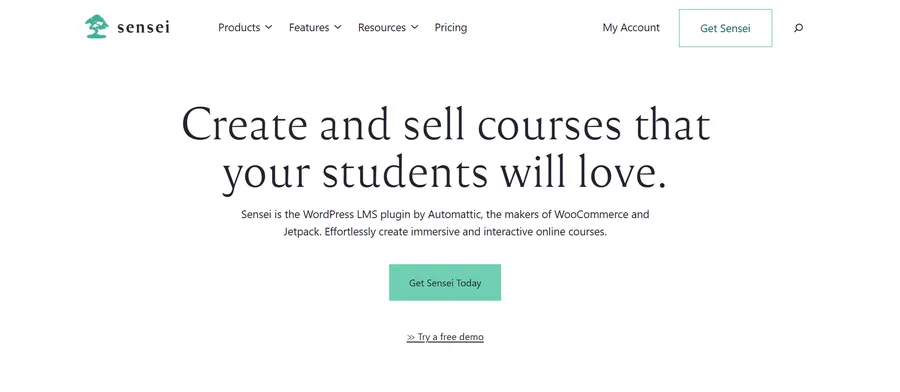
Created by Automattic (the company behind WordPress.com, Jetpack, and WooCommerce), Sensei LMS integrates flawlessly with the WordPress ecosystem.
If you are already running a WooCommerce store and want to add a WordPress online course as a new product type, Sensei is the most seamless option. It feels “native” to WordPress.
Key Features:
- Native Interface: You build courses directly inside the standard WordPress editor, so there is practically no learning curve.
- WooCommerce Integration: It relies on WooCommerce for payments, meaning you can use any payment gateway that WooCommerce supports.
- Instant Messenger: A cool feature that allows instructors to chat with students in real-time to offer support.
Pricing:
- Paid: Licenses start at $149/year.
7. WP Courseware
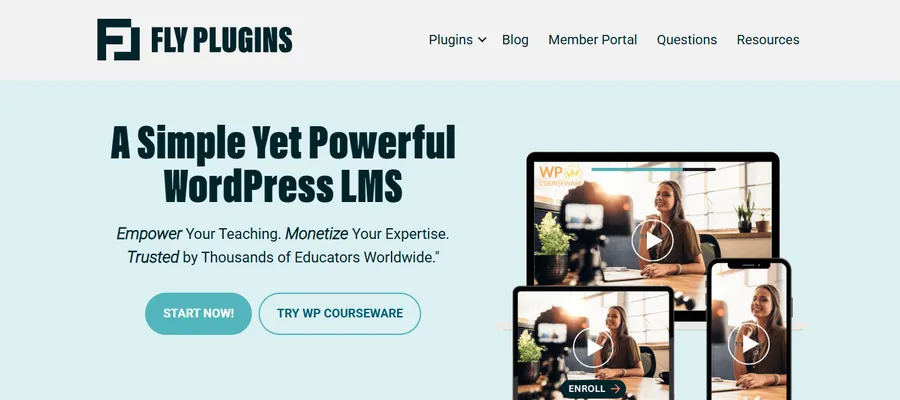
WP Courseware was one of the pioneers of the drag-and-drop course builder in WordPress. While it may not have the flashiest marketing, it is a reliable workhorse used by many universities.
It is particularly strong for multi-instructor environments where you need to manage profiles for different teachers.
Key Features:
- Instructor Profiles: Great for marketplaces where you have multiple teachers uploading their own content.
- Question Bank: You can create a large database of questions and randomly pull them into quizzes, making exams unique for every student.
- Offline Learning: Allows students to download course materials like PDFs or media files to learn without an internet connection.
Pricing:
- Starter: Licenses start at $129 for 2 sites.
Must-have WordPress LMS Themes
Choosing the plugin is only half the battle. To have a truly successful education site, you need a design that supports learning. A generic blog theme often looks messy when displaying complex course curriculums.
This is why you need a dedicated WordPress LMS theme.
While most plugins work with any theme, using a specialized theme like Eduma (optimized specifically for LearnPress) can save you dozens of hours of design work. Specialized themes offer:
- Pre-designed Layouts: Course archives, instructor profiles, and checkout pages are already styled.
- Speed Optimization: They are coded to handle the heavy database queries that LMS plugins run.
- Distraction-Free Modes: built-in layouts that remove headers/footers during lessons.
For a detailed look at selecting the right foundation, read our guide on how to choose the right online course platform.
Conclusion
Selecting the Best WordPress LMS depends entirely on your goals, technical skills, and budget.
- For the Best Value: If you want a flexible, scalable, and free online course platform to start, LearnPress is the clear winner. It offers the most features without an upfront cost.
- For Memberships: If your goal is recurring revenue through subscriptions, MemberPress offers the best protection and drip features.
- For Design Lovers: If you want a frontend builder and modern UI, Tutor LMS is a strong choice.
No matter which WordPress LMS plugins you choose, remember that the platform is just the tool. The quality of your content is what will keep students coming back.
Ready to start building? Download a plugin today and turn your expertise into a thriving WordPress online course business.
FAQs About Best WordPress LMS
1. Which LMS plugin is best for beginners?
For beginners, LearnPress is the top choice. It is completely free to start, highly intuitive, and requires no coding knowledge. You can install it and launch your first course in minutes. Tutor LMS is also a strong alternative thanks to its visual frontend drag-and-drop builder.
2. Can I create an online course website for free?
Absolutely. Unlike SaaS platforms like Teachable or Kajabi that charge high monthly fees, you can build a full-featured academy using WordPress and the free version of LearnPress. You only need to budget for your domain name and web hosting.
3. Do WordPress LMS plugins support AI tools?
Yes, AI is the game-changer for 2025. Plugins like LearnPress have integrated powerful tools like the AI Course Creator (to generate course outlines and lessons instantly) and AI Chatbots (to act as 24/7 teaching assistants), significantly reducing your workload.
4. Do I need coding skills to use a WordPress LMS?
No. Most modern LMS plugins, including MemberPress and LearnPress, provide user-friendly drag-and-drop builders. You can arrange lessons, quizzes, and certificates visually without writing a single line of code.
5. How do I sell courses and get paid on WordPress?
WordPress LMS plugins integrate seamlessly with major payment gateways. For example, LearnPress and Sensei connect perfectly with WooCommerce, allowing you to accept payments via PayPal, Stripe, credit cards, or even local bank transfers securely.