The global e-learning market is skyrocketing. With projections suggesting the industry will hit hundreds of billions, there has never been a better time to monetize your expertise. However, before you start Incorporating Video and Audio into your courses, you face a critical hurdle: the technology stack
With dozens of options flooding the market, conducting a proper online course platform comparison is essential. Choosing the wrong platform isn’t just a technical annoyance; it’s a financial risk that can eat into your profits through hidden fees and scalability limits.
In this guide, we cut through the marketing noise. To provide the most accurate online course platforms review, we have categorized the tools into three distinct groups: WordPress Solutions, Hosted SaaS, and Marketplaces. This structure will help you compare elearning platforms effectively and find the perfect match for your business model.
Table of Contents
The Ultimate Comparison Table (At a Glance)
Before diving into the detailed reviews, here is a quick snapshot of the market landscape. This data-driven chart focuses on the metrics that matter most in any lms pricing comparison: price and ownership.
.lp-comparison-table { width: 100%; border-collapse: collapse; margin: 25px 0; font-size: 0.9em; font-family: sans-serif; min-width: 400px; box-shadow: 0 0 20px rgba(0, 0, 0, 0.15); } .lp-comparison-table thead tr { background-color: #009879; color: #ffffff; text-align: left; } .lp-comparison-table th, .lp-comparison-table td { padding: 12px 15px; border: 1px solid #dddddd; } .lp-comparison-table tbody tr { border-bottom: 1px solid #dddddd; } .lp-comparison-table tbody tr:nth-of-type(even) { background-color: #f3f3f3; } .lp-comparison-table tbody tr:last-of-type { border-bottom: 2px solid #009879; } .lp-comparison-table tbody tr.active-row { font-weight: bold; color: #009879; background-color: #e8f8f5; } .btn-check { background-color: #ff6b6b; color: white; padding: 8px 12px; text-decoration: none; border-radius: 4px; font-weight: bold; display: inline-block; text-align: center; transition: background-color 0.3s ease; } .btn-check:hover { background-color: #ee5253; color: white; } @media screen and (max-width: 600px) { .lp-comparison-table { display: block; overflow-x: auto; white-space: nowrap; } }| Platform | Category | Best For | Pricing | Action |
|---|---|---|---|---|
| LearnPress 🏆 | WordPress LMS | Total Control & Value | Free Core / One-time | View Deal |
| Thinkific | Hosted SaaS | Non-tech Beginners | $49/month | Check Price |
| Teachable | Hosted SaaS | Quick Launch | $39/mo + Fees | Check Price |
| Kajabi | All-in-One | Marketing Pros | $149/month | Check Price |
| Udemy | Marketplace | Passive Traffic | Revenue Share | Sign Up |
As you can see from this initial lms pricing comparison, self-hosted solutions like LearnPress offer a clear advantage in long-term affordability and revenue retention.
1. WordPress LMS Solutions (Self-Hosted)
For educators who want full ownership of their data, brand, and revenue, WordPress LMS plugins are the gold standard. In any online course platform comparison, this category wins on flexibility and cost-efficiency. If you want to use the top course creation tools without paying “rent” to a software company, start here.
LearnPress
LearnPress is a powerhouse in the WordPress ecosystem and a dominant force in any online course platforms review. Unlike SaaS platforms that “rent” you a storefront, LearnPress lets you build your own academy on your own land. It is ideal for those seeking a scalable e-learning solution without the burden of recurring monthly invoices.
Key Strengths:
- Full Ownership: You own 100% of your data and content; no platform can shut you down or hold your students hostage.
- Cost-Effective Scalability: The core plugin is free, allowing you to scale to unlimited students and courses without forced upgrades.
- Mobile App Support: It integrates seamlessly with mobile app builders, allowing your students to learn on the go.
- Diverse Payment Gateways: Supports PayPal, Stripe, and offline payments natively or via add-ons with 0% transaction fees.
- Theme Compatibility: Works perfectly with almost any WordPress theme, though it shines with dedicated themes like Eduma.
Best For:
Schools, Universities, and Entrepreneurs who want total control and high ROI.
Pricing:
Free Core. Premium add-ons are sold separately or in a competitively priced bundle.
LearnDash
LearnDash is frequently mentioned as one of the top course creation tools for serious academic programs. It is a favorite among corporate trainers and universities due to its structured learning paths and advanced quizzing capabilities.
Key Strengths:
- Focus Mode: A dedicated learning environment that removes sidebar distractions for students.
- Drip-Feed Content: Reliable scheduling of lessons to be released over time or upon completion of previous steps.
- Advanced Quizzing: Supports 8 different question types, question banks, and media support in answers.
- Gradebook Integration: Sophisticated grading systems that are essential for academic institutions.
- Dynamic Certificates: Awards certificates automatically based on quiz performance or course completion.
Best For:
Academic institutions and corporate training departments require strict grading.
Pricing:
Starts at $199/year (No free version).
LifterLMS
If you need to compare elearning platforms that specialize in memberships, LifterLMS is a strong contender. It is designed to combine course delivery with a membership site model, integrating well with marketing automation tools.
Key Strengths:
- Integrated Membership: Built-in tools to sell bundles and memberships without needing a separate plugin.
- Engagement Gamification: Includes achievement badges and certificates to keep students motivated.
- Social Learning: Connects with BuddyPress to create a social network around your courses.
- Private Coaching: Features specifically designed to offer upsells like private coaching tracks (“Private Areas”).
- Form Integrations: Works well with Gravity Forms and Ninja Forms for custom data collection.
Best For:
Creators building a membership-style community site.
Pricing:
Core is free, but essential add-ons (like payment gateways) cost ~$120+ each per year.
2. Hosted SaaS Solutions (All-in-One)
If you are intimidated by technology and just want to upload videos without worrying about hosting, SaaS (Software as a Service) is your best bet. However, as noted in our lms pricing comparison, be prepared for higher costs as you scale. These are often listed among the top course creation tools for beginners.
If you prefer the LearnPress ecosystem but don’t want to manage the WordPress hosting environment yourself, LearnPress Cloud offers a managed route with hosting, WordPress, and LearnPress already set up.
Thinkific
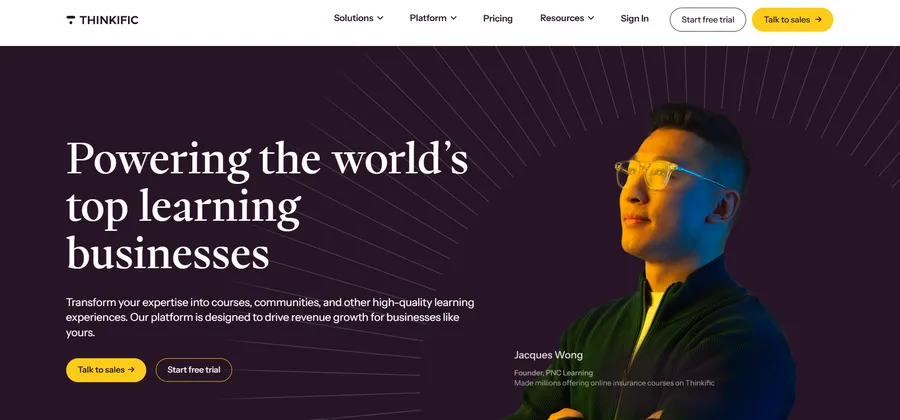
Thinkific consistently ranks high in every online course platforms review for its user-friendly interface. It allows you to build a clean, professional course with zero coding knowledge, making it a safe entry point.
Key Strengths:
- Drag-and-Drop Builder: Extremely intuitive site builder that requires no design skills.
- Zero Transaction Fees: Unlike some competitors, Thinkific does not take a cut of your sales on paid plans.
- App Store: A growing library of third-party apps to extend functionality (though not as vast as WordPress).
- Cohorts & Communities: Features to run live cohorts and build communities around your content.
- Free Plan Availability: Offers a limited free plan to test the waters before committing financially.
Best For:
Non-technical solo creators who want a reliable, hands-off hosting solution.
Pricing:
Free plan available; Paid plans start at $49/month.
Teachable
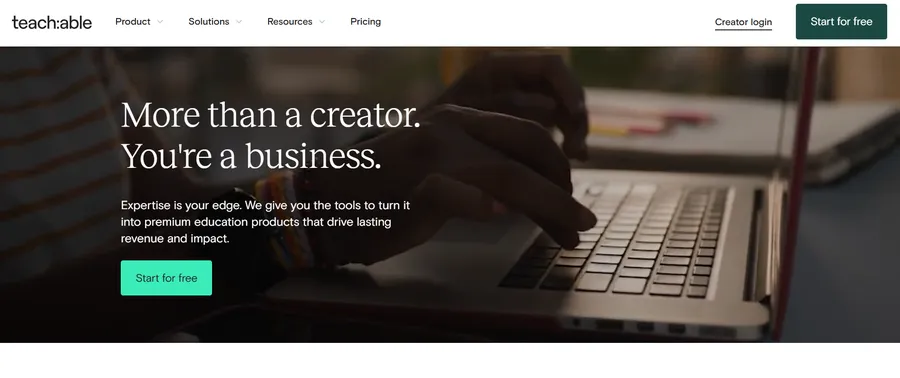
Teachable’s motto is “Everything is Teachable,” and they focus on speed of implementation. When you compare elearning platforms for speed of launch, Teachable often wins, though you must watch out for transaction fees.
Key Strengths:
- Fast Setup: You can literally launch a school in an afternoon with their templates.
- Built-in Payment Processing: Teachable Payments handles taxes and payouts (for a fee), simplifying the admin work.
- Affiliate Management: A robust built-in system to pay others to promote your courses.
- Sales Page Builder: Specialized tools to create high-converting landing pages for your products.
- Student Engagement: Simple commenting and quiz features to keep students interacting.
Best For:
Creators who want to launch quickly and don’t mind paying transaction fees for convenience.
Pricing:
Free plan (with high fees); Basic plan starts at $39/month + 5% transaction fees.
Kajabi
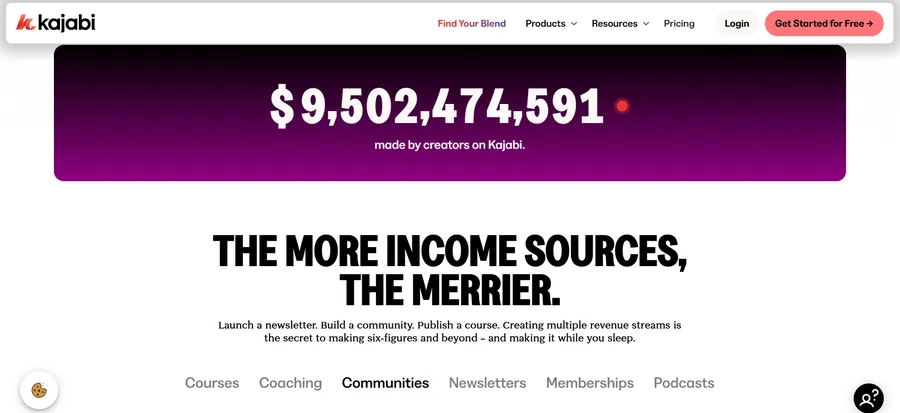
Kajabi positions itself as a premium all-in-one business platform, not just a course host. In any online course platforms review, Kajabi is usually the most expensive option, but it replaces many other tools.
Key Strengths:
- Marketing Pipelines: Visual funnels (Pipelines) that automate the sales process from ad to checkout.
- Email Marketing: A full-featured email autoresponder is built-in, replacing tools like Mailchimp.
- Podcast Hosting: You can host and distribute your podcast directly from the platform.
- Mobile App: A centralized mobile app that allows students to access courses from any Kajabi creator.
- Community Features: Strong community building tools to replace Facebook Groups.
Best For:
Advanced marketers with a high budget who want to manage everything under one roof.
Pricing:
Starts at $149/month.
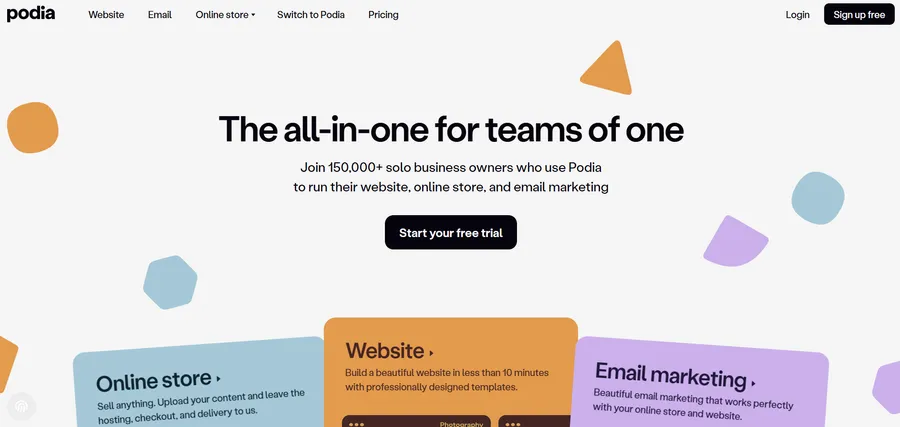
Podia
Podia simplifies the process by combining courses, webinars, and digital downloads. It is one of the top course creation tools for creators who want a clean, simple storefront without complex bells and whistles.
Key Strengths:
- Digital Download Support: Excellent for selling PDFs, ebooks, and presets alongside courses.
- Webinar Integration: Native integration for selling and hosting webinars (via Zoom/YouTube).
- Clean UI: A very modern, minimalist interface that looks good out of the box.
- Embedded Chat: A built-in messaging widget to chat with potential customers on your sales page.
- Unlimited Everything: Paid plans generally offer unlimited bandwidth, courses, and students.
Best For:
Creators selling a mix of digital products (files, webinars, and courses).
Pricing:
Free plan (8% fee); Paid plans start at $33/month.
3. Marketplace Platforms
When you compare elearning platforms, marketplaces operate differently. Instead of building your own site, you upload your course to their catalog. This is great for traffic but bad for control.
Udemy
Udemy is the giant of the industry. They handle the marketing, SEO, and hosting. In our lms pricing comparison, they are unique because there is no upfront cost, but the revenue share is steep.
Key Strengths:
- Massive Audience: Access to over 40 million active students browsing for courses.
- SEO Dominance: Udemy courses often rank at the top of Google search results automatically.
- Course Quality Checklist: They provide a rigorous quality review process to ensure your video and audio are up to par.
- Mobile Learning: Their app is installed on millions of devices, giving you instant mobile reach.
- Global Payment Support: They handle currency conversion and VAT for students worldwide.
Best For:
Instructors who have no audience and want passive income via volume sales.
Pricing:
Free to upload. Udemy takes 63% of revenue on organic sales (you keep 97% if you bring the lead).

Skillshare
Skillshare is the “Netflix” of learning. Students pay a monthly subscription, and you get paid royalties based on watch time. It is one of the top course creation tools for creatives.
Key Strengths:
- Royalty Model: You earn based on minutes watched, which can provide steady passive income.
- Creative Community: A highly engaged community focused on design, photography, and lifestyle.
- Project-Based Learning: The platform encourages “class projects,” making learning highly interactive.
- Short Form Content: Ideal for shorter classes (20-60 minutes) rather than massive 10-hour courses.
- Referral Bonuses: You earn extra money for every student you refer to a premium membership.
Best For:
Creative professionals (artists, designers) creating shorter, project-based classes.
Pricing:
Free to upload. Revenue is based on a royalty pool share.

Critical Factors for Comparison
To make an informed decision, you need to look beyond the surface features. Here is a deep dive into the criteria that define a successful platform, helping you compare elearning platforms on what truly matters.
Transaction Fees & Monetization
This is often the deciding factor in our lms pricing comparison.
- The Trap: Many SaaS platforms lure you in with a free plan but charge transaction fees of up to 10%. If you sell $1,000 worth of courses, you lose $100 instantly.
- The Solution: Self-hosted platforms like LearnPress allow you to connect your own Stripe/PayPal account. You keep 100% of the revenue (minus standard banking fees). For a business scaling to six figures, this difference is massive.
Scalability and Student Limits
Growth should be celebrated, not penalized. Some hosted platforms force you to upgrade your plan once you hit a certain number of active students. When you evaluate the top course creation tools, look for ones that offer Unlimited students. WordPress plugins naturally support this because your database is your own—you just upgrade your server hosting, which is drastically cheaper than jumping from a “Basic” to a “Pro” SaaS tier.
Customer Support & Reviews
When your site goes down, who do you call? A thorough online course platforms review must consider support.
- SaaS: Usually offers 24/7 priority email or chat support for paid users.
- WordPress: You generally rely on community forums. However, premium themes for LearnPress (like Eduma) come with 6 months of dedicated support, effectively bridging this gap.
Final Verdict: Which Platform Wins?
After a thorough online course platformcomparison, here is our expert advice based on your business stage:
- For Total Control & Value: Choose LearnPress. It wins the lms pricing comparison hands down. You get a professional, scalable system with 0% transaction fees and full ownership of your hard work.
- For Non-Tech Beginners: Choose Thinkific. It balances ease of use with powerful features, making it one of the top course creation tools for those who fear coding.
- For Marketing Powerhouses: Choose Kajabi. If you have the budget, its all-in-one marketing suite saves you from stitching together multiple tools, though it is pricey.
- For Passive Income: Choose Udemy. Use it to build a brand presence, but try to funnel students back to your own site for higher-ticket items.
Ultimately, the best platform is the one that fits your budget today but doesn’t limit your growth tomorrow. When you compare elearning platforms objectively, owning your platform via WordPress is almost always the smartest long-term investment.
FAQs About Best Online Course Platform Comparison
1. Which online course platform has the lowest transaction fees?
Self-hosted platforms like LearnPress are the best option, offering 0% transaction fees. You keep 100% of your revenue (excluding standard payment gateway fees like Stripe or PayPal). In contrast, many hosted SaaS platforms charge an additional 1% to 10% fee on every sale, even on their paid plans.
2. Is it better to use a Marketplace (Udemy) or my own website?
Marketplaces like Udemy are great for getting traffic but they take a massive cut of your revenue (up to 63%) and control your pricing. Building your own website gives you total brand ownership, control over pricing, and direct access to your student's email list for future marketing.
3. Can I scale to unlimited students without upgrading my plan?
On most SaaS platforms, you are often forced to upgrade to an expensive "Pro" or "Business" tier as your student base grows. With WordPress LMS solutions, you can host Unlimited students and courses from day one without paying extra licensing fees, making it the most scalable choice for growing businesses.
Read more: How to Choose an Online Course Platform: 5 Expert Tips